Repository navigation

Install: download L4-Notchbar_1.6.0_x64-setup.exe below and run it. No admin rights or developer tools needed.
Already installed? The app offers this version under Settings → General → Updates.
Windows SmartScreen may warn because the installer is not code-signed yet: More info → Run anyway.
Coming next: version 2.0.0. A big update with lots of new things. The plan: the notch becomes much more useful even while it's small and closed – it will show downloads and updates, the status of your apps, the progress of Claude Code sessions and other AI CLIs (per provider), widgets and much more.
Lighter and quieter
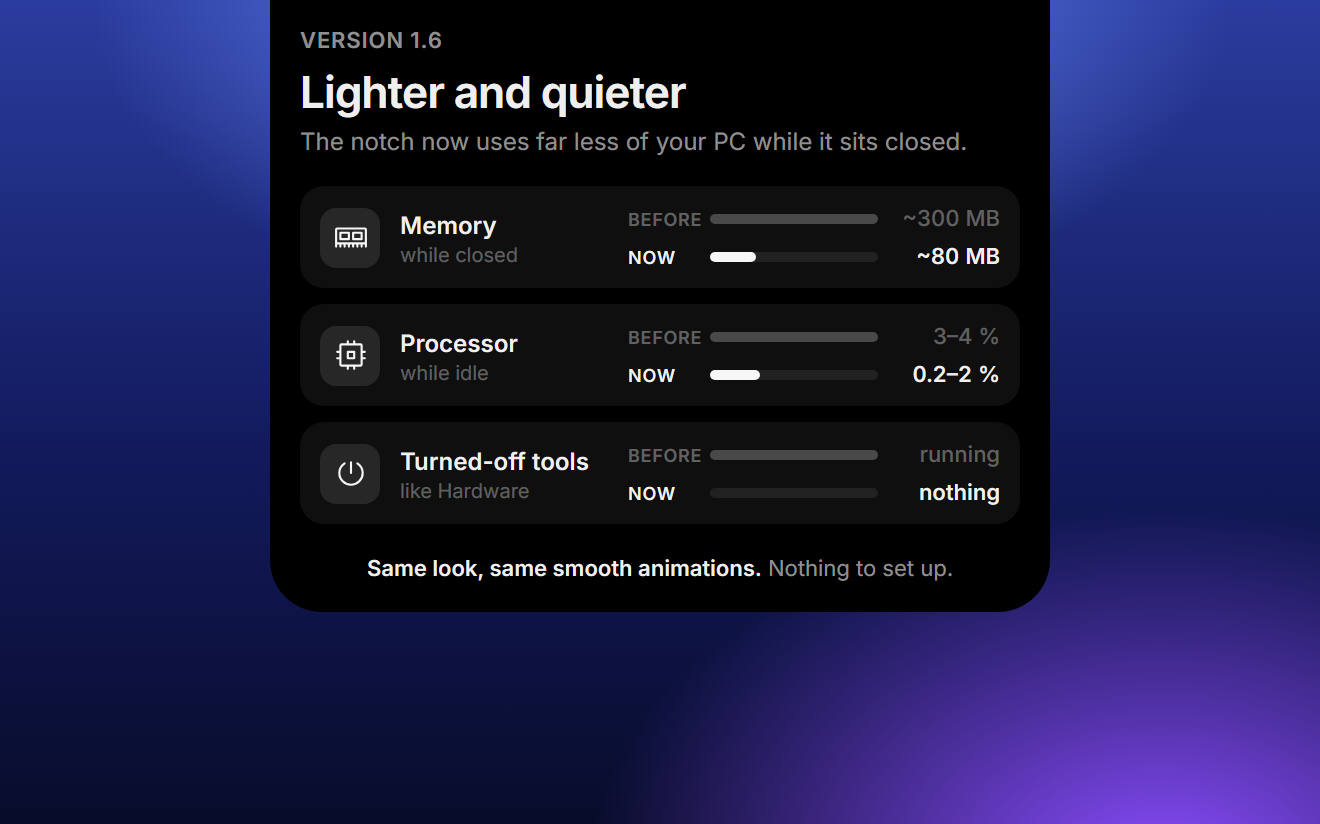
The notch now uses far less of your PC while it sits closed at the top of the screen. It looks and moves exactly like before, and there is nothing to set up. (#8)
- Much less memory. While the notch is closed, it now needs about 80 MB in total instead of roughly 300 MB. After it has been closed for a moment, it hands memory back to Windows. As soon as your mouse touches it, it's back at full speed before it opens.
- Quieter in the background. Processor use while idle drops from 3–4 % to 0.2–2 %. The notch now checks music, your mouse and the clipboard in a smarter way instead of asking Windows again and again.
- Turned-off tools cost nothing. If a tool is turned off in the settings, it no longer works in the background:
- Hardware off: no CPU, GPU or ping checks at all. With it on, the GPU and ping are only measured while you look at them; CPU and RAM keep their one-minute history.
- Clipboard off: copied text and screenshots are no longer read or stored. If only Ask is on, just the latest text is kept for its quick actions. Turning the clipboard tool off clears its history and frees that memory.
- Lighter music bars. The equalizer next to the song draws at about 60 frames per second instead of your screen's full refresh rate (up to 165 or 240). The motion looks the same, it just costs less on high refresh rate screens.
Also new
- The line as your everyday look. Under Settings → Display → Closed you can now pick a thin line instead of the notch, outside focus mode too. The line stays out of your way: music, calls and other activities don't show while it's closed, but hovering or clicking opens the notch as usual. When a timer or focus session ends, you still hear the alarm and the line opens into the notch with "Done" until you dismiss it. (#9)