An easy way to flip a card on tap in swiftui.
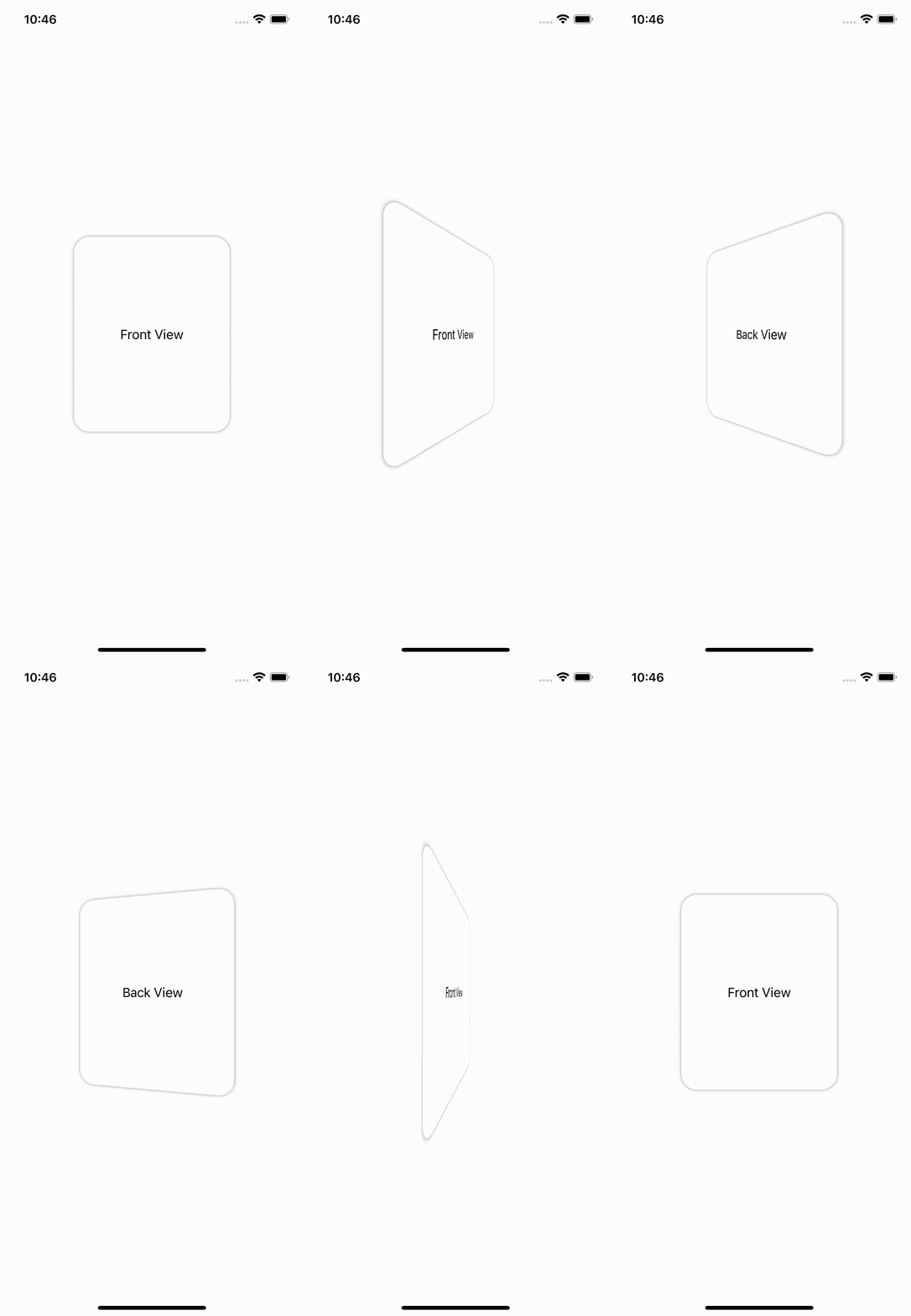
- iOS 14, macOS 10.16, tvOS 14, or watchOS 7
- Swift 5.5+
- Xcode 12.5+
The preferred way of installing Mcrich23 Toolkit is via the Swift Package Manager.
- In Xcode, open your project and navigate to File → Add Packages...
- Paste the repository URL (
https://github.com/Mcrich23/CardFlip) and click Next. - For Rules, select Up To Next Minor Version (With base version set to 0.1.0).
- Click Finish.
- Check CardFlip
- Click Add To Project
CardFlip(cardFront: {
    VStack {
        Text("Front View") // What's shown on the front of the card
    }
}, cardBack: {
    VStack {
        Text("Back View") // What's shown on the back of the card
    }
}, showBorder: true) // Whether it shows the card border or not