-
Login as root
user:rootpassword:voidlinux -
First update
xbpsand then installwget
xbps-install -Su xbps wget
- Run these command below
wget raw.github.com/michael-sebero/svl/main/svl.sh

sh svl.sh
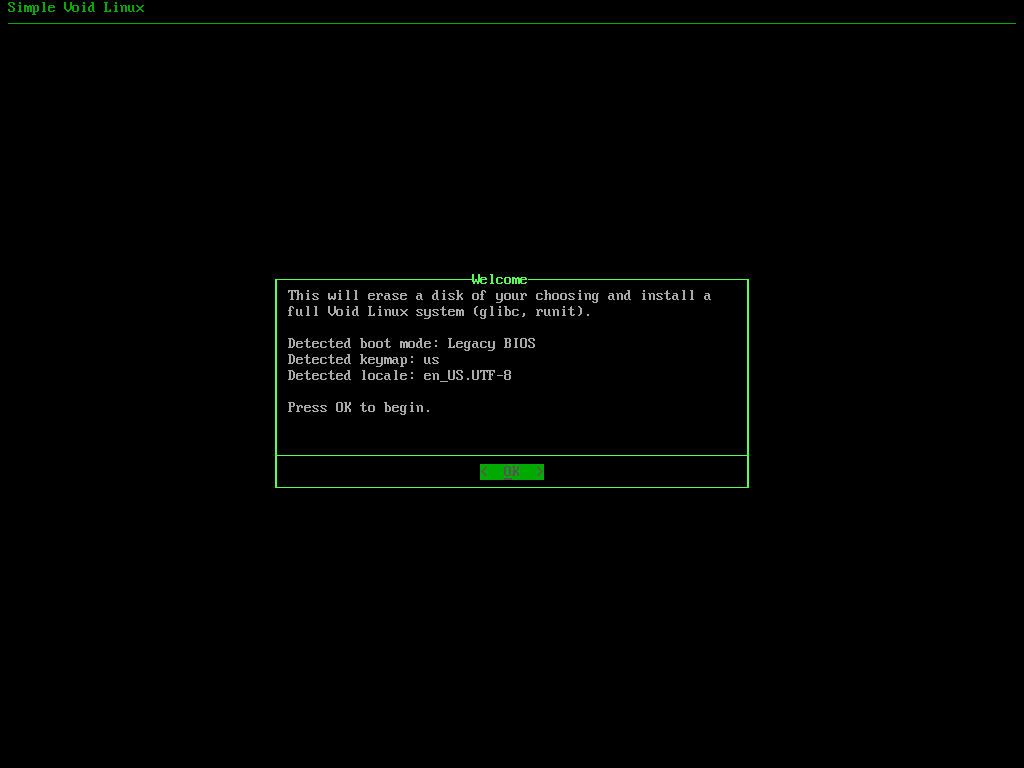
The installer consists of five simple TUI steps which configure your Void Linux installation. Every instance receives 15 GB of swap space by default, with a choice of F2FS, XFS, BTRFS or EXT4 for the filesystem and KDE, XFCE, MATE, Cinnamon or GNOME as the desktop environment. Repository mirrors are automatically ranked before package installation to select the fastest available mirrors and speed up the installation process. Full filesystem encryption is available as an option also.