Repository navigation
Control4Free 1.0.0

Use your phone or PC as a PS4 controller everywhere: in the menus, and in every game.
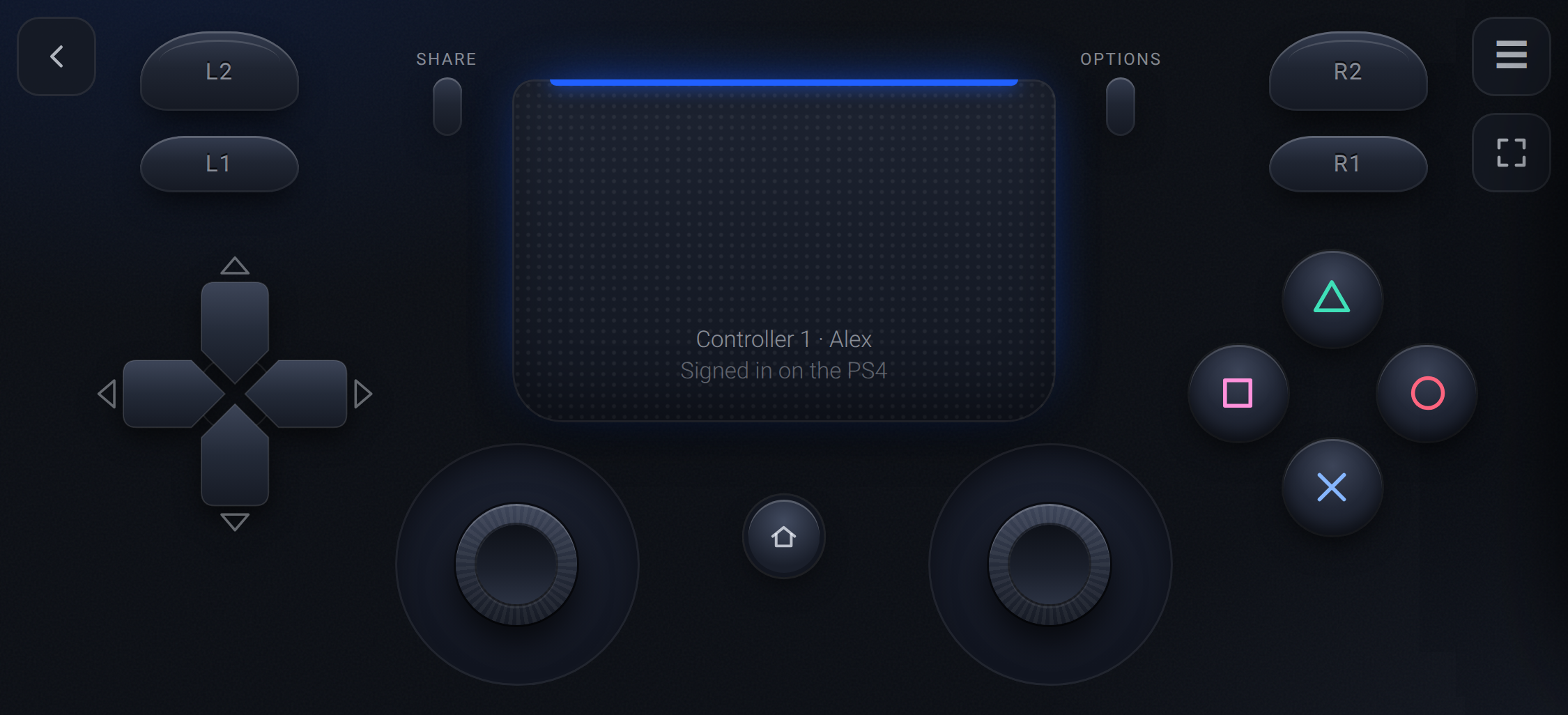
Control4Free is a GoldHEN payload that adds up to four virtual DualShock 4 controllers through the PS4's own
virtual controller service, the one Remote Play uses. The console sees a real controller, so it works in the
menus and at sign-in, and each one is assigned to a user through the PS4's own "Who's using this controller?"
screen.
Highlights
- Works on the home screen, at sign-in and in every game, with no per-game setup
- Up to 4 controllers, from any mix of phones, tablets and PCs
- Touch, a keyboard, or your Xbox, DualSense or Switch Pro pad through the phone or PC
- An app on the PS4 with the address, a QR code and the controller count, plus auto-start through GoldHEN's AutoRun
- Input sent the moment it arrives, at a DualShock 4's own 4 ms rate
Install
- Download
Control4Free-1.0.0.pkgbelow and install it with GoldHEN's Package Installer. - Open Control4Free from Library → Applications and press Cross.
- Scan the QR code, pick a controller, and choose your user on the TV.
Guides: Installation ·
Playing ·
Troubleshooting
Files
| File | What it is |
|---|---|
Control4Free-1.0.0.pkg |
The app for the PS4, with the service inside. Most people want this. |
control4free.elf |
The service on its own, for GoldHEN's Payloader LaunchPad or a payload sender. |
SHA256SUMS |
Checksums for both. |
Tested on firmware 10.01 with GoldHEN v2.4b18.10. Not included: rumble, light bar and motion.
Coming from RemotePad NG? The two aren't compatible: remove RemotePad NG from plugins.ini before you switch.