Repository navigation
Pattern Forge v1.0e-beta

Pattern Forge 1.0e (beta) — for Windows
The fourth beta of Pattern Forge for Windows.
Pattern Forge is a live-coding music workstation you can actually play: Strudel patterns in the
code drawer, a step sequencer, a 61-key piano dock with a real synth engine behind it, 80 genre
styles, a pack store, a mixer and recorder that export WAV, Opus, stems, MIDI and a DAW kit, and a
3D dancer that moves with the music. It is the same app as the free in-browser version at
moddys.net/forge — this is that app in its own window, by itself.
A look at the Windows build — the full gallery is at https://moddys.net/forge/shots.html:
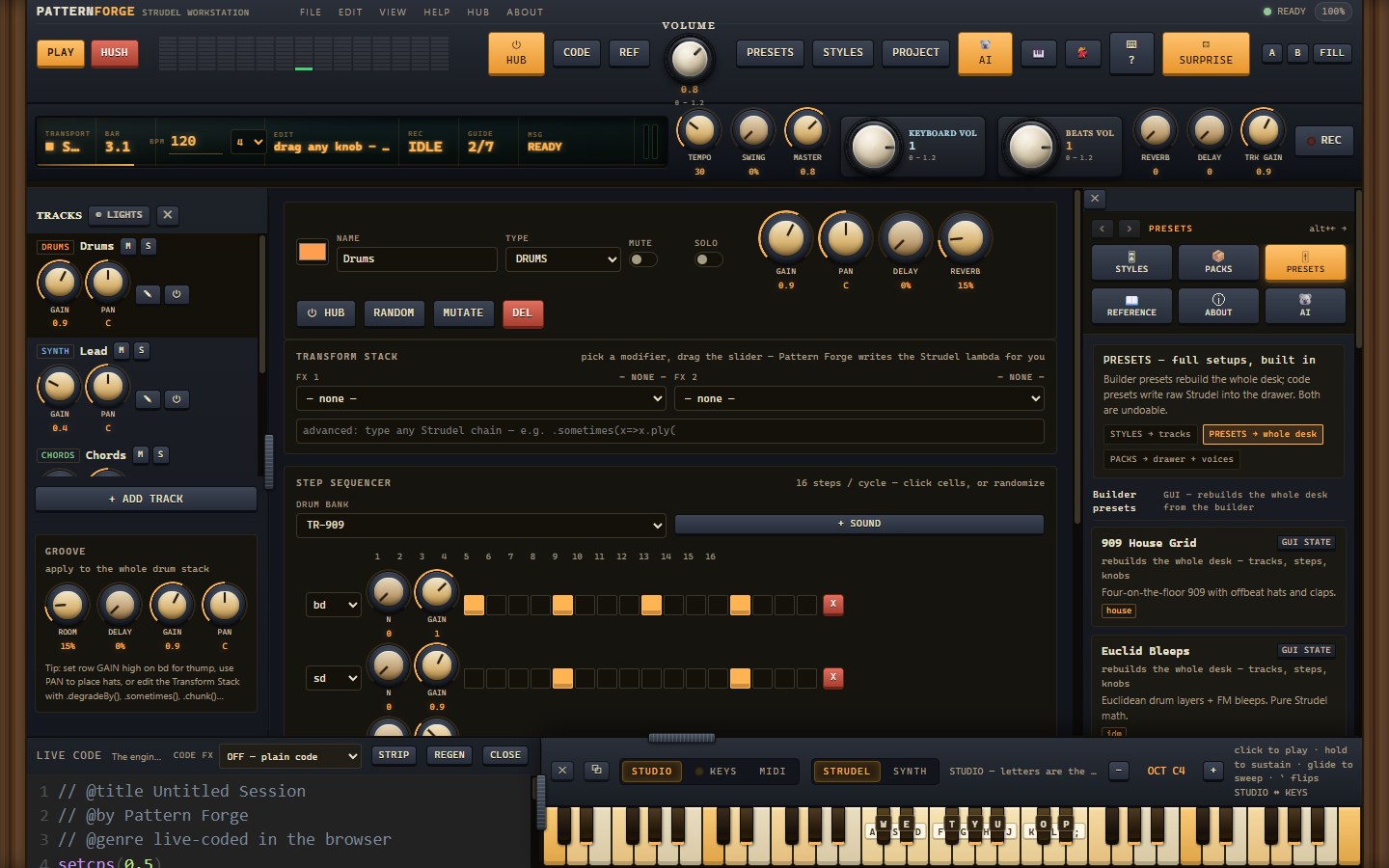
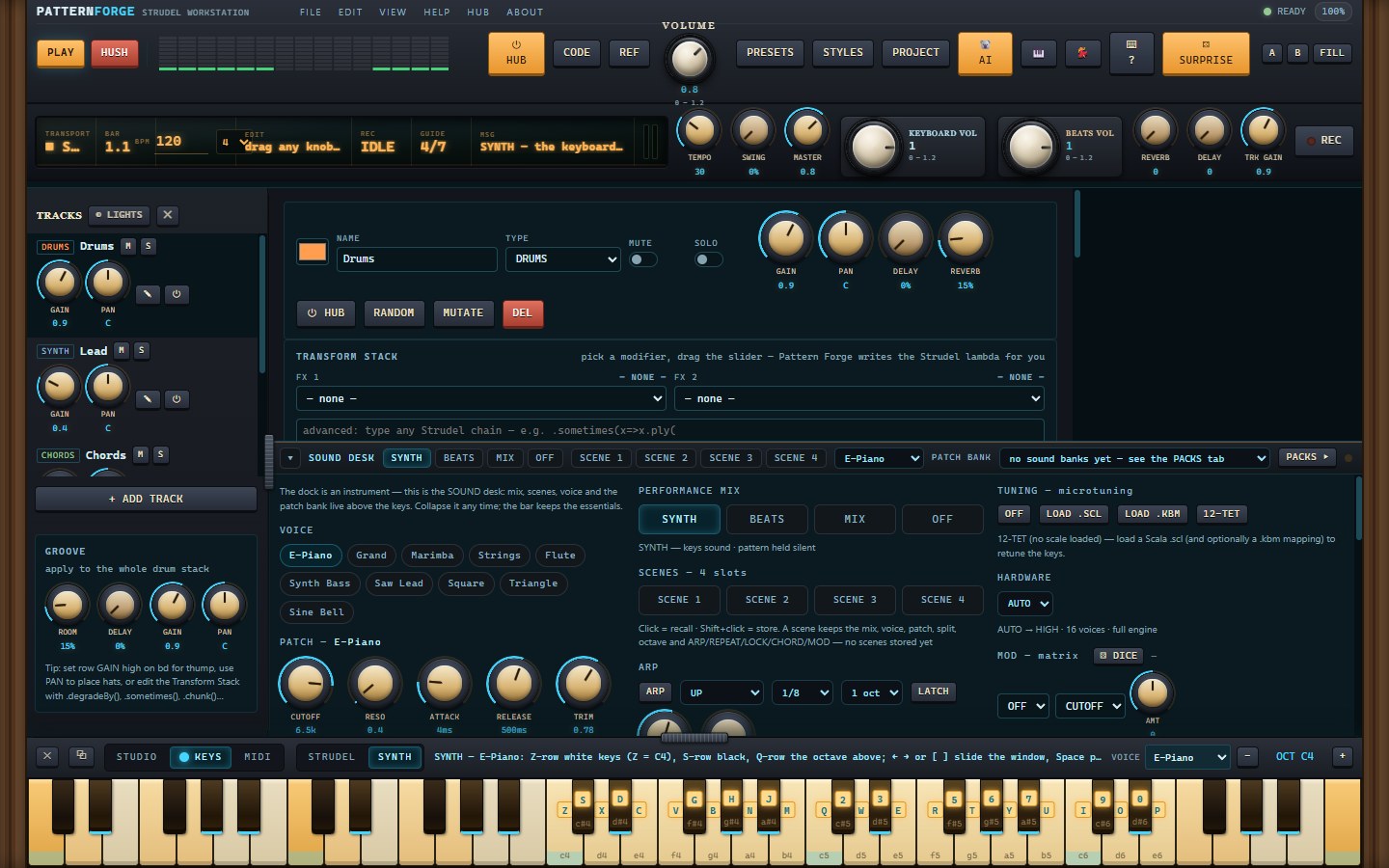
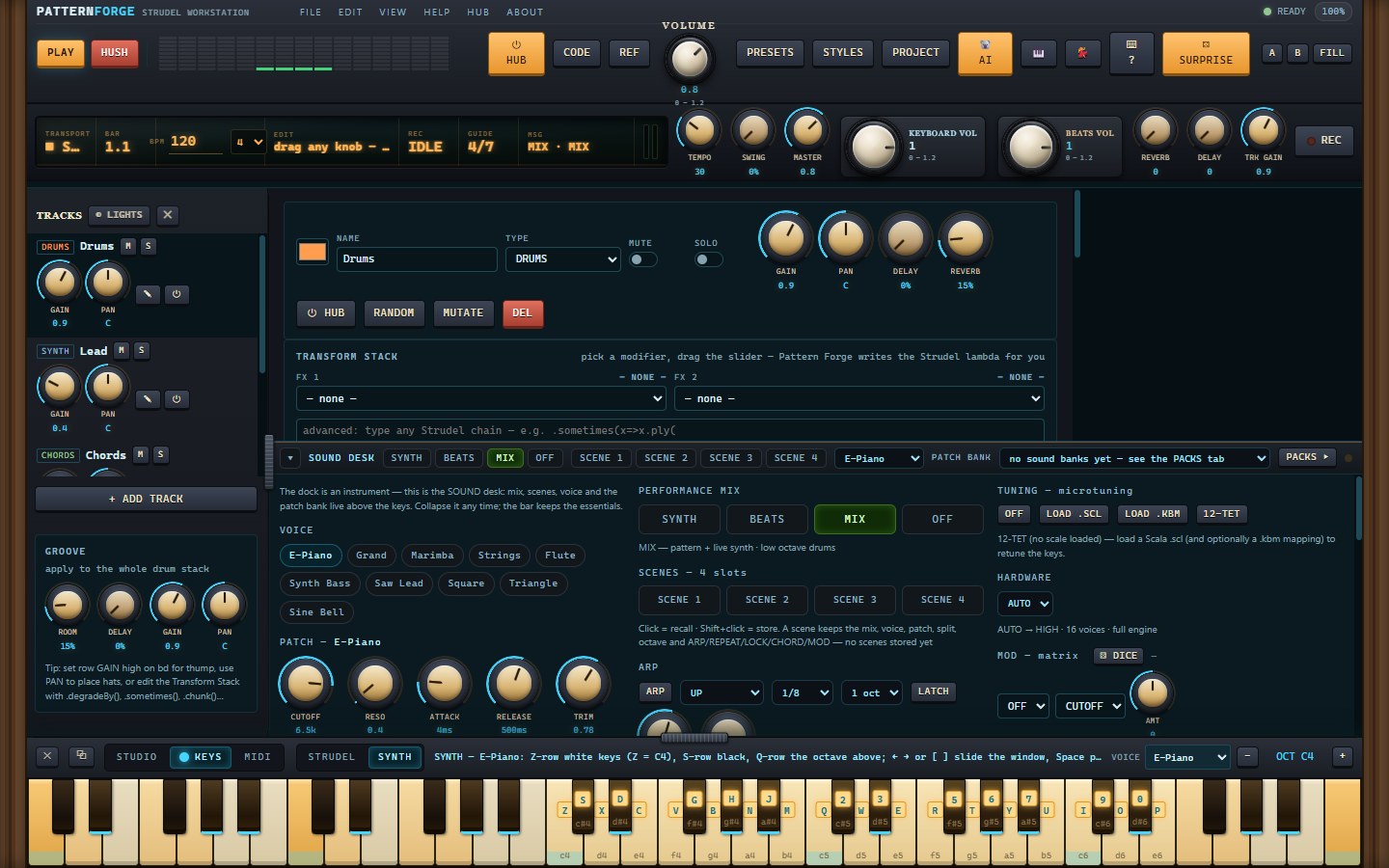
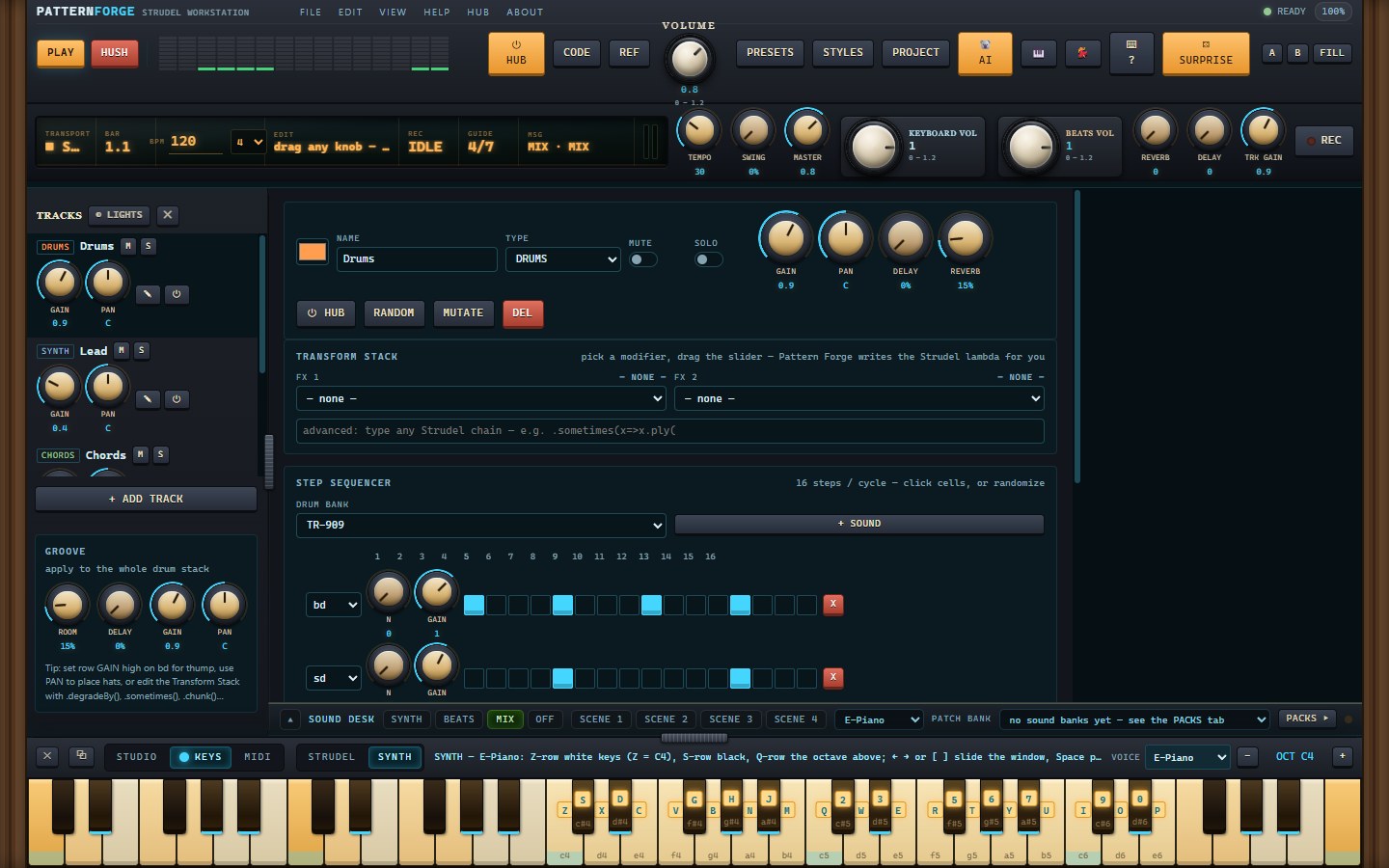
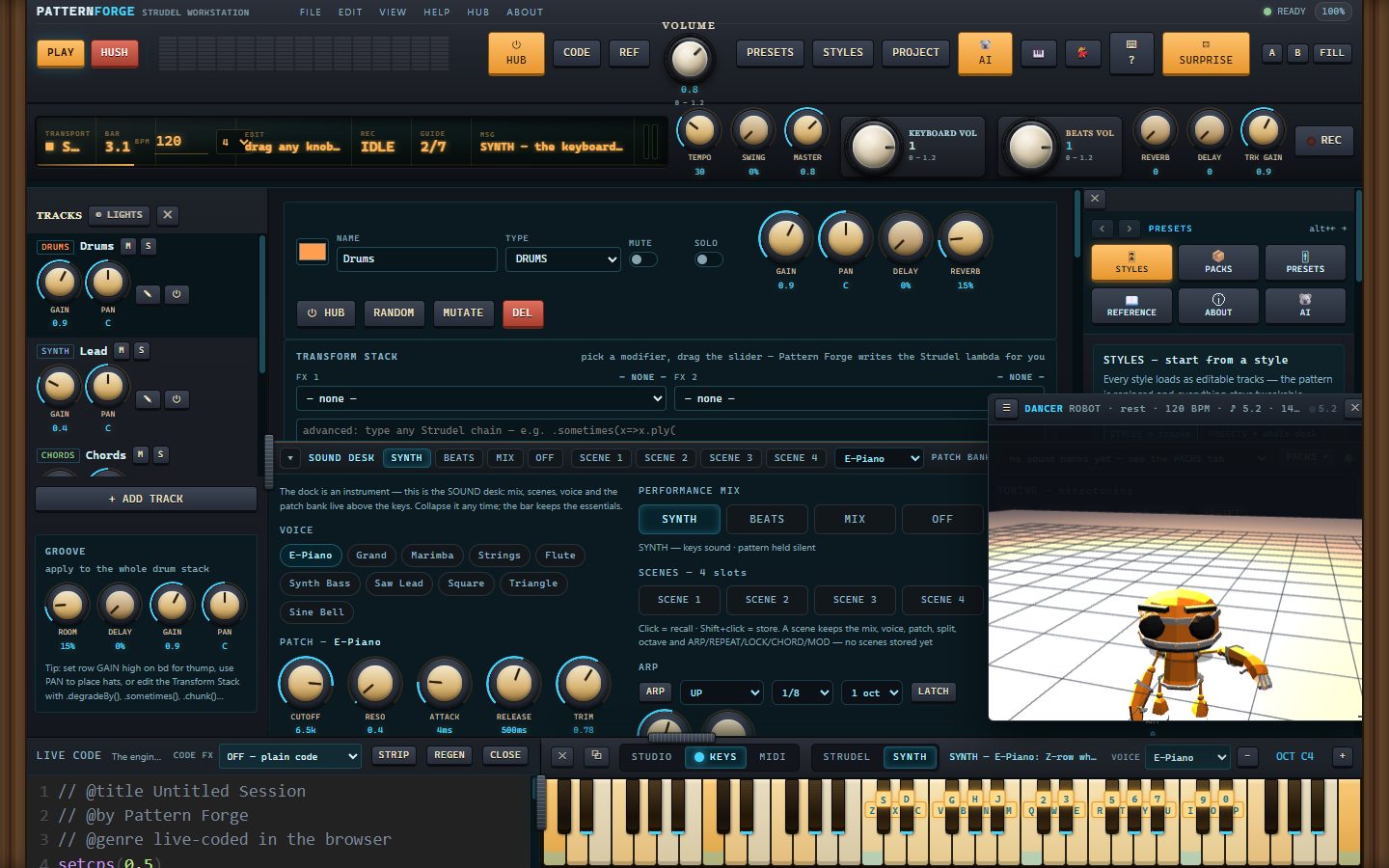
More — the mixer, the recorder, export, packs, Kody and the piano dock — plus captions, in the gallery: https://moddys.net/forge/shots.html
What's new since 1.0d
- Paste Strudel straight into the CODE area. Copy a pattern — from strudel.cc, from a friend,
from anywhere — and paste it into the Live Code drawer: an offer appears over the editor, and
NEW SESSION turns the paste into the session itself. Your code becomes the document, the panel
parks, and PLAY runs exactly what you pasted, byte for byte. Nothing is parsed, guessed or
rewritten. The drawer head also gained a PASTE button for the paste-through-a-box route, and the
help page now names the CODE-area way in. - Safety on the way in: if a session is already open, the first press only warns — the second
one replaces it. Nothing you were working on is dropped by one stray click.
In this release
- PatternForge-Setup-1.0e.exe — the installer. Per-user (no admin prompt), Start Menu entry and
desktop shortcut, upgrades install straight over the top, clean uninstall from Add/Remove.
It is not code-signed yet, so SmartScreen will say it hasn't seen this app before — More info,
then Run anyway. - PatternForge-Setup-1.0e.exe.zip — the same installer as a zip, byte for byte: the exact file
moddys.net/moddys-downloads.html serves. - PatternForge-1.0e-source.zip — the corresponding source for this build (AGPL-3.0-or-later): the
app build frozen into the installer, the src/ tree it is assembled from, the Electron shell, the
installer script, the build and verification tools, and every third-party manifest. The vendor
blobs themselves come from their own upstream URLs — VENDOR.json carries the url and sha256 of
each.
Good to know
- Windows 10/11, 64-bit. The app opens with no network at all — the engine, the 3D rigs and the
sample maps are inside the install. Sample audio still streams from its own CDNs, so a
sample-based drum machine or soundfont wants a connection; the built-in synth, your installed
packs and everything you record work offline. - Your projects, takes, installed packs and settings live in %APPDATA%\PatternForge. The installer
never touches that folder and the uninstaller keeps it by default — installing again picks up
where you left off. Nothing is sent anywhere. - Verified on this exact payload: the 50-check desktop suite on the installed program, 22 checks
with every non-local request blocked, and a silent install → upgrade → uninstall journey
(21 checks) that leaves your data intact. The web build inside the installer is byte-identical
to the one live at moddys.net/forge (e0c74355). - This is a beta — if something breaks, tell me: modtech@gmail.com.
sha256
3532412191fcd2586c3ffd2ec264d355055d015e095424f7409a818120e500d1 PatternForge-Setup-1.0e.exe
77f41d834d656e8199e72a186481c9c9ce92126edd55454313b5b51f76662b6e PatternForge-Setup-1.0e.exe.zip
21c6a5343d0c2d824565816b3f295caabf7ec635df02812eee23f94ce5f0561f PatternForge-1.0e-source.zip
The download page is also https://moddys.net/moddys-downloads.html.
Cheers Moddy !