Repository navigation

Pattern Forge 1.0f (beta) — for Windows
The fifth beta of Pattern Forge for Windows — a one-fix release.
Pattern Forge is a live-coding music workstation you can actually play: Strudel patterns in the
code drawer, a step sequencer, a 61-key piano dock with a real synth engine behind it, 80 genre
styles, a pack store, a mixer and recorder that export WAV, Opus, stems, MIDI and a DAW kit, and a
3D dancer that moves with the music. It is the same app as the free in-browser version at
moddys.net/forge — this is that app in its own window, by itself.
A look at the Windows build — the full gallery is at https://moddys.net/forge/shots.html:
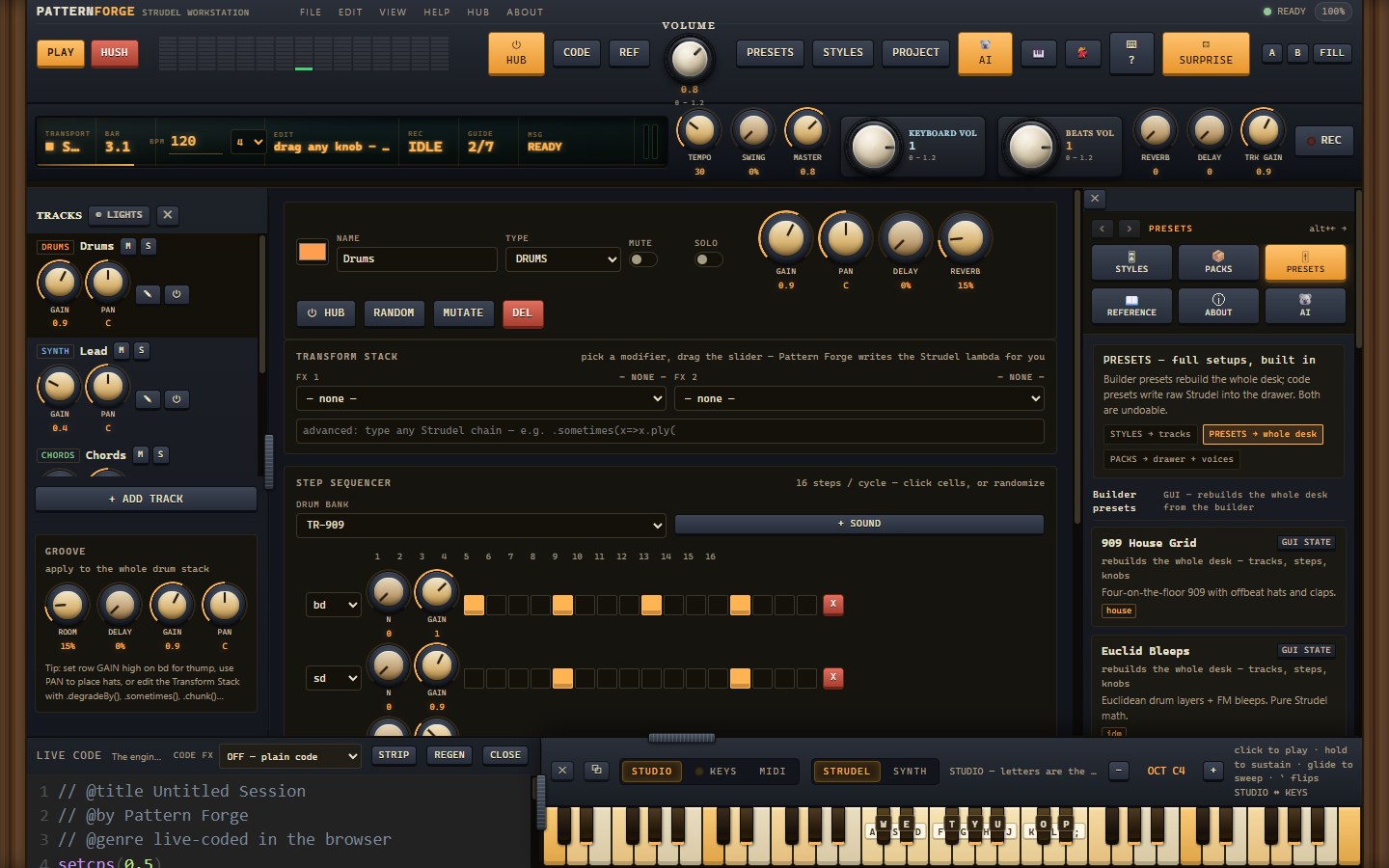
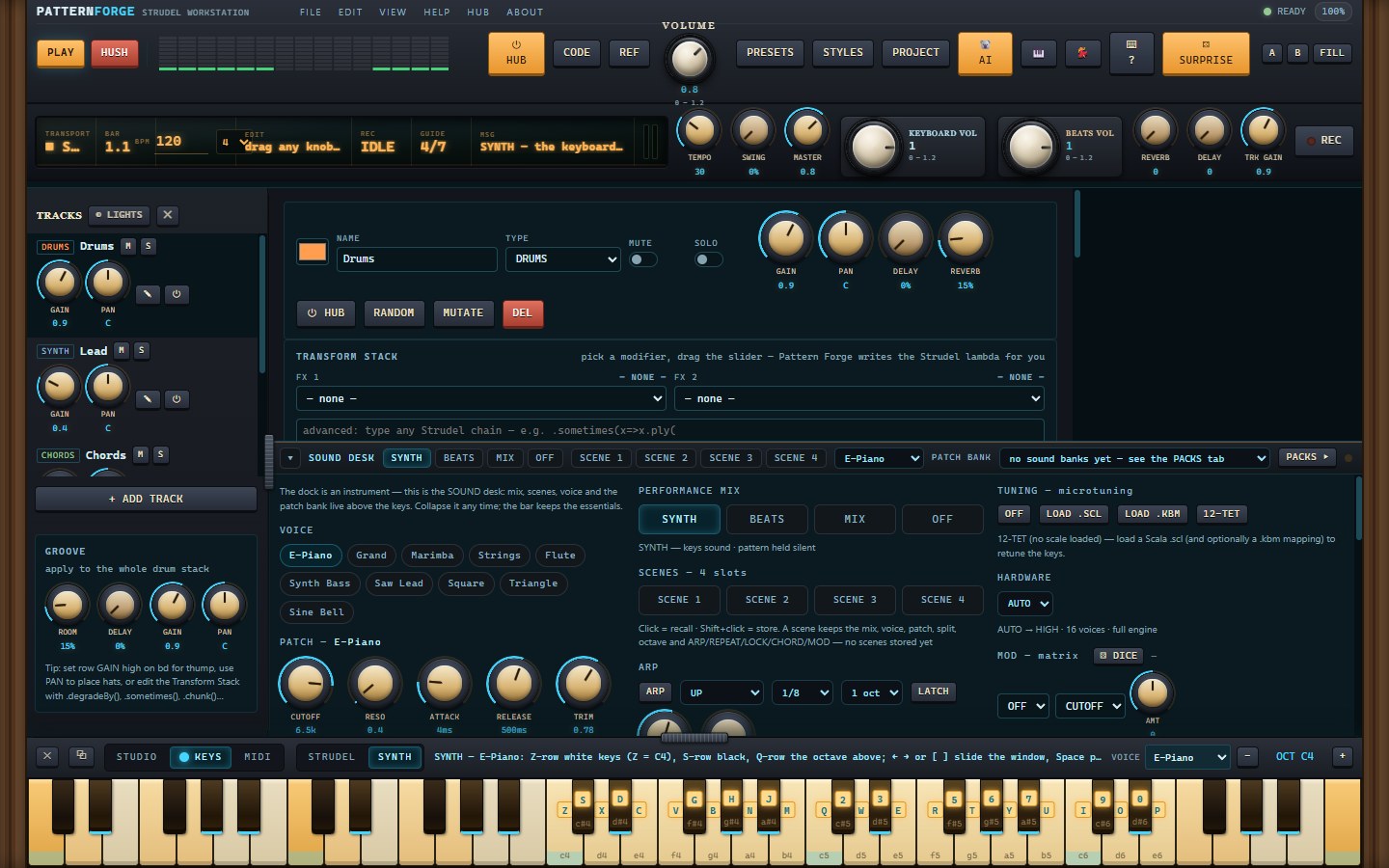
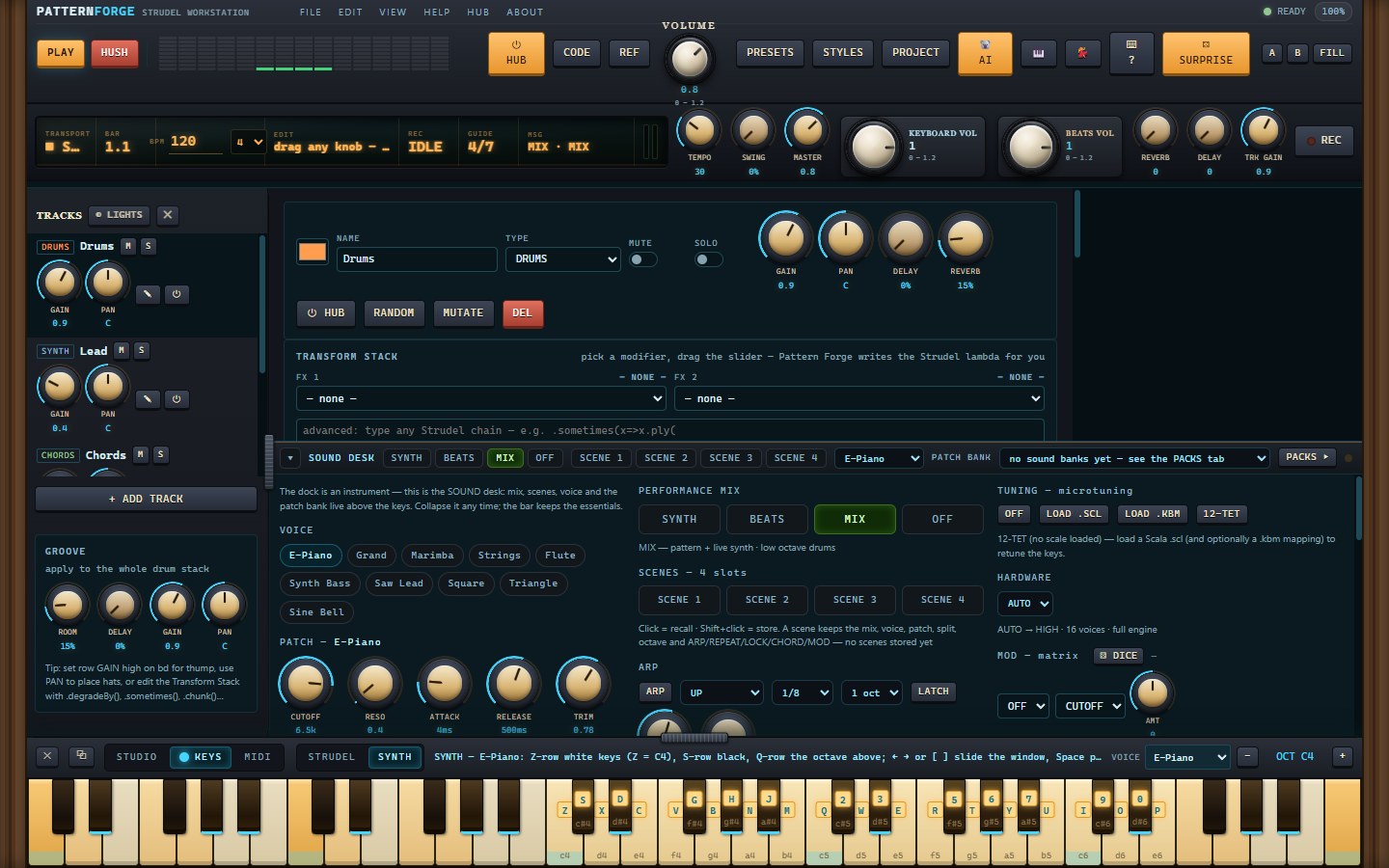
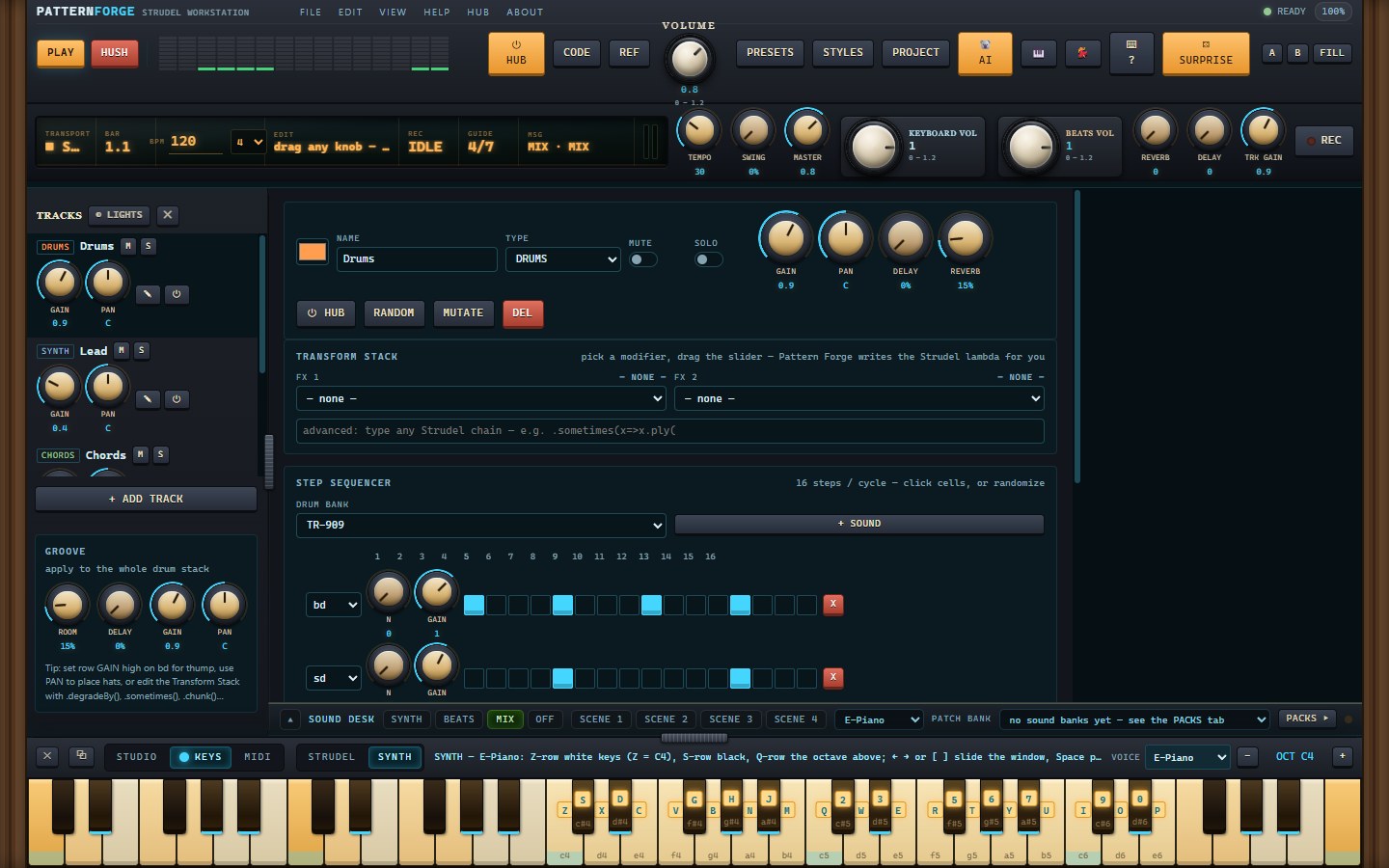
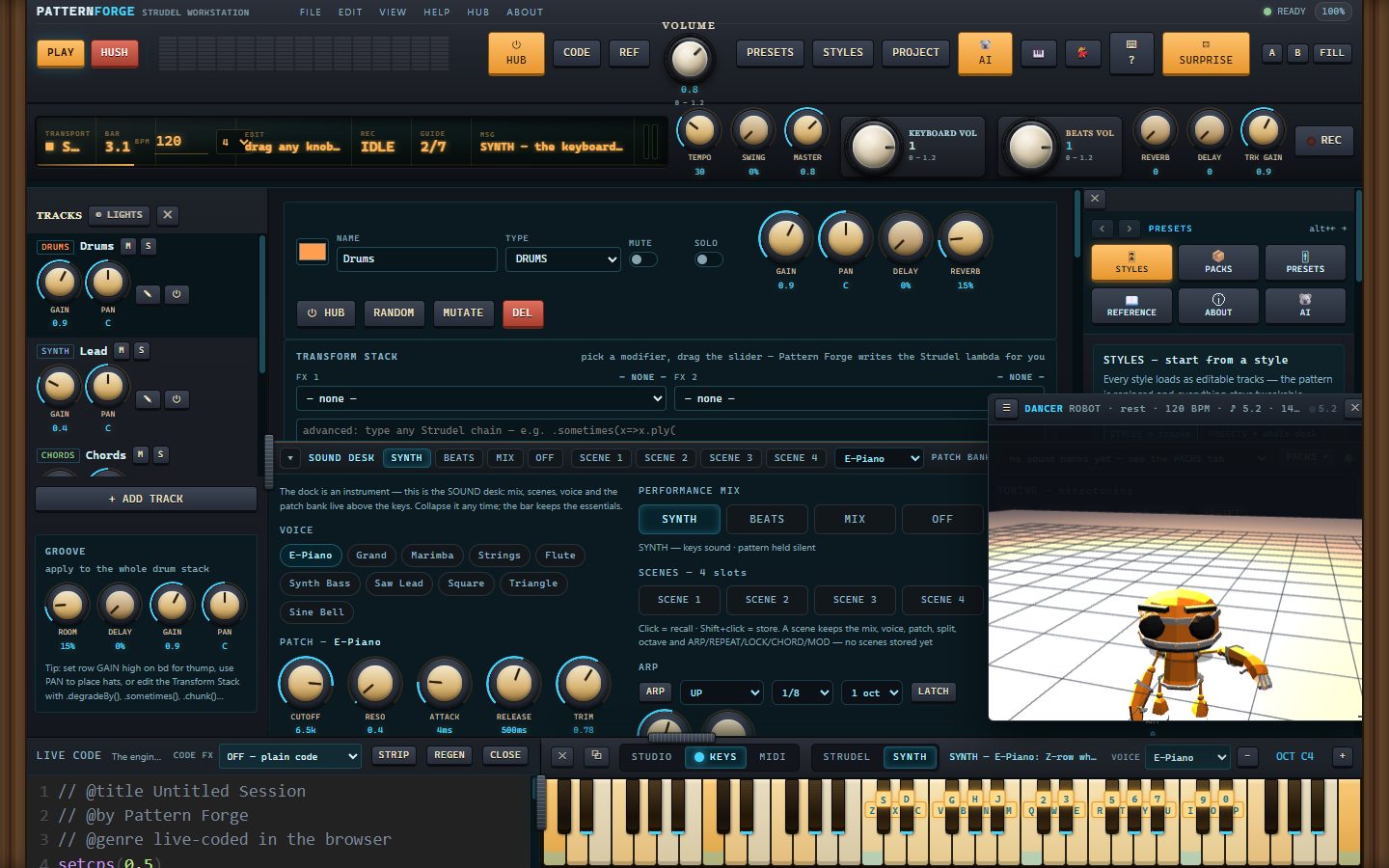
More — the mixer, the recorder, export, packs, Kody and the piano dock — plus captions, in the gallery: https://moddys.net/forge/shots.html
What's fixed since 1.0e
- The popped-out SOUND desk floats above everything now. In 1.0e, the detached desk slid
behind the main window the moment you clicked anywhere else — it looked like it had vanished,
and you had to fish it back from the taskbar or Alt+Tab. The keyboard's own popout has floated
since 1.0d; the desk now does too: click the main window, another app, anything — the desk stays
up until you ⧉ BACK it home or close it. (In a browser the desk already floated via
Picture-in-Picture; nothing changed there, and the dancer's window deliberately does not float.)
In this release
- PatternForge-Setup-1.0f.exe — the installer. Per-user (no admin prompt), Start Menu entry and
desktop shortcut, upgrades install straight over the top, clean uninstall from Add/Remove.
It is not code-signed yet, so SmartScreen will say it hasn't seen this app before — More info,
then Run anyway. - PatternForge-Setup-1.0f.exe.zip — the same installer as a zip, byte for byte: the exact file
moddys.net/moddys-downloads.html serves. - PatternForge-1.0f-source.zip — the corresponding source for this build (AGPL-3.0-or-later): the
app build frozen into the installer, the src/ tree it is assembled from, the Electron shell, the
installer script, the build and verification tools, and every third-party manifest. The vendor
blobs themselves come from their own upstream URLs — VENDOR.json carries the url and sha256 of
each.
Good to know
- Windows 10/11, 64-bit. The app opens with no network at all — the engine, the 3D rigs and the
sample maps are inside the install. Sample audio still streams from its own CDNs, so a
sample-based drum machine or soundfont wants a connection; the built-in synth, your installed
packs and everything you record work offline. - Your projects, takes, installed packs and settings live in %APPDATA%\PatternForge. The installer
never touches that folder and the uninstaller keeps it by default — installing again picks up
where you left off. Nothing is sent anywhere. - Verified on this exact payload: the 54-check desktop suite on the installed program (including
the new desk-float proof: the window manager reports WS_EX_TOPMOST on the desk window), 22 checks
with every non-local request blocked, and a silent install → upgrade → uninstall journey
(21 checks) that leaves your data intact. The web build inside the installer is byte-identical
to the one live at moddys.net/forge (e0c74355). - This is a beta — if something breaks, tell me: modtech@gmail.com.
sha256
b9ff2ac905f1f60db50adc78403c638b26c651d09b3aa8845157901d8a781031 PatternForge-Setup-1.0f.exe
3a6f5f17de73daa7fbcac8a13dad9c5f18e8fd95ccd95e569bbef2ad34abb164 PatternForge-Setup-1.0f.exe.zip
629a364eb80e4865a8141cd5af7d579a4c48429579c06e1346923c059f7787d2 PatternForge-1.0f-source.zip
The download page is also https://moddys.net/moddys-downloads.html.
Cheers Moddy !