Command Line Interface
DView can be accessed via a command line interface. To see the options available, navigate to the DView executable path (or add to the System PATH):
dview \h
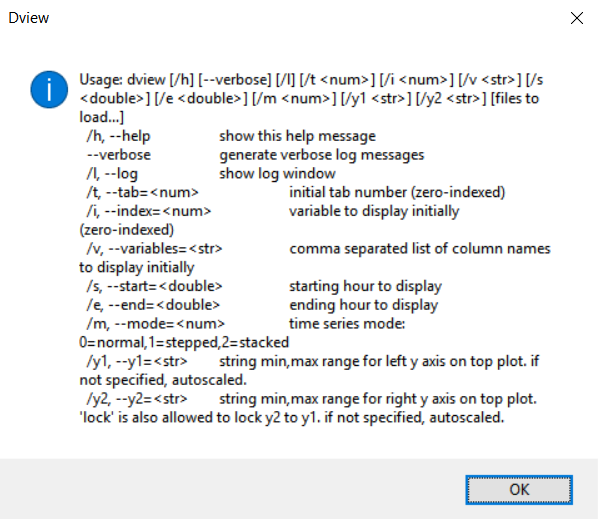
Will give the options:
Using the test data in test.csv:
-
Open file in DView
dview test.csv -
Open file in DView with column 5 plotted initially
dview \i 5 test.csv -
Open file in DView with columns labeled "Beam" plotted
dview \v "Beam (W/m2)" test.csv
Of note, the command line help currently indicates that it should be possible to plot multiple columns of data using the \v option, but this doesn't appear to be working correct (see issues). Also, when plotting with \v, you must include the units in parenthesis.