GUI Launcher + Internal Menu

INSTALL INSTRUCTIONS
- Navigate to ELDEN RING install path
example* (SteamLibrary\steamapps\common\ELDEN RING\Game) - Rename
start_protected_game.exetostart_protected_game.original - Create a new folder and name it
CUSTOM - Place the downloaded files into your games install path, the DLL goes into the
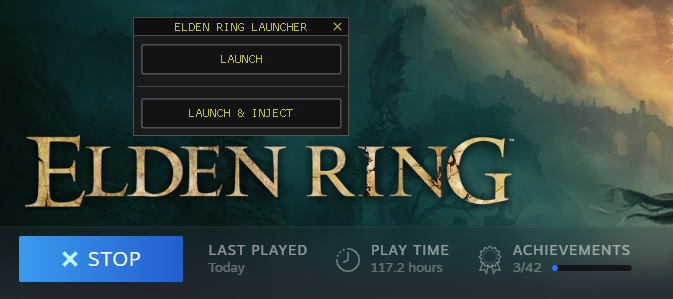
CUSTOMfolder you just created - Launch ELDEN RING via Steam, the launcher will appear.
at this point you can either launch the game normally or launch with the menu
LAUNCHER:
MENU:
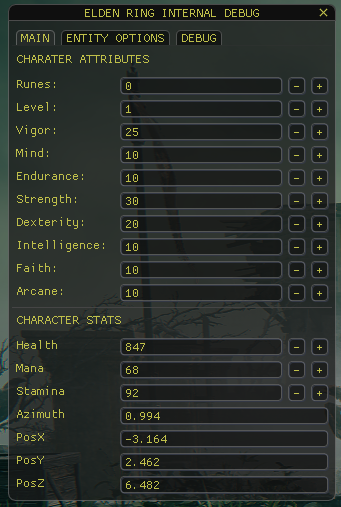
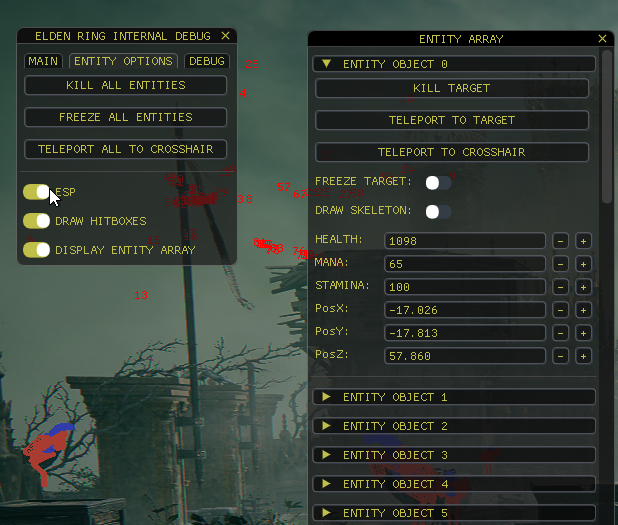
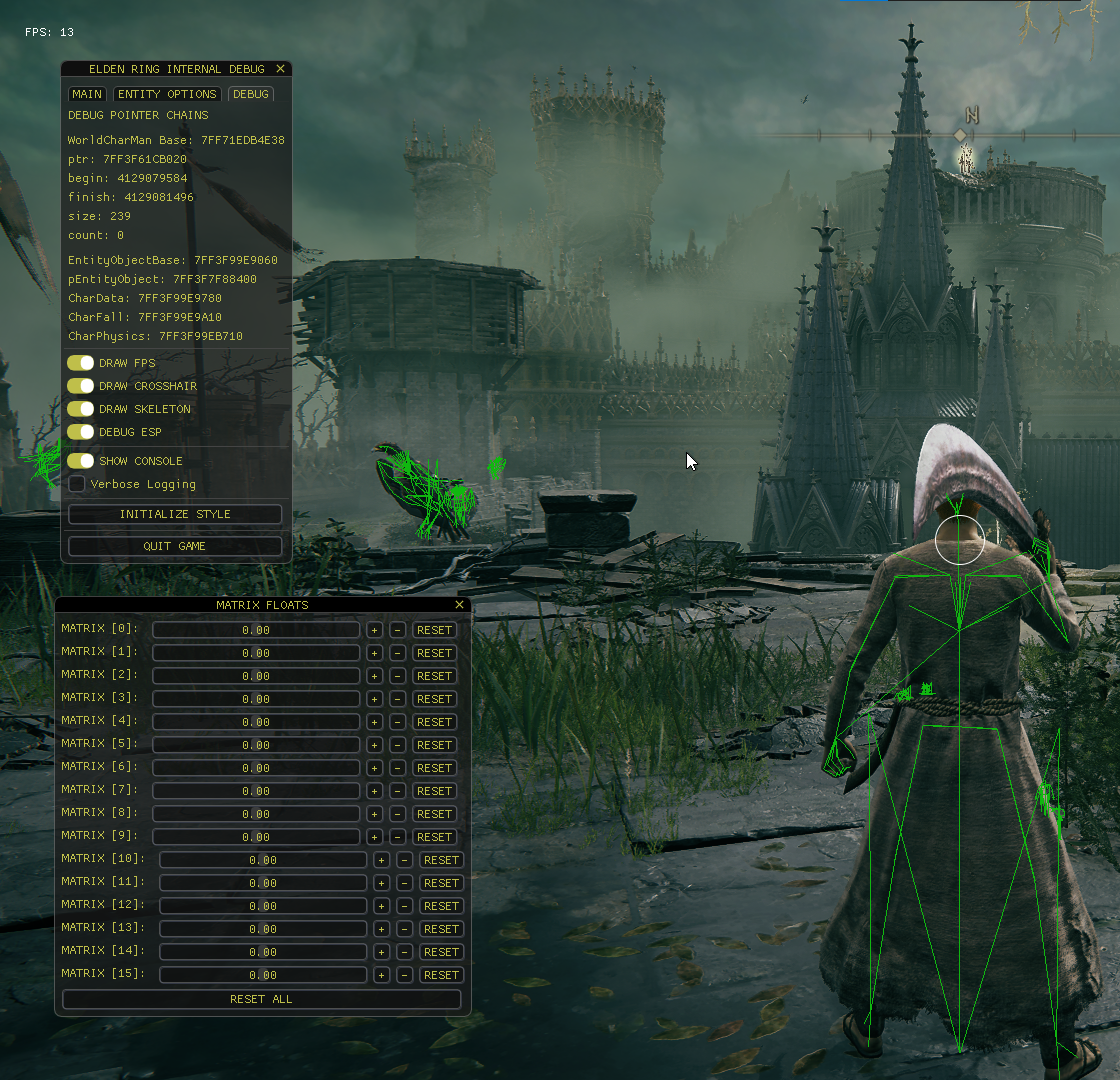
What's Changed
- ADJUSTMENTS + LAUNCHER by @xCENTx in #1
- Added Debug Console Class by @xCENTx in #2
- Remove Console Launcher by @xCENTx in #3
- alpha-0.0.2 by @xCENTx in #4
New Contributors
Full Changelog: v1.0...alpha-0.0.3
Contributors

xCENTx