Releases: NightFyre/ELDENRING-INTERNAL
Releases · NightFyre/ELDENRING-INTERNAL
Release list
ELDEN RING INTERNAL v1.2

INSTALL INSTRUCTIONS
- Navigate to ELDEN RING install path
example:SteamLibrary\steamapps\common\ELDEN RING\Game - Rename
start_protected_game.exetostart_protected_game.original - Create a new folder and name it
CUSTOM - Place the downloaded files into your games install path, the DLL goes into the
CUSTOMfolder you just created - Launch ELDEN RING via Steam, the launcher will appear.
at this point you can either launch the game normally or launch with the menu
ADDITIONAL CREDITS
What's Changed
- ClientUpdate-v1.0.7 by @xCENTx in #10
Full Changelog: v1.1...v1.2
Contributors

xCENTx
Assets 3
ELDEN RING INTERNAL v1.1
INSTALL INSTRUCTIONS
- Navigate to ELDEN RING install path
example* (SteamLibrary\steamapps\common\ELDEN RING\Game) - Rename
start_protected_game.exetostart_protected_game.original - Create a new folder and name it
CUSTOM - Place the downloaded files into your games install path, the DLL goes into the
CUSTOMfolder you just created - Launch ELDEN RING via Steam, the launcher will appear.
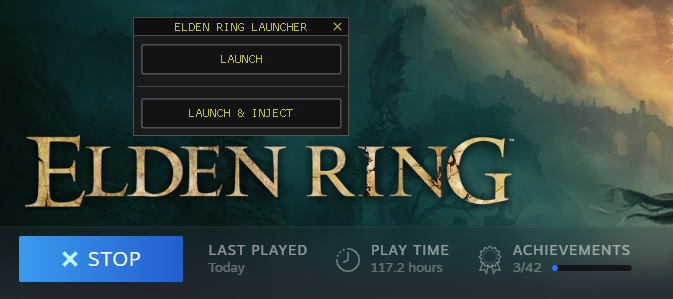
at this point you can either launch the game normally or launch with the menu
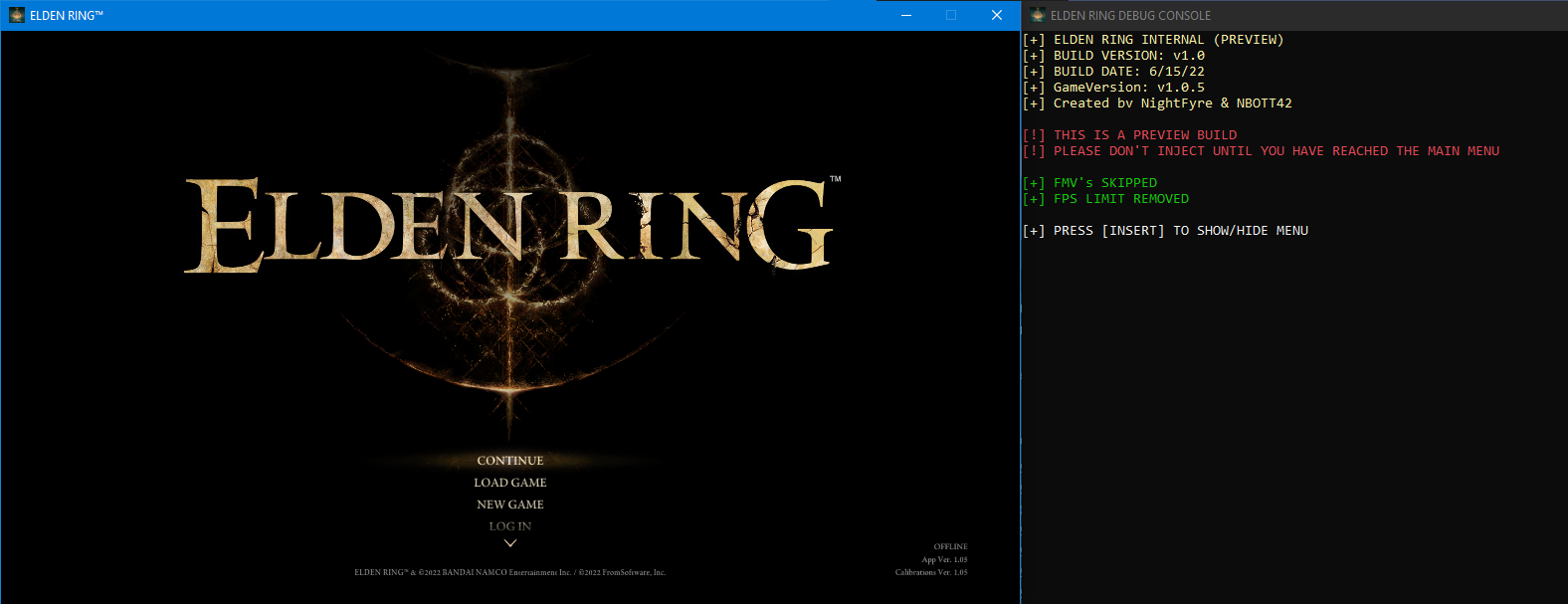
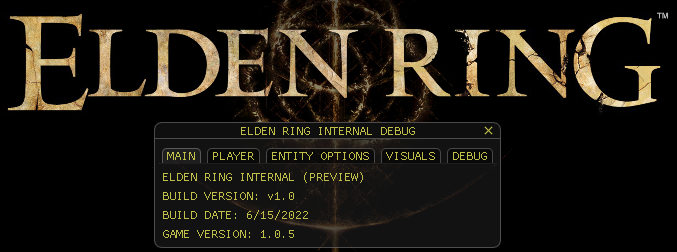
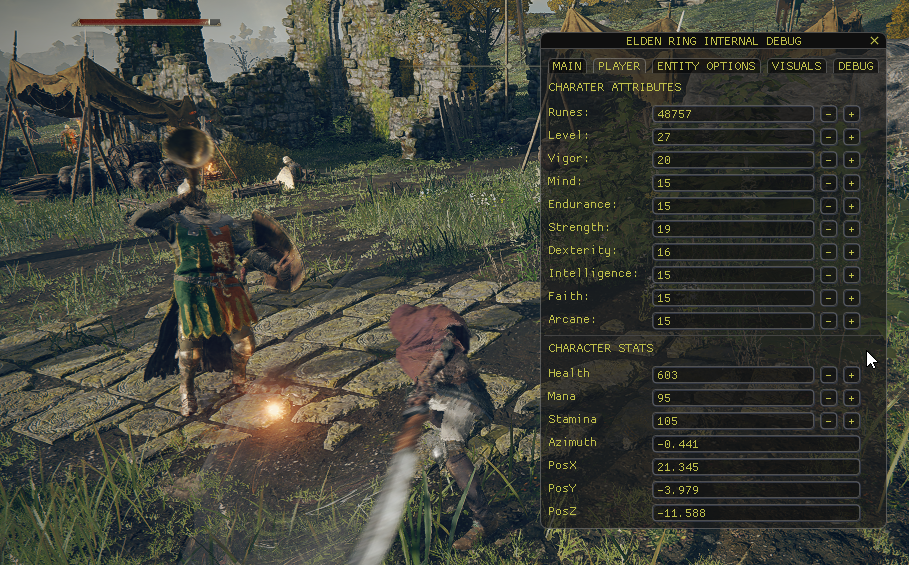
IMAGES
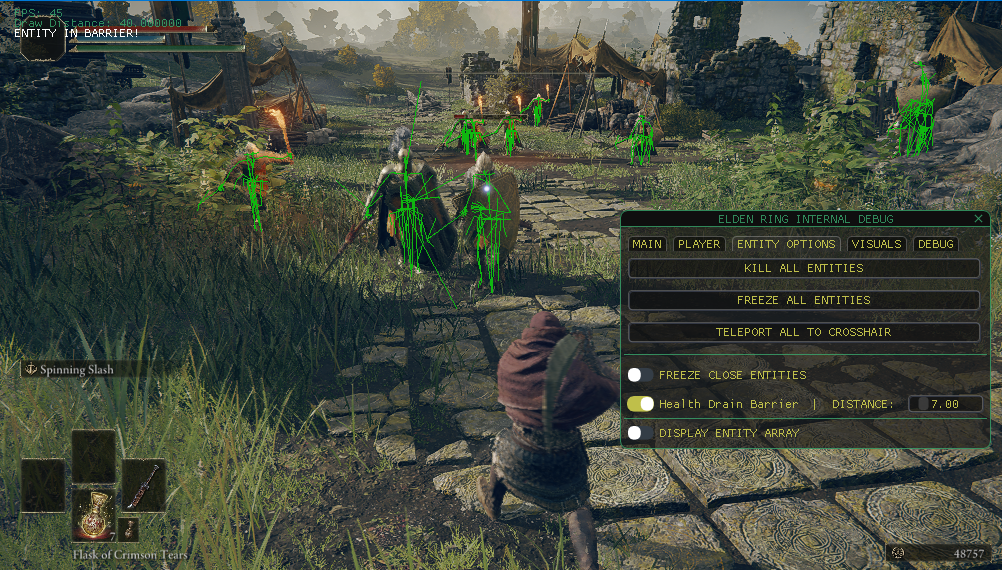
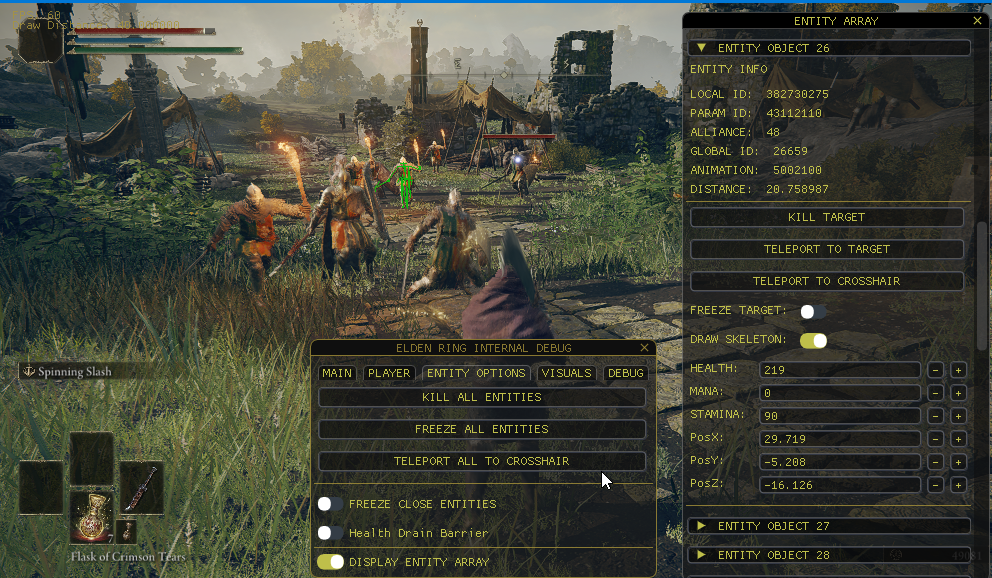
What's Changed
Contributors
xCENTx
Assets 3
Internal Menu v0.0.4
INSTALL INSTRUCTIONS
- Navigate to ELDEN RING install path
example* (SteamLibrary\steamapps\common\ELDEN RING\Game) - Rename
start_protected_game.exetostart_protected_game.original - Create a new folder and name it
CUSTOM - Place the downloaded files into your games install path, the DLL goes into the
CUSTOMfolder you just created - Launch ELDEN RING via Steam, the launcher will appear.
at this point you can either launch the game normally or launch with the menu
LAUNCHER
CONSOLE

PLAYER

ENTITY OPTIONS


VISUALS

DEBUG

What's Changed
Full Changelog: alpha-0.0.3...alpha-0.0.4
Contributors
xCENTx
Assets 2
GUI Launcher + Internal Menu
INSTALL INSTRUCTIONS
- Navigate to ELDEN RING install path
example* (SteamLibrary\steamapps\common\ELDEN RING\Game) - Rename
start_protected_game.exetostart_protected_game.original - Create a new folder and name it
CUSTOM - Place the downloaded files into your games install path, the DLL goes into the
CUSTOMfolder you just created - Launch ELDEN RING via Steam, the launcher will appear.
at this point you can either launch the game normally or launch with the menu
LAUNCHER:
MENU:
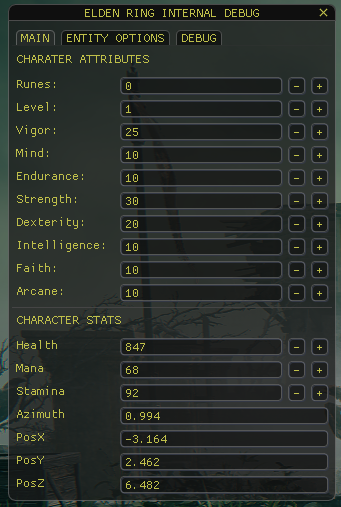
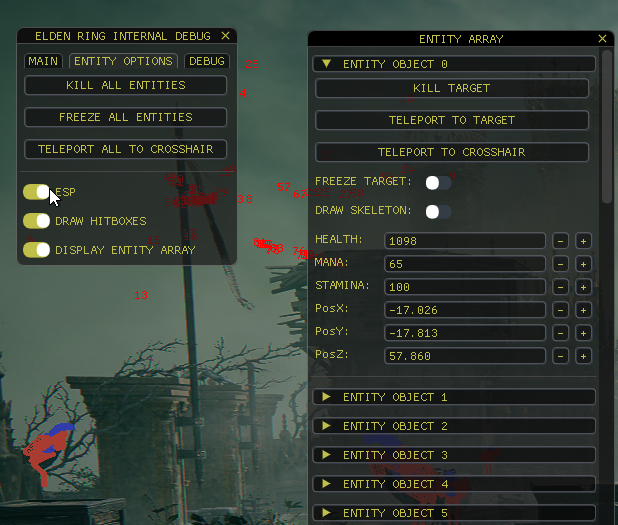
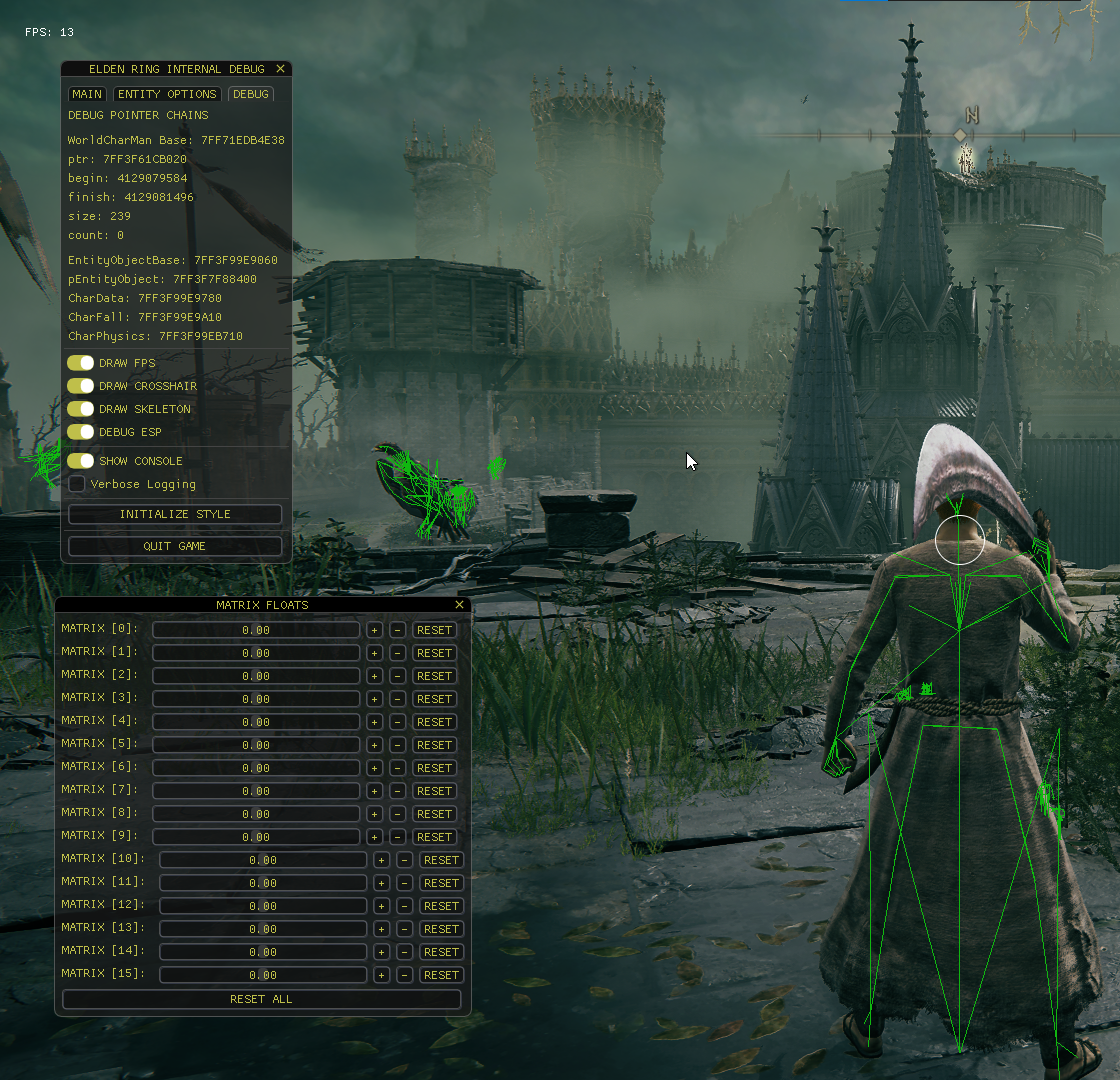
What's Changed
- ADJUSTMENTS + LAUNCHER by @xCENTx in #1
- Added Debug Console Class by @xCENTx in #2
- Remove Console Launcher by @xCENTx in #3
- alpha-0.0.2 by @xCENTx in #4
New Contributors
Full Changelog: v1.0...alpha-0.0.3
Contributors
xCENTx
Assets 2
Preview Release
Elden Ring Launcher + Overlay
Created by:
- NBOTT
- koalabear420
- NightFyre
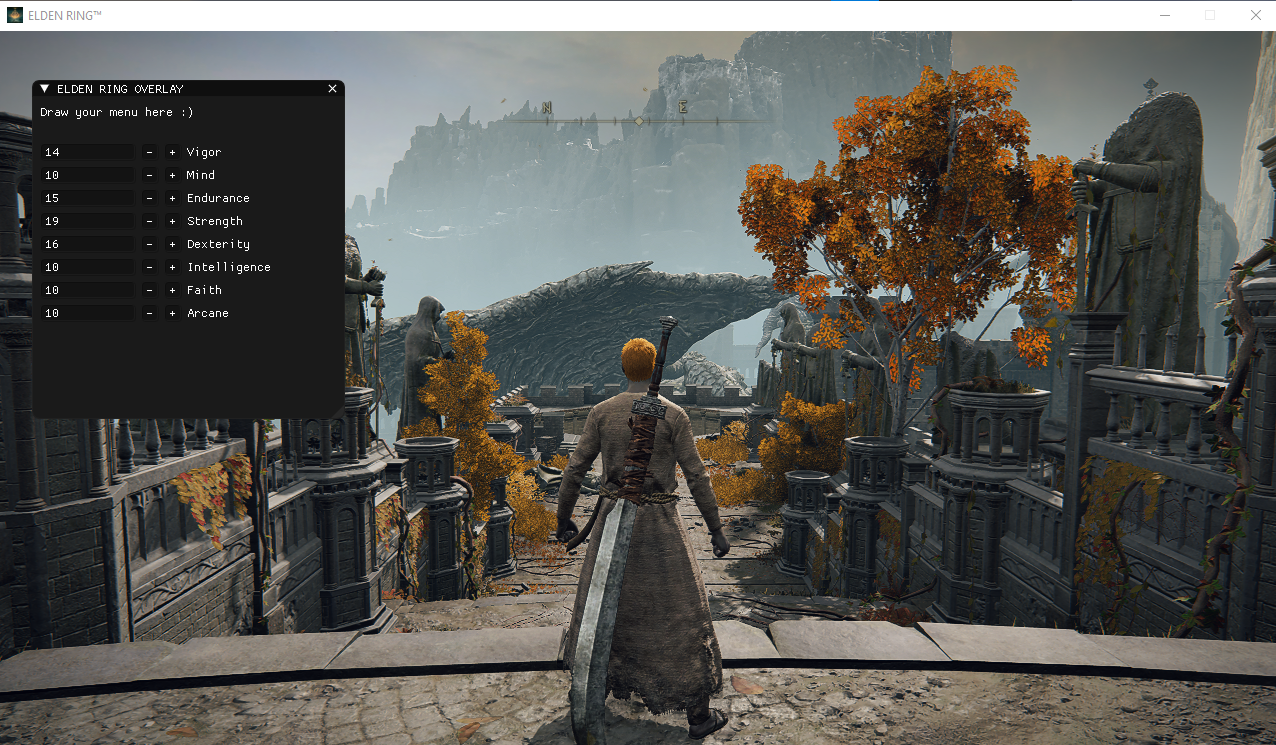
INSTRUCTIONS:
- Navigate to ELDEN RING install path
example* (SteamLibrary\steamapps\common\ELDEN RING\Game) - Rename "start_protected_game.exe" to "start_protected_game.original"
- Place the downloaded files into your games install path
- Ensure that the dll is in the CUSTOM folder
- Launch Elden Ring via Steam
Full Changelog: https://github.com/NightFyre/EldenRing-Internal-Menu/commits/v1.0