ELDEN RING INTERNAL v1.1

INSTALL INSTRUCTIONS
- Navigate to ELDEN RING install path
example* (SteamLibrary\steamapps\common\ELDEN RING\Game) - Rename
start_protected_game.exetostart_protected_game.original - Create a new folder and name it
CUSTOM - Place the downloaded files into your games install path, the DLL goes into the
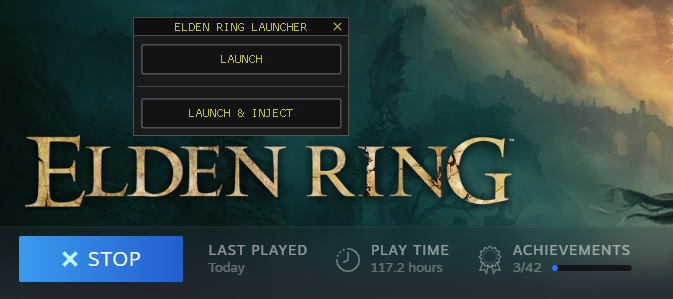
CUSTOMfolder you just created - Launch ELDEN RING via Steam, the launcher will appear.
at this point you can either launch the game normally or launch with the menu
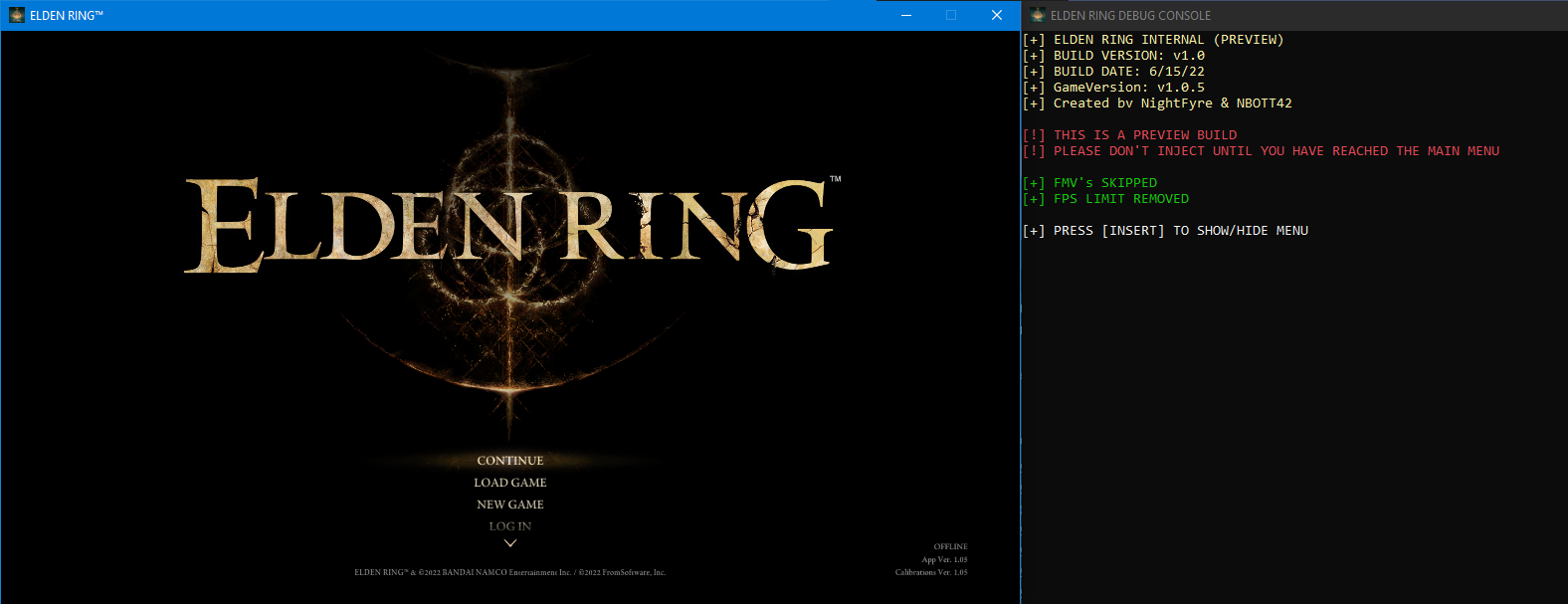
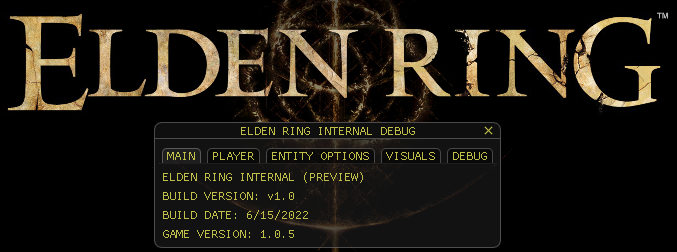
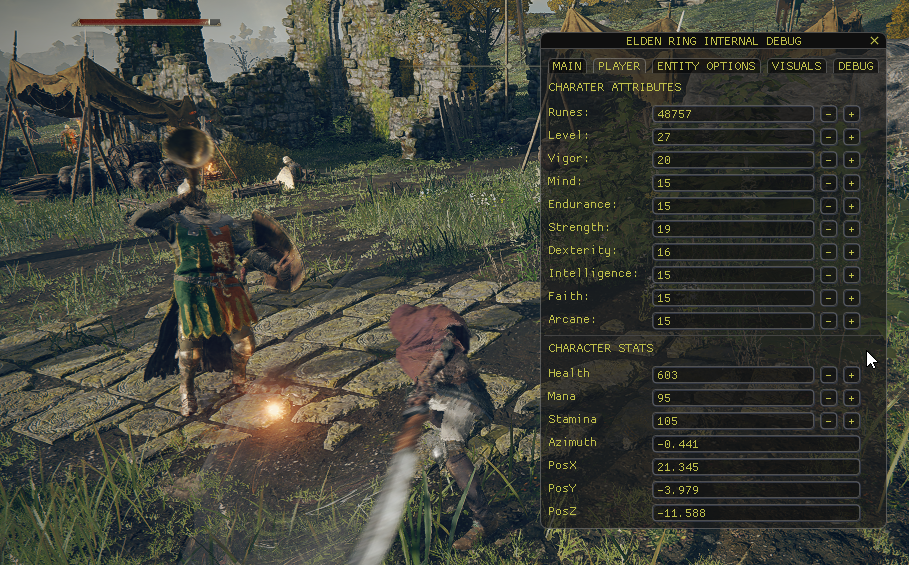
IMAGES
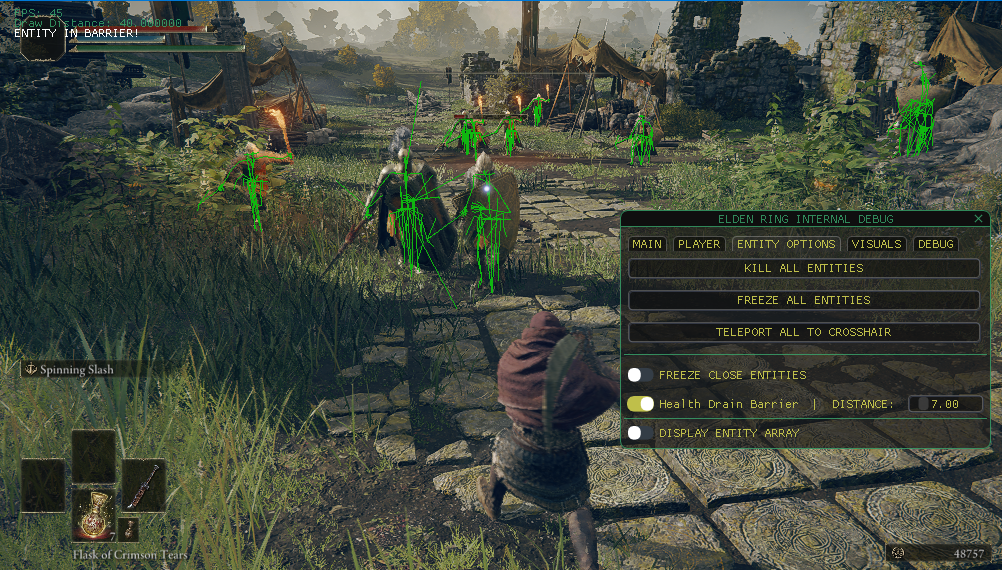
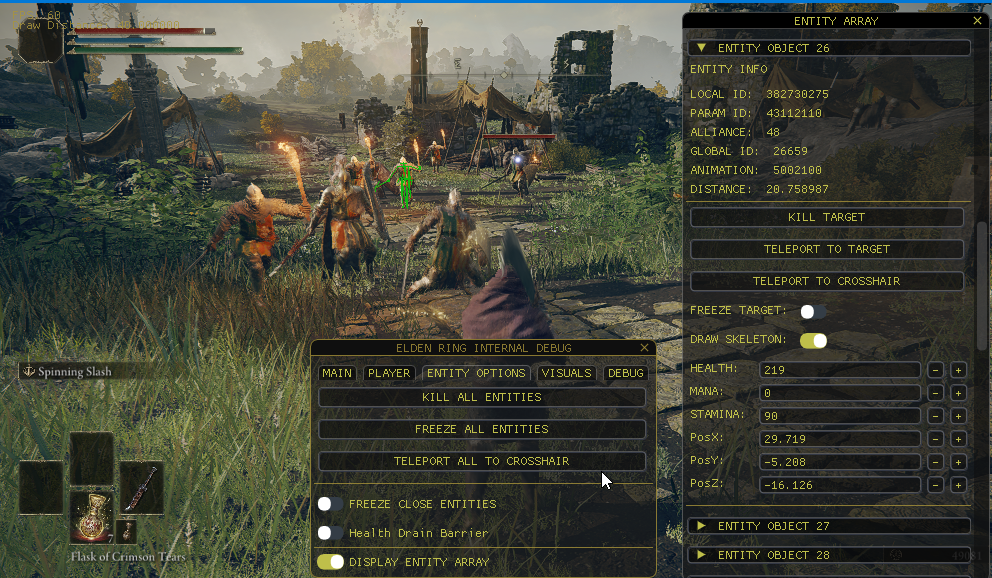
What's Changed
Contributors

xCENTx