Repository navigation
Home
TMDBCockpit shows information from The Movie Database (TMDB) on your Enigma2 receiver: movies, series and people, with cover, backdrop, cast, crew, ratings and trailers. You can open it from the plugin menu, from a movie list or from the programme guide, and you can save a description, cover and backdrop next to a recording.
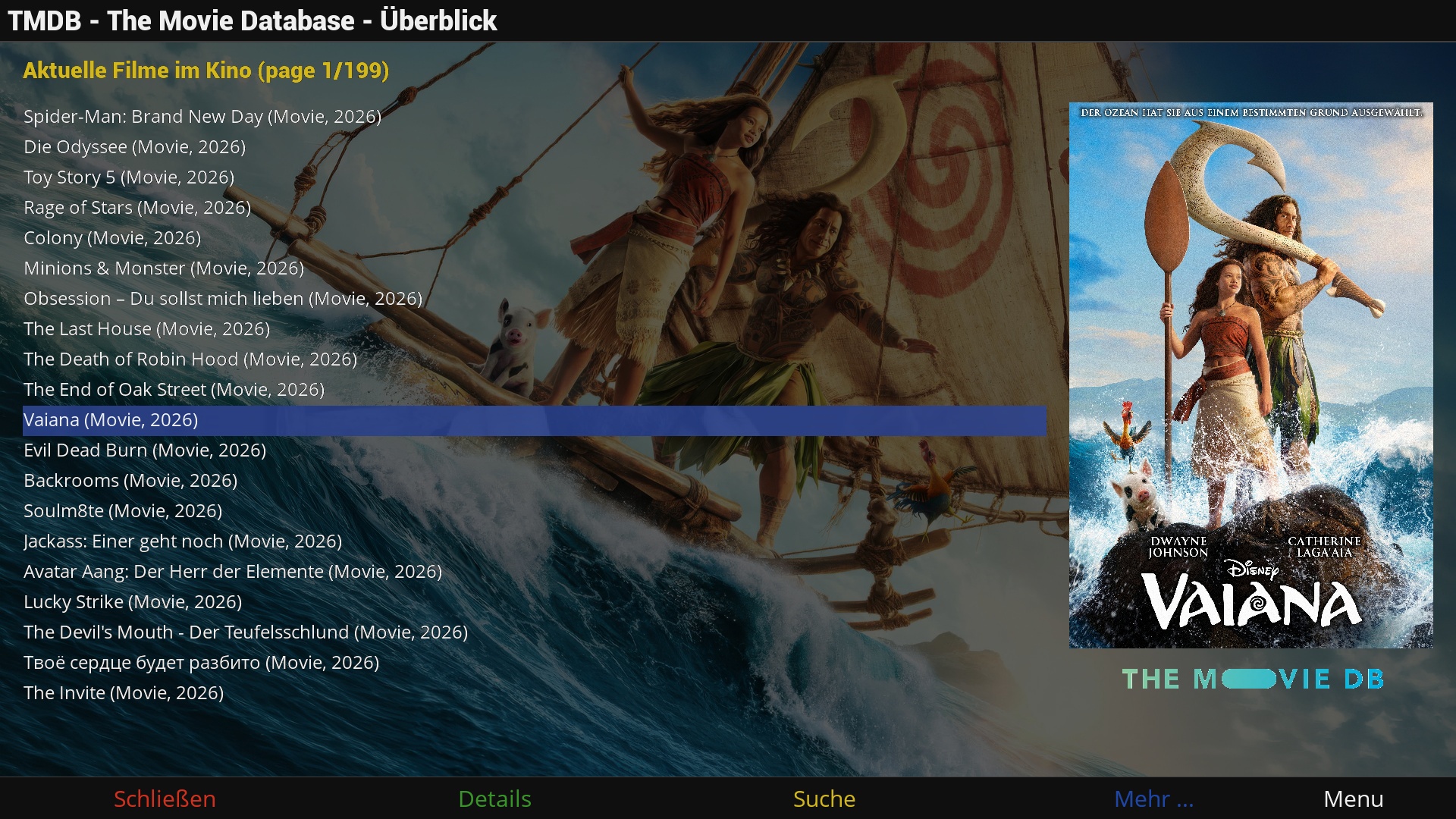
Other plugins can use it to look up TMDB data without opening any of its screens.
| Page | Content |
|---|---|
| User Guide | Installation, how to open it, searching, the details, crew and season screens, trailers, saving covers and descriptions, all settings, your own API key, troubleshooting |
| For plugin authors | The two entry points other plugins can use: a movie list lookup and a lookup that returns the data to a callback, with the keys of the result |
- Detailed information on movies and series: description, genres, countries, year, runtime, rating, cast, crew, studios, the German age rating (FSK) and the number of seasons.
- A cover and a backdrop picture for each entry, in the resolution you choose.
- Details of the crew and of a person, with a biography and what the person is known for.
- Browse the lists of TMDB: current movies in cinemas, upcoming, popular and best rated movies, and similar or recommended movies for the one you have selected.
- Play the YouTube trailers of a movie.
- Save the description, cover and backdrop of a movie or a season next to the recording.
- Results in the language you choose.