Repository navigation
Home
A campaign editor for Rome: Total War (with Barbarian Invasion and Alexander, plain or modded, on REX or the original exe) and Medieval II: Total War (with Kingdoms, on M2EX or the original exe). It edits the game's or a mod's own data files, shows every change before writing it, keeps a backup and can undo it byte for byte.
Download: the latest RTW-M2TW-Campaign-Editor.exe from
Releases (only from there - see Installing) ·
▶ Video: what the editor does, in a few minutes ·
💬 Discord: questions, ideas, news
All on my YouTube channel Pfadfinder - each one checked in the game:
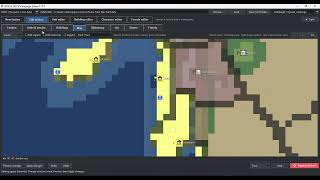
 ▶ Editing rivers, fords, cliffs |
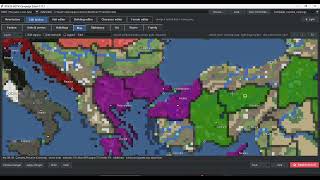
 ▶ Editing a height map |
 ▶ Searching the map for settlements and units |
 ▶ Settlement names by culture |
 |
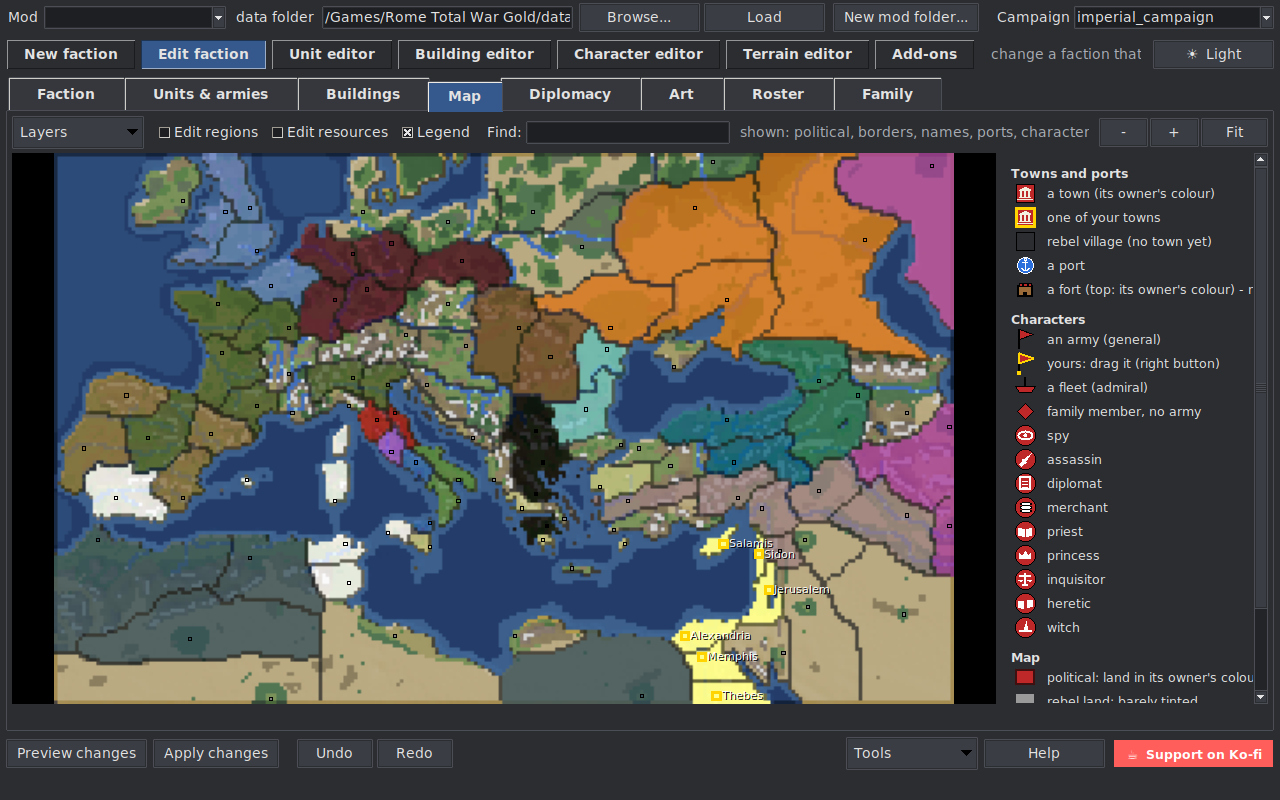 |
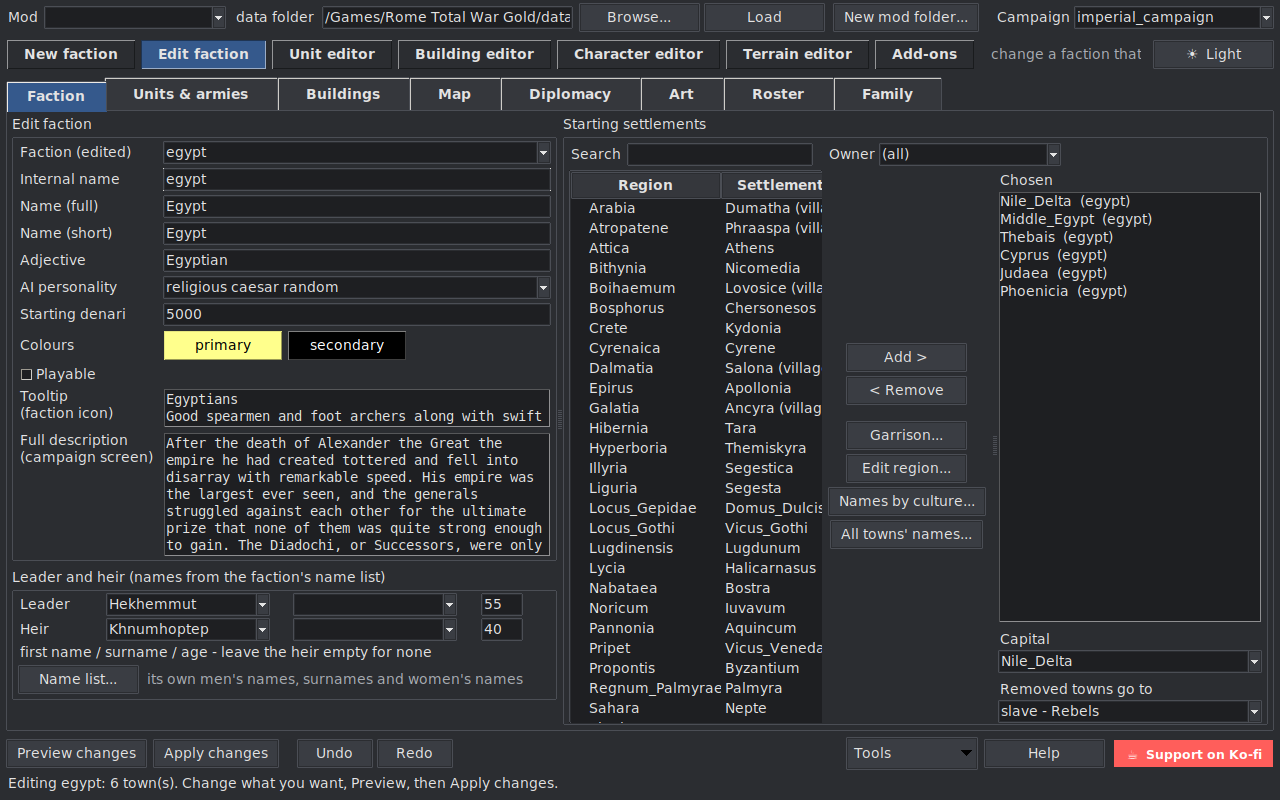
| Edit a faction | The campaign map |
 |
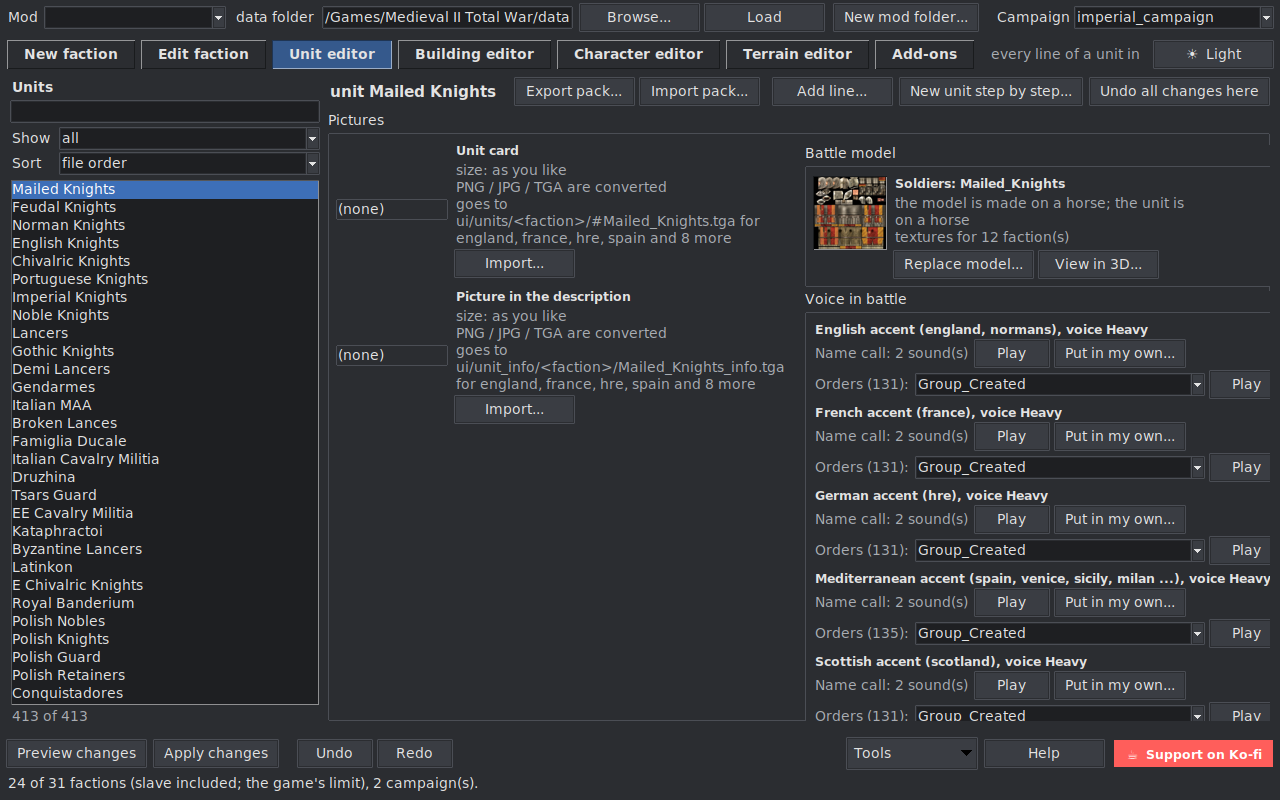 |
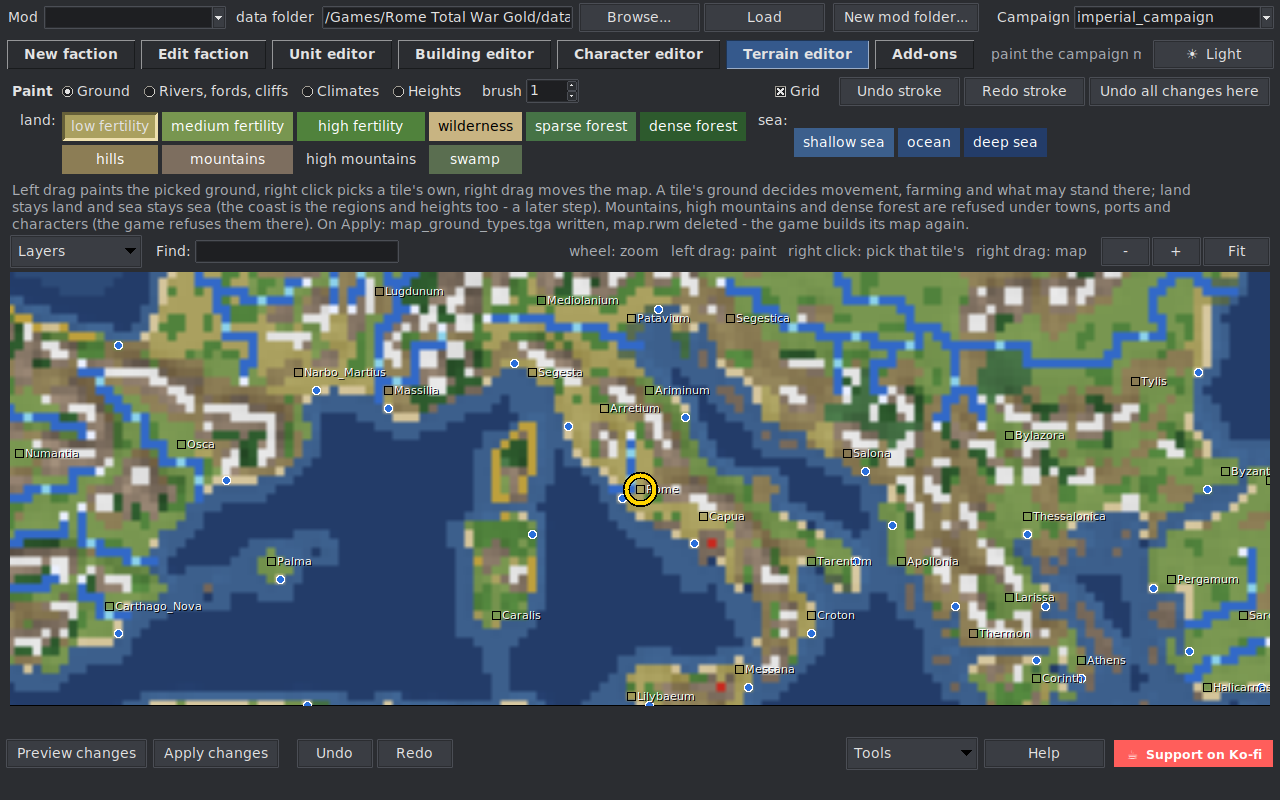
| Terrain editor | Units: model and voice |
The aim of this tool is to make modding friendly for everyone, not only for people who know every file of the game by heart. You work with factions, towns, armies and the map - the tool finds the files, the lines and the formats for you:
- No digging in files. Pictures are made the right size and format and put in the right place; names, texts, units, cards and buildings that belong together are kept in step for you.
- See it before it happens. Preview shows every file and line before anything is written.
- Nothing is lost. Every write has a backup, and Restore gives the files back exactly as they were; Undo / Redo work in the window.
- Mistakes are caught early. Things the game would crash on (a name it has no text for, an army on a tile it refuses, a town with two settlements...) are refused or warned about, with the reason in plain words.
- Set-up problems fixed with a yes. Things that stop the game from starting are found when you load it and fixed only when you agree.
Something confusing or hard to find? That counts as a bug too - tell us (Reporting a bug).
Made a mod with it? Please say so where you share the mod and link to the editor - one line is enough:
Made with the RTW & M2TW Campaign Editor: https://github.com/Pfadfinder-Adam/RTW-M2TW-Campaign-Editor
(a request, not a condition - thank you!).
- Installing - where to put the exe, what it makes next to it.
- First steps - load a mod, pick a campaign, a separate mod folder.
- New faction - a new faction cloned from a template.
- Edit a faction - change a faction that is already in the game.
- Campaign map - the map, towns and ports, characters, new armies, new regions.
- Terrain editor - ground, rivers, fords and cliffs.
- Faction art - every picture of a faction, banners, the campaign-select map.
- Characters and portraits - family tree, traits, portraits and the portrait library.
- Units and buildings - the unit and building editors, battle models in 3D, unit voices, the roster, unit packs.
- Campaign rules and Add-ons - every campaign setting in plain words; Sack Settlement and other add-ons; the Module builder for your own.
- Backups and Restore - how nothing gets lost.
- Reporting a bug - what to send when something goes wrong.
A new faction starts as a copy of a faction that already works. It starts in the game at once, so every
change after that can be checked in the game straight away, instead of building a faction from nothing
before the first test. The clone adds a faction and never touches the template: files the new faction
needs are copied under its own name (Epirus cloned from Macedon gets standard_epirus, symbol128_epirus,
map_epirus...), and its lines point at them.
- ROADMAP - what it does, what is being tested, what comes next.
- CHANGELOG - what changed in each version and what was tested in the game.
- README - the full reference.
The editor is free. If it saves you time, a coffee on Ko-fi or GitHub Sponsors keeps new features coming.