Repository navigation
Settings
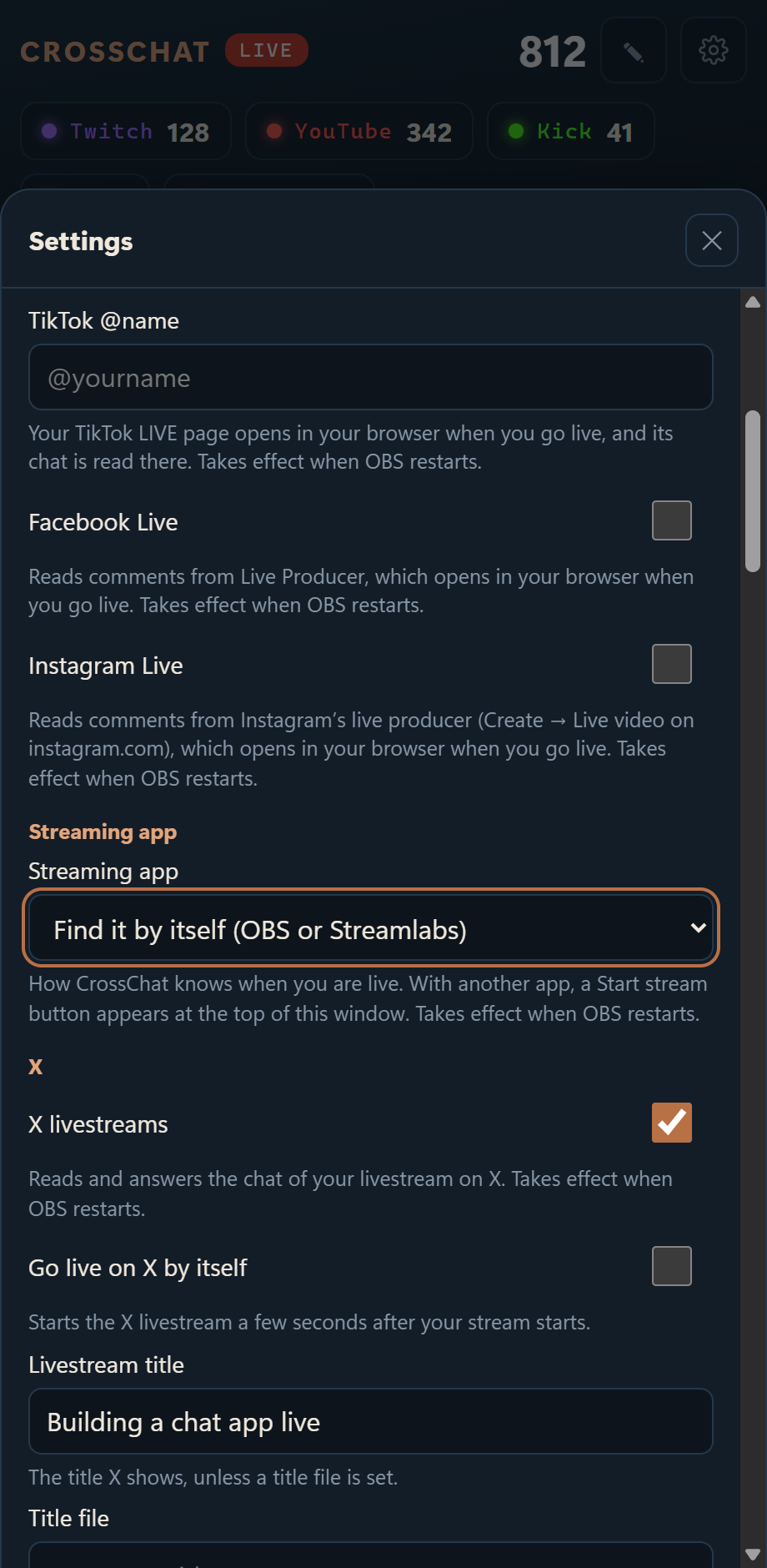
Most settings are in the chat window: the gear (Settings), on the streaming PC.
| Section | What's there |
|---|---|
| Channels & options | Your channels, X, the window, emotes, chat history and the companion. Save checks every value and says which changes need a restart |
| Look and sound | Auto, Light or Dark, and a ding when a message arrives. Each device remembers its own |
| Text to speech | What to read, voice, speed and volume |
| Filters | Words, viewers, !commands and bots |
| Connections | Each chat's health, and connecting or disconnecting Twitch, Kick, Rumble and Discord |
| Paired devices | The list, Pair a device, and the Tailscale switch |
| Chat history | Saved chat of every stream: search and export |
| Check the stream | Test chat, alert, featured message or viewer count on the widgets |
| About | The version, the address other devices use, and the update notice switch |
Everything Settings doesn't show is in config.json. Restart OBS after changing it (with Streamlabs or another app, close CrossChat and open it again).
| System | Folder |
|---|---|
| Windows | %LOCALAPPDATA%\CrossChat |
| Mac | ~/Library/Application Support/CrossChat |
| Linux | ~/.local/share/CrossChat |
Start from config.example.json. A file only needs the settings it changes.
| Key | Default | |
|---|---|---|
twitch, youtube, kick
|
"" |
Your channels. A name, an @handle, a channel ID or a link all work |
tiktok |
"" |
Your TikTok @name
|
facebook, instagram
|
false |
true to read chat from their live pages |
tiktok_window, facebook_window, instagram_window, rumble_window
|
"auto" |
Where that page opens, or {"x", "y", "width", "height"}
|
port |
4466 |
CrossChat's port on 127.0.0.1. The extension expects 4466 |
broadcaster |
"auto" |
How CrossChat knows you are live: "obs", "streamlabs", "manual" or "auto". See Streaming Apps
|
browser |
"auto" |
"auto" (Chrome, else Edge), "chrome", "edge" or a full path. On a Mac also "chromium"; on Linux also "chromium" and "brave". It must be the browser with the extension |
window |
"auto" |
"auto" docks the chat at the right edge of the main screen, or {"x", "y", "width", "height"}
|
open_window_on_stream_start |
true |
Open the chat window when your stream starts |
close_window_seconds_after_stream |
120 |
How long it stays after the stream ends |
overlay.platforms |
"all" |
Which platforms the on-stream chat shows, such as ["twitch"]. A theme that names its own platforms, or ?platforms= on one source, comes first |
overlay.theme |
"classic" |
The theme for sources that don't name one. The Studio's Set as default overrides it |
obs.host, obs.port, obs.password
|
from OBS | Only if OBS's WebSocket isn't on this PC, or to override what OBS has saved |
remote.enabled, remote.port
|
true, 4467
|
The companion. It only starts listening once you pair a device |
remote.tailscale |
false |
Also listen on your Tailscale address |
remote.bind |
"auto" |
Where the companion listens on the home network |
updates.check |
false |
true to ask GitHub once a day whether a newer CrossChat is out |
twitch_client_id |
CrossChat's | Your own Twitch app instead |
kick_client_id, kick_client_secret
|
CrossChat's | Your own Kick app instead |
emotes |
all on | {"bttv": true, "ffz": true, "7tv": true} |
logs.enabled, logs.keep_days
|
true, 90
|
Keep each stream's chat on this PC, and for how long |
custom_overlays |
"" |
A folder of your own overlay pages. See Custom Overlays and API |
x.enabled |
false |
Use X Live |
x.auto_go_live |
false (the template the installers write sets true) |
Go live on X when your stream starts |
x.title |
"Live now" |
Livestream title |
x.title_file, x.title_prefix
|
"" |
Use the first line of a text file as the title instead |
x.source |
"OBS" |
The source name in X Live Studio |
x.delay_seconds |
12 |
How long after your stream starts to go live on X |
x.post |
"" |
Text for the post that announces the livestream |
x.end_with_obs |
true |
End the X livestream when your stream stops |
x.end_seconds_after_obs |
15 |
How long after your stream stops to end it on X, in case the stream comes straight back |
x.window |
"auto" |
Where X's page opens: "auto" or {"x", "y", "width", "height"}
|