Repository navigation

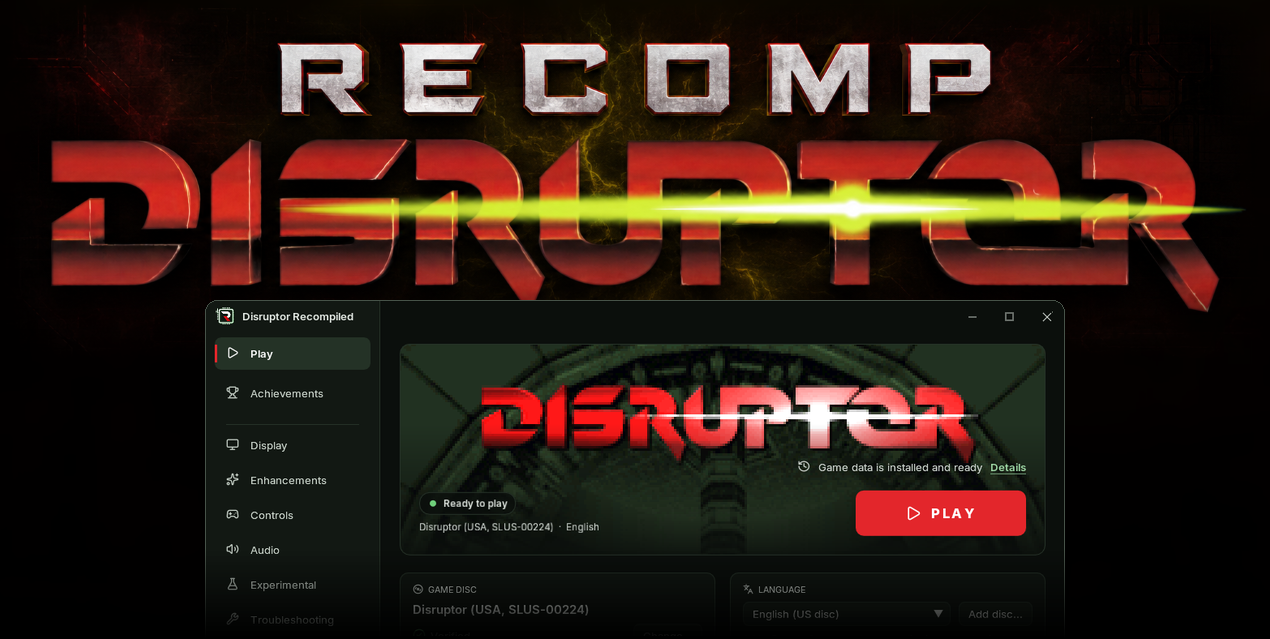
Download
| System | File |
|---|---|
| Windows 10 or 11 x64 | DisruptorRecomp-win-Setup.exe installs the launcher that updates itself |
| Windows, without installing | DisruptorRecomp-win-Portable.zip the launcher that updates itself, no install |
| Linux x64, glibc 2.35 or newer | DisruptorRecomp.AppImage the launcher that updates itself |
In this release
| Change | |
|---|---|
| RetroAchievements | The game counts Disruptor's 52 achievements |
| Launcher | Works from the keyboard and a gamepad |
| Text on a small HUD | A shrunk HUD keeps its text readable |
| Mission 9 | The reactor at 60 FPS: teleport, timer, voice |
| Fixes | Abort mission, the menu's demo, quicker psionic keys |
| Changes | No Cheats tab, Experimental later, occlusion without experimental values, quicker psionic keys |
| Save states | States from 0.7.0 load as they are |
RetroAchievements
- The game counts Disruptor's RetroAchievements set: 52 achievements
- They are for finishing levels, finding hidden areas and clearing a whole map
Sign in
- Make an account on retroachievements.org if you have none
- Open the launcher's Achievements page
- Enter the account's name and password and press Sign in
- Start the game: it signs in and shows how many achievements you have
Signing in on the launcher:

- The password is sent to retroachievements.org once and is not stored
- The launcher keeps the token the site returns
- On Windows the token is sealed for your Windows account
- A problem report never includes it
- Sign out, on the same page or in the game's menu, removes it
In the game
- An unlock shows a card in a corner of the screen and plays a chime
- The card has the achievement's picture, name, points and description
Finishing the Reactor:

- The game's menu, opened with Backquote (
`), has an Achievements tab - It lists every achievement with its picture, points and description
- A counting one shows how far it has come, such as the kills and pickups of a level's 100%
- All, Locked and Unlocked filter the list
- The tab shows your count of achievements and points
- It links to your profile and to Disruptor's page on the site
The Achievements tab of the game's menu:

Settings
- They are on the launcher's Achievements page and in the game's tab
Signed in, with the settings below:

| Setting | Default | What it changes |
|---|---|---|
| Count achievements | On | Off plays without them, the account stays signed in |
| Show notifications | On | The card of each unlock |
| Notification time | 12 seconds | 3, 5, 8, 12, 15 or 30 seconds |
| Notification corner | Top right | Any corner of the screen |
| Progress indicator | Off | A short note when a count moves |
| Unlock sound | On | The chime, at the game's volume |
| Sound file | The chime | A WAV of your own in place of the chime |
| Encore | Off | Achievements you have can trigger again, with their card |
| Unofficial achievements | On | Also the set's three unofficial ones, which the site does not record |
- Achievement pictures are downloaded once and kept with your files, the grey ones of locked achievements too
Save states
- A save state keeps how far each achievement has counted, in a file beside it
- After a load, a 100% achievement still counts the kills made before the save
- Loading a state does not stop an unlock
Casual only
- Unlocks count as casual on your profile
- Hardcore stays off until RetroAchievements approves our client
- Any copy of the disc counts as the USA one, a language disc too
Details: RetroAchievements in the player's guide
Launcher
- The whole launcher works from the keyboard
- Tab and the arrows move through a page, Space or Enter presses, Escape goes back to the side bar
- On the side bar, Right or Space opens a page
- Ctrl+Tab steps through the pages
- A gamepad moves through it too: the D-pad, A to press, B to go back, LB and RB for the pages
- The cursor shows as a light frame
- Enter starts the game only on the home page, while no control has the cursor
- Default keys, Default weapon and psionic keys and Default buttons ask first
- They are grey while nothing would change
- Save to 1 or 2 asks before it replaces a key profile saved earlier
- A settings.toml that cannot be read no longer leaves the pages grey
- The page says why and offers Start over with defaults, keeping the file as settings.unreadable.toml
- A change that cannot be written is named on the page it was made on
- On a wide window the settings stand in a column in the middle of the page
- Every page keeps its own scroll
- Group headings such as Picture and Notifications are larger and red
- On the Controls page the names in a hint stand in a column of their own, with one fact a line beside them
- Anti-aliasing moved from Experimental to Enhancements, in the launcher and in the game's menu
- The side bar fits short windows, 125% on a 1366 by 768 screen included
- Troubleshooting lists the steps of a bug report
- Report a problem moved there from the side bar, beside Detailed logging
The keyboard cursor on a switch:

Troubleshooting:

Text on a small HUD
- Below HUD size 100 the game's text shrank with the HUD and its one-pixel strokes got thin
- Now it is drawn bolder and with a dark edge, so a small line stays readable
- Dark text, such as the weapon and psionic names, gets no edge
- At 100% and in 4:3 the text is as before
HUD 50, before and after:

Mission 9
The reactor under 60 FPS gameplay (#51):
- After the lever the teleport comes before the explosion again, as at 30 FPS
- Before, the explosion came first and killed you
60 FPS, before and after:
issue51-teleport.mp4
- The countdown line no longer flickers with a pickup's message
- A message stays as long as at 30 FPS, before it stayed half as long
60 FPS, before and after:
issue51-message.mp4
- The reactor's voice says its whole line again, before it stopped at "sec"
- The countdown stays on screen while the weapon or psionics list is open
- The list shows the chosen item's name beside it
- The same holds when a weapon or psionic key opens the list
- The original game hid the countdown and showed only the name
The original game, the name without the countdown:

Now, the countdown and the name:

Fixes
- Abort mission no longer flashes the world behind the darkening pause screen
- In widescreen that world was half-drawn, with see-through floors
- The reactor mission's end: the "0 SECONDS" line no longer blinks while the screen fades
- A list's name no longer shows alone for a frame before its box, as the original game drew it
- The menu's demo: the mouse no longer turns its camera and number keys no longer change its weapon
- A click still ends the demo
- With Psionic keys use the power a power's key uses it 9 to 13 frames after the press, it was 21 to 23
- For that the game reads the power's pictures from the disc at 4x
- Under 60 FPS gameplay a sound that does not loop plays its full 8 seconds again, it was cut after 4
Changes
- The Cheats tab of the game's menu is gone from this release
- God Mode and all weapons and psionics are no longer offered
- The Debug tab keeps Detailed logging and the capsules
- Record the screen and the diagnostic views are left out
- The Experimental page holds a note: what is tried there comes in a later version
- Anti-aliasing, its one setting in 0.7.0, is on Enhancements
- Occlusion strength is 100% at first, it was 80%, and goes up to 100%
- Occlusion reach goes up to 160
- A saved occlusion value past the new end is taken as the default
- Psionic keys use the power is off at first, it was on in 0.7.0
- A choice you made stays
- A RetroAchievements notification stays 12 seconds at first
Save states
- Save states from 0.7.0 load as they are
- Capsules from 0.7.0 load, but the game leaves their recording at once
- Memory card saves are not affected
Install
Your own Disruptor (USA, SLUS-00224) disc image is needed
Windows 10 or 11 x64
- Download DisruptorRecomp-win-Setup.exe and run it
- It installs the game into
%LocalAppData%\DisruptorRecomp, with shortcuts on the desktop and in the Start menu - Your files are kept in
%LocalAppData%\DisruptorRecompData - Or, without installing, unpack DisruptorRecomp-win-Portable.zip into a folder of its own and run
Disruptor Recompiled.exe - The portable copy needs the Microsoft Visual C++ x64 Redistributable
- The portable copy keeps your files in its
datafolder
Linux x64, glibc 2.35 or newer
- Download DisruptorRecomp.AppImage
- Make it executable:
chmod +x DisruptorRecomp.AppImage - Run it
- Your files are kept in
~/.local/share/DisruptorRecompData