Repository navigation
OpenDock 1.1.0

OpenDock 1.1.0 adds 12 widgets and makes the dock work on every display, in any position and in several styles.
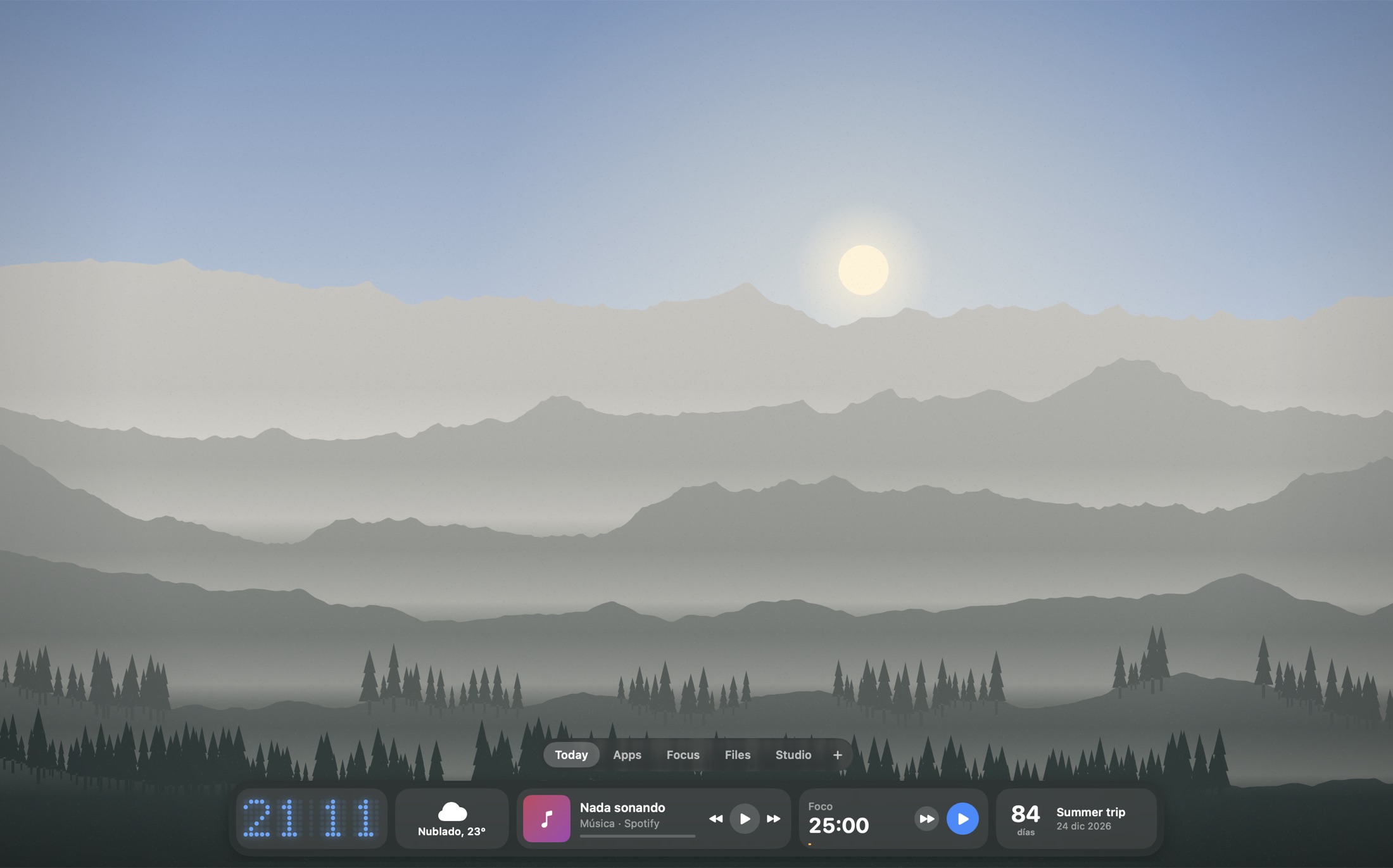
New widgets
- Clipboard history: the last 30 text items, kept in memory only. Items that password managers mark as concealed are skipped.
- Quick note: a short note right in the dock.
- Recent downloads: drag files out, send them with Blip or add them to the shelf.
- App switcher: every open app, with hide and quit.
- Converter: units and currencies, for example
100 usd euror5 km mi. - Mail: unread count, shown only while Mail is running.
- Photo frame: rotates images from a folder, with no Photos permission needed.
- Run a Shortcut: runs any shortcut from the Shortcuts app.
- Countdown: days until a date.
- GitHub: pull requests waiting for your review, and notifications.
- Linear: issues assigned to you.
- Stripe: revenue over the last 30 days.
Dock
- Stay on the main display, or follow the pointer across displays
- Left, center or right position
- Glass, dark, blue, purple or green style
- Adjustable corner radius
- Option to keep the profile tabs always visible
Install
-
Download
OpenDock.zipbelow, unzip it and moveOpenDock.appto/Applications. -
The app is not notarized. On first launch, open System Settings → Privacy & Security and click Open Anyway, or run:
xattr -dr com.apple.quarantine /Applications/OpenDock.app
Universal binary for Apple silicon and Intel. Requires macOS 14 or later. The interface is in Spanish.
SHA-256 6201d9be7675cfbbcc0b44828bdef82cb134a3cf5c7d108a4ae2ec2ebd285d8e