Home

Context spaces for Omarchy. A space is a named context like Personal or Work. Each one owns a browser profile, an email address, assistant accounts, and a notification policy. Switching spaces re-points all of them at once.
Omarchy already has workspaces, which decide window layout. Spaces decide identity. You can be on workspace 3 in either context, and the difference that matters is whether a work message should interrupt your evening.

- Installation
- Screenshots
- Creating a space
- Editing a space
- Defaults and inheritance
- Startup layouts
- Apps and segmentation
- The default space
- How notifications are routed
- Workspaces and windows
- Appearance
- Theming the app
- Keybinds
- Hotkeys
- Browser and link routing
- CLI reference
- Hooks
- Troubleshooting
- Publishing
Notifications. Each space declares whose notifications it will show, and can vary that by time of day. In the work space you do not see personal messages. In the personal space you can choose to see both during working hours and only personal after six.
Links. Click a link anywhere and it opens in that space's browser profile. No profile picker in between.
Accounts. Each space carries an email address and a set of assistant accounts,
readable by scripts through omarchy-spaces get.
Windows. Each space owns a range of real Hyprland workspaces, so the same keystroke reaches different windows depending on the space. See Workspaces and windows.
Appearance. A space can pin a theme, font, and background, applied on switch so the active context is obvious. See Appearance.
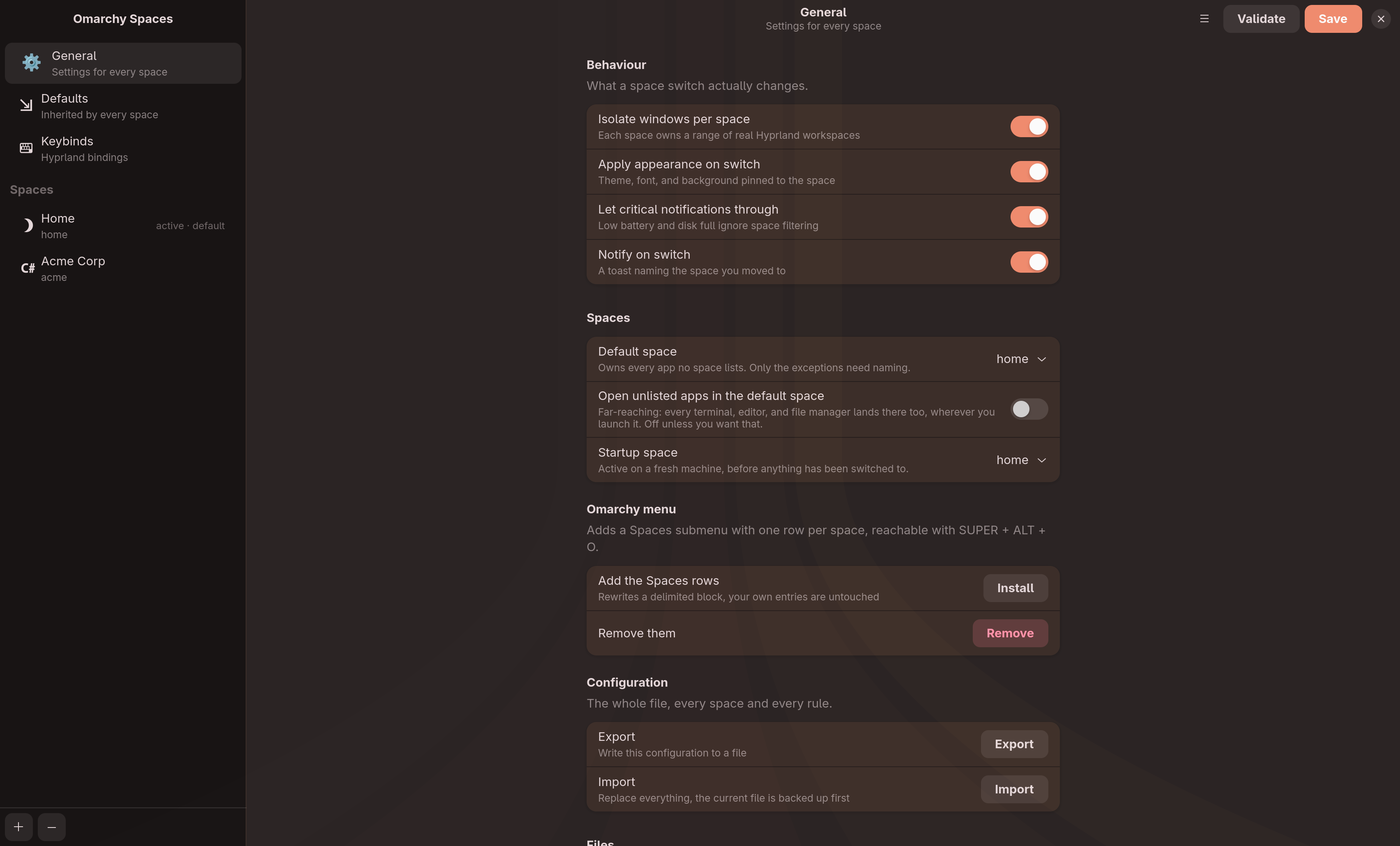
omarchy-spaces-config is a GTK4 editor for everything below. Reach it by
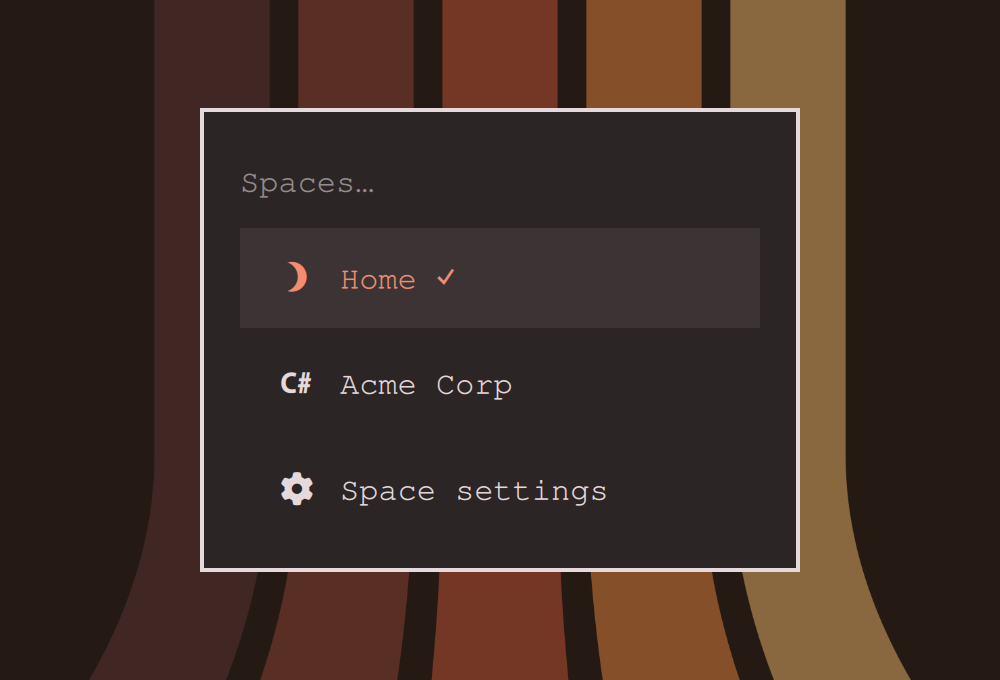
clicking the Spaces indicator in the bar and picking "Space settings", from
your launcher as "Omarchy Spaces", or by running the command. Editing
spaces.json by hand works equally well.
Configuration lives at ~/.config/omarchy-spaces/spaces.json. You edit this.
Active state lives at ~/.local/state/omarchy-spaces/active. The system writes
this, you do not. Keeping them apart means your rules survive a switch and a
switch survives a config edit.
Everything outside the spaces array. All are optional.
| Key | Meaning |
|---|---|
fallbackSpace |
The default space, owns apps no space lists |
activeSpace |
Startup space, active on a fresh machine before any switch |
defaults |
Values every space inherits |
keybinds |
Global bindings |
workspaceIsolation |
Set false to leave Hyprland workspaces alone on switch |
applyAppearance |
Set false to keep pinned looks but stop applying them |
criticalBypass |
Set false to filter critical notifications like any other |
switchNotification |
Set false to stop the toast naming the space you moved to |
fallbackPlacesWindows |
Set true to open unlisted apps in the default space |
The General page in the configuration app covers all of these.
Omarchy 4.0.0 or newer, python3, and a Chromium-family browser if you want link routing. Node is needed only to run the test suite.