Repository navigation
Screenshots
All of these come from an isolated demo profile with invented spaces, so no real email address, space name, or home directory appears in a published image.

The active space, with its icon and name. A mark appears next to it when the current policy is filtering: a hollow circle for partial, a filled one for a full mute.

Workspace numbers on the left are slots within the active space, not real Hyprland ids, so they read 1 to 10 in every space.
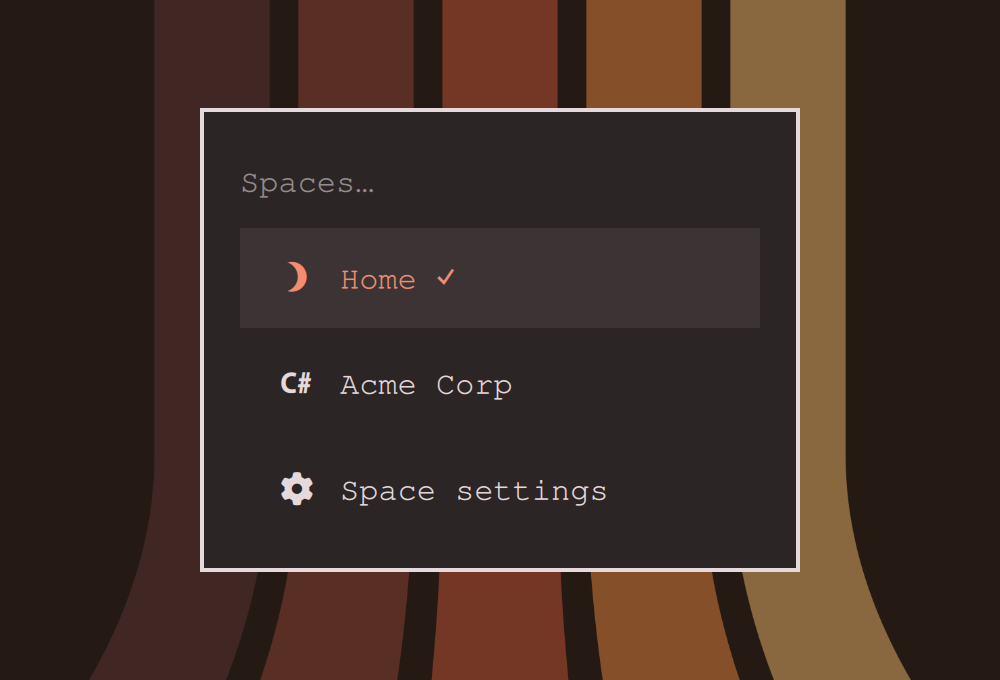
Click the indicator, or press SUPER + ALT + O. Switches spaces, and opens the settings app.
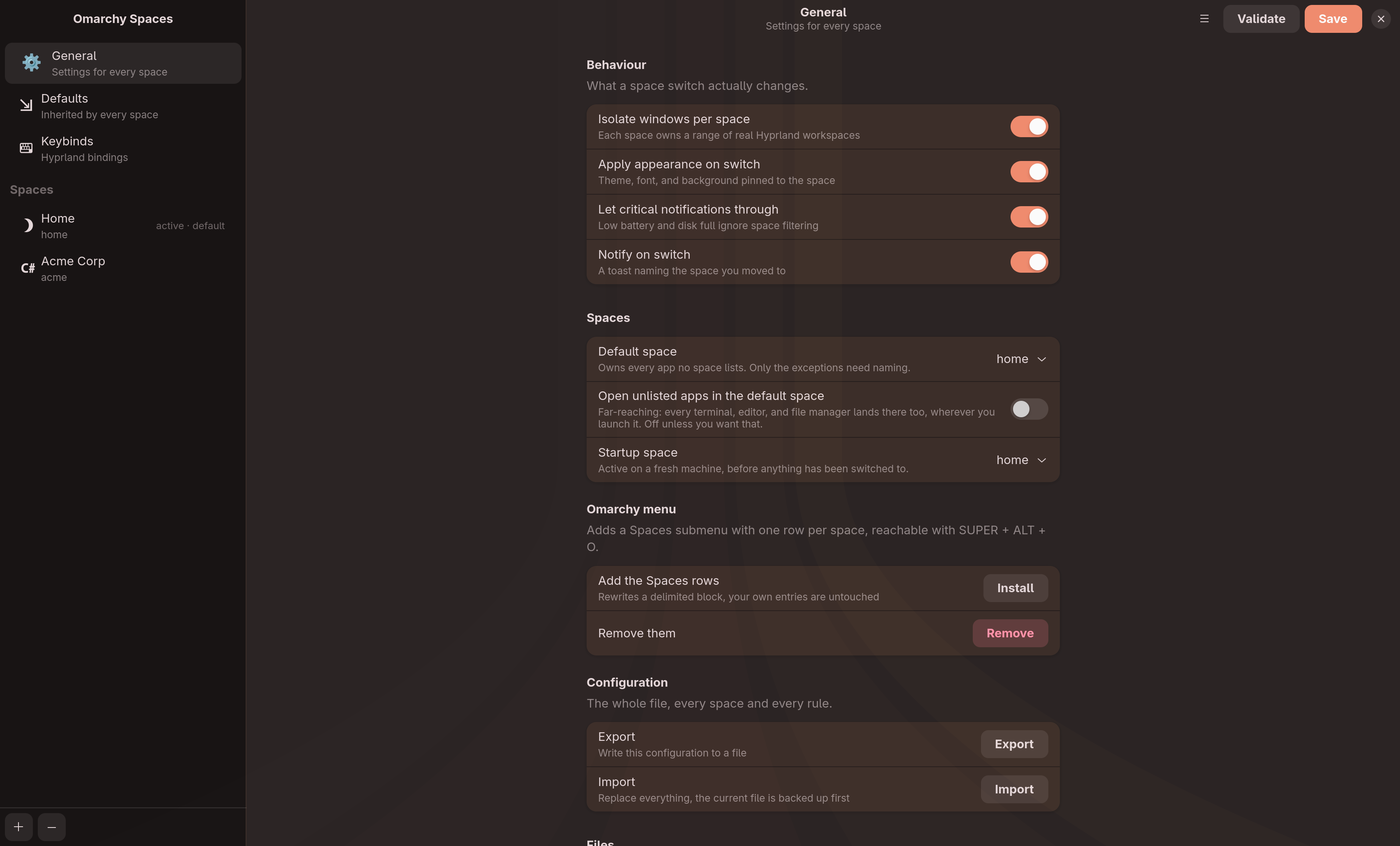
What a switch changes, the default and startup spaces, the Omarchy menu rows, and import and export.
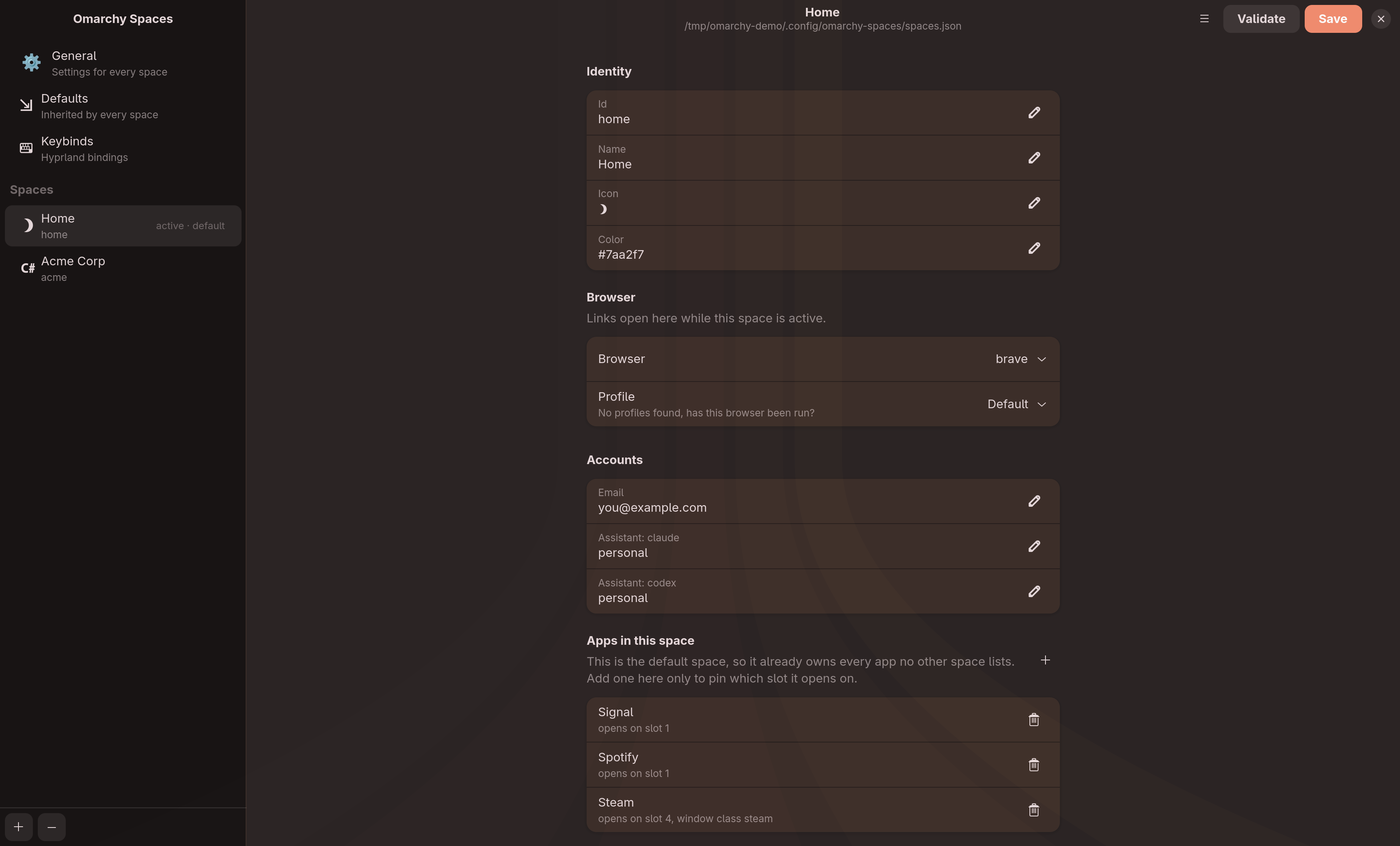
Identity, browser and profile, accounts, and the apps this space owns. The default space says so rather than pretending its app list is doing the work.
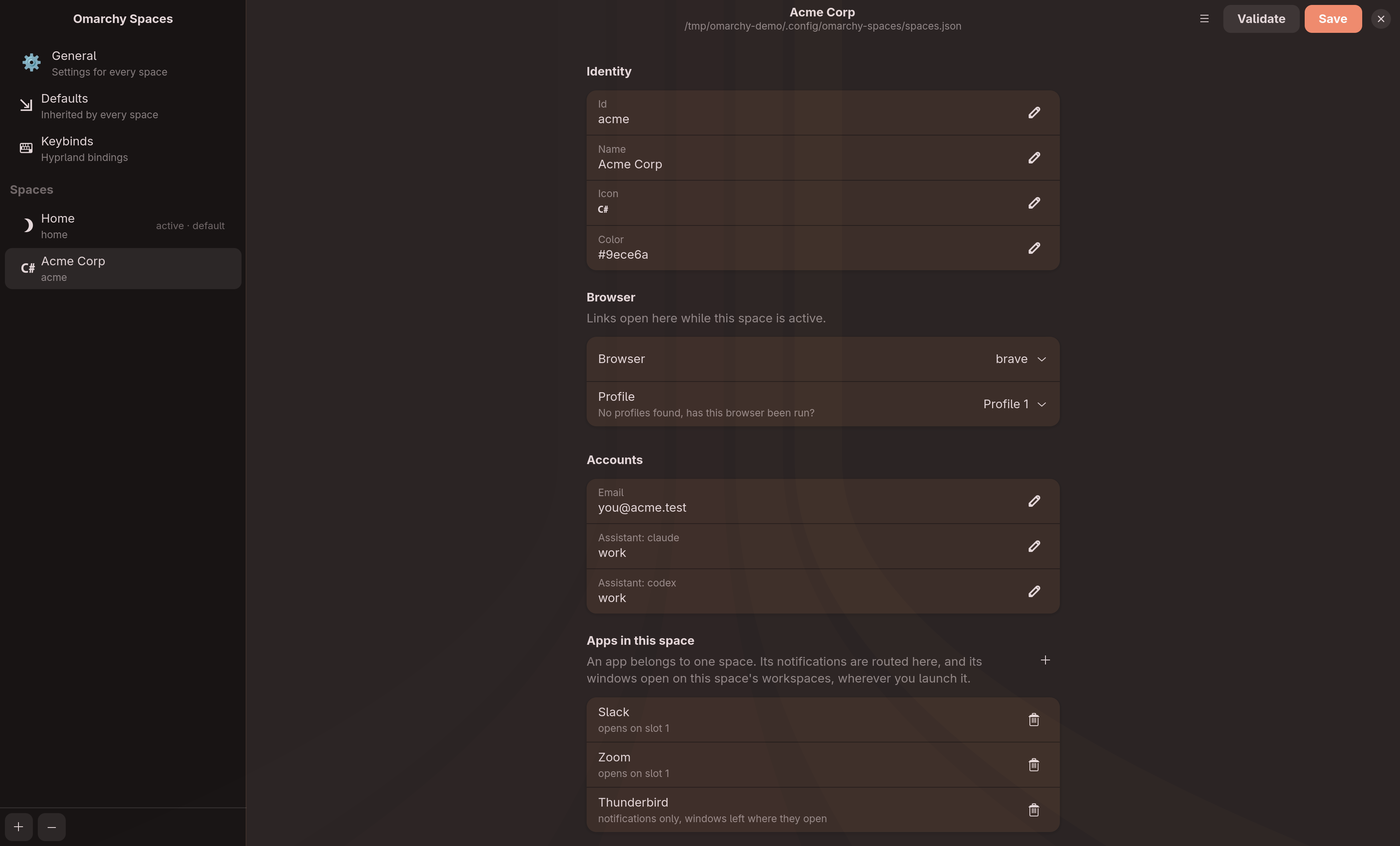
Thunderbird here shows the placement opt-out: its notifications are routed to this space, but its windows are left where they open.
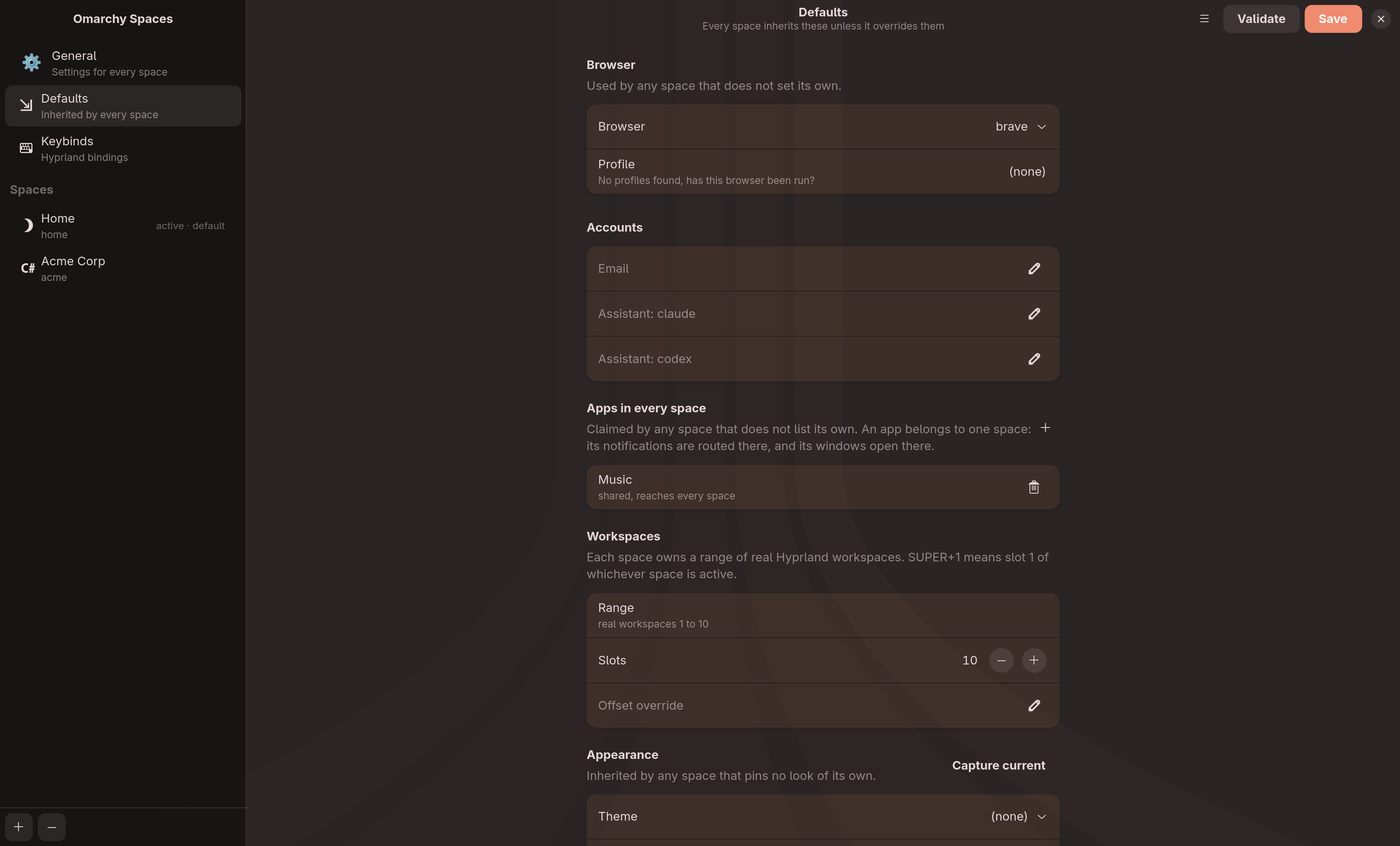
The same form as a space, minus identity. Every space inherits these unless it overrides them.
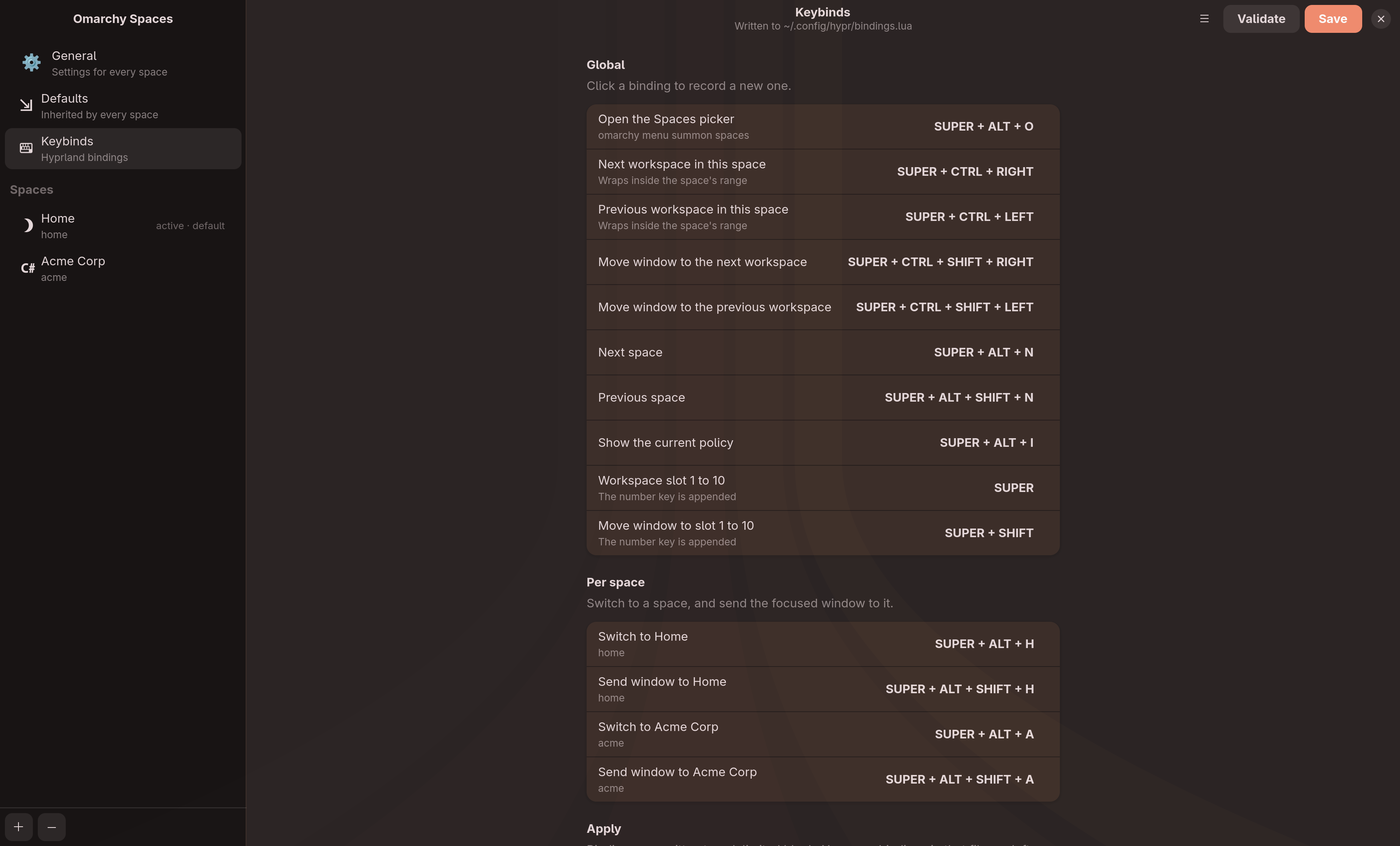
Click a binding and press the combination you want. Conflicts are checked against everything Hyprland already has bound before anything is written.
Three states, in the work space on real workspace 19. Omarchy's own widget, which stops at workspace 10 and so highlights nothing:

Both enabled, which is what --replace-workspaces avoids:

After the swap, numbered by slot:

./scripts/screenshots.shIt builds the demo profile from docs/screenshots/demo-config.json, captures
each page, swaps your own config out and back for the bar and picker, and runs
OCR over the results looking for anything personal. It needs a running Hyprland
session, plus grim, magick, and tesseract.
The OCR pass is a second pair of eyes, not the first. Small text does not OCR reliably, which is exactly why the demo profile exists: the images cannot contain anything private because the app never sees anything private.