Product transfer to another customer
-
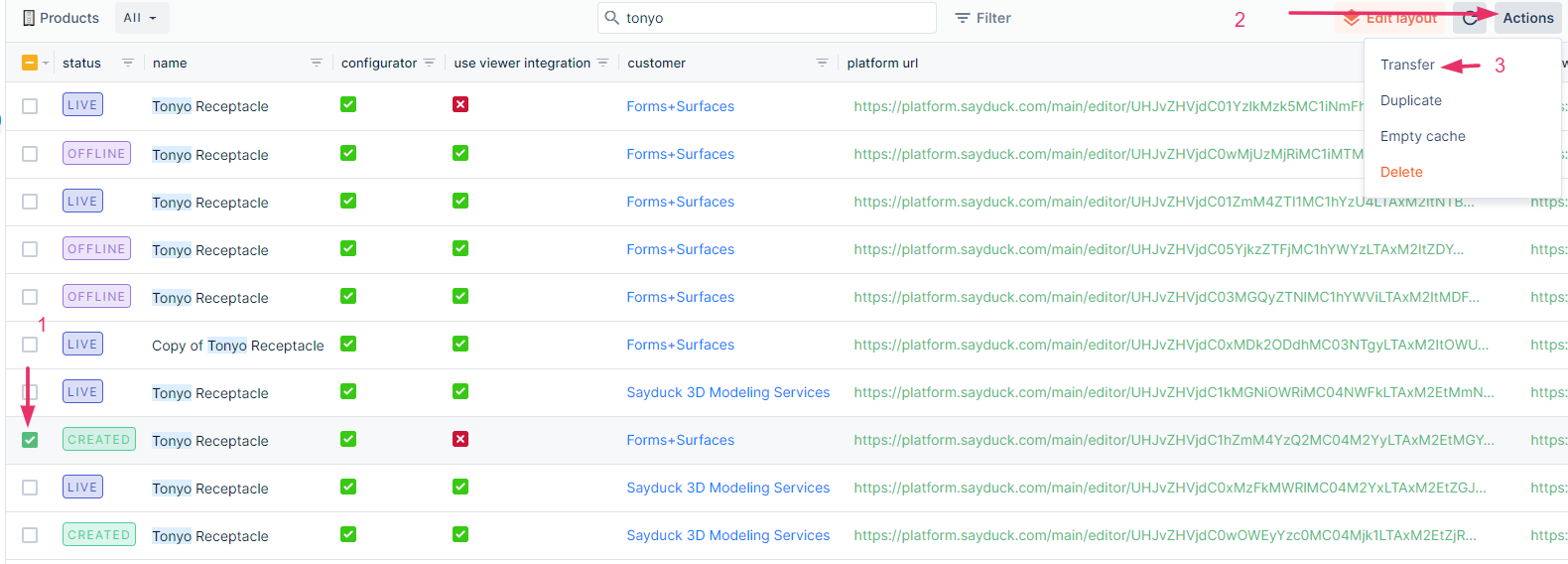
Find the product you are looking for by typing in the search
-
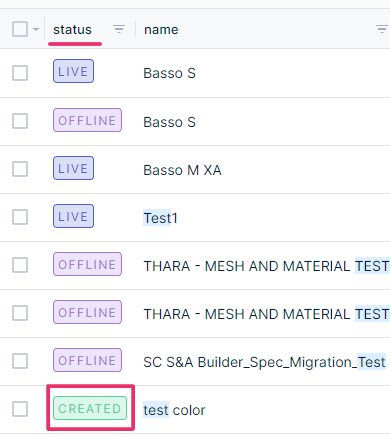
You should find and work only with the "Created" version (status column)
-
Find "Transfer" button (3rd step in the screenshot below)
-
Select the customer you need it to be transferred to
Note:
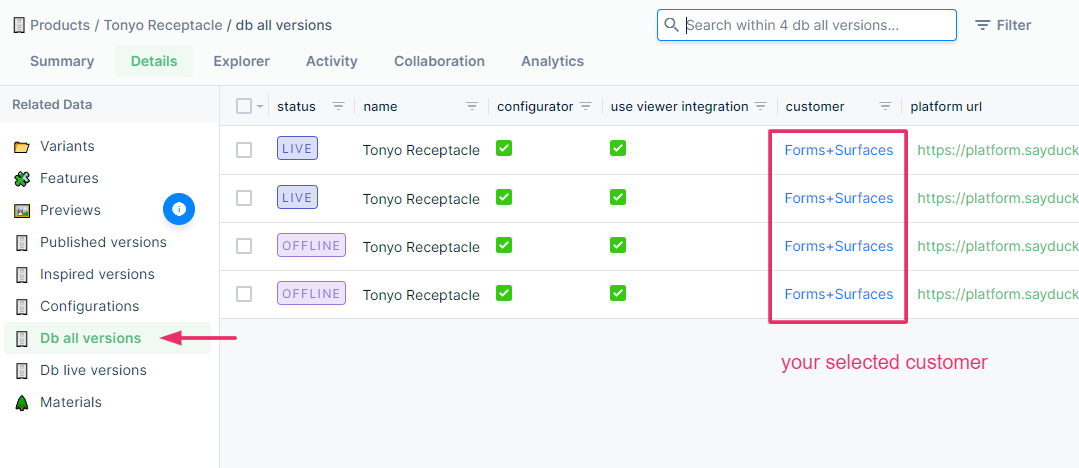
- Make sure all product versions that belong to this product moved correctly to the selected customer
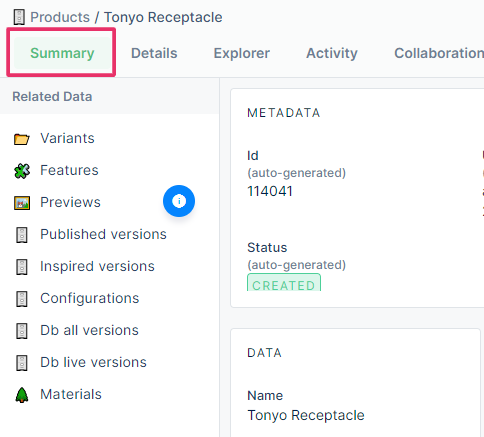
Click on your product and the summary tab is loaded automatically, then go to "Db all versions"