Repository navigation
Generating The Packages
This page describes how to generate and maintain your Swift Packages.
It is recommended to not have uncommitted changes when you modify and generate packages using Phoenix.
You can bring up the Generate Popover by either clicking on the Generate button in the toolbar or by pressing ⌘ + R.
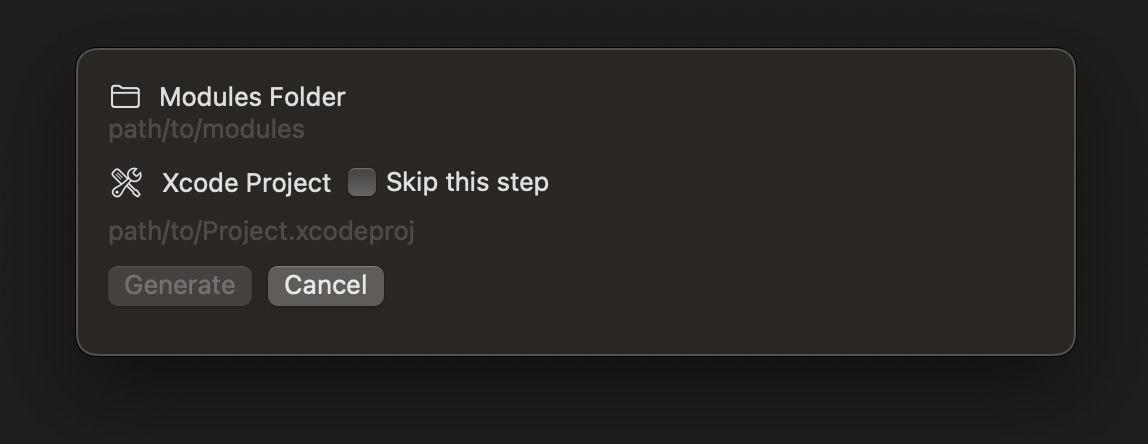
Phoenix has Sandbox mode enabled for access to your folders on your computer, therefore you need to provide access to the Modules folder, as well as your Xcode Project.
The Debug build of Phoenix does not have Sandbox mode enabled and therefore will remember your modules folder and Xcode Project's locations.
Simply click on Modules Folder and open the folder that contains your modules. This gives Phoenix access to that folder to be able to make the changes or generate new files.
In case you created new components, you can give access to Phoenix to your Xcode Project, and those packages will be added to the project. You could choose to skip this step if you did not create any new components.
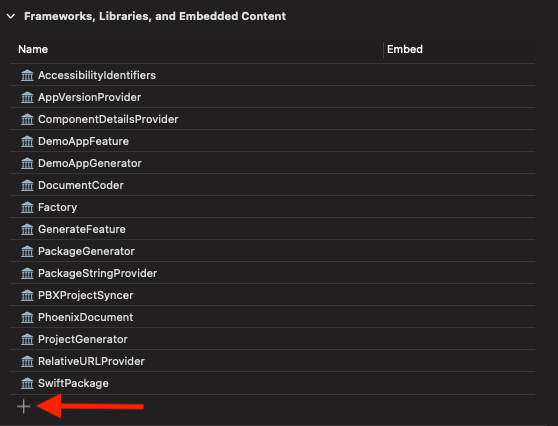
Phoenix will not embed the packages in your app target frameworks at this point, and you will have to do that manually.