Repository navigation
Migrating from Pinchflat
You can move from upstream Pinchflat to Pinchflat-NGX without re-creating your sources. Keep the same data on disk; change how you run the container.
Pinchflat-NGX upgrades the database and settings in your config folder on first start. It does not move or rewrite your files under downloads.
Optional: If you want a safety copy of config before you switch images, see Backing up config before migration. You do not need that page to migrate.
These are the same as today:
| Item | Host (typical) | Inside the container |
|---|---|---|
| Library database, settings, logs | ./config |
/config |
| Downloaded media | ./downloads |
/downloads |
| Port mapping | e.g. 8945:8945
|
unchanged |
| Timezone env | e.g. TZ: …
|
unchanged |
Your sources, media profiles, and download history live in ./config (SQLite at config/db/pinchflat.db by default).
In compose.yaml, swap the image to the Pinchflat-NGX SQLite image. Keep the service name and mounts the same; renaming the service is unnecessary.
Before (upstream Pinchflat example):
services:
  pinchflat:
    image: ghcr.io/kieraneglin/pinchflat:latest
    environment:
      TZ: America/Regina
    volumes:
      - ./config:/config
      - ./downloads:/downloads
    ports:
      - "8945:8945"
After (Pinchflat-NGX):
services:
  pinchflat:
    image: ghcr.io/thebadfella/pinchflat-ngx:latest
    environment:
      TZ: America/Regina
    volumes:
      - ./config:/config
      - ./downloads:/downloads
    ports:
      - "8945:8945"
    restart: unless-stopped
The image changes; both volume mounts and the port mapping stay the same. Keep any existing settings not shown in this example.
For a straight SQLite migration, you usually do not add new environment variables. Keep using the latest image (not latest-postgres) until you deliberately migrate to PostgreSQL elsewhere.
If you use Basic Auth, OIDC, or other env vars today, copy them unchanged into the NGX service block.
-
Do not point
./configor./downloadsat empty folders. -
Do not delete
pinchflat.dbor re-create sources unless you intend to start fresh. -
Do not change container paths
/configand/downloadsunless you know every path stored in the database still resolves.
Optional: rename the host folder (e.g. ./pinchflat-config → ./pinchflat-ngx-config) only if you update the Compose bind path to match. Container paths stay /config and /downloads.
-
Stop upstream Pinchflat:
docker compose stop -
Edit
compose.yamlas above, keeping the same config and downloads mounts. -
Start NGX:
docker compose pull && docker compose up -d, then openhttp://<host>:8945.
When a legacy Pinchflat installation is detected, NGX shows a migration welcome screen and holds background operations while you review the library. New installations and installations already migrated to NGX do not need this review again.
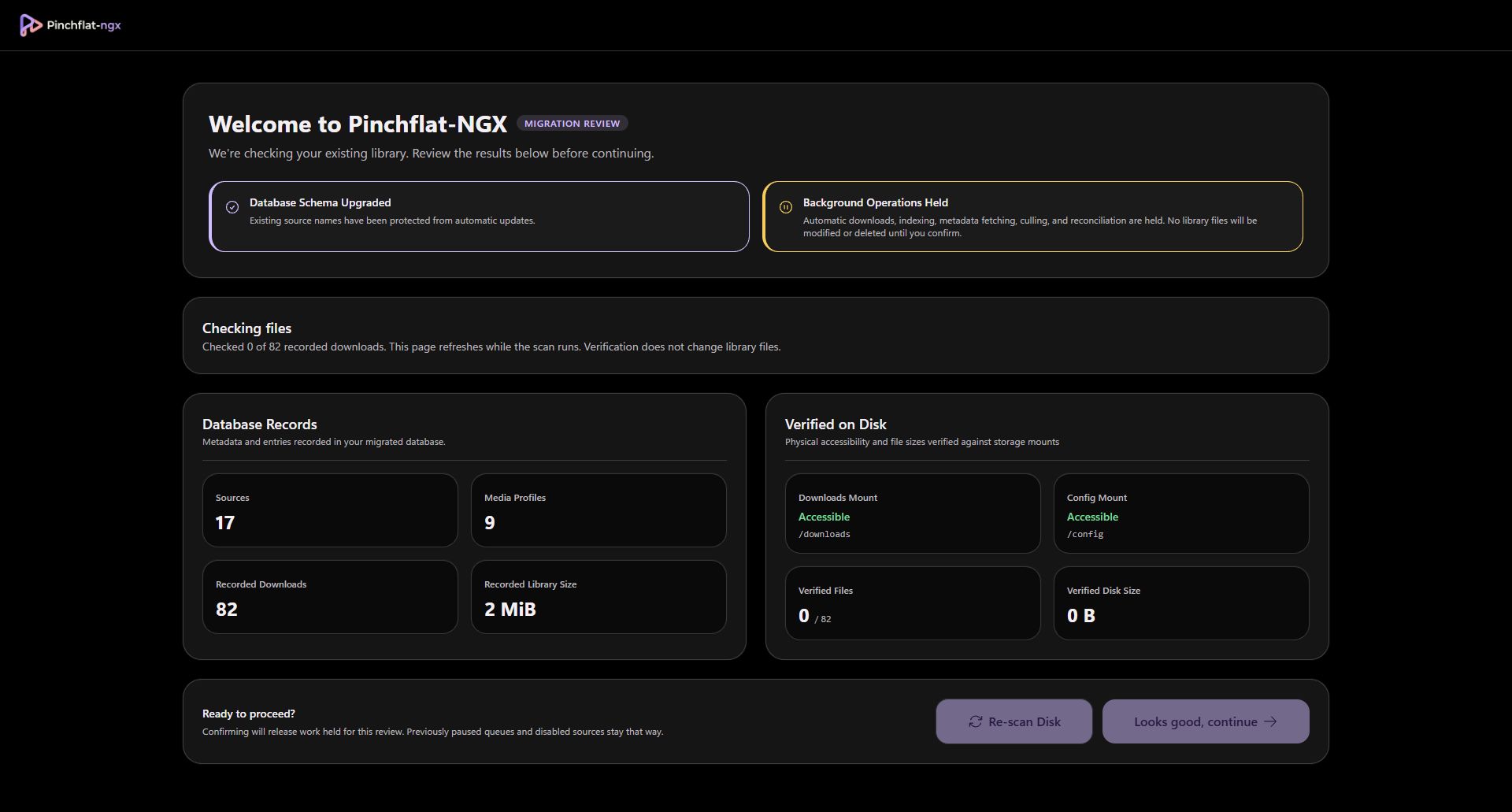
Wait for the file check to finish. Database Records shows what your library database contains; Verified on Disk shows accessible files and their sizes. This checks readability and size, not media contents or checksums.
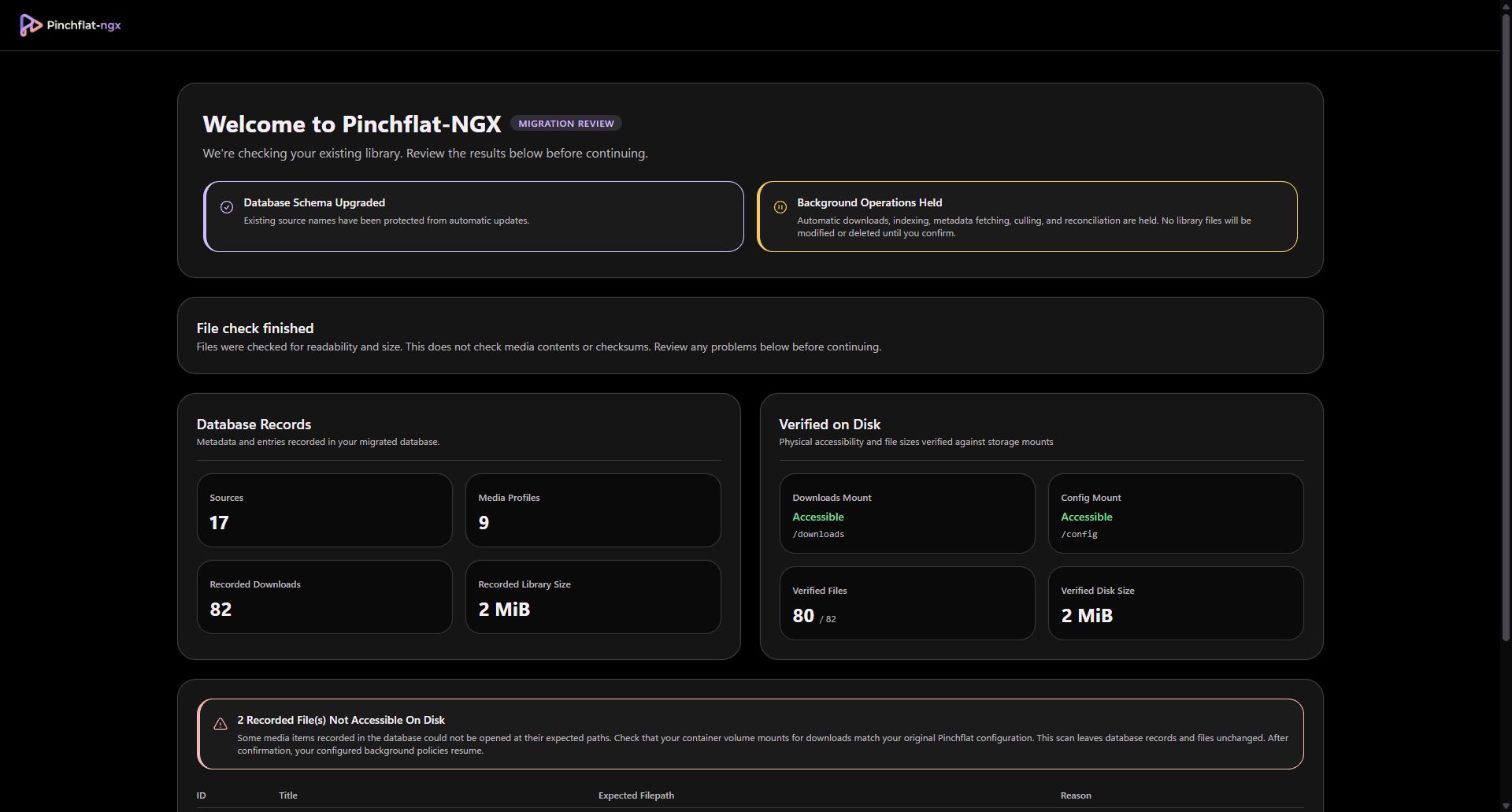
These are example captures from a test library. If files are inaccessible, check the host storage and Compose mounts, correct them, then choose Re-scan Disk. The review does not delete missing records or change library files.
When the results look right, choose Looks good, continue at the bottom of the review. This releases work held for migration; previously paused queues and disabled sources stay that way. Your configured download and retention policies can then resume. Missing channel artwork can be fetched without redownloading your media.
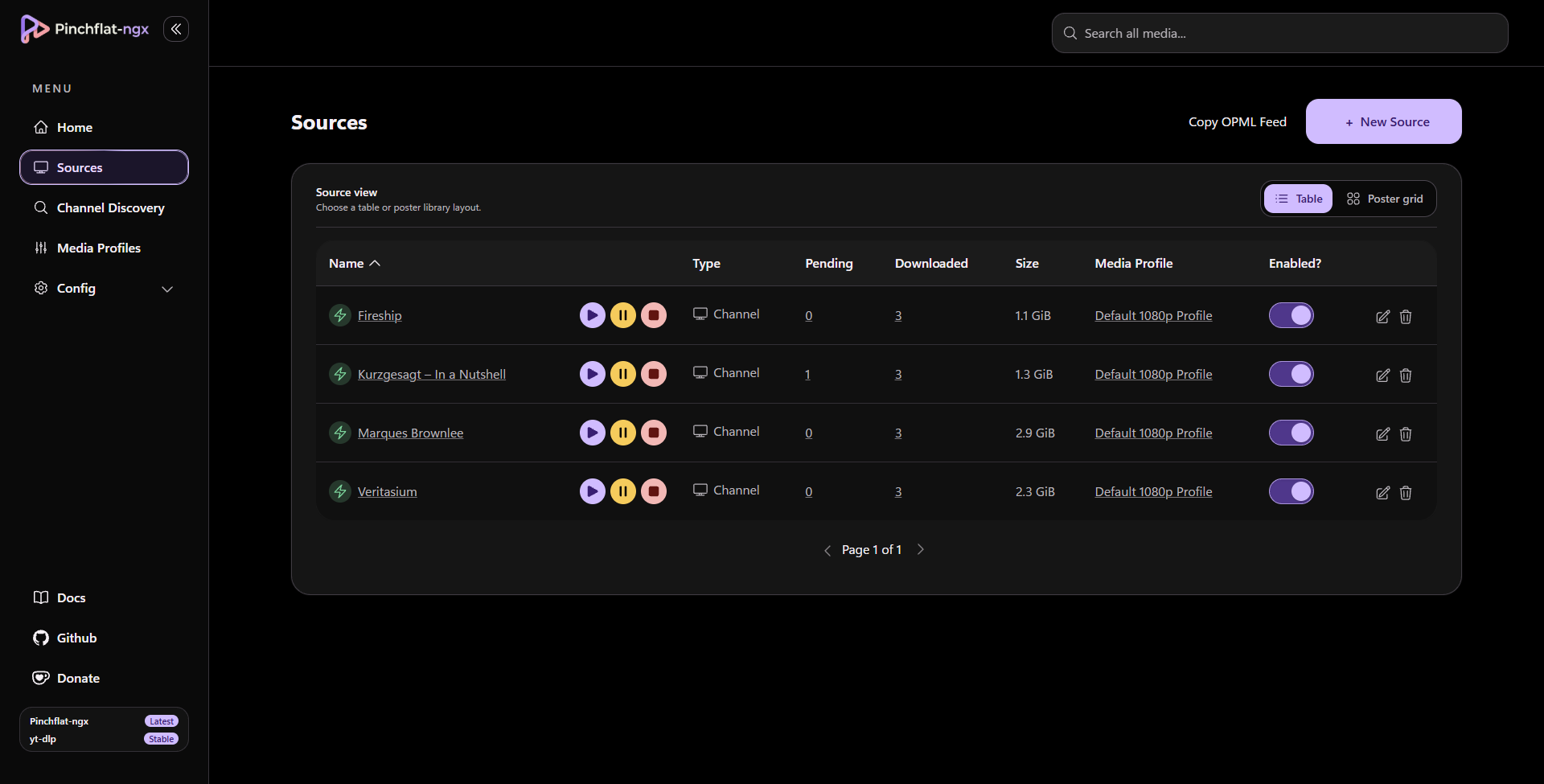
Welcome screen on mobile
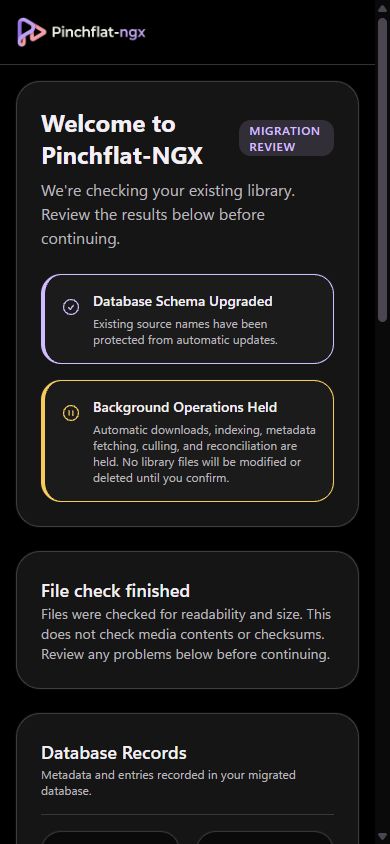
Schema upgrades run when the container starts, before this screen. The screen is a library review, not approval before database changes.
- Sources list looks complete.
- Open a source you know has downloads; paths still work.
- No unexpected mass re-download (if the welcome screen reported mount problems, fix mounts first).