10 Beta testing guide
Note
HACS will always replace the entire integration folder during updates, so there will be no code leftovers from the previous version. All exisiting devices, entities, recorded data etc will remain, unless explicitely addressed by the code of the new version installed.
If you want to try out the latest beta, please proceed as follows:
- Go to HACS,
- filter for
ugreenand click the integration, - click the three-dot menu on the right, choose
Update information, - click the three-dot menu again and choose
Redownload, - a window will appear that lets you choose from all releases on Github,
- pick the topmost item marked
Pre-release, - choose
Downloadand restart Home Assistant when asked to do so. Done.
You can revert back to the latest official release version the same way. Just pick the topmost NON pre-release item on the list.
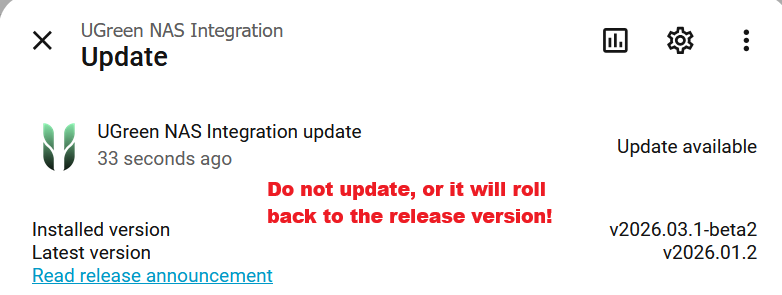
Important
After installing the beta, HA will probably show you an update note on the integration. If you want to continue with the beta, don't install the offered 'update', as it will automatically revert back to the latest release version: