Repository navigation
Detailed Agent Field Guides
These are the single current graphics for each of seven agent roles. Every SVG combines a generated illustration with exact vector labels for folder location, example prompt, CLI route, process, and boundary. The current visual guide links the four system maps and combined atlas.
For a selected project root, the examples below use bash .SYSTEMX/SYSTEMX.sh; on Windows use the reviewed PowerShell launcher for commands supported by that release. Read the versioned CLI manual for required arguments and platform limits. Text after a vertical bar on a graphic denotes choices, not one pasted command. A role record never starts a worker or grants access.
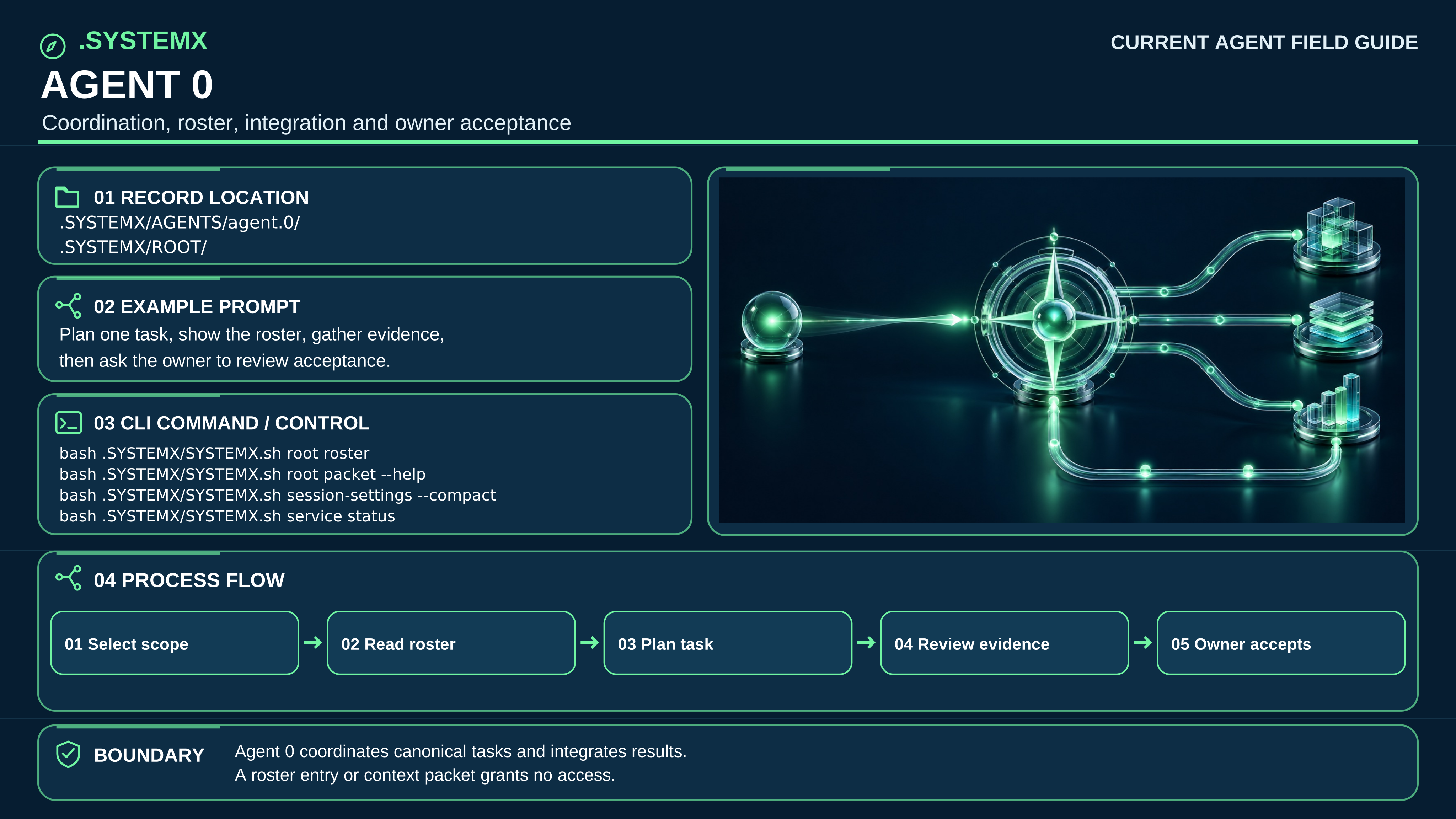
Open full-size SVG · Versioned text companion
Record location: .SYSTEMX/AGENTS/agent.0/ and .SYSTEMX/ROOT/
Example prompt: “Plan this task, assign one owner, collect evidence, then ask me to review acceptance.”
CLI route: bash .SYSTEMX/SYSTEMX.sh root roster
Process: Select scope → Add task → Route work → Review evidence → Owner accepts.
Boundary: Agent 0 coordinates canonical tasks; the designated owner accepts. A roster row is not authentication or permission.
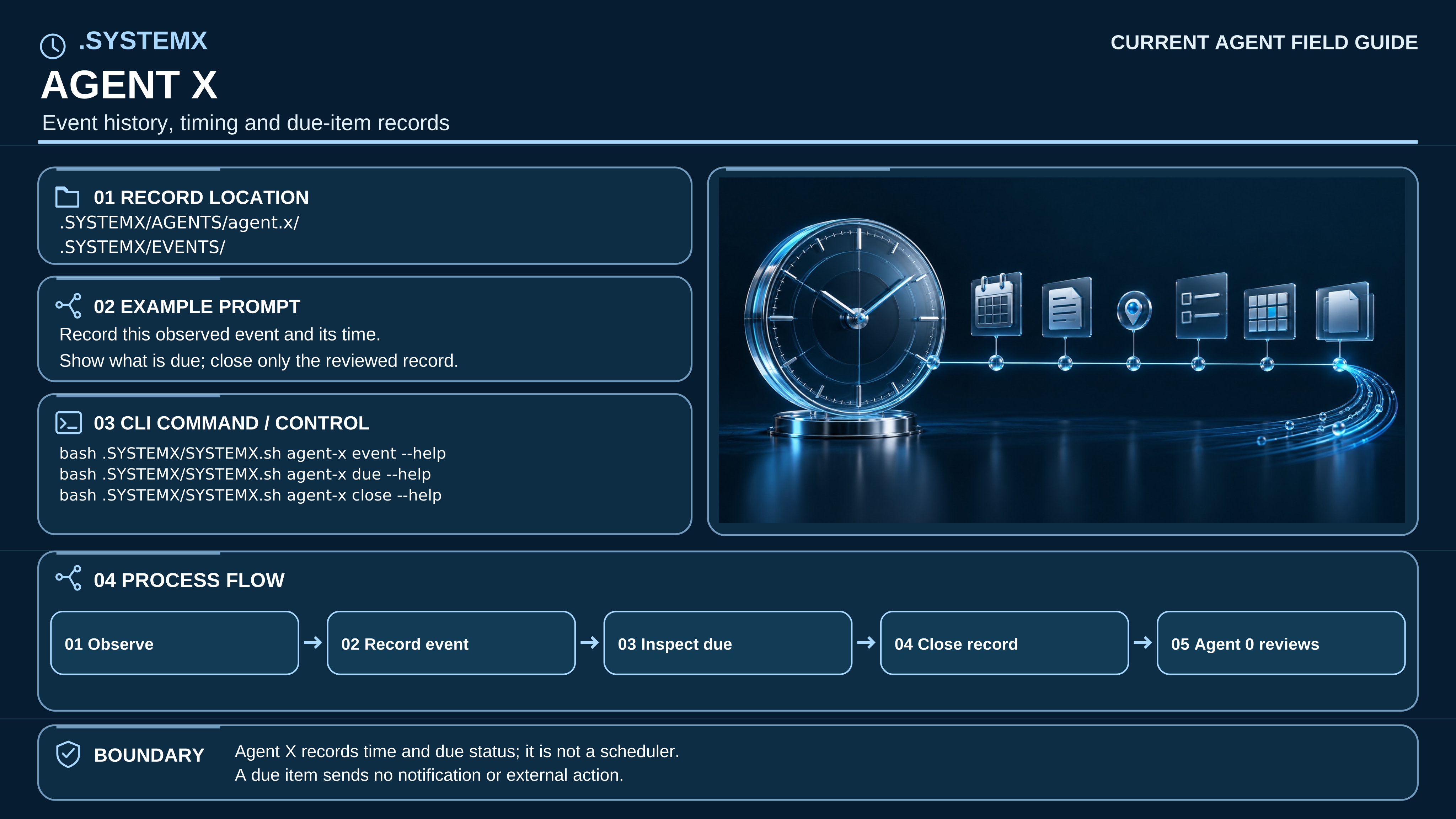
Open full-size SVG · Versioned text companion
Record location: .SYSTEMX/AGENTS/agent.x/ and selected EVENTS/ records
Example prompt: “Record this observed check and its time. Show what is due.”
CLI route: bash .SYSTEMX/SYSTEMX.sh agent-x --help
Process: Observe → Record event → Inspect due → Close record → Agent 0 reviews.
Boundary: Agent X records events and due items; it does not execute a schedule or send notifications.
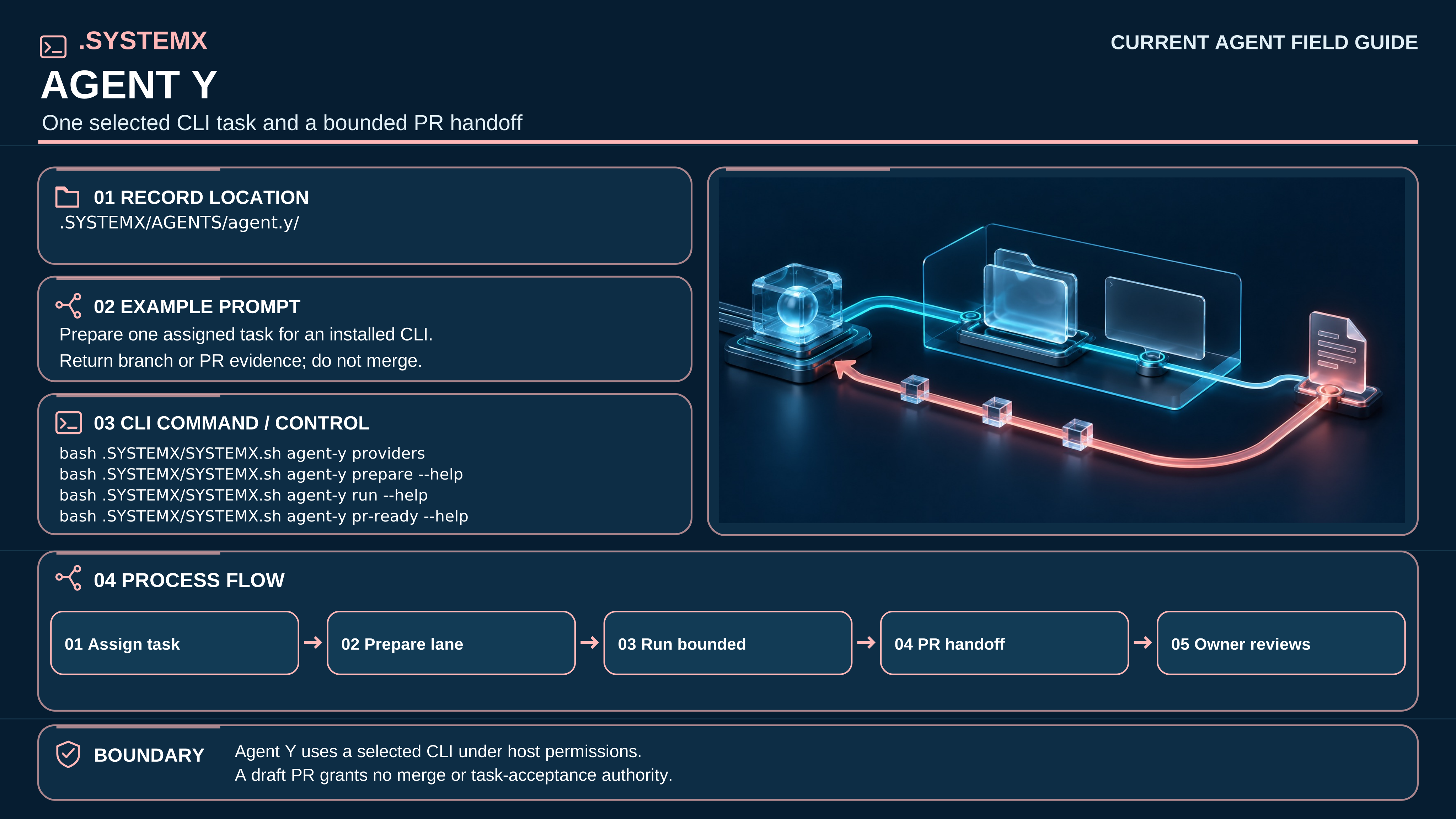
Open full-size SVG · Versioned text companion
Record location: .SYSTEMX/AGENTS/agent.y/
Example prompt: “Prepare one assigned task for an installed CLI. Return branch or PR evidence; do not merge.”
CLI route: bash .SYSTEMX/SYSTEMX.sh agent-y --help
Process: Assign task → Select provider → Prepare lane → Run bounded → Review handoff.
Boundary: Agent Y uses host permissions. A branch or draft PR does not grant merge or task-acceptance authority.
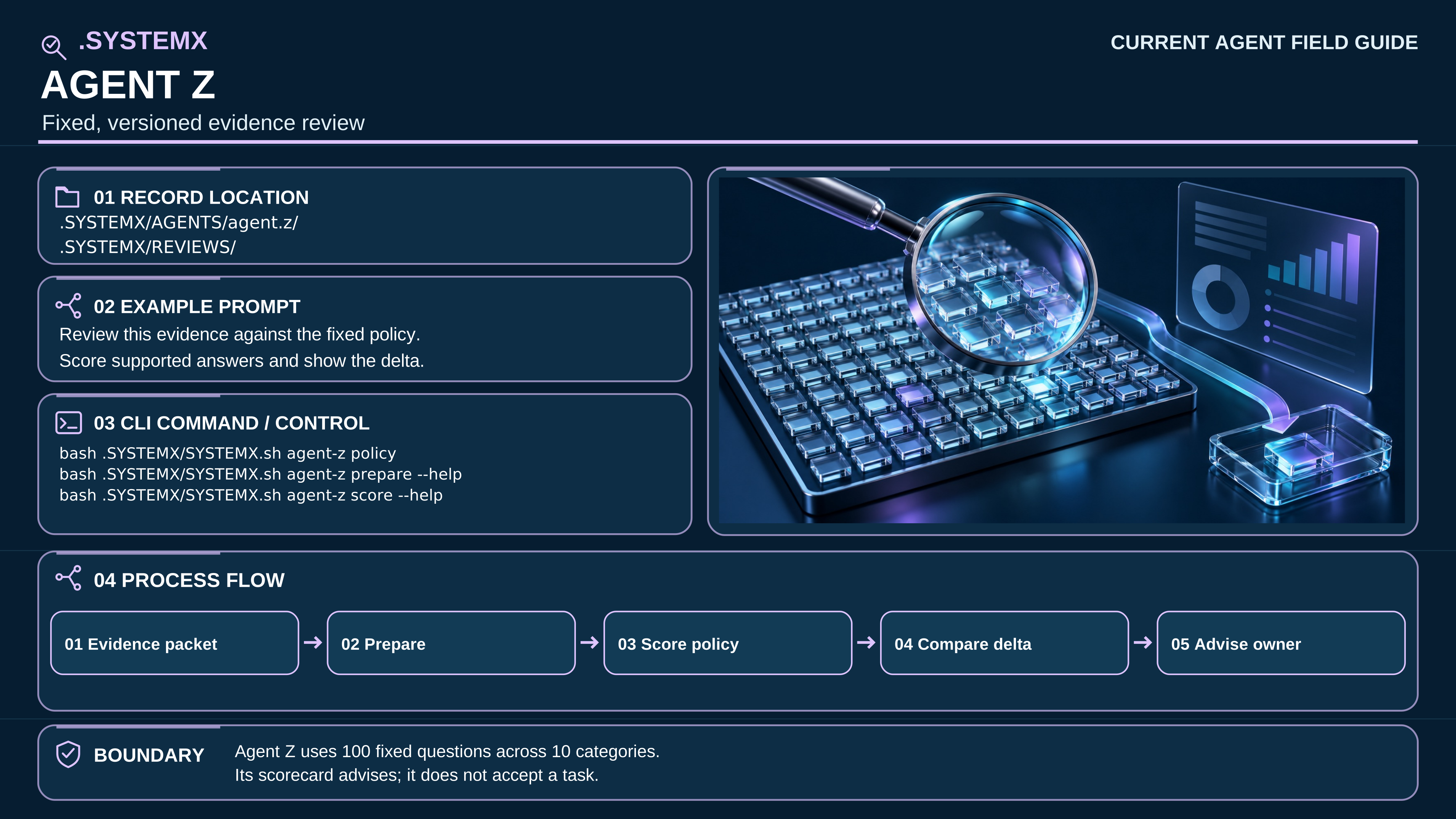
Open full-size SVG · Versioned text companion
Record location: .SYSTEMX/AGENTS/agent.z/ and selected REVIEWS/ records
Example prompt: “Review this evidence against the fixed policy. Show unsupported answers and the delta.”
CLI route: bash .SYSTEMX/SYSTEMX.sh agent-z --help
Process: Receive evidence → Prepare → Score policy → Compare delta → Advise owner.
Boundary: The fixed 100-question scorecard is advisory evidence, not certification or task acceptance.
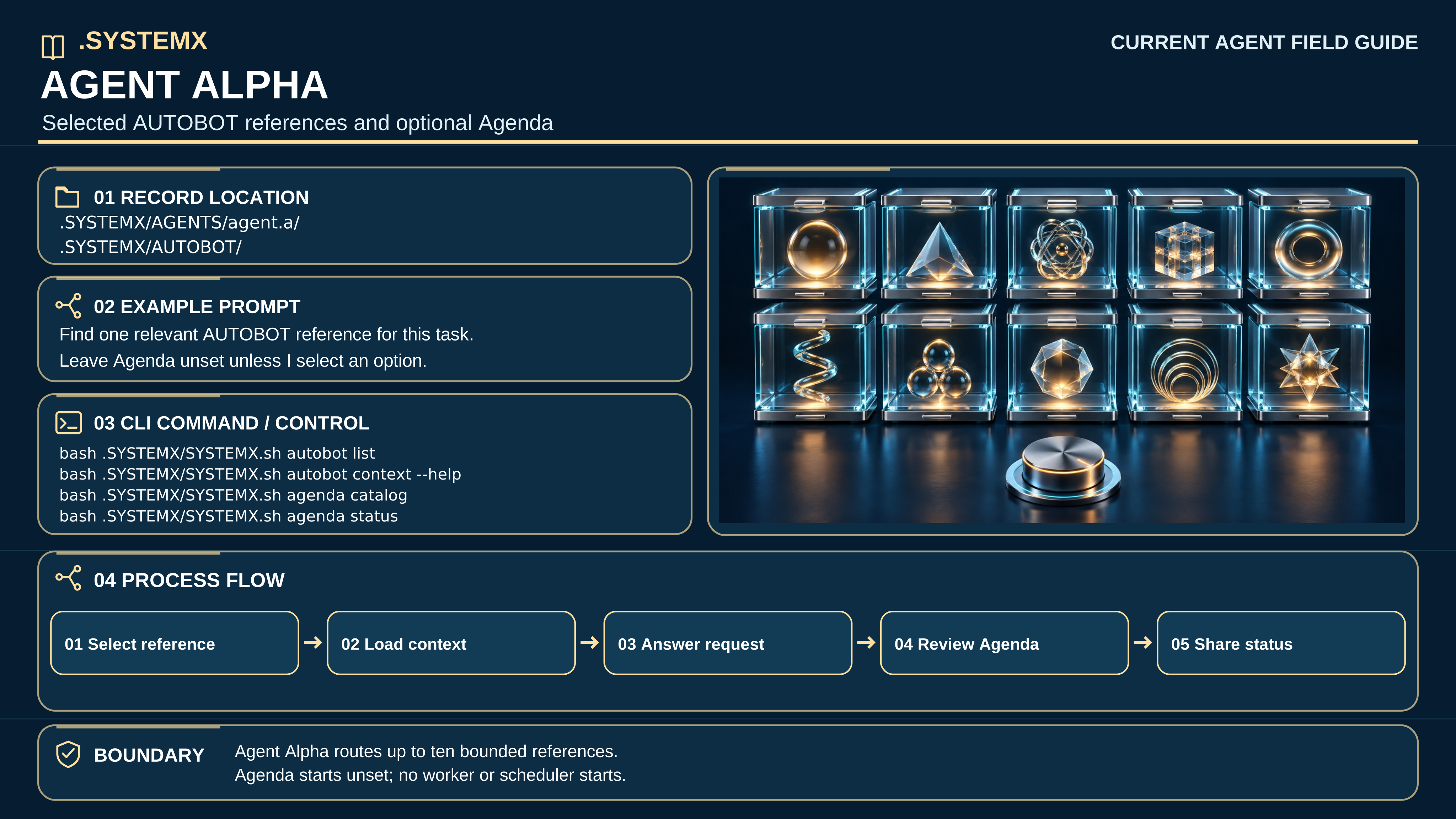
Open full-size SVG · Versioned text companion
Record location: .SYSTEMX/AGENTS/agent.a/ and .SYSTEMX/AUTOBOT/
Example prompt: “Find only the relevant reference for this task; leave Agenda unset until I choose.”
CLI route: bash .SYSTEMX/SYSTEMX.sh autobot --help and agenda --help
Process: Select reference → Request context → Reuse result → Inspect Agenda → Share status.
Boundary: Ten reference functions do not create extra workers or a scheduler; Agenda choices start unset.
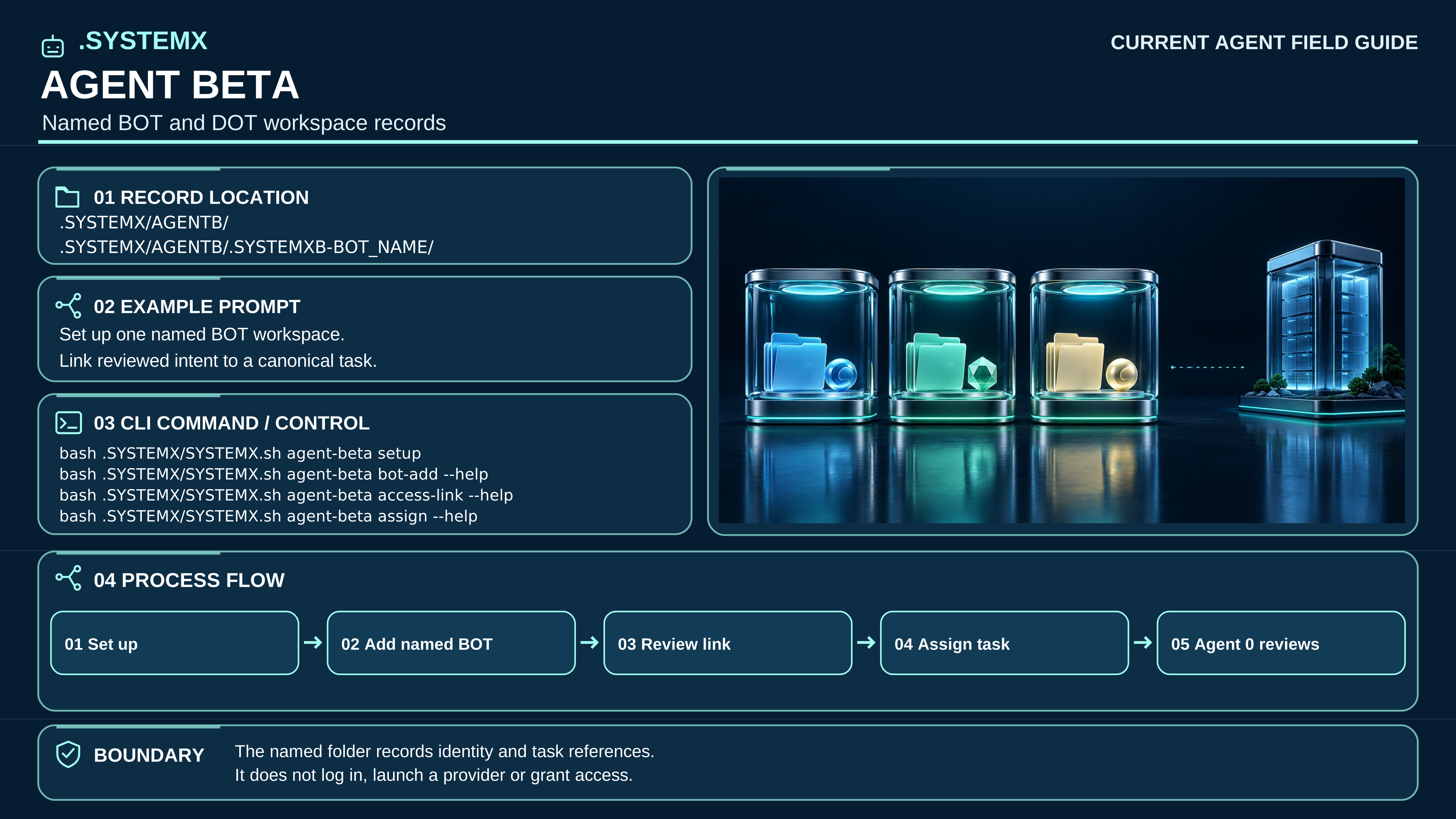
Open full-size SVG · Versioned text companion
Record location: .SYSTEMX/AGENTB/.SYSTEMXB-BOT_NAME/ after explicit setup
Example prompt: “Set up one named BOT/DOT record and link reviewed intent to one task.”
CLI route: bash .SYSTEMX/SYSTEMX.sh agent-beta --help
Process: Set up → Name workspace → Review identity → Link task → Agent 0 reviews.
Boundary: The folder remains offline; it does not log in, start a provider, or grant access.
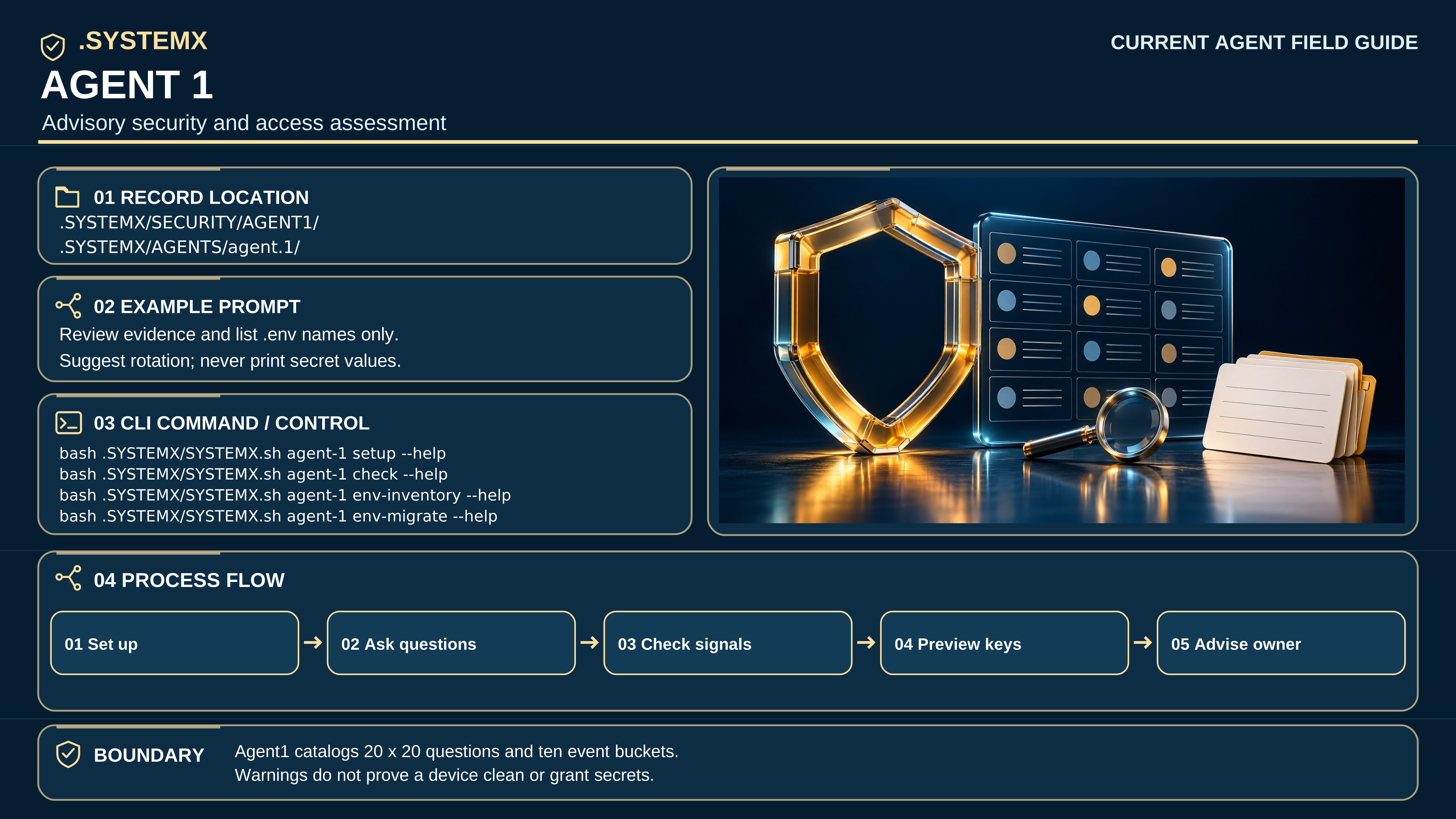
Open full-size SVG · Versioned text companion
Record location: .SYSTEMX/SECURITY/AGENT1/ and .SYSTEMX/AGENTS/agent.1/
Example prompt: “Review security evidence and .env names only; never print credential values.”
CLI route: bash .SYSTEMX/SYSTEMX.sh agent-1 --help
Process: Select scope → Answer questions → Check signals → Preview migration → Advise owner.
Boundary: Twenty categories × twenty questions and ten event buckets are advisory; no device-clean guarantee.
The previous beta.1 role cards and detail sheets remain available as an immutable historical edition. Those graphics are not embedded in the current manual.