Repository navigation
Mods
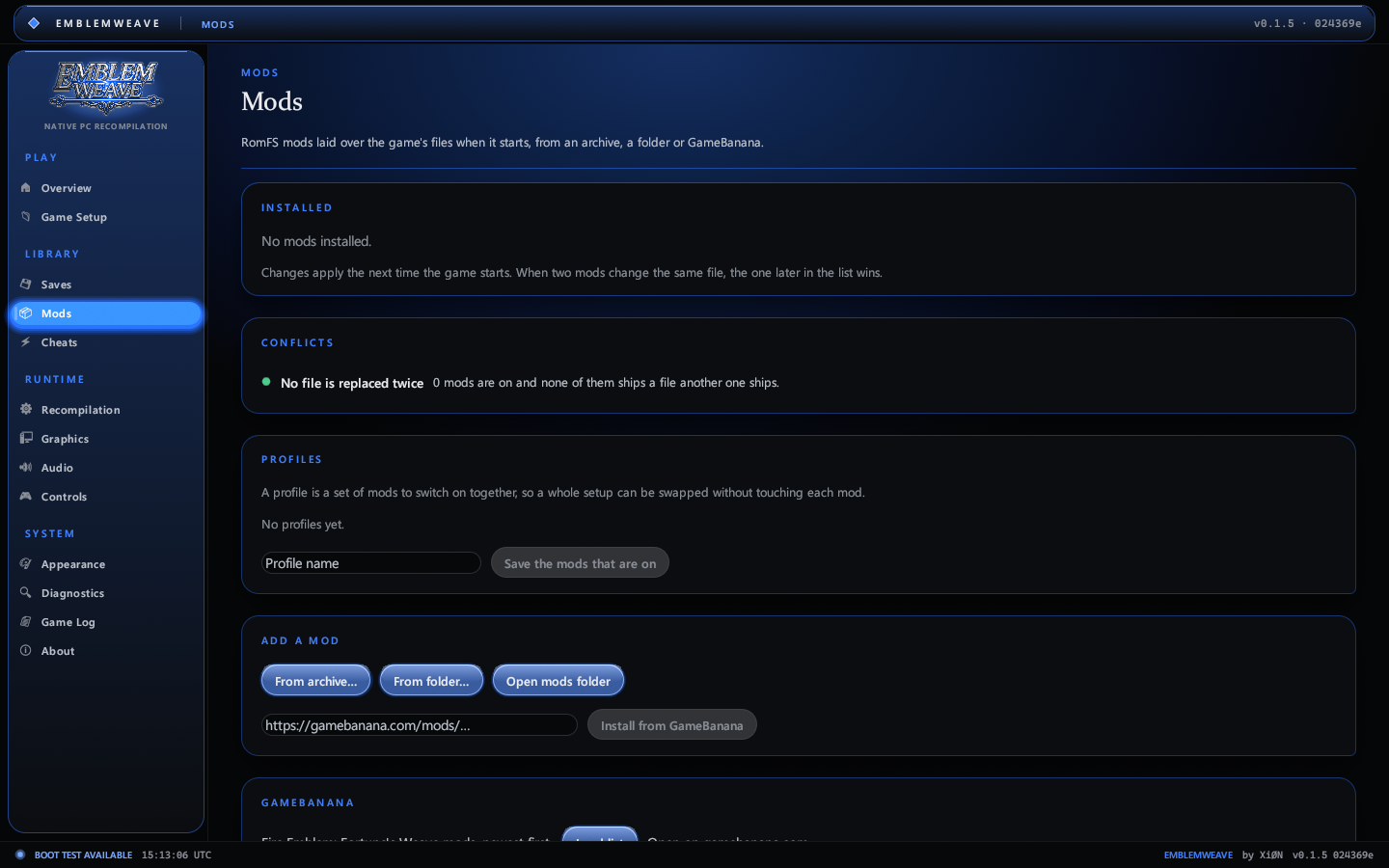
EmblemWeave installs, switches and removes mods without touching your game dump. Mods are made by their authors and hosted by GameBanana; EmblemWeave does not review, endorse or host them.
A RomFS mod is a folder laid out like the game's RomFS:
mods/
  My Mod/
    romfs/
      ...replacement files...
The Mods page installs from:
- a
.zip,.7zor.rararchive; - a folder;
- a GameBanana link;
- the game's GameBanana list, browsed inside the launcher.
Each installed mod has a toggle. Disabling a mod does not delete it. Removing it removes only the mod folder.
The Mods page shows what is installed and active. If two active mods ship the same path, the result is whatever the mods provide; disable one if the wrong asset appears.
The engine exposes a DLL mod interface (engine/fefw-recomp/runtime/include/nxrt/mod_api.h). A code mod ships a DLL in
its exefs folder and is loaded when the game starts.
A code mod that brings hook sites (exefs/*.sites) patches the recompiled game's call sites, so it needs
Build the game once after it is installed, updated or removed. The Mods page shows when a rebuild is required.
Patch-only mods are installed like any other mod, as:
mods/<mod name>/exefs/*.ips
mods/<mod name>/exefs/*.ips32
mods/<mod name>/exefs/*.pchtxt
They are not applied to your dump and are not applied at run time. After Build the game has copied and
uncompressed main into the launcher's work folder, the launcher:
- validates the active patch files;
- applies them to that copy;
- starts the lifter.
The resulting fefw.exe contains the patched code. Changing the active set makes Play unavailable until the game is
built again.
- Only
mainis supported. Other ExeFS modules are refused because the build does not write them uncompressed. - An
.ips/.ips32file must be named with the 40-hex build ID ofmain(a 32-hex prefix is also accepted). A genericmain.ipsis refused because it cannot be tied to a build. - A
.pchtxtmust start with@nsobid-<build id>and may use@enabled/@disabled,@stop, comments and@flag offset_shift. - Conflicts between active patches are reported before Play.
Patch support has shipped since 0.1.37. The game version 1.1.1 is not verified for patches.
Full syntax, conflict rules and the troubleshooting table: docs/PATCHES.md.
| Install | Mods folder |
|---|---|
| Portable | data/play/mods/ |
| Profile | %APPDATA%\EmblemWeave\play\mods\ |
The engine reads the folder named by [fs] mods in fefw.ini.
- Mods run inside the game process. Install only mods you trust.
- A code mod's DLL can do anything the game can do.
- Back up your saves before adding mods that change progression.
- EmblemWeave never modifies your game dump; removing a mod leaves the dump untouched.