Home
This is the end-to-end guide for the Windows-native World Media application.
It describes the shipped 0.1.2 behavior in this repository: how to
install and run it, browse all eleven public sources, play media, use the
equalizer, download finite files, record live streams, preserve portable data,
and diagnose provider or runtime problems.
The app is a local desktop shell around public catalogs. It does not host the catalogs or stream files itself, and it does not have a fixed channel list. Stations, channels, episodes, and archive records are discovered from the providers at run time and can change without an app update.
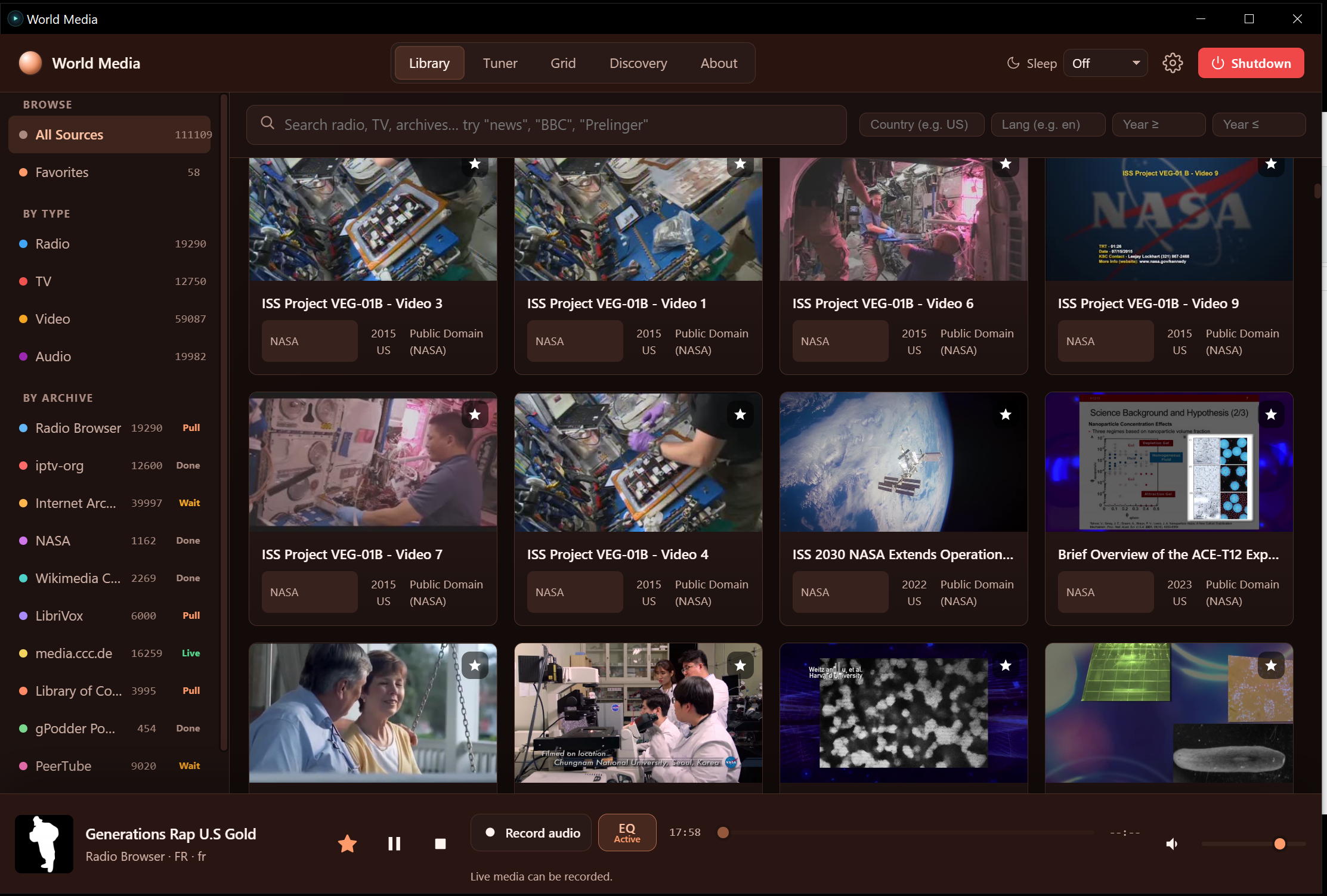
| Tune live radio and TV | Discover something unexpected |
|---|---|
 |
 |

| If you want to… | Read |
|---|---|
| Install the EXE or move it to another drive | Installation and portable data |
| Learn the five tabs, sidebar, filters, and settings | Using the application |
| Understand every source and its channel/catalog behavior | Sources and channels |
| Play a stream, fix a broken stream, use EQ, download, or record | Playback, EQ, downloads, and recording |
| Understand favorites, cache, profile migration, and backups | Data, cache, and portability |
| Recover from rate limits, missing thumbnails, stutter, or shutdown errors | Troubleshooting |
| Build, test, package, or extend the repository | Developer and release guide |
| Understand the runtime, schedulers, relays, and security boundaries | Architecture and runtime reference |
- Extract the complete portable package, or place
WorldMediaWindows.exein a writable folder. Do not separate the executable from its companion files when using the folder/ZIP build. - Double-click the EXE. Microsoft Edge WebView2 Runtime and internet access
are required. The app opens a native window and starts a localhost service
bound to
127.0.0.1. - Open Library. The first browse starts one independent catalog lane per enabled source. Cards and source counts appear as each lane returns data.
- Search, choose a source/type in the sidebar, or open Favorites. Click a card to open its detail panel and begin playback.
- Use the bottom player bar to play/pause, stop, seek finite media, mute, set volume, favorite the current item, open EQ, and download or record when the source supports that action.
- Use the gear for appearance, content, recorder, quality, source toggles, server-port handoff, FFmpeg, downloads, and cache controls.
- Library is the accumulating, searchable catalog. It keeps collected item identities in memory for the session; only the number of mounted DOM cards is limited for performance.
- Tuner is a live station/channel selector with a rotary presentation. Frequencies are a convenient UI index, not broadcaster frequencies.
- Grid is a guide-style view for live TV and radio. It uses the same live adapters as Tuner but presents tiles, category/country/source filters, and a text filter.
- Discovery asks enabled sources for bounded random candidates and returns one result at a time. It does not try to download every catalog first.
- About explains the public sources, privacy model, licenses, and bundled runtime notices.
These are reference captures of the current UI. They are linked rather than copied so the wiki stays alongside the source screenshots:
- All Sources
- Favorites
- Radio detail and playback
- Radio playing
- Radio Browser source
- TV detail and playback
- Grid
- Tuner
- Discovery
- Equalizer
- Large video player


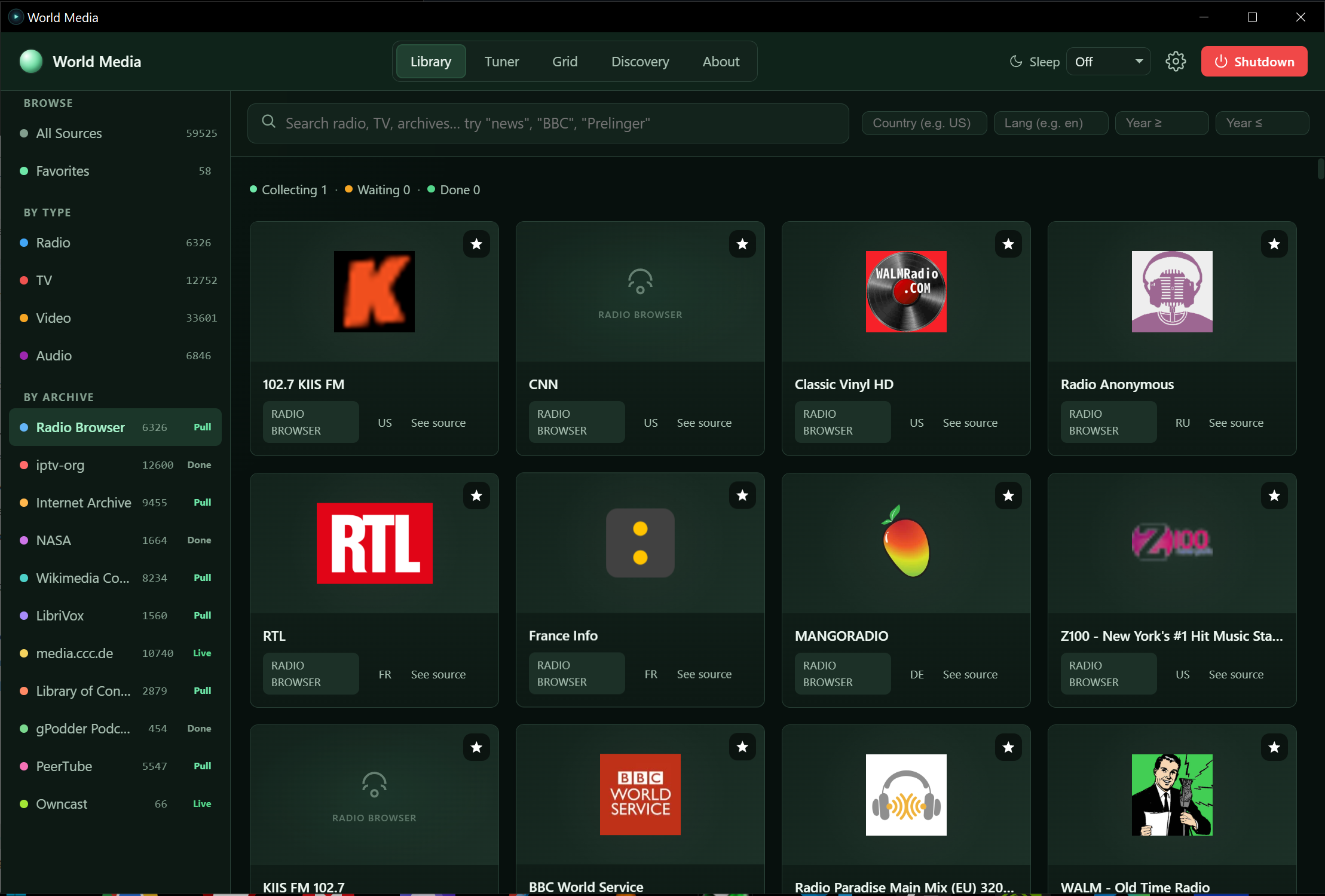
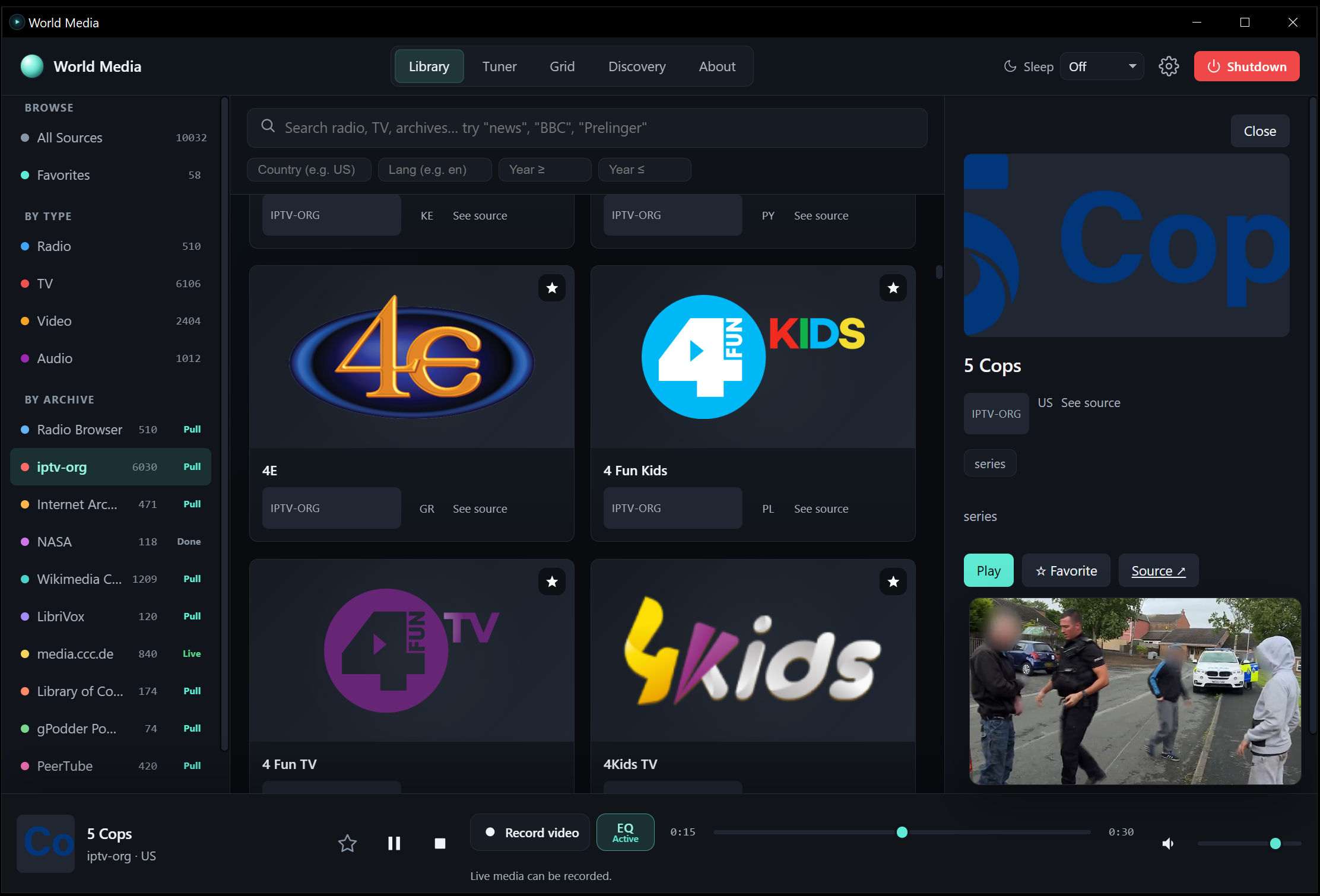


Screenshots show a point-in-time provider result. Counts, logos, stream availability, and status labels are live data and will not necessarily match a later launch.
- There is no application cap that stops a Library source at 300 or 6,000
items. The Library keeps the complete session catalog;
300is the maximum number of cards mounted in one render window. Use Show earlier items and the normal scroll sentinel to move through a larger session. - All enabled sources are scheduled through a shared fair queue, with one provider lane per source by default and stricter policies for providers that request pacing. A rate-limited or failed source retains its cursor and retries; it is not falsely marked complete.
- Playing media deliberately receives network/CPU priority. Catalog and artwork work continues at a reduced background rate, and returns to normal when playback stops. This is why thumbnails can arrive more slowly while a stream is active.
- A live stream is always an upstream dependency. The app can rotate through known candidates and recover HLS/DASH sessions, but it cannot make an offline broadcaster reliable.
- Favorites, settings, EQ curves, job history, cache records, logs, downloads, and optional FFmpeg tools have different storage locations. See Data, cache, and portability before moving or cleaning an installation.
The wiki is the user-facing guide. The original engineering records remain useful for implementation detail: