Repository navigation
Home
Why settle for third-party launchers when you can just use the original one?
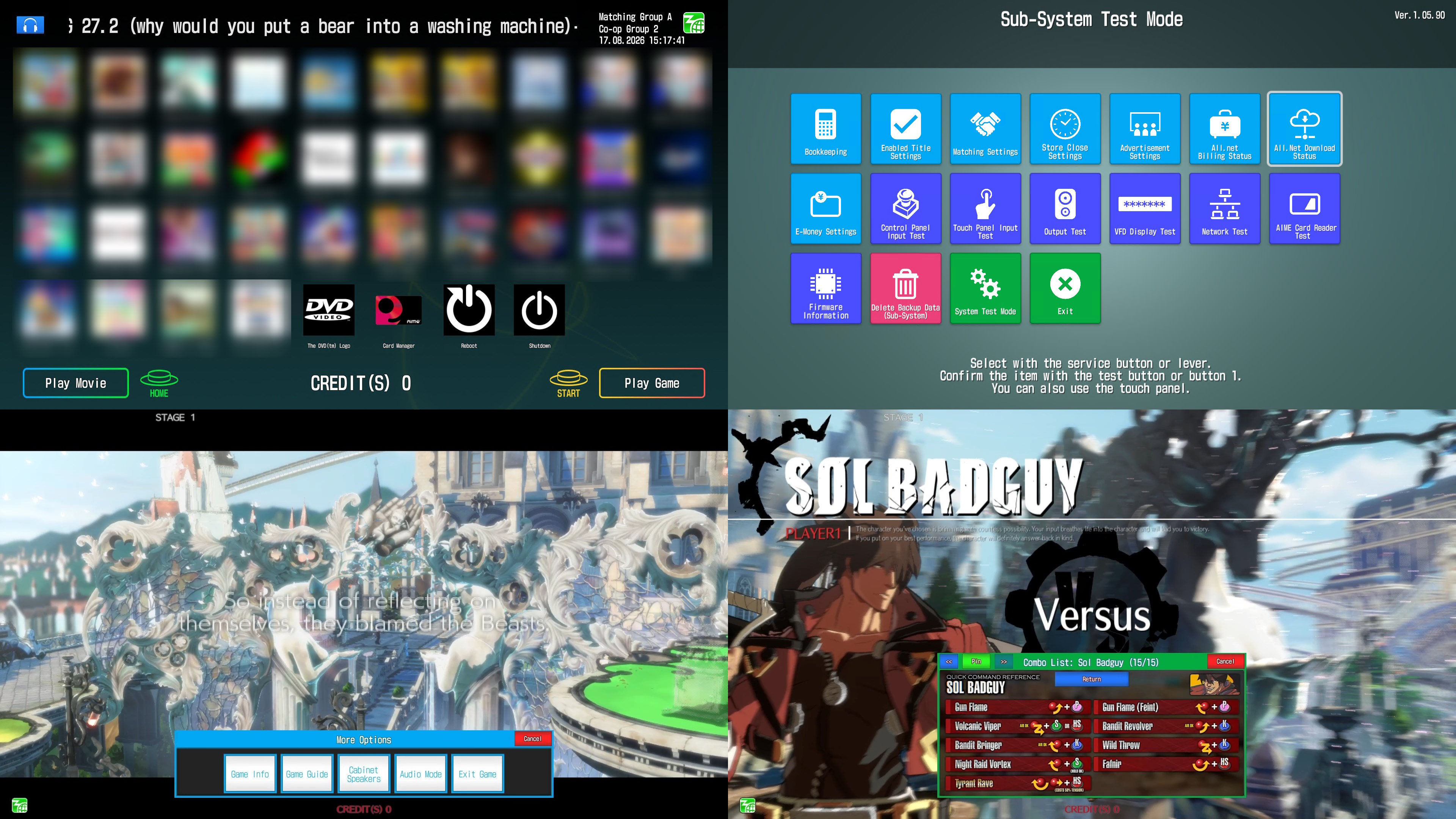
- A clean, extracted copy of
SDEM_1.05.90_20210603172949_0.app(ALL.Net P-ras multi Ver.3 1.05.90, SDEM). - segatools for APM, commonly known as
segatools.zip/apm3.zip. - A server emulator or network with support for APMv3.
- Extracted copies of any games you want to run. (.opt files need to be extracted, if any)
Unfortunately you're on your own about the points above.
Tip
You can extract .app and .opt files with SegaAMFileCmd.
Additionally:
- 1GB of disk space, + space for any games.
- Windows 8.1+. (I have not tested Windows 11.)
- No existing disks, devices, drives or network shared on the W:, X:\ and Y:\ drives.
- This is a hard requirement for some APM games, but also makes configuration a lot more straightforward, so this guide lists it as a requirement.
| What do you want to do? | Link |
|---|---|
| I want to run one or more APM games[^1] on a non-dedicated setup | Link |
| I want to run the above AND/OR one or more non-APM SEGA games on a non-dedicated setup | Link |
| I want to run the above AND/OR one or more non-APM non-SEGA AND/OR non-arcade games on a non-dedicated setup | Link |
| I want to run any combination of the above on a dedicated setup ("cabinet") with a dedicated Windows installation | TODO |
- Configuring extra features (AppEx)
- Adding or creating in-game guides
- Linking up EXMoney to non-SEGA games
- Troubleshooting
[^1]: An APM game is an arcade game from SEGA that is integrated with APMv3 and not a dedicated cabinet. For a list, see: https://apm.sega.jp/ver3/title/index/