Repository navigation
Rip it: RIPPS2 v1.1.1 beta (build 111)

Rip it: RIPPS2 v1.1.1 beta (build 111)
Download RIPPS2.elf (one file, about 3 MB) and put it in place of your old one. Your settings stay where they were. RIPPS2-languages.zip puts RIPPS2 in your language (copy its LNG folder to the top of a USB drive, the HDD's OPL partition or an MMCE card, then Settings > Display Settings > Language). The theme pack is still edition 108; RIPGRID and RIPFLOW are built in.
The sounds lesson
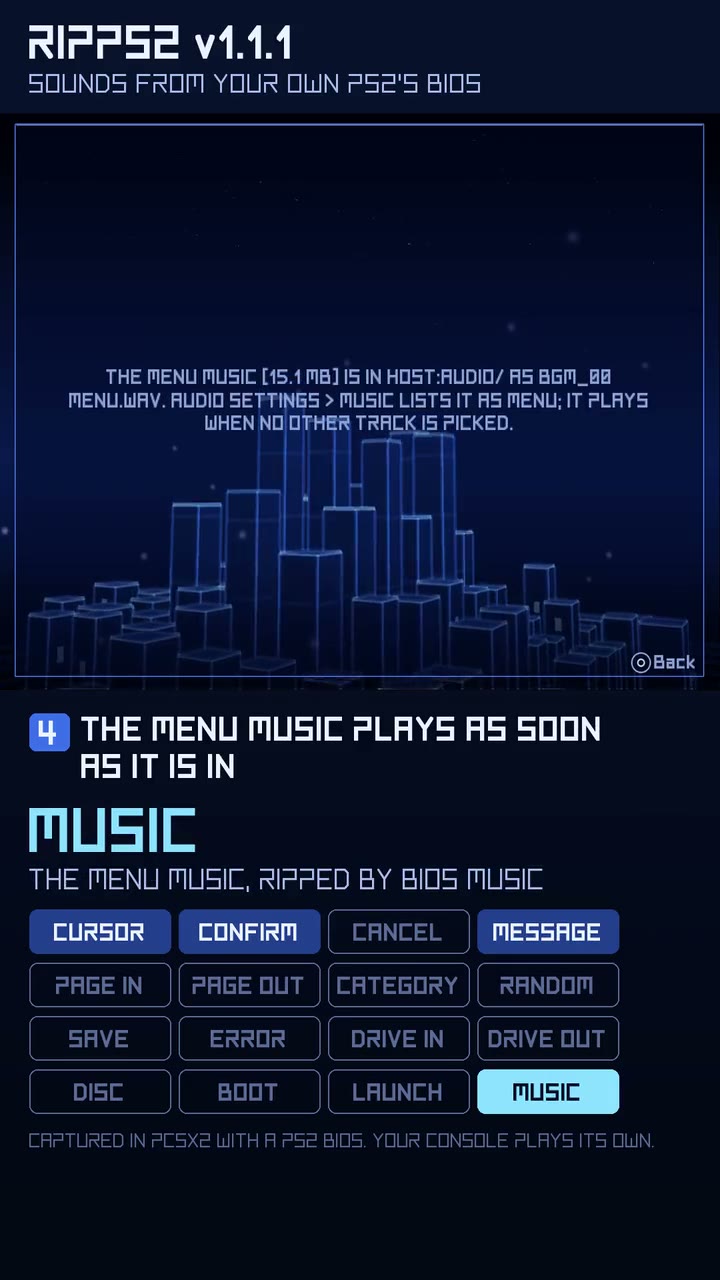
Play it (it opens in your browser). Both BIOS rips on a fresh RIPPS2, then every sound in the order you meet it (2:29, the lab's own audio, no music bed): Settings > Audio Settings > BIOS Sounds, START to rip, and BIOS Music beside it for the menu music.
Music
- The menu music you rip plays. BIOS Music writes this console's menu music as a 24 kHz mono WAV, and the PS2's audio driver plays neither that rate nor one channel, so the rip was there (15 MB) and the menu stayed silent. RIPPS2 now turns any 16-bit WAV in your AUDIO folder into 48 kHz stereo as it plays it.
- Your music plays on every theme. Adapt and Adapt Rx, which have no
bgm.oggof their own, played nothing; now they play the track picked in Audio settings > Music, or the one called Menu. A theme's ownbgm.oggand a Default Theme Music file still come first.
Sounds
- The same sounds are not loaded again. Every theme change, the SELECT hold included, silenced every voice and wrote all 15 sounds back one by one: seconds from a memory card. RIPPS2 now checks which file each sound comes from (path, size and date) and loads the set only when one changed.
Save Settings To
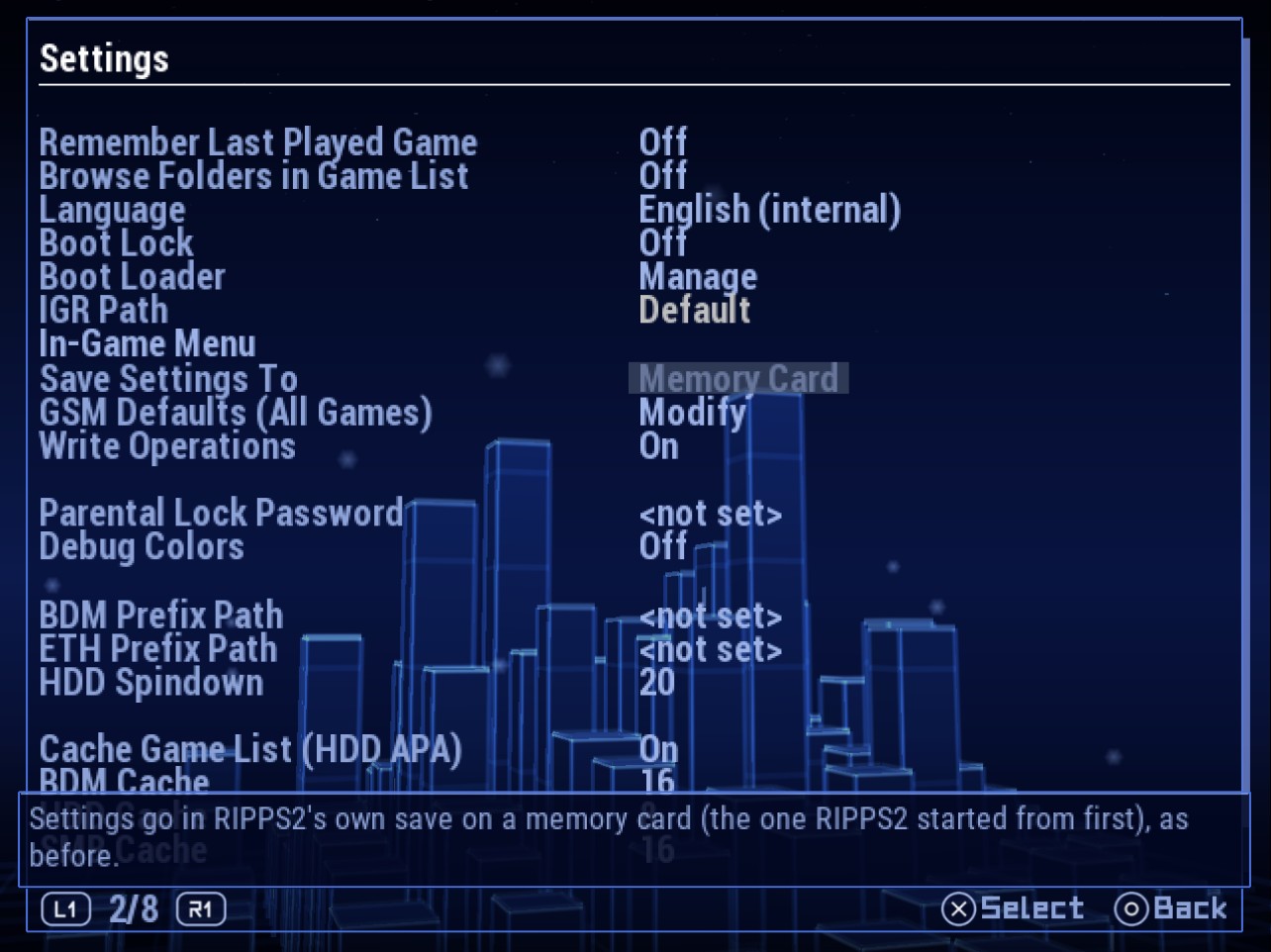
- A drive you chose stays chosen with a memory card in. At boot the card's old settings could win when
config.pathbeside the ELF was out of reach, and the next save went back to the card. A save to a drive now leaves the same pointer in the card's RIPPS2 save. - Choosing Memory Card again sticks: the pointer to the drive is removed with it.
Look
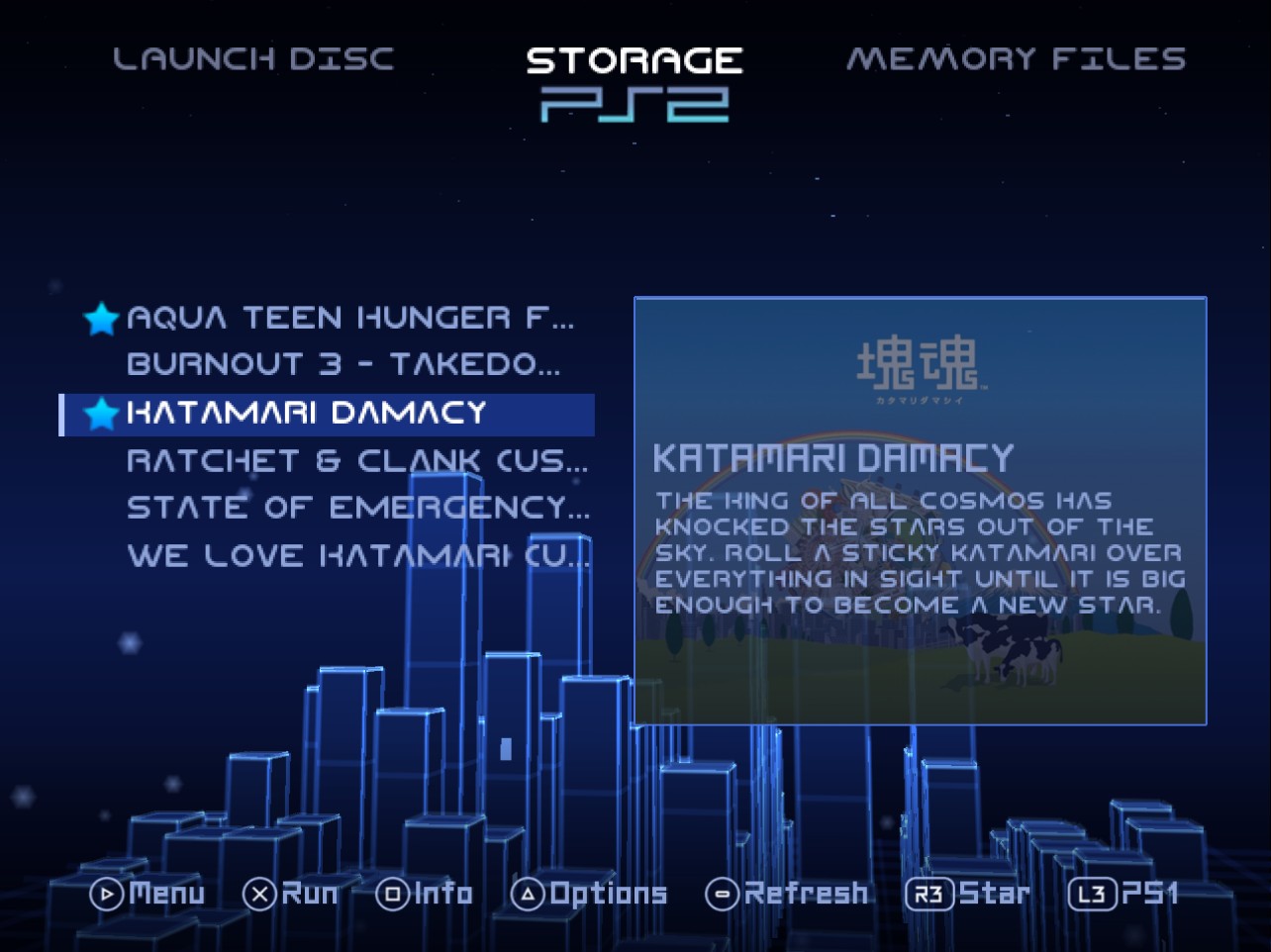
- The favourites star sits on its title's centreline on every theme, and the Settings highlight is centred on the choice's word.
Thanks to lukeatmynose, who joins the testers on the About page, for the reports from a real console that this build answers.
Full changelog | Watch the v1.1.0 reel | Talk about it on psx-place | RIPPCSX2 for seeing a theme in true 720p and 1080i
Beta: keep your usual loader close by, and tell us what breaks in the psx-place thread or an issue. This one wants consoles above all: does the ripped menu music start and loop, do theme changes keep every sound, and do settings saved to a drive come back with a memory card in?