Repository navigation
Rip it: RIPPS2 v1.1.3 beta (build 113)

Rip it: RIPPS2 v1.1.3 beta (build 113)
Download RIPPS2.elf (one file, 2.7 MB now) and put it in place of your old one. Your settings stay where they were. RIPPS2-languages.zip puts RIPPS2 in your language. The theme pack is edition 113: get it for the sidebar.
The sidebar
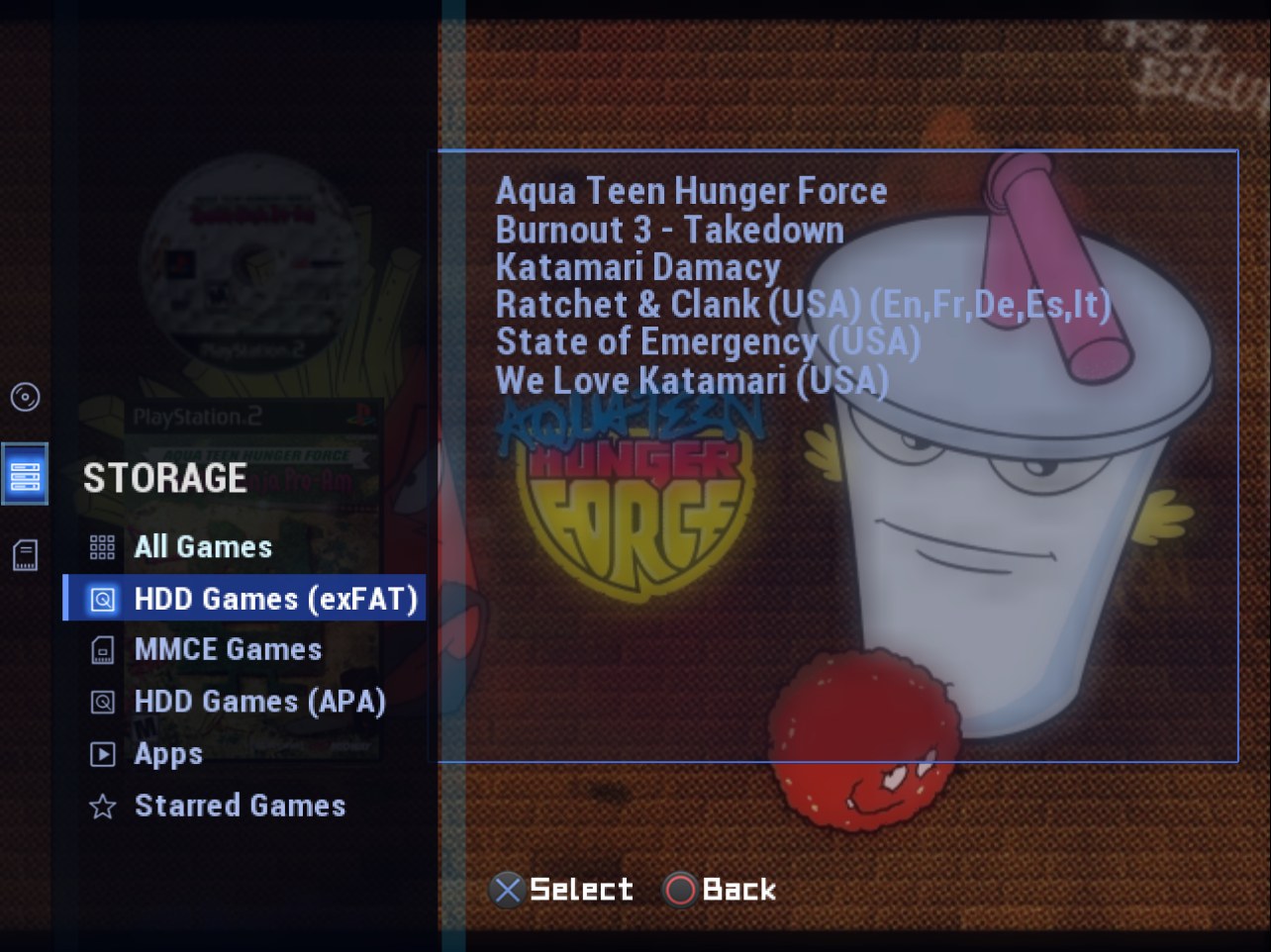
- Adapt and Adapt Rx put the three categories in their side bar, as glyphs. Press Left on the list: the game is let go, Up and Down open each category's drawer beside its glyph, Cross enters it and Cross on an item goes there. Storage's drawer lists your sources (the two HDD pages read HDD Games (exFAT) and HDD Games (APA)); Circle on Storage opens it straight on the source you are on. On Launch Disc and Memory Files the bar runs the full height, and the cancel button opens it.
- Any theme, your choice: Settings > Interface > Colors and More > Category Layout (Theme, Across the Top, Sidebar). Themes set it with
category_layout=sidebar(the keys).
Themes made for OPL
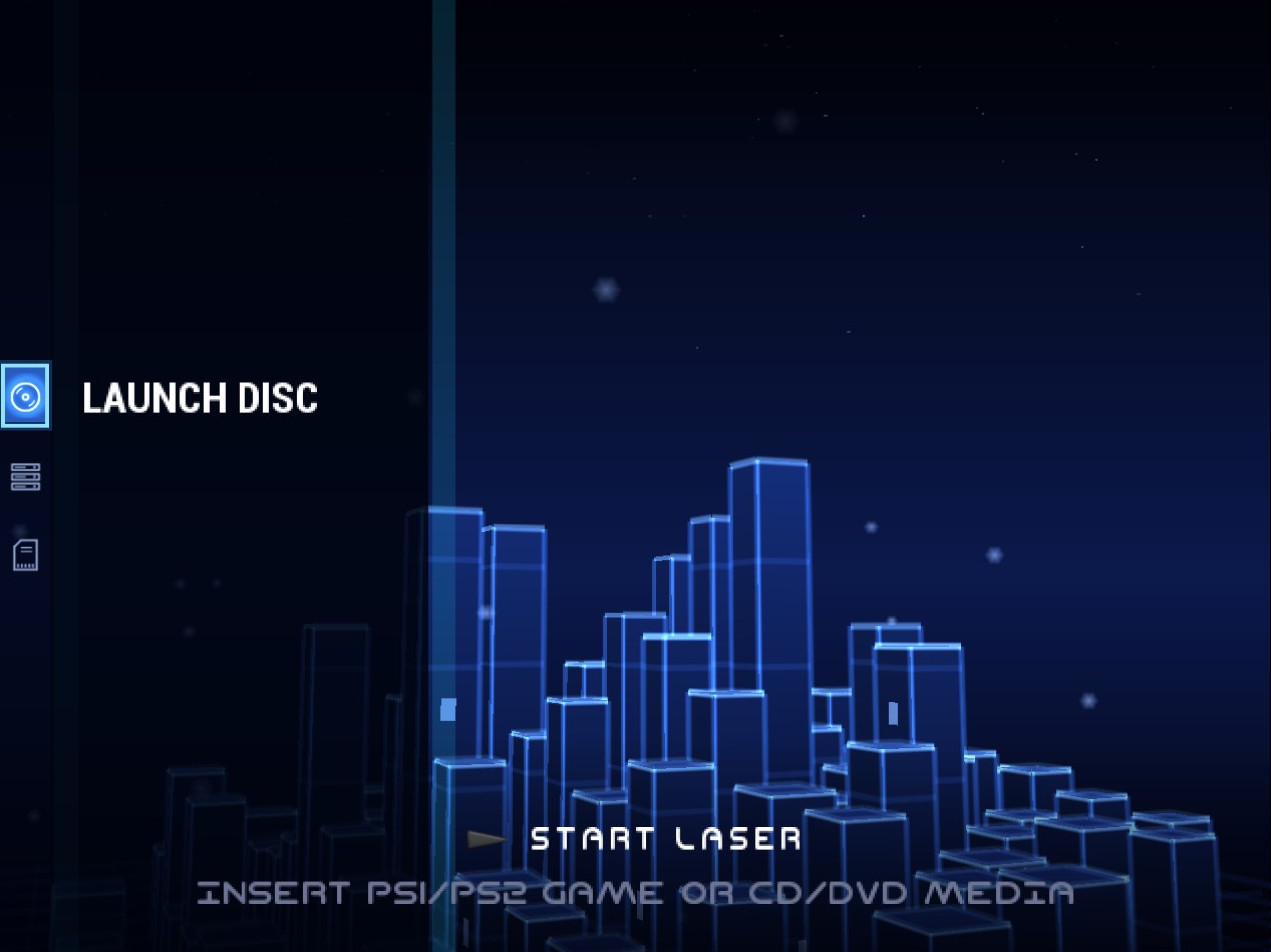
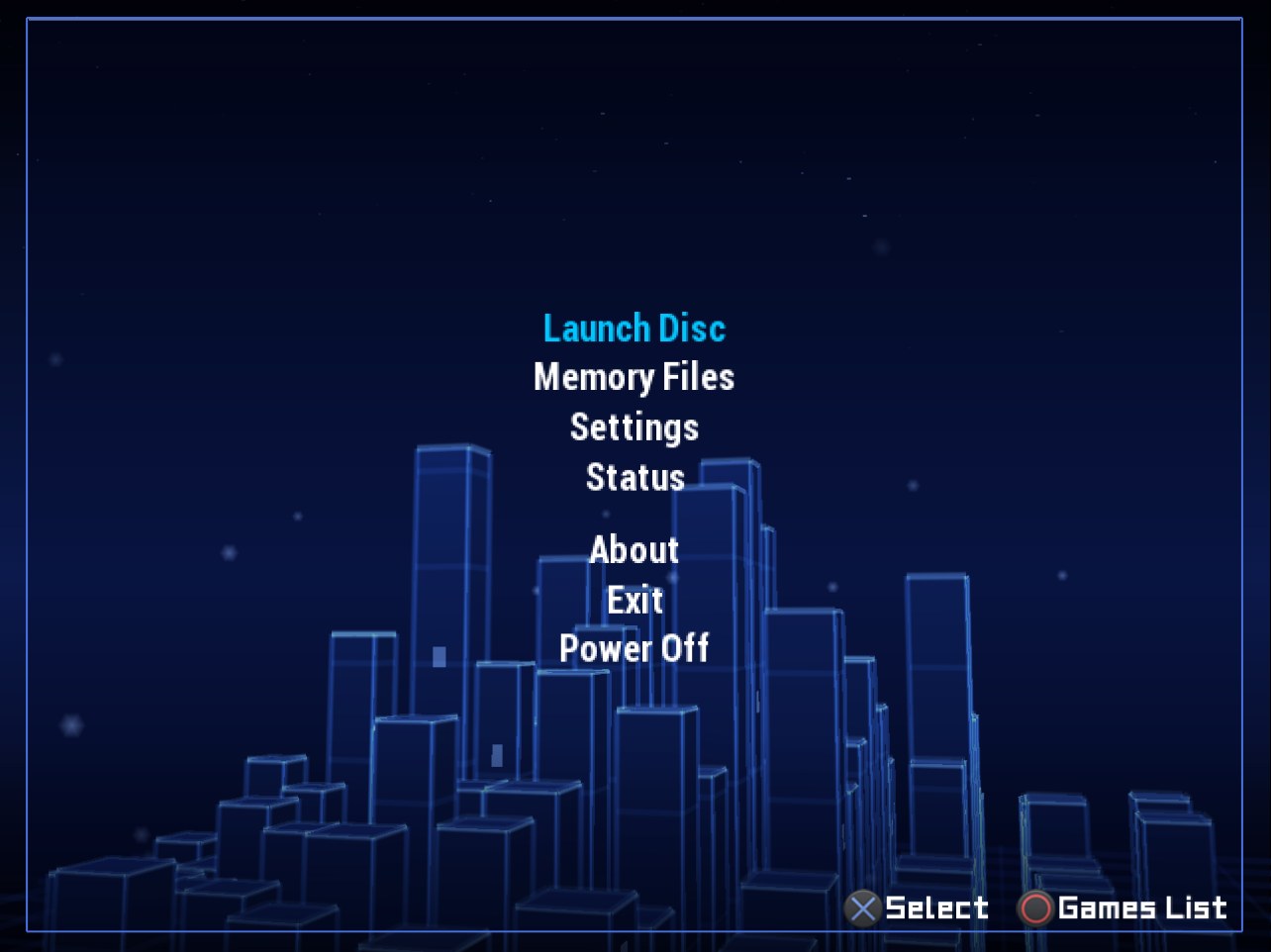
- Shown as they were made. A theme with none of RIPPS2's keys (one made for Open PS2 Loader) shows Storage alone: no category bar, Launch Disc and Memory Files first in the START menu, the cancel button back to Storage from either, and L1 / R1 turning the list's pages as in OPL. RIPPS2's own themes, the Adapt pack and any theme from before the key that uses RIPPS2's keys keep all three. A theme can say which with
categories=threeorstorage.
A smaller ELF: the launchers you already have
- POPSTARTER and Ember are no longer carried (RIPPS2.elf went from 3.2 MB to 2.7 MB). A PS1 game starts with your own copy, found where RIPPS2 always looked: POPSTARTER at the Settings path, in POPS, APPS or the top folder, as the game's own XX..ELF, or on a memory card; Ember in the drive's EMBER folder. A missing one names the path it looked at. Neutrino and BIBLE still ride inside. Both launchers stay credited in About and the README, with where to get them.
Settings, moved where they belong
- Interface: Hints and Glyphs (from Controller Settings), with Button Hints and D-pad Glyphs in it; Video Mode beside Widescreen and the offsets.
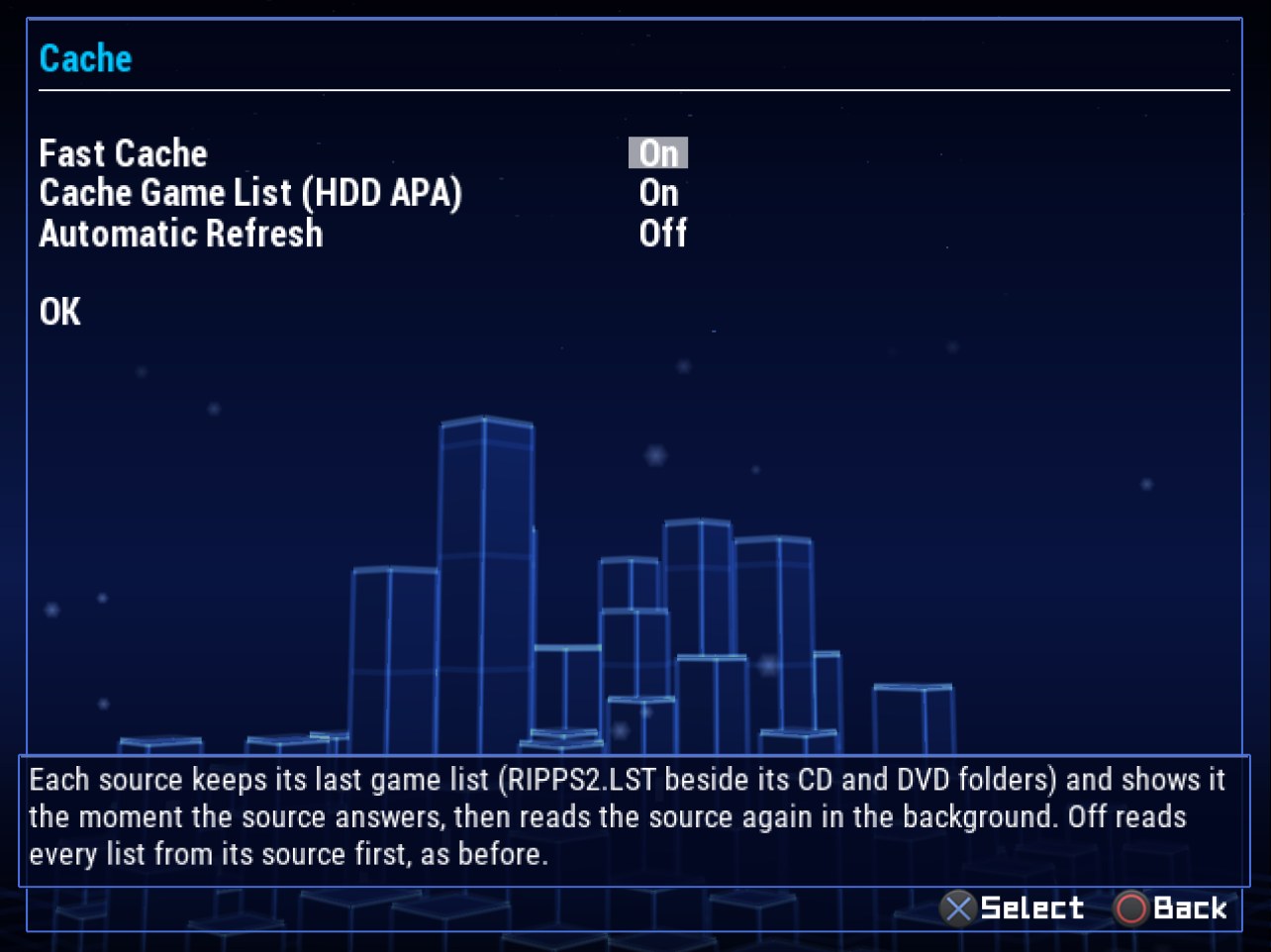
- Game Sources: Show Recents beside the Starred Games rows, the prefix paths and HDD Spindown, and a Cache page: Fast Cache (your saved game lists, on by default; off reads every list from its drive first, as before build 110), Cache Game List (HDD APA) and Automatic Refresh, each saying what it does.
- Game Launching: the In-Game Menu with IGR Path, RIPSHOT and Develop Shots, GSM Defaults, and the BDM / HDD / SMB read-ahead caches (they work while a game runs, not on the lists).
RIPDISC
- The SELECT hold fills twelve notches clockwise, the one filling fading in, and HOLD sits clear of them.
The new words are in all 33 languages.
Full changelog | Watch the v1.1.0 reel | Talk about it on psx-place | RIPPCSX2 for seeing a theme in true 720p and 1080i
Beta: keep your usual loader close by, and tell us what breaks in the psx-place thread or an issue. This one wants consoles: do your PS1 games still start with your own POPSTARTER and Ember, and does the sidebar open smoothly?