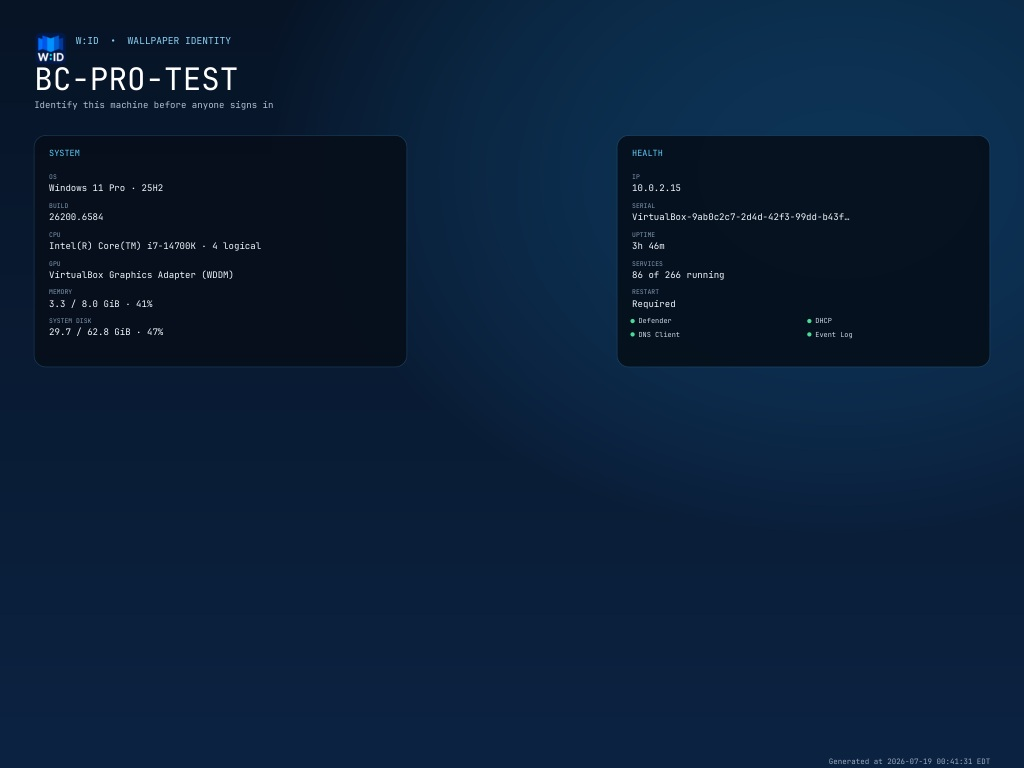
Wallpaper Identity v4.0.0

Wallpaper Identity v4.0.0
Wallpaper Identity is the new end-to-end identity for the pre-login machine-status project. Its shorthand is W:ID.
Rebrand
- New Wallpaper Identity name and W:ID shorthand across the installer, service, executable, overlay, configuration, documentation, repository, CI artifact, and release package
- New professionally generated W:ID folded-wallpaper logo
- Branded Windows executable icon, manifest metadata, Apps & features entry, title bars, installer header, and pre-login image
- New
WallpaperIdentitySetup.exerelease artifact - New
WallpaperIdentityCLI.execonsole-subsystem artifact for reliable RMM waiting, JSON, result files, and exit codes - Repository move to
github.com/amcchord/WallpaperIdentityand semantically versioned Go modulegithub.com/amcchord/WallpaperIdentity/v4
Safe upgrade from version 3
- Detects and stops the previous service automatically
- Migrates
config.yml, generated images, status, logs, and policy/MDM rollback files intoC:\ProgramData\Wallpaper Identity - Preserves custom configuration values while rewriting the generated YAML header for W:ID
- Replaces the previous install directory, service, executable, and Apps & features entry
- Retains the original pre-install policy backup so uninstall still restores the correct Windows state
- Recognizes previous-version image ownership during rollback without exposing the old identity in active UI
Existing v3 capabilities retained
- Fastfetch-inspired, resolution-aware Identity, Balanced, and Operations layouts
- Automatic LocalSystem refresh during boot, after boot settles, every five minutes, and on session/power events
- Permanent hostname and timezone-qualified Generated at text
- Supported Group Policy and LocalSystem
MDM_Personalizationapplication paths - Windows 11 top-center and Windows 10 lower-left clock-safe layout
- Offline graphical installer, repair/upgrade, rollback-aware uninstall, and Apps & features registration
- No
LogonUI.exetermination, credential provider, network listener, updater, or outbound dependency
Headless and RMM deployment
- True console-subsystem CLI that is headless by default and blocks until each operation completes
- Install, repair/upgrade, status, LocalSystem refresh, preview render, and rollback-aware uninstall commands
- Strict preflight validation for presets, YAML, absolute local JPEG/PNG base images, and conflicting result targets before installation state changes
- Versioned JSON and atomic result-file output with stable error codes,
1618concurrency handling, and standard success/reboot code3010 - Named global setup lock shared by graphical and CLI entrypoints
--remove-datapurge semantics that retain recovery data on rollback failure
Compatibility
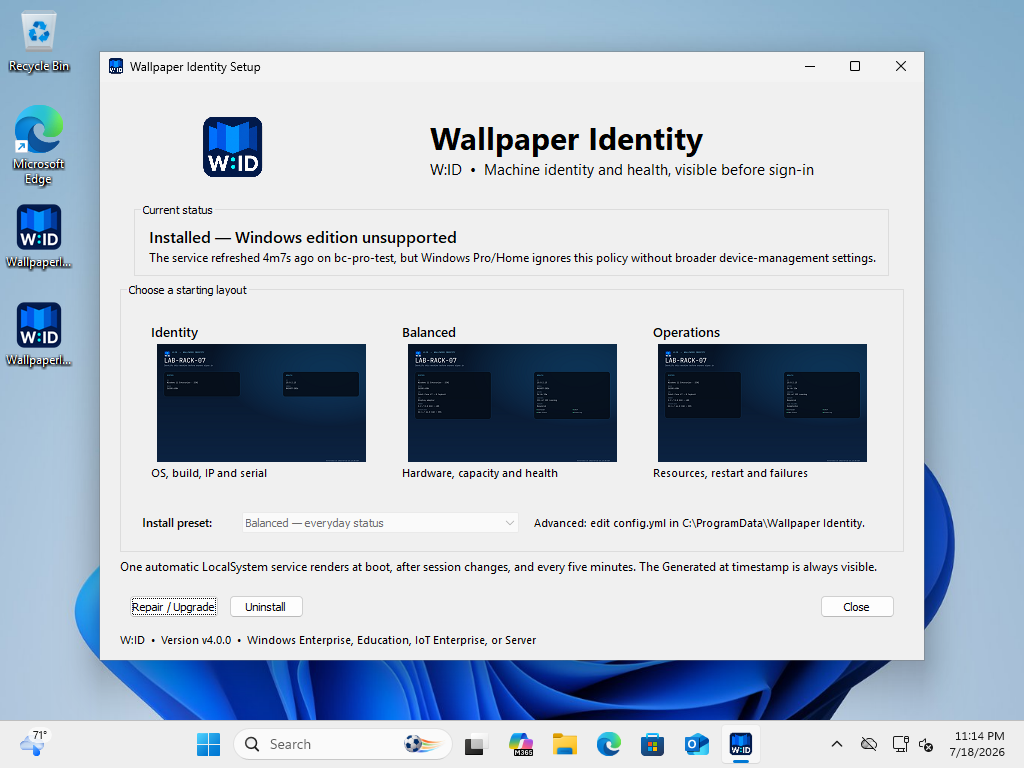
Fully supported targets are Windows 10/11 Enterprise, Education, IoT Enterprise, and Windows Server. Windows 11 Pro accepts the policy writes but retains its stock image unless an administrator separately configures Microsoft's broader SharedPC/BootToCloud prerequisites. W:ID does not enable those settings automatically.
Validation
- Automated unit, migration, renderer, race, vet, and Windows CI checks
- Windows 11 Enterprise: v3-to-W:ID in-place upgrade, migrated configuration, healthy automatic LocalSystem service, and successful policy application before a Windows servicing reboot
- Windows 10 Enterprise: service/policy and clock-safe pre-login baseline validated; v4 binaries staged, with the final live upgrade deferred by Windows servicing
- Windows 11 Pro: branded installer/config/render validation and expected policy limitation
- Upgrade cleanup and rollback-aware uninstall verification