Repository navigation
Android App
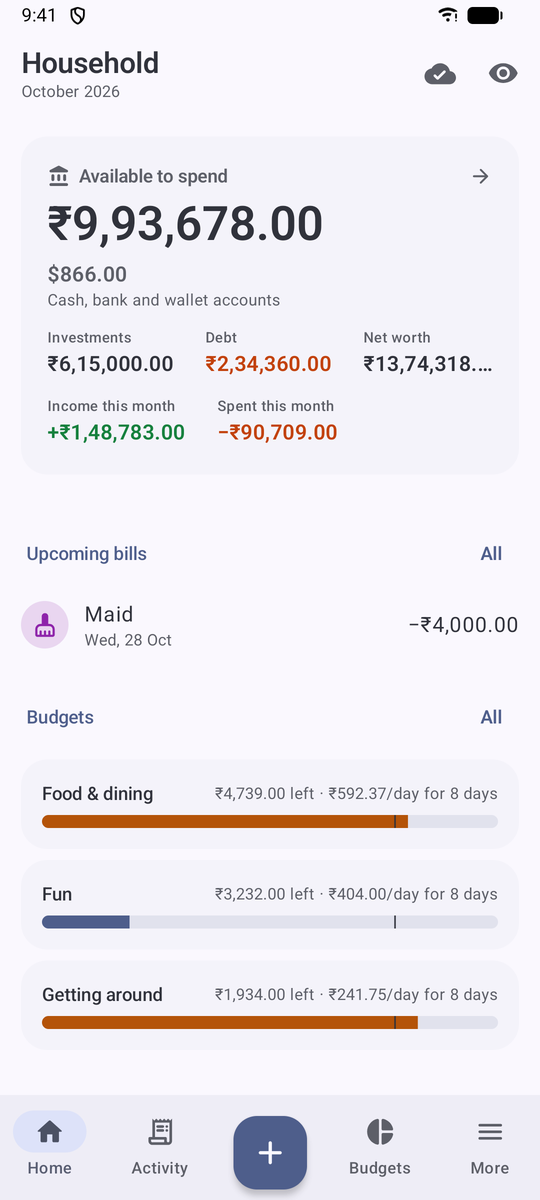
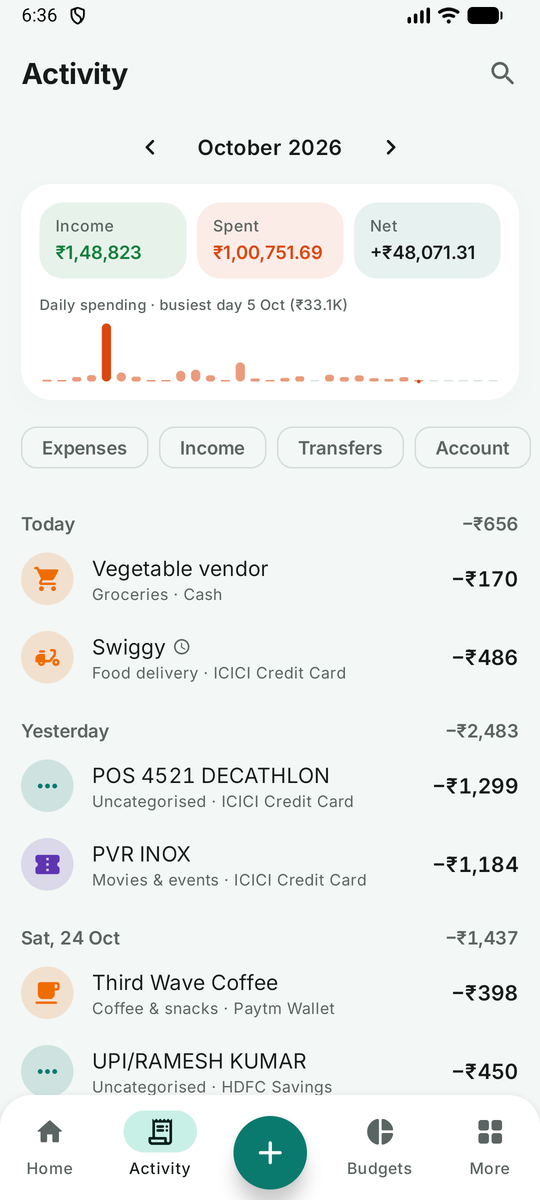
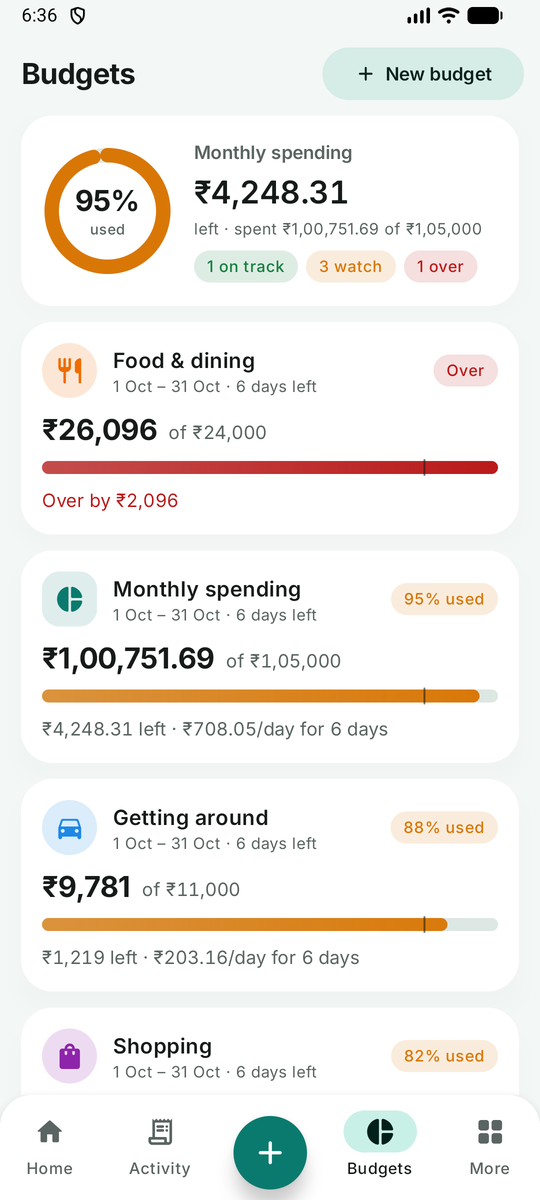
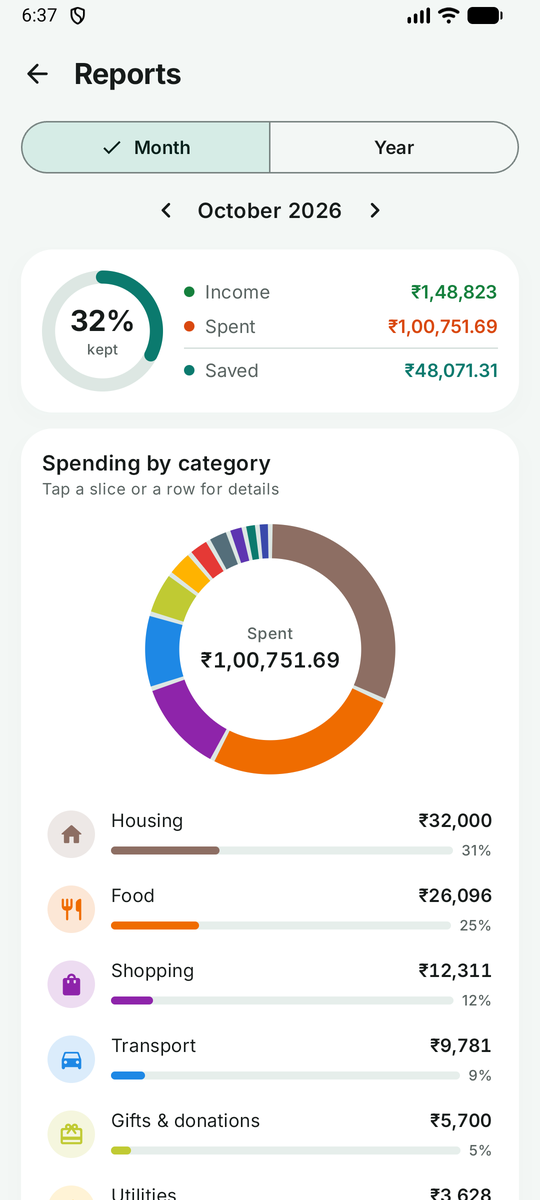
- On your phone, open the latest release and download
LekhaMint.apk. - Open the file. Android asks you to allow installs from your browser once; allow it, then tap Install.
- Updates: download the APK from a newer release and install it over the old one. Your data is kept. (The APK is signed with the same key every time, so Android accepts the update.)
Requires Android 8.0 or newer. The app is about 4 MB and asks for no special permissions beyond notifications (bill reminders) and network (only used for sync).
The app works fully offline and needs no account. Your data lives on the phone, and More → Backup & restore keeps encrypted daily backups in a folder you choose (for example a Google Drive or Syncthing folder, so they leave the phone).
- Install the server (Installation) and create your account in the web app.
- In the app, go to More → Sync (or I already use LekhaMint on a server on the welcome screen).
- Enter the server address exactly as you open it in a browser, for example
http://192.168.1.20:8080at home orhttps://money.example.com. - Sign in with the same email and password.
- Choose what to do with the books:
- Use "" from the server if the server already has your data (for example you started in the web app);
- Upload this book if you started on the phone. The server then has a copy, and the web app shows the same data.
From then on changes sync in both directions within seconds when you are online, and queue up when you are not. Two people editing the same transaction at the same moment is resolved by keeping the latest edit; nothing is ever duplicated.
Plain HTTP is fine on your home network. For a public address use HTTPS (Reverse Proxy); the app warns you when a non-local address uses plain HTTP.
- Add in seconds: the + button opens a calculator keypad; recent payees and categories come first.
- Home-screen widget and quick settings tile for adding an expense without opening the app; long-press the app icon for shortcuts.
- App lock (fingerprint, face or PIN) and hide amounts for using it in public.
- Material You colours, dark and true-black themes.
- Bills & recurring remind you or record themselves on the due date.
See Building from Source.