Repository navigation
Home
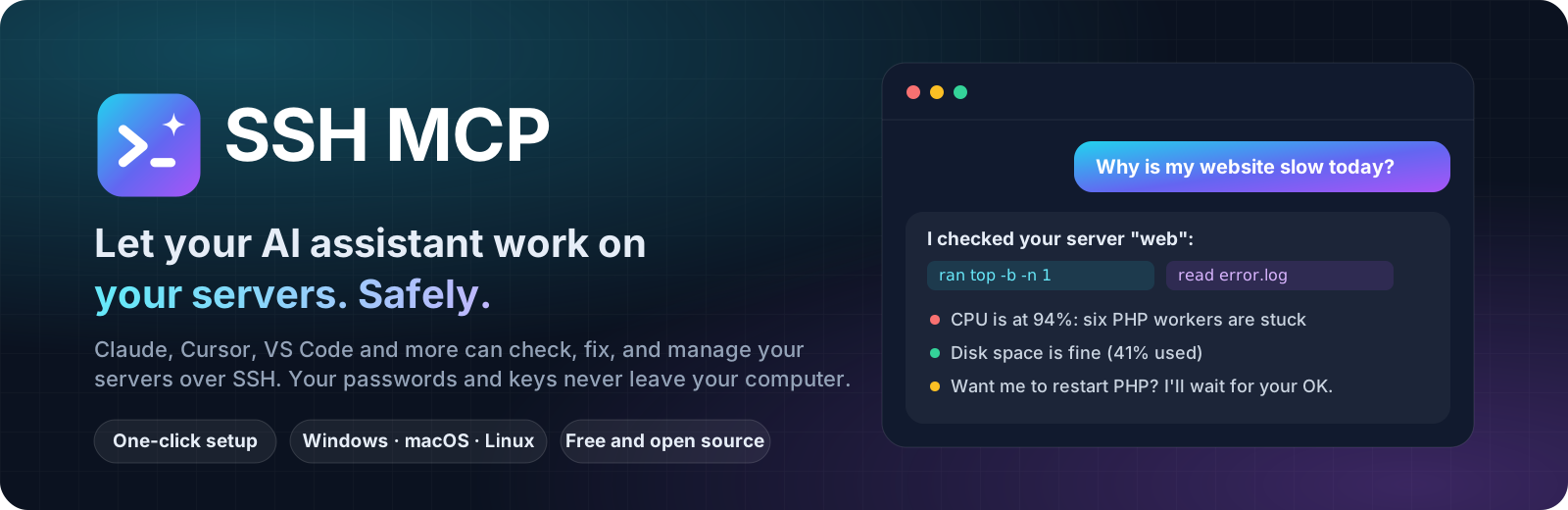
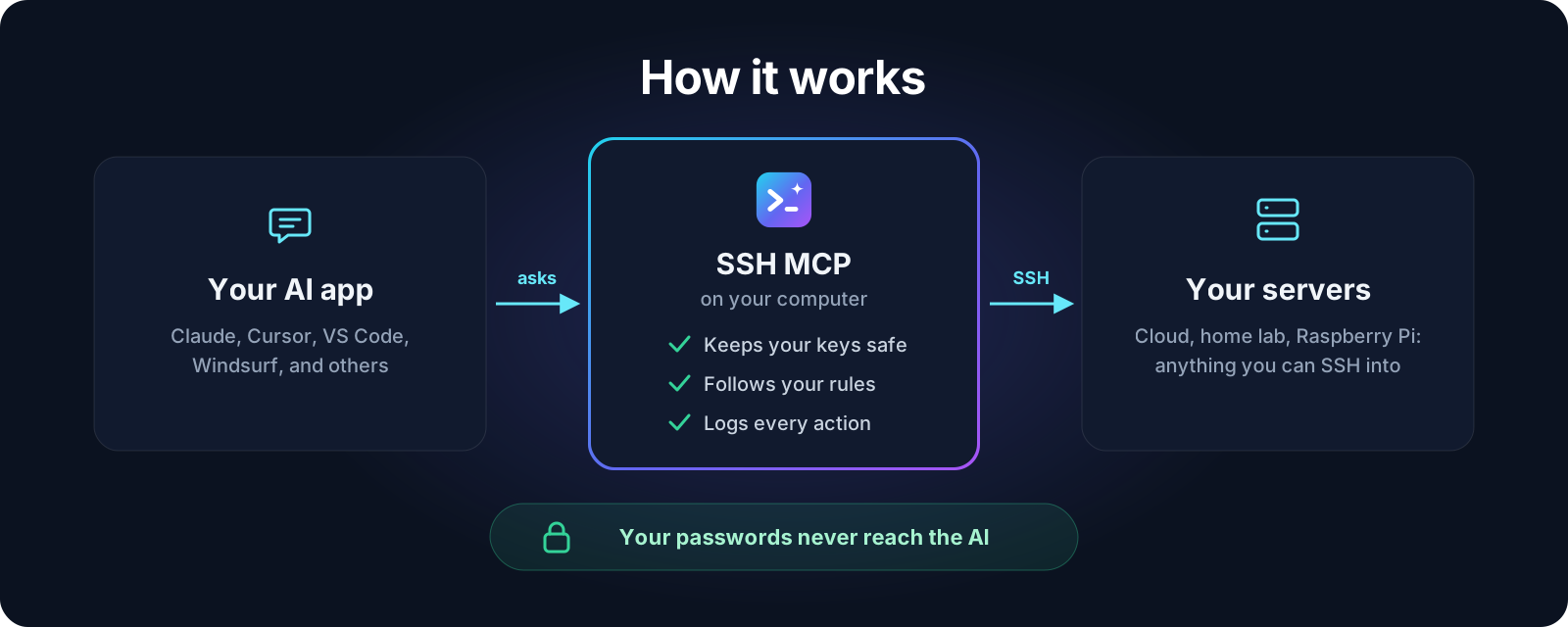
SSH MCP lets your AI assistant work on your servers for you. Ask in plain words, like "why is my website slow?" or "how much disk space is left?", and your AI signs in to the server, runs the right commands, and explains what it found.
It works with Claude Desktop, Claude Code, Codex, Gemini CLI, Cursor, VS Code, Windsurf, and any other app that supports MCP (the standard way AI apps plug into tools).
- Your passwords stay on your computer. The AI never sees them, not even once.
- You decide what the AI may do. Choose full access or look-only for each server.
- It checks every server's identity so nobody can pretend to be your server.
- No analytics, no tracking. It never sends anything about you anywhere. See Privacy.
- Free and open source. Anyone can read every line of code.
| I want to... | Go to |
|---|---|
| Get going in two minutes | Getting Started |
| Install on my computer | Windows · macOS · Linux |
| Add a server | Setup Guide |
| Use it with my AI app | Connect Your AI App |
| See what I can ask | What You Can Ask |
| Update, move to a new computer, or remove it | Update, Move, or Uninstall |
| Understand how it keeps me safe | Staying Safe · Privacy |
| Fix a problem | Troubleshooting · FAQ |
| Edit settings by hand | Settings File |
| Build it or contribute | For Developers |