Repository navigation
Dapple 0.3.0

 andrewfraley
Andy Fraley
andrewfraley
Andy Fraley
8bf8279
andrewfraley
Andy Fraley
Your lights in Home Assistant, with no YAML to write. Plus a Pattern page that always shows whether the lights are on.
What's new
- Each group is a light in Home Assistant. Switch it on and off, set its brightness, and pick any of your presets as its effect. Dashboards, scenes, automations and voice ("turn off the Christmas tree") all work like any other light.
- Set it up from Dapple's new Home Assistant tab. Enter your MQTT broker's address and login, turn on Connect to Home Assistant, and save. It's off until you do. If you don't have a broker yet, HOME_ASSISTANT.md walks through installing the Mosquitto add-on.
- Home Assistant shows what the lights are really doing. Dapple checks the strands every minute, so changes made with Home Assistant's Twinkly integration or the Twinkly app show up there too. Both can stay installed alongside Dapple.
- Renaming is safe. Renaming a group in Dapple renames its light in Home Assistant without breaking automations. Deleting a group removes its light, and new presets appear in every light's effect list straight away.
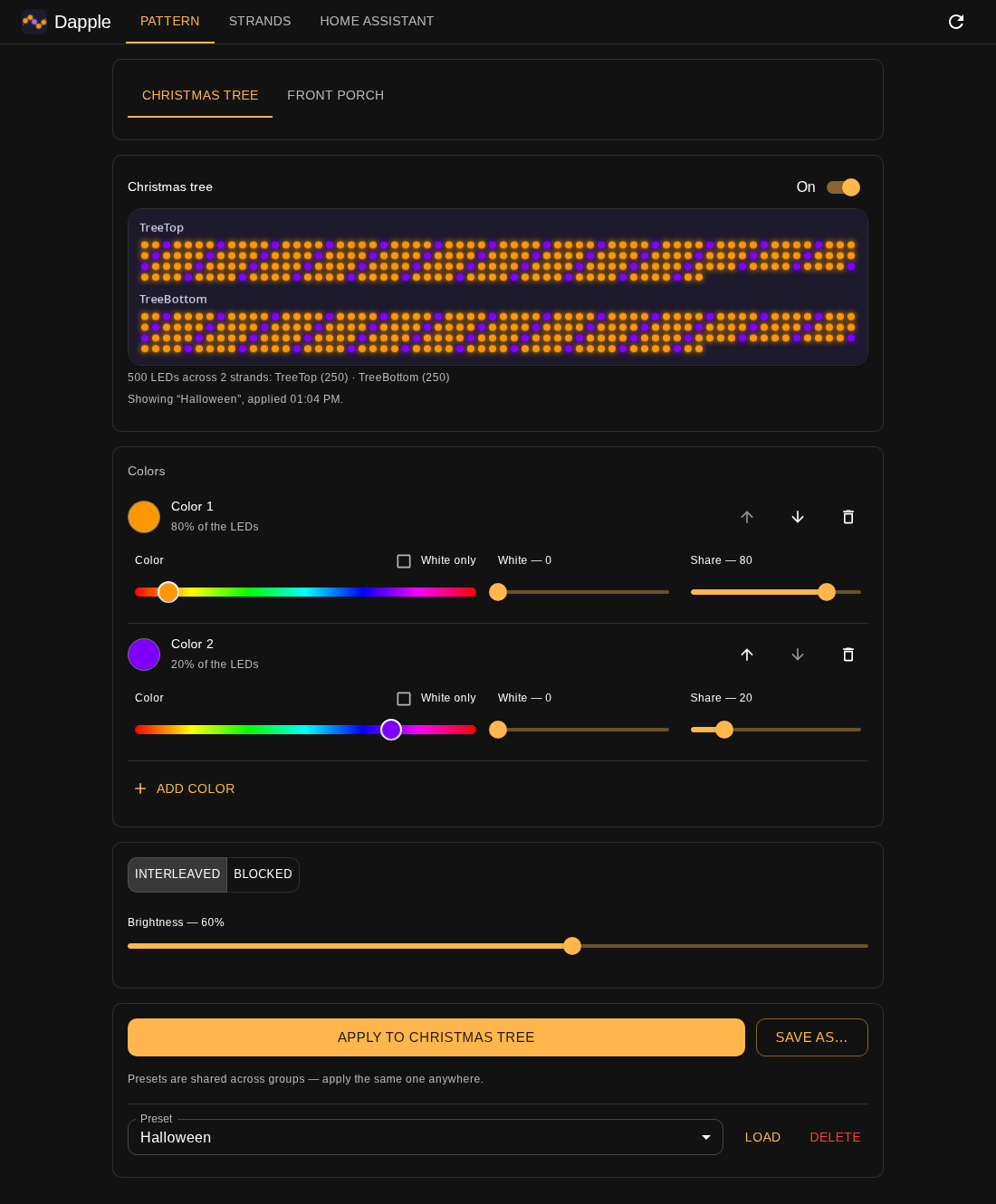
- A clear on/off switch. On the Pattern tab, the On and Off buttons are now one switch next to the group's name. It shows whether the lights are really on, and says so when a strand isn't answering.
- The page keeps up. While it's open, the Pattern tab re-reads the strands every few seconds. Turn the tree off or dim it from Home Assistant and the switch and brightness slider follow. If a Twinkly color or effect is showing instead of your pattern, the page says so.
If you already use Home Assistant with Dapple
The REST endpoints haven't changed, so existing rest_command automations keep working. The new lights replace the input_select dropdowns, automations and hand-kept preset lists from the old setup. Once the lights are working you can delete those. HOME_ASSISTANT.md also fixes the old guide's panel_iframe example, which newer Home Assistant versions no longer accept.
Upgrading
docker compose up -d picks this up if you have pull_policy: always. Otherwise run docker compose pull && docker compose up -d. Your settings and saved presets carry over. Your Home Assistant broker password is saved in data/config.yaml, so keep the data folder private. To stay on this release, set the image line to:
image: afraley/dapple:0.3.0