Texture Project
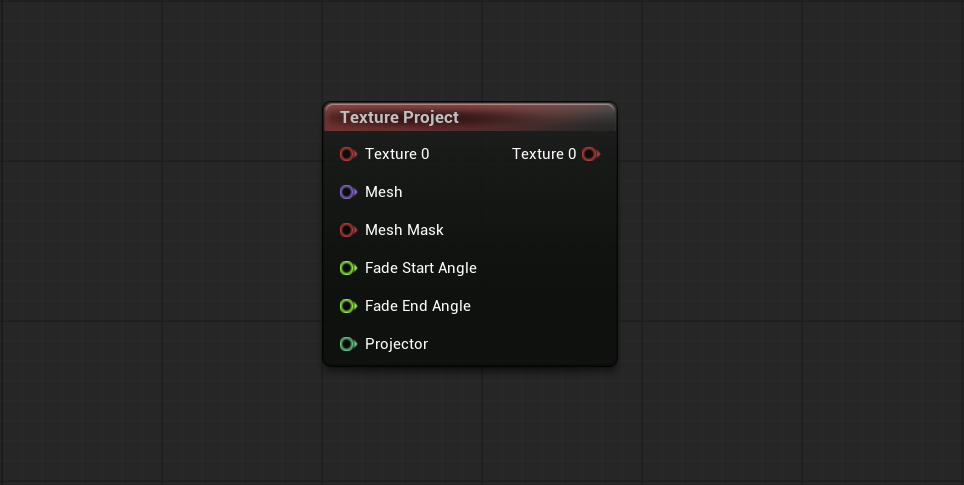
Projects one or more Textures onto a Mesh, transforming a flat image into a laid-out version usable as a Texture for the input Mesh. The Mesh, the Projector (which sets the location, orientation, and size of the projection), and a Mesh Mask (which limits where it can apply) are provided through the node inputs.
-
Layout: Index of the Mesh layout used for the projection. Starts at
0, and should stay0for Meshes with a single layout. - Textures: Number of Textures the node projects with the same projection parameters. Multiple channels perform better than multiple Texture projections.
- Enable Texture Seam Correction: Adds extra work to correct projections that cross a UV seam, preventing interpolation artifacts. Not needed when the projection never crosses a seam.
- Texture Size X / Texture Size Y: Override the output Texture size when greater than zero, otherwise the Reference Texture size is used.
- Reference Texture: Texture whose properties (LOD bias, size, etc.) are copied to the generated Textures.