Texture Transform
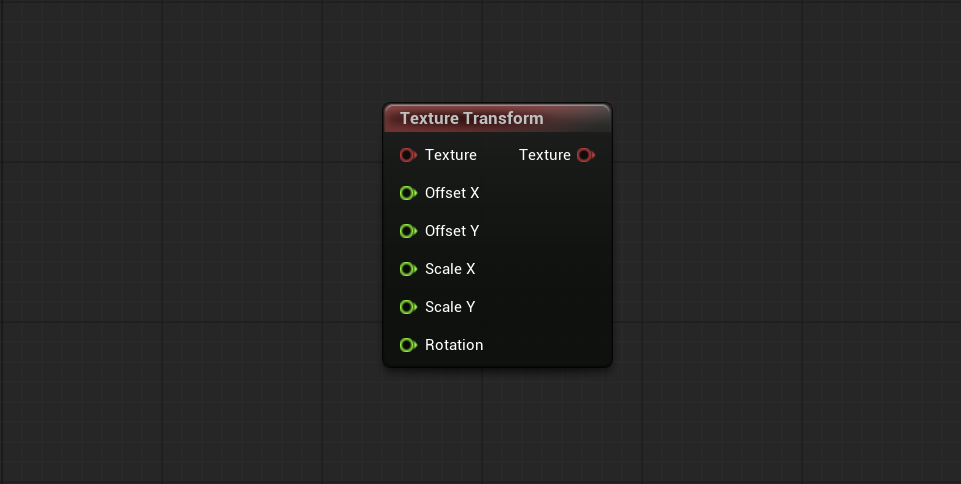
Applies a linear transform — offset, scale, and rotation — to the contents of a Base Texture. The transforms are applied in that order (offset, then scale, then rotation), around the center of the image, in normalized coordinates. Each transform value can be driven by a connected input.
-
Offset: Displaces the Texture. Each unit is a full Texture offset, so
0.5shifts it by half its size. -
Scale: Scales the Texture around its center.
1leaves it unchanged,0.5makes it half size,-1mirrors it. -
Rotation: Rotates the Texture clockwise. Each unit is a full turn, so
0.5rotates it 180°.
Note
The output keeps the same resolution as the Base Texture; only its contents change. Any pixels left empty by the transform are automatically filled with tiled data from the Texture.