
The code linting framework for Sublime Text 3. No linters included: get them via Package Control.
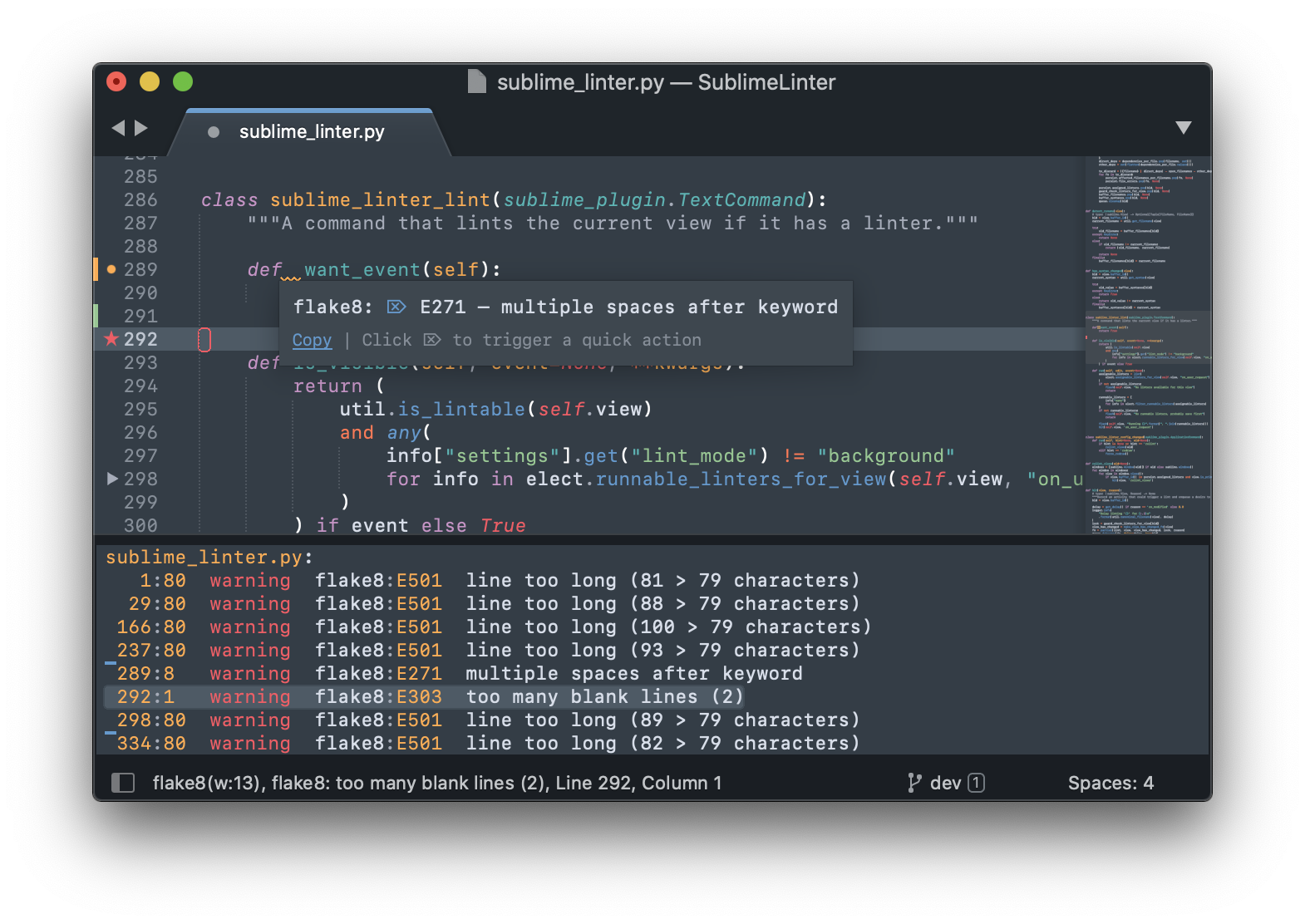
Settings are mostly documented in the default settings. When you open the SublimeLinter settings you'll see them on the left.
- Additional information is in our docs at sublimelinter.com.
- Read about all the changes between 3 and 4 here.
SublimeLinter comes with some pre-defined keyboard shortcuts. You can customize these via the Package Settings menu.
| Command | Linux & Windows | MacOS |
|---|---|---|
| Lint this view | CTRL + K, L | CTRL + CMD + L |
| Show all errors | CTRL + K, A | CTRL + CMD + A |
| Goto next error | CTRL + K, N | CTRL + CMD + E |
| Goto prev error | CTRL + K, P | CTRL + CMD + SHIFT + E |
Please use the debug mode and include all console output, and your settings in your bug report. If your issue is specific to a particular linter, please report it on that linter's repository instead.
Fork the template to get started on your plugin. It contains a howto with all the information you need.
If you use SublimeLinter and feel it is making your coding life better and easier, please consider making a donation for all the coffee and beer involved in this project. Thank you!
Donate via: