- A portable Ray Tracing (RT) engine for multiple devices.
- Already available interfaces for:
- Android (through Java + JNI and C)
- Linux, MacOS X, Windows (through Qt 4 or 5)
- Compatible with C++ compilers:
- GNU C++ Compiler (g++)
- Clang++
- MinGW (g++)
- Microsoft Visual C++ (MSVC)





/badge.svg)




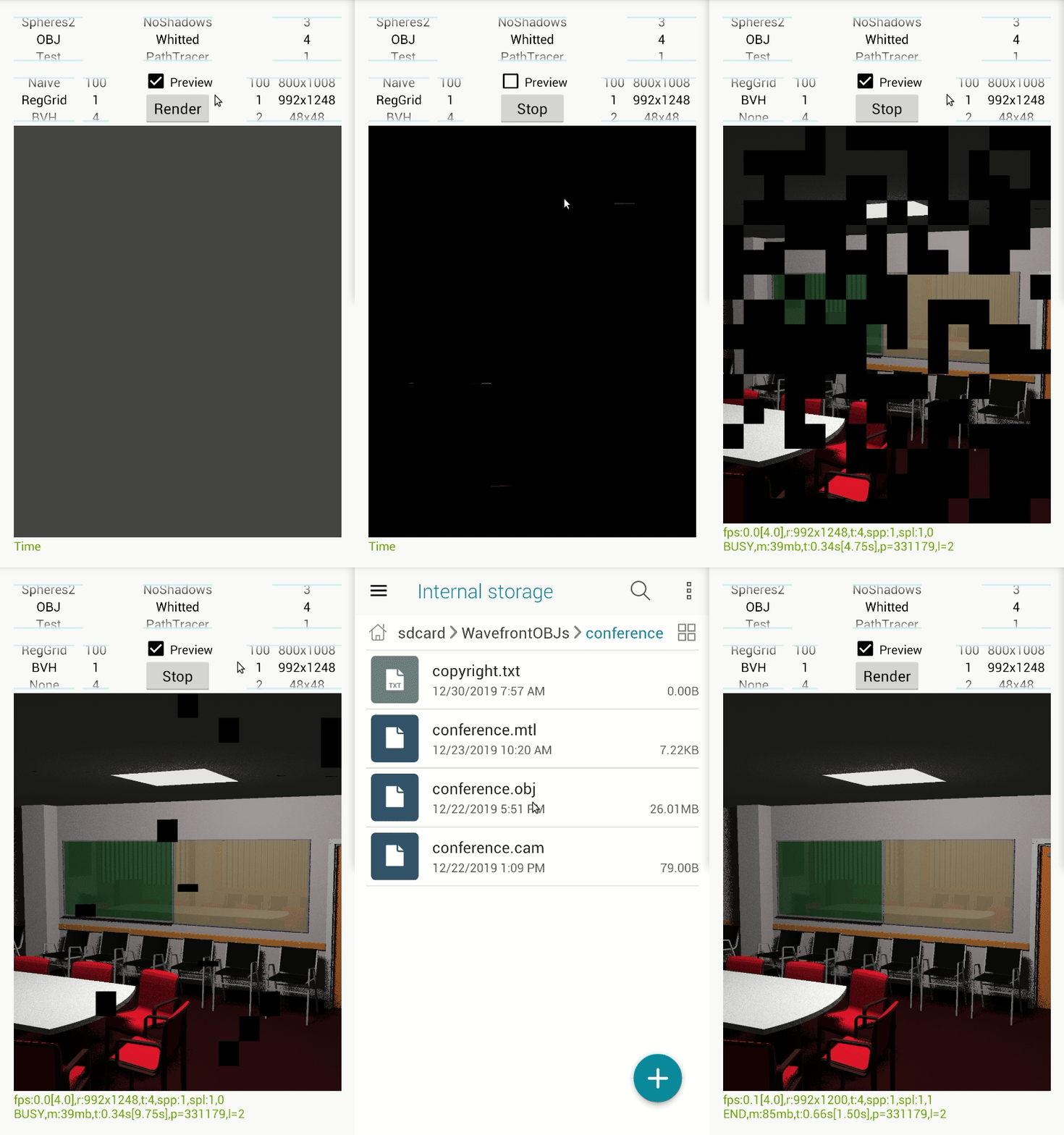
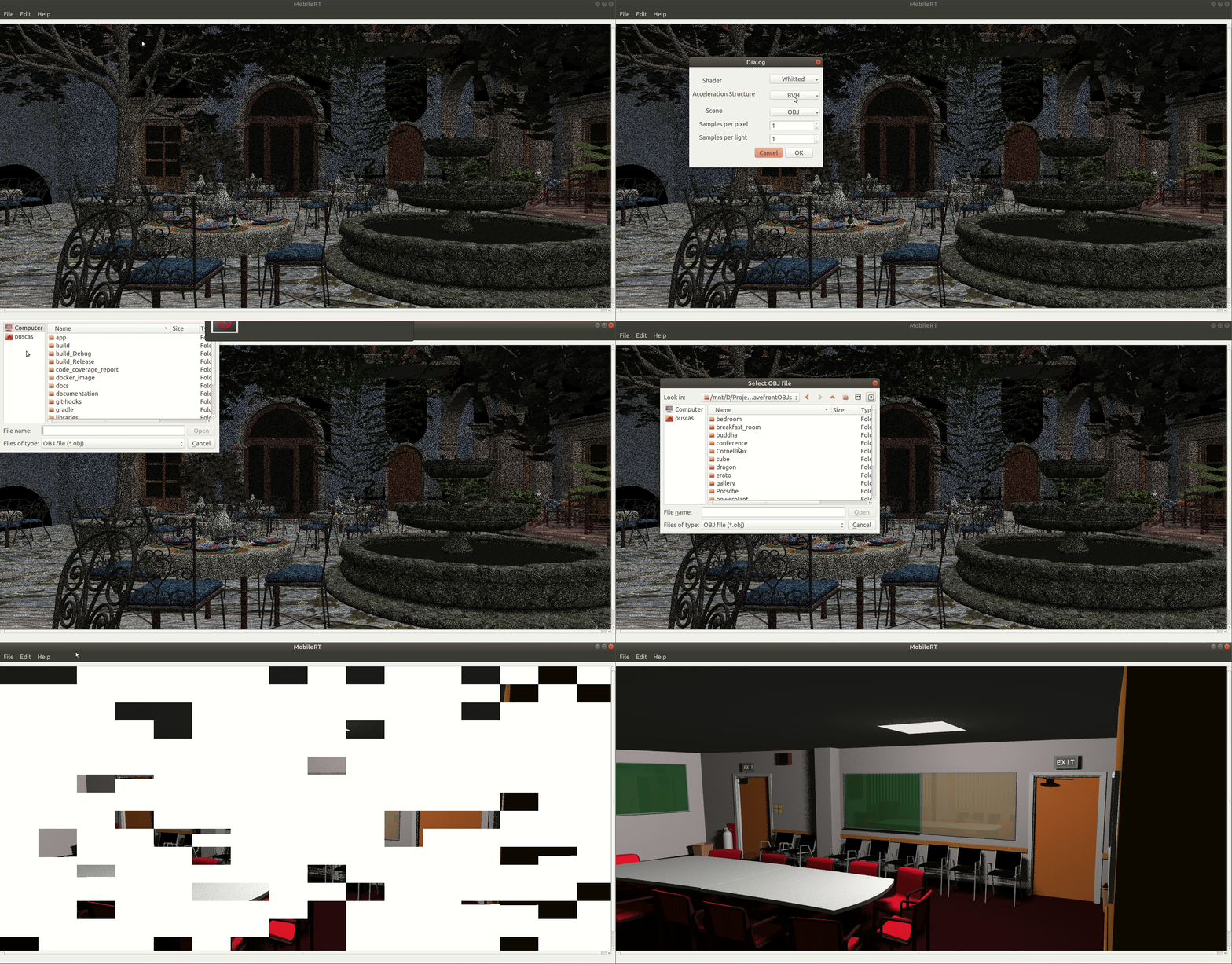
This C++ Ray Tracer is compatible with Android and Linux.
For Linux, if docker is installed, it is possible to
try this ray tracer with ease by using the following commands to get the docker
image and execute the container:
docker pull ptpuscas/mobile_rt
xhost +; docker run -it -v /tmp/.X11-unix:/tmp/.X11-unix -e DISPLAY=${DISPLAY} ptpuscas/mobile_rt
or
xhost +; docker-compose -f deploy/docker-compose.yml up MobileRT
And a docker container should start and render the conference room model like
the image above :)
For the most curious, this is the command used to build the docker image:
docker build -t ptpuscas/mobile_rt -f deploy/Dockerfile --no-cache=false --build-arg BUILD_TYPE=release --build-arg BASE_IMAGE=ubuntu:20.04 .
The docker image is in docker hub: https://hub.docker.com/r/ptpuscas/mobile_rt.
It is also possible to clone this repository and compile this ray tracer by
yourself.
To compile it, it is essential to install cmake and have a C++11 compiler.
It is also needed the Qt4 or Qt5 library and the
git control system to get the code from the repository.
sh scripts/install_dependencies.sh
Then, to finally compile this code, just create a build directory and compile in it, like for example:
mkdir -p build_Release
cmake -DCMAKE_VERBOSE_MAKEFILE=ON -DCMAKE_CXX_COMPILER=g++ -DCMAKE_BUILD_TYPE=release ../app/
This ray tracer comes with a script with many functionalities useful to run
static code analyzers and to benchmark the ray tracer itself.
To execute the ray tracer just use the profile.sh shell script available in the
scripts directory.
The following command should start the ray tracer when executed in the root directory:
./scripts/profile.sh release
To try this ray tracer for Android just download the APK file available in the repository.
To get some OBJ models, just download some from here: OBJs. Then, it will just be needed to add some lights in the scene geometry, by using some modeling application like 3D Blender. One thing to have it in account is to make sure the light material has the light emission component (Ke) with some positive values in the ".mtl" file. Finally, add a camera file with the extension ".cam" that should contain a definition of a perspective camera, like for example:
t perspective #type of the camera
p 0 0 0 #position of the camera x y z
l 0 0 1 #look at of the camera x y z
u 0 1 0 #up vector of the camera x y z
f 45 45 #field of view of the camera u v
- C++ Boost libraries for the assertions
- C++ OpenGL Mathematics library to help in the vector math
- C++ tinyobjloader library to load Wavefront OBJ model files
- C++ Qt4 or Qt5 framework for Linux interface
- C++ Google Test framework for unit tests
- C STB libraries library to load the textures
- Java Streams to reduce complexity
- Java Google Guava framework to reduce complexity
- Java JUnit4 framework for unit tests
- Java AssertJ library for unit tests assertions
- Java Android Espresso library for instrumented tests
- Java EasyMock framework for mocking in unit tests
- Java PowerMock for EasyMock
framework to improve mocking in unit tests (allow mocking
finalclasses,nativeandstaticmethods
| OS | Versions | ||||||
|---|---|---|---|---|---|---|---|
| Android | 4.0 (API 14) and older  |
4.0.3 (API 15)  |
4.1 (API 16)  |
5.1 (API 22) |
9 (API 28) |
12 (API 32) |
13 (API 33) |
| MacOS | 10.11 |
10.12 |
10.13 |
10.14 |
10.15 |
11.0 |
12 |
| Windows | Server 2019 |
Server 2022 |
Vista |
7 |
8 |
10 |
11 |
| Ubuntu | 10.04 |
12.04 |
14.04 |
16.04 |
18.04 |
20.04 |
22.04 |
| CentOS | 3 |
4 |
5 |
6 |
7 |
8 |
stream |
| Alpine | 3.11 |
3.12 |
3.13 |
3.14 |
3.15 |
3.16 |
3.17 |
| Arch Linux | base-devel |
||||||
| Gentoo | stage3:x86 |
||||||
-> actively tested -> tested -> not tested It's necessary the following SDKs in order to compile this project for Android:
- Android SDK which should also bring the Android NDK in order to compile the native code.
- It's recommended to use the Android Studio
2023.1.1which is compatible with Gradle 8.2.0 used by this project.
- It's recommended to use the Android Studio
For native Linux and Mac support, the install_dependencies.sh script should download and install the necessary dependencies, by just calling:
sh scripts/install_dependencies.sh
Note that the script already supports multiple Linux distributions like:
- Debian
- Red Hat
- Arch
- Alpine
- Gentoo
If the distribution you use is not supported, you can always open an issue or even a pull request :)
For native Windows support:
For Linux in a Docker container:
This project started as a Masters' dissertation.
Click here to check the TODO list.
Click here to check the code coverage and code duplication commands.
Click here to check the Doxygen codebase documentation.
Click here to build and serve the documentation locally.