Game Specification
Welcome to the world of Cutting Corners, a top-down pseudo-RPG fighter game. Guide the time traveler Cirkyle, The Rounded (Depicted below), through various different levels in time in search of the greatest pot pie, all while surviving the dreaded polygons. Fight or flight your way to pie paradise, collecting items, skills, and powerups as you go. Defeat those in your way and find the perfect pie to win.

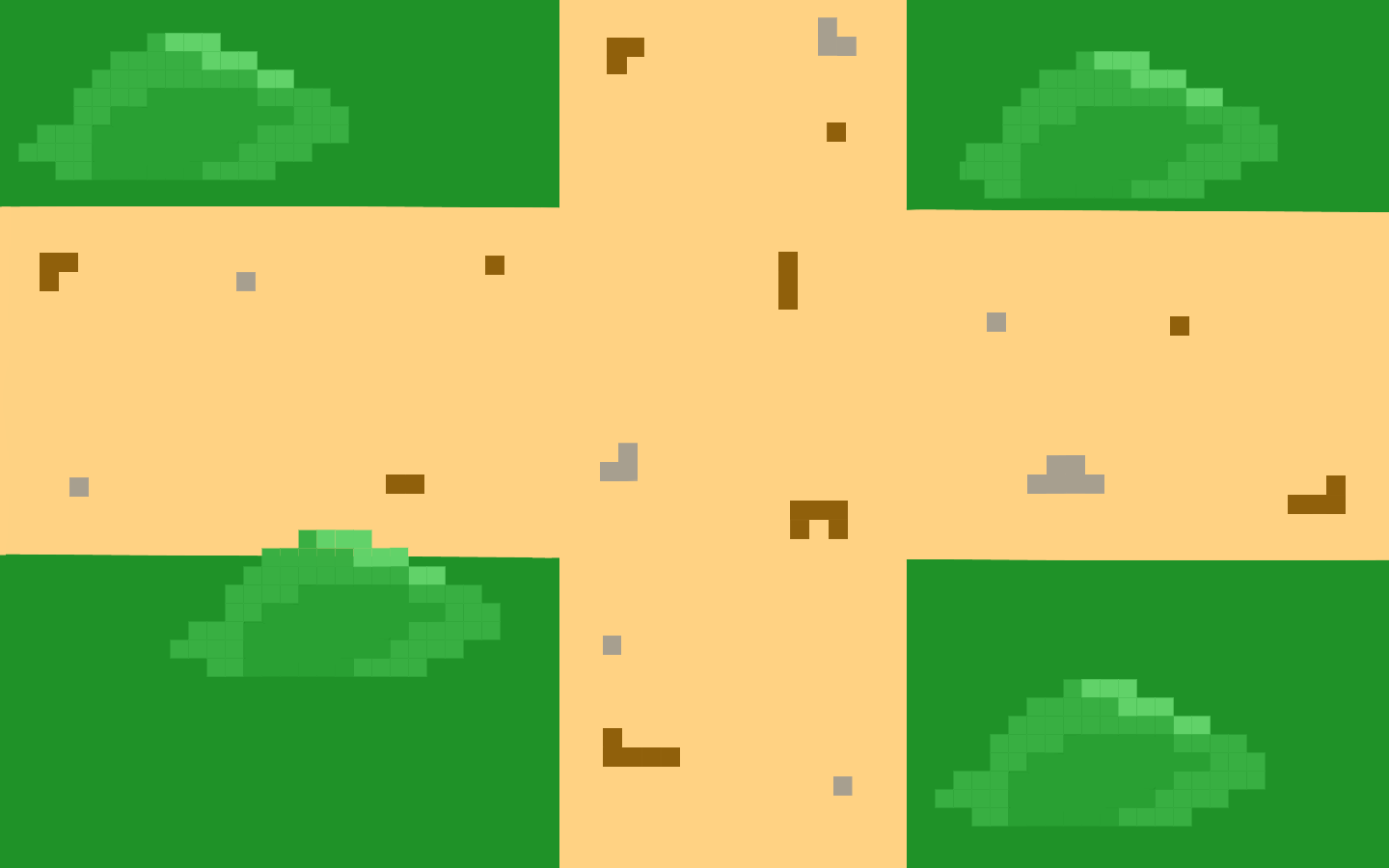
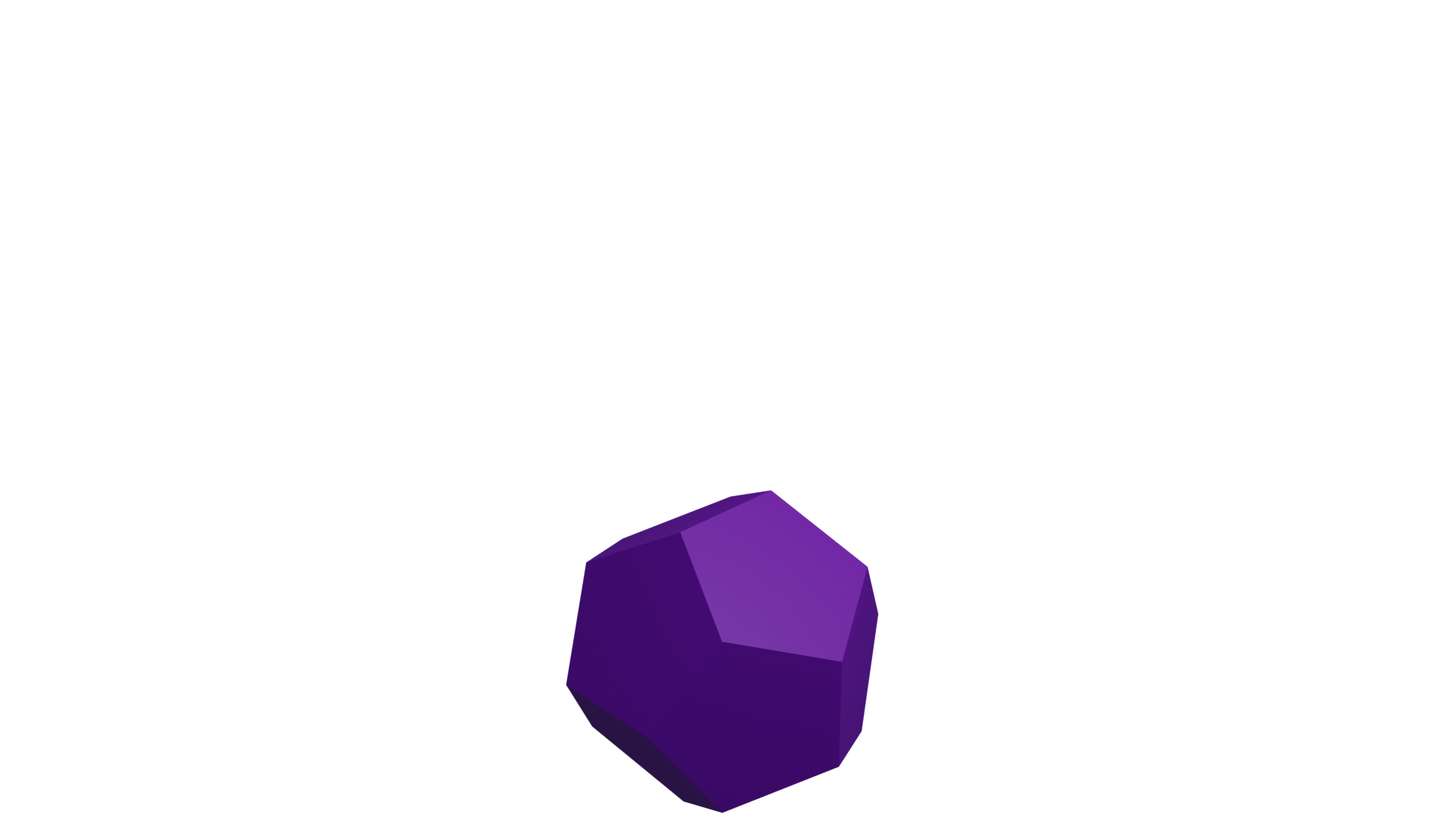
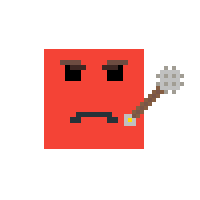
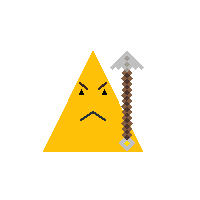
Each level will consist of a map with many segments (an example is included below). Each new segment of the map will contain some enemies which can be fought using the mouse or avoided, as well as obstacles which will block player movement. One of the segments on each level will contain a boss (depicted below in static and attacking forms), which once defeated will grant access to the next level. Points and experience are granted from defeating enemies (depicted below), and when enough experience is earned, skill points are awarded, which may be spent on unlocking new skills.
The player may pause the game at any moment. This will freeze all entities in place and bring up the pause menu. From there the user may resume the game, save and exit or exit without saving, by selecting the respective buttons.
The player may open their inventory at any time, this will display all of their collected items and allow them to equip a weapon, a piece of armor, and a consumable item. These will function as the player's main form of interacting with enemies, and will adjust they player's speed, strength or health, at varying rates depending on which items are equipped.
There will be 4 levels automatically loaded into the game as the default campaign.
- A level set in caveman times with exclusively square enemies, which will contain the cube boss at the end.
- A level set in ancient Egypt with both square and triangle enemies, which will contain the pyramid boss at the end.
- A level set in medieval times, with square, triangle and hexagon enemies, which will contain the dodecahedron boss at the end.
- A secret level which can be accessed by finding the secret exit of one of the default levels. It will contain all forms of enemies, and use the evil circle as its boss.












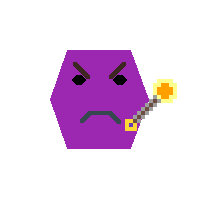
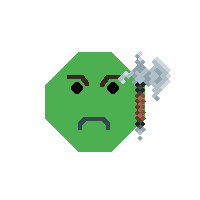
When the player reaches 0 Health, the will die and be sent back to the beginning of the game. If their current score is higher than the lowest score saved in the high scores, they will be prompted to enter their name to add their score to the high scores list, despite not having completed the game.
A large portion of the assets were designed by Ethan Collins. The full collection can be found below. Media File
- The ESC key will pause the game and exit the inventory if it is open.
- The I key will open up the player's inventory.
- The WASD keys will move that player in the up, left, down and right directions respectively.
- The Spacebar will use the currently equipped item.
- Left clicking will cause the player to attack with the currently held weapon.
- Moving the mouse will cause the player to aim in the direction of the cursor.
Points are granted for defeating enemies and based on the time taken to finish each level. Each different form of enemy will reward the player with a different number of points. Triangle: 10pts Square: 15pts Hexagon: 20pts Octagon: 30pts Cube Boss: 100pts Pyramid Boss: 150pts Dodecahedron Boss: 200pts Secret Boss: 500pts
An unseen timer will also be running as the player plays the game. The timer will start at 15 minutes and be reset at the start of each level. The player will earn 10 points for each minute left on the timer when they finish the current level, to a maximum of 100pts for finishing the level in 5 minutes or less.
Experience is only granted for defeating enemies, and is awarded at 1/10th of the rate of points. (ie 1xp for square, 1.5xp for triangle, etc.) Once a player reaches 100xp they will gain a skill level, and their experience will be reset to zero. Skill points may be spent to unlock a new skill. The current unlockable skills would be:
- Dodging, which would allow the player to make a quick movement in one direction, while being immune to damage for a short time.
- Blocking, which would make the player immune to damage for a longer time than dodging, but would heavily slow their movement. Other skills may be added at a later stage.
Before the game starts the player may select a difficulty level from the options available in the settings menu of the title screen. This will determine how much damage is done by each enemy as well as the speed and health of each enemy. The default difficulty is 'Normal'. It will scale as follows:
- Easy - Enemy speed, strength and health is reduced by half.
- Normal - Enemy speed, strength and health is set to their respective standard rates.
- Hard - Enemy speed, strength and health is increased by 50%.
Cheat mode may be activated in the settings menu of the title screen, by checking the box labeled 'Cheat Mode' When the cheat mode is active, the player will not take any damage.
The Level Designer will allow the user to create their own custom set of levels, segment by segment. The GUI will use a series of buttons alongside a visual representation of the current segment. Each of the buttons will add an enemy, an obstacle, a boss or the starting point of the level to the screen, at which point their position can be changed by clicking and dragging them on the segment representation. They may also be deleted by selecting them (through clicking the object to be deleted) and pressing the delete button. There will also be a button in each cardinal direction to allow the user to edit other segments of the level. Once at least one full level has been created by the user (It must include at least 1 segment, and exactly 1 boss), they will be able to play their levels by setting the Campaign option in Settings to 'User Levels' before starting the game.
The game will function on Windows 10. When the game starts, a title screen will appear with options to access the Help, Settings and About screens. The title screen will also include a button to begin the game with the current settings.