Repository navigation

🐳 Docker: new default port 9500
The ready-made compose.yml now publishes ArchFlow on port 9500 instead of 80, since ports 80 and 8080 are often already taken. To use a different port, edit the ports line in compose.yml (e.g. - "9600:80").
mkdir archflow && cd archflow
curl -O https://raw.githubusercontent.com/cyryllo/ArchFlow/master/compose.yml
docker compose pull
docker compose up -d        # http://localhost:9500
The container now also restarts automatically (restart: unless-stopped).
Upgrading from v0.4.6 with Compose? Download the new
compose.ymland rundocker compose pull && docker compose up -d. ArchFlow moves from http://localhost to http://localhost:9500. Your diagrams in./diagramsare kept.
⚡ Faster, offline-capable container
Backend dependencies are now installed when the image is built, not on every start. The container is ready in a few seconds and no longer needs internet access to start.
📖 Documentation
- How the container works: what runs inside, where diagrams are stored, why you must mount
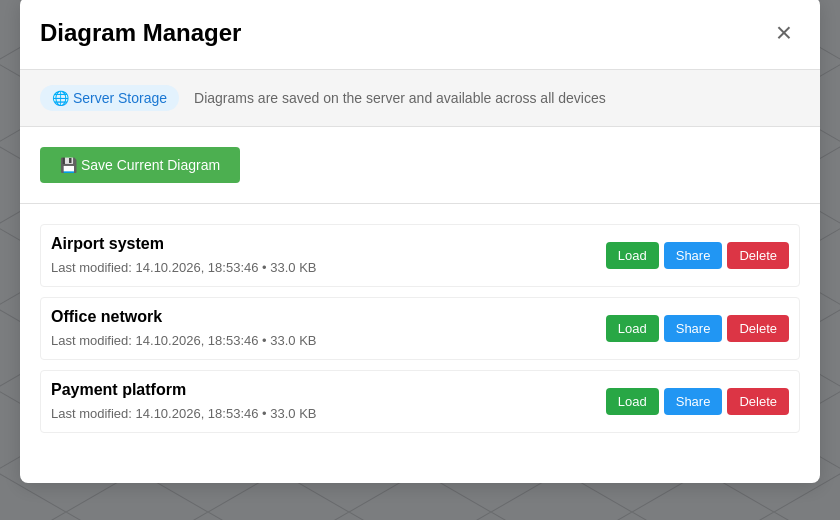
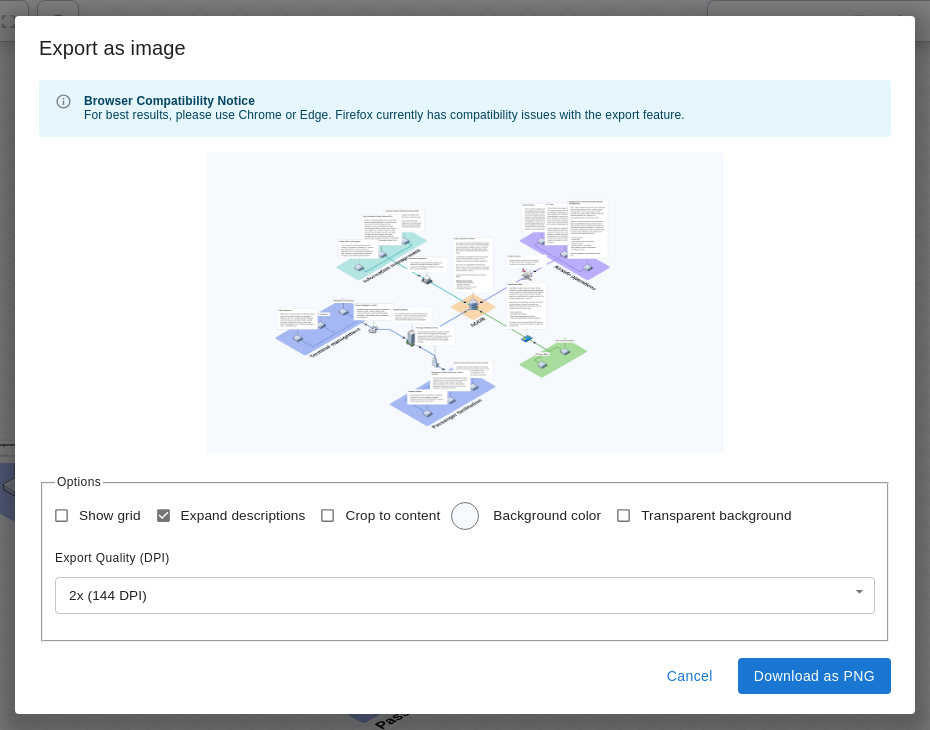
/data/diagrams, host folder vs named volume, file ownership on Linux, restarts, and the fact that ArchFlow has no logins. - Saving and Opening Diagrams: the two ways to keep your work (files on your computer vs App Storage), export to JSON and PNG, the Diagram Manager (Save, Load, Share, Delete), session storage, and automatic restore.
- Everyday Docker commands (logs, stop/start, update, volumes).
- Screenshots of the app, in English and Polish.
| App Storage | Export as image |
|---|---|
 |
 |
🔧 CI / maintenance
- CI now runs on Node 22 and 24 (Node 18 and 20 are end-of-life). Minimum supported Node version is now 22.
- All GitHub Actions updated to their latest versions (Node 24 runtime).
Full changelog: v0.4.6...v0.4.7