
Your words. Your space.
A free, open-source Markdown editor for macOS that you can shape around the way you like to write.


Write.md is a focused desktop editor for ordinary Markdown files. It starts with a clean macOS glass appearance, then gives you control over the writing environment without changing the document underneath.
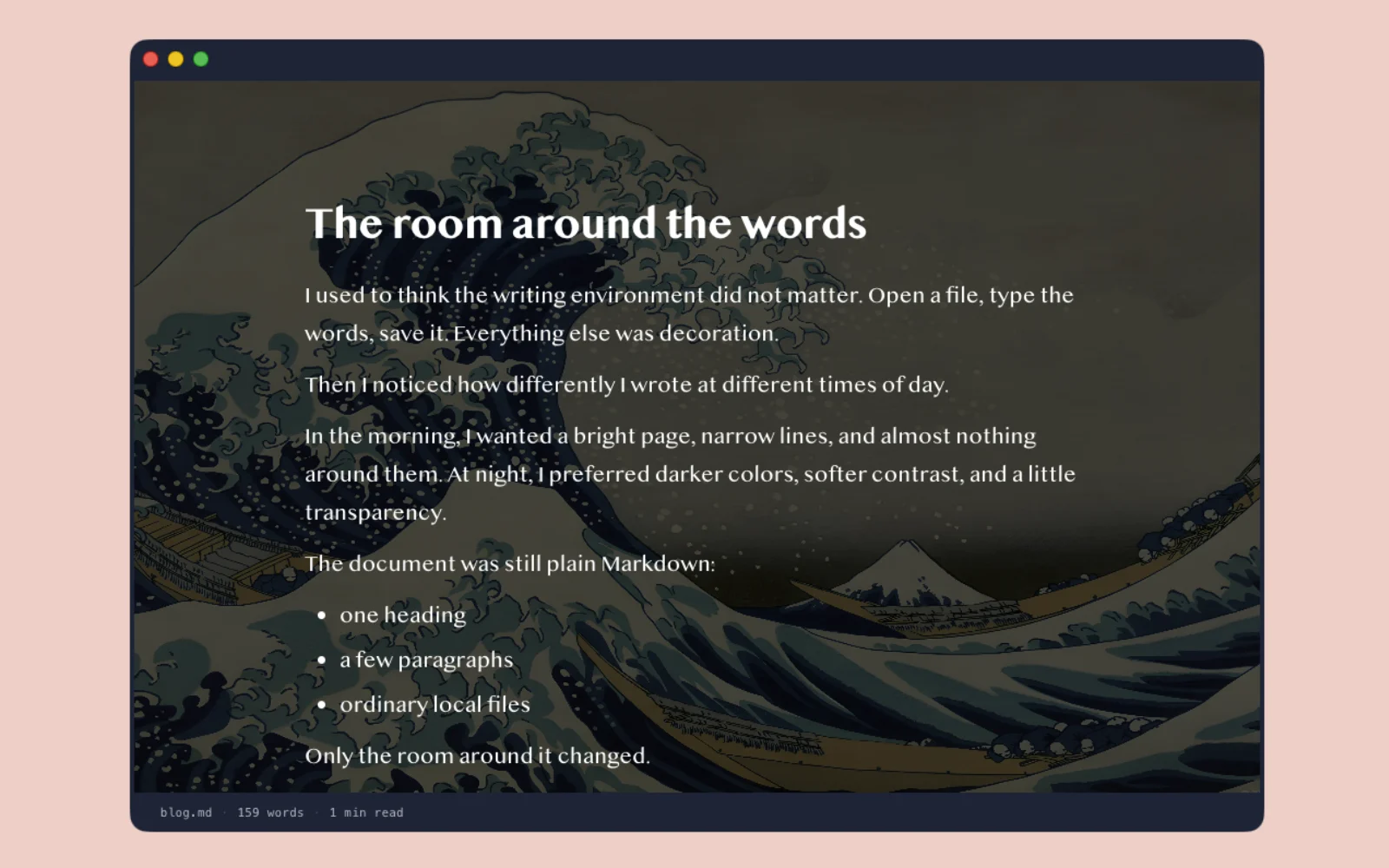
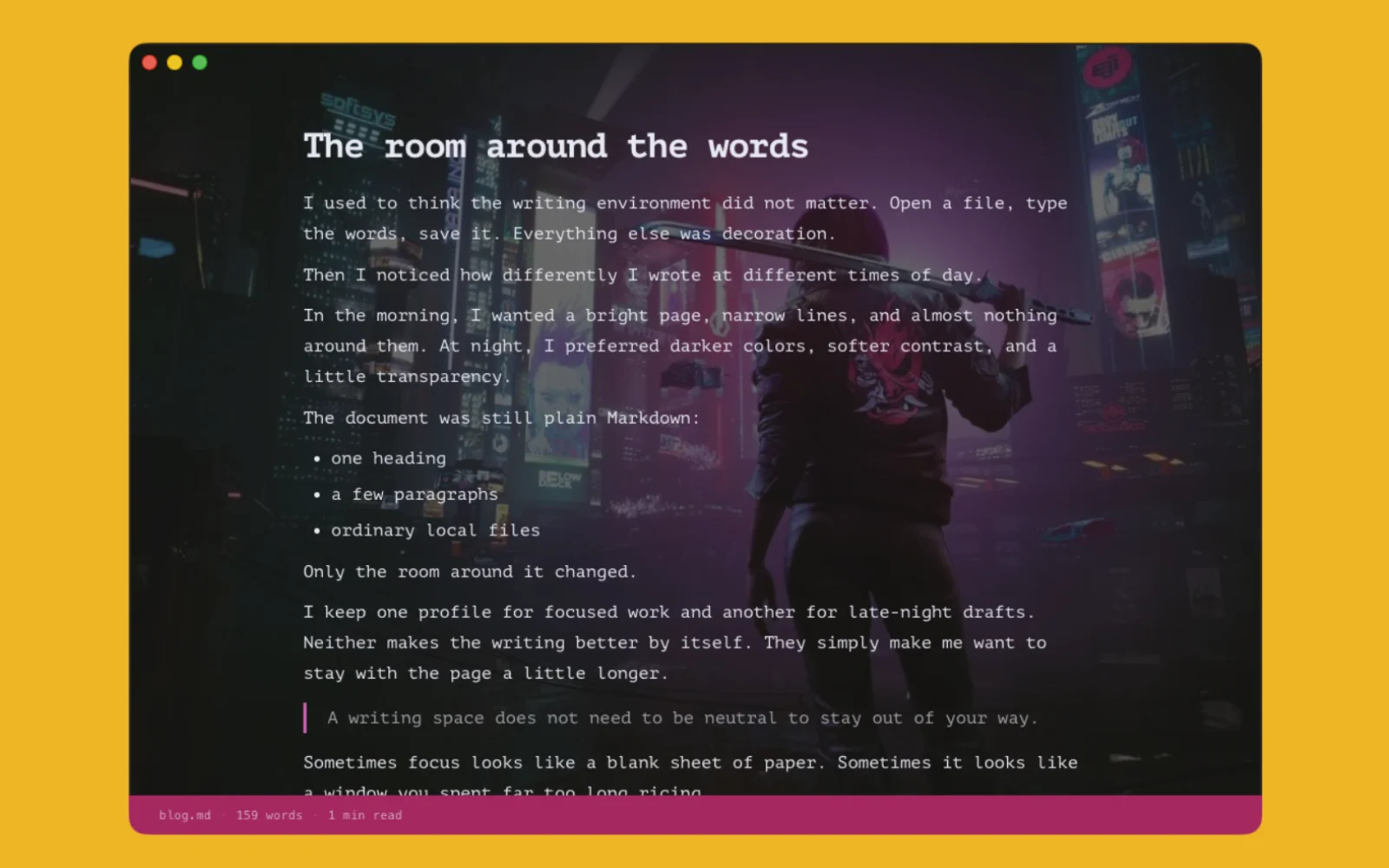
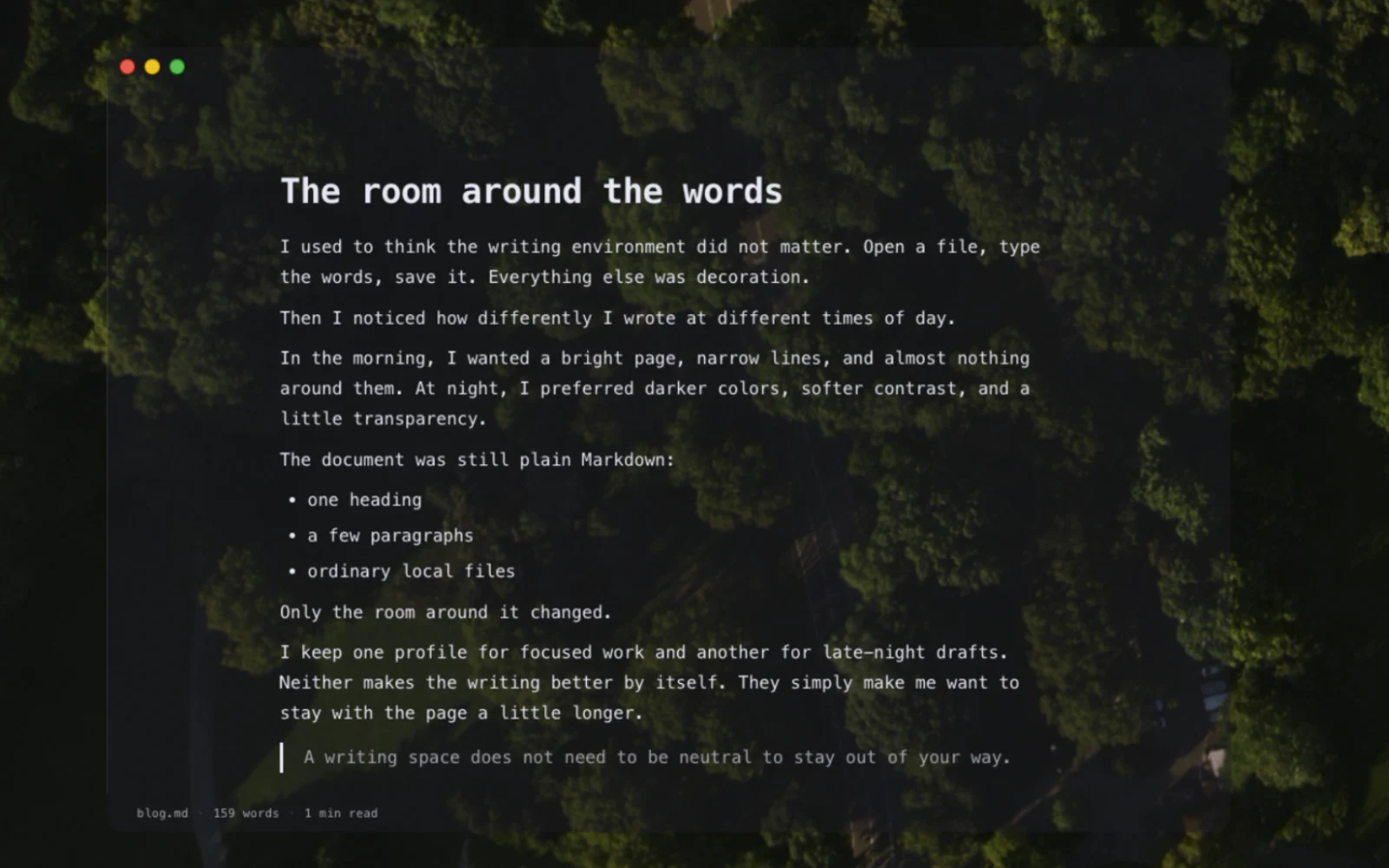
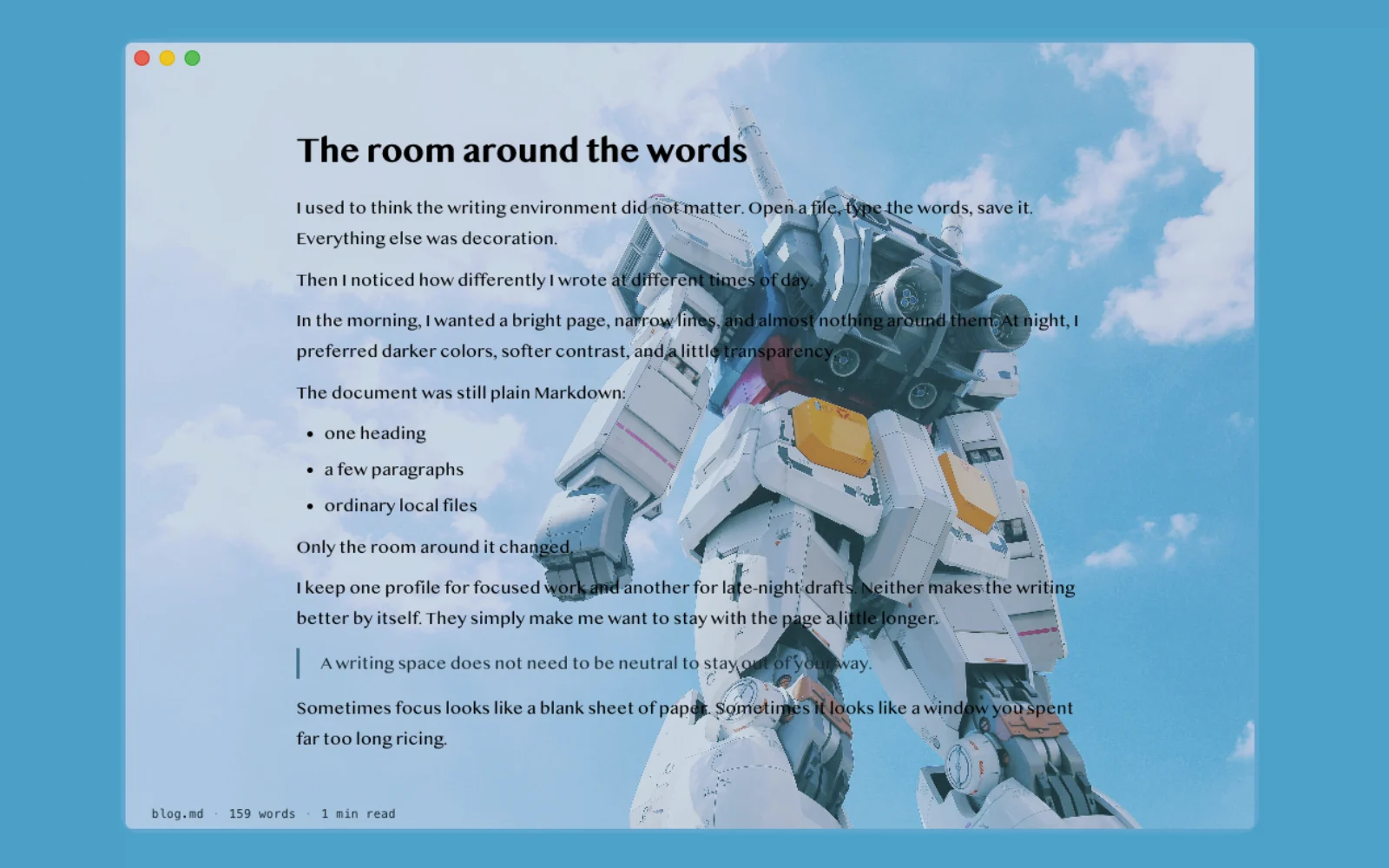
Create and save appearance profiles for different moods, projects, or times of day. You can adjust:
- Fonts, font size, line height, and content width
- Text, background, accent, header, footer, and border colors
- Window opacity, glass effects, and visible borders
- Unified or separated window regions
- Image and video backgrounds
- Reusable profiles you name and switch yourself
Write.md does not ship a catalog of premade themes. The examples below were built with the same appearance controls available in the app.
 |
 |
 |
 |
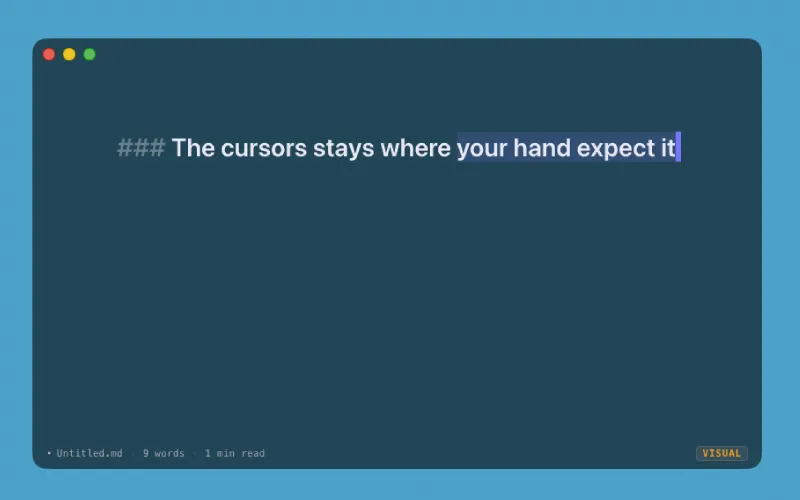
- Optional Vim mode: Modal editing without opening an IDE.
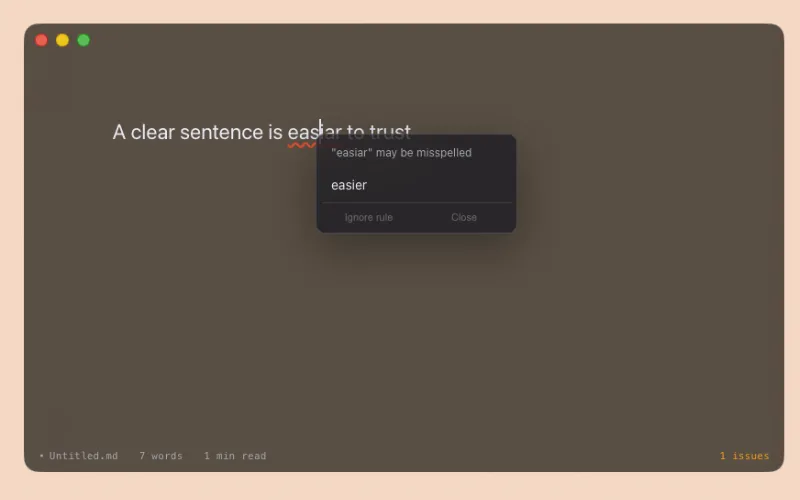
- Optional local corrections: US English spelling and basic style suggestions. No AI service or account.
- Three views: Write in the unified editor, open a rendered preview, or use split view.
- Useful status details: File name, word count, reading time, correction count, and Vim mode.
- Normal local files: Open and save
.md,.markdown, and.txtfiles on your Mac.
 |
 |
Download the latest signed and notarized release from the GitHub Releases page, or use the direct download on writemd.app.
Current public builds support Apple silicon Macs.
- Download the DMG.
- Open it and drag Write.md into Applications.
- Open a Markdown file and write.
| Action | Shortcut |
|---|---|
| New window | ⌘N |
| Open file | ⌘O |
| Save | ⌘S |
| Save as | ⌘⇧S |
| Appearance | ⌘, |
| Toggle split view | ⌘/ |
| Toggle preview | ⌘P |
| Toggle Vim mode | ⌘⇧V |
| Toggle corrections | ⌘⇧C |
- No account
- No telemetry
- No analytics
- No AI writing service
- Local Markdown files
- Apache 2.0 licensed source
Packaged builds can contact GitHub Releases to check for app updates. Your document content is not sent with that request.
Write.md is built with Electron, TypeScript, React, CodeMirror 6, and Bun.
bun install
bun run dev
Useful commands:
bun run typecheck         # Type-check main and renderer code
bun run build             # Build the application
bun run build:mac:local   # Create an unsigned local ARM64 macOS build
bun run build:dir         # Create an unpacked local ARM64 build
Signed and notarized releases are produced by the manual Release macOS GitHub Actions workflow.
Issues and pull requests are welcome. Write.md is independently built and solo-maintained, so focused reports and small, well-explained changes are especially helpful.
Write.md is available under the Apache License 2.0.
Built by Daniel Bilek with Jean2.