Repository navigation
ManwhaTrack 1.0.0

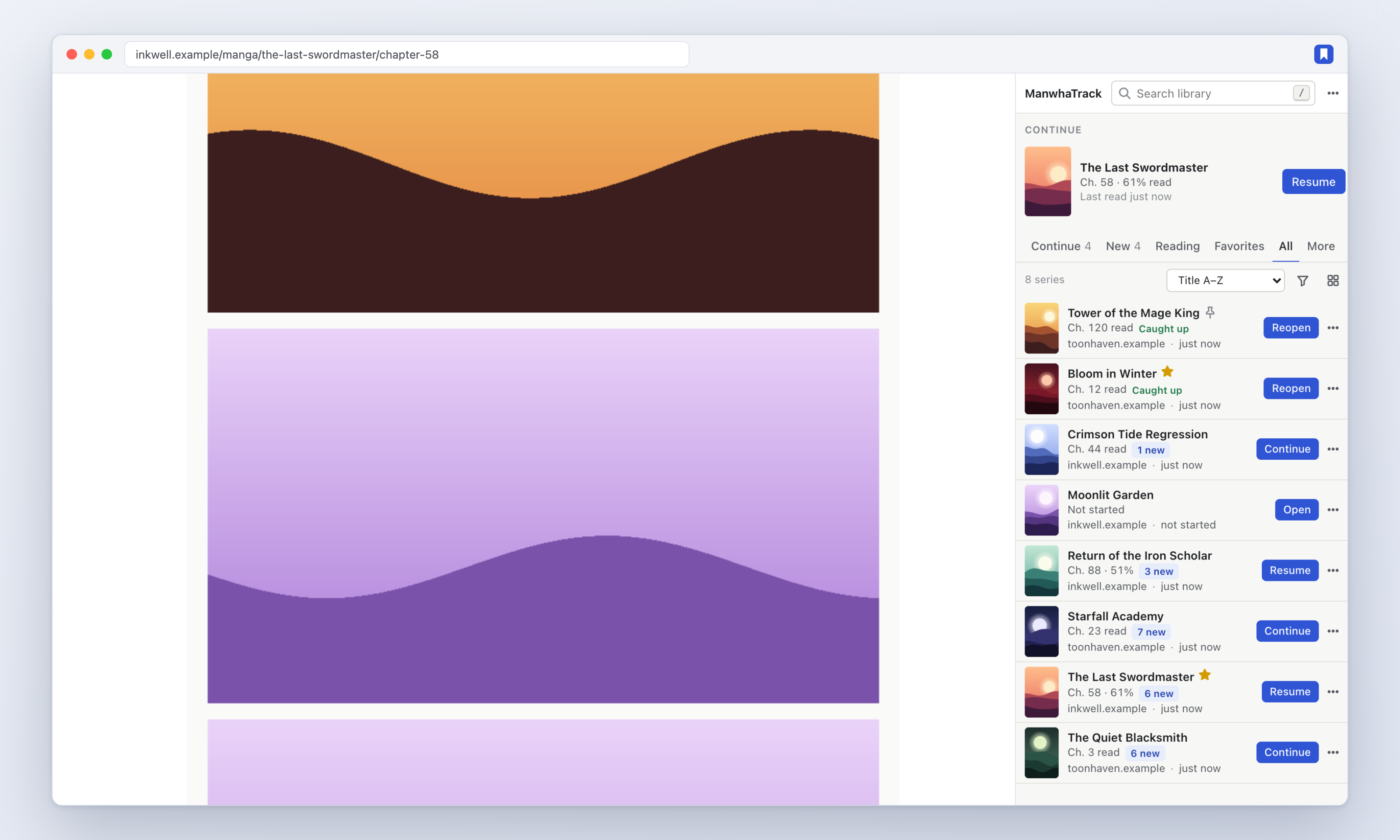
The first release of ManwhaTrack: a Chrome extension that tracks your manhwa, manga and webtoon reading automatically and keeps everything on your device.
Install
- Download manwhatrack-1.0.0.zip below and unzip it.
- Open
chrome://extensions, turn on Developer mode, click Load unpacked and choose the unzipped folder. - Pin ManwhaTrack and click it to open the side panel. Then just read — series and chapters appear on their own.
Highlights
- Automatic tracking of series, chapters, progress and covers — no adding, no URLs to paste.
- Honest progress: a chapter counts as read when you reach the end of the reader or click the site's Next button, never just by opening it.
- One-click Continue to the next chapter after your last finished one.
- Supported sites: webtoons.com (Originals & Canvas), Tapas, MangaDex and MANGA Plus via dedicated adapters; sites on the Madara and MangaThemesia themes; and a generic detector for everything else.
- Side panel library with Continue / New / Reading / Favorites views, filters, sorting, grid or list, typo-tolerant search, queue, batch actions and a command palette.
- New chapter checks that go straight to each site, with an optional badge and notifications.
- Backups: JSON (with or without covers), CSV, and a validated, previewed import.
- Private by design: no account, no server, no analytics, works offline.
Verified with 121 unit tests, a Chromium end-to-end suite (including browser restart and service-worker termination), and a live run against each supported site.