v1.2.1 — frontend lockfile, CI green

Patch release on top of v1.2.0. Use this tag rather than v1.2.0 — see below.
Fixed: the frontend CI job had never actually run
The root .gitignore carried a bare package-lock.json rule, so frontend/package-lock.json was never tracked. The CI frontend job died at actions/setup-node before installing anything:
##[error]Some specified paths were not resolved, unable to cache dependencies.
and npm ci --legacy-peer-deps had no lockfile to install from either. Every run since the workflow was added was green on the backend and agent jobs only, with the frontend job failing in under 10 seconds.
The lockfile is now tracked (yarn.lock and pnpm-lock.yaml stay ignored — this repo uses npm), and CI passes end to end for the first time.
That fix landed one commit after the v1.2.0 tag, so a checkout of v1.2.0 still has no lockfile and cannot npm ci. This release exists to give you a tag that does.
Also in this release
VERSION,frontend/package.json, and theAPP_CONFIGconstants (which the sidebar and About tab read) bumped to 1.2.1- README package filenames point at 1.2.1
CLAUDE.mddocuments thattsc -bis required — see below
Still open: the CI type check is a no-op
Unchanged from v1.2.0. The root tsconfig.json is solution-style ("files": [] plus references), and tsc --noEmit does not follow project references, so it type-checks nothing and always exits 0. Both the CI "Type check" step and npm run build (tsc && vite build) pass unconditionally.
Use npx tsc -b locally. It currently reports 132 errors (77 unused-local warnings under noUnusedLocals, plus roughly 13 genuine type errors). Switching CI over is deferred until those are cleared.
Install
git clone --branch v1.2.1 https://github.com/deziss/conman.git
cd conman

export SECRET_KEY=$(openssl rand -hex 32)
export MASTER_API_KEY=$(openssl rand -hex 32)

docker compose -f docker-compose.simple.yml up -d --build
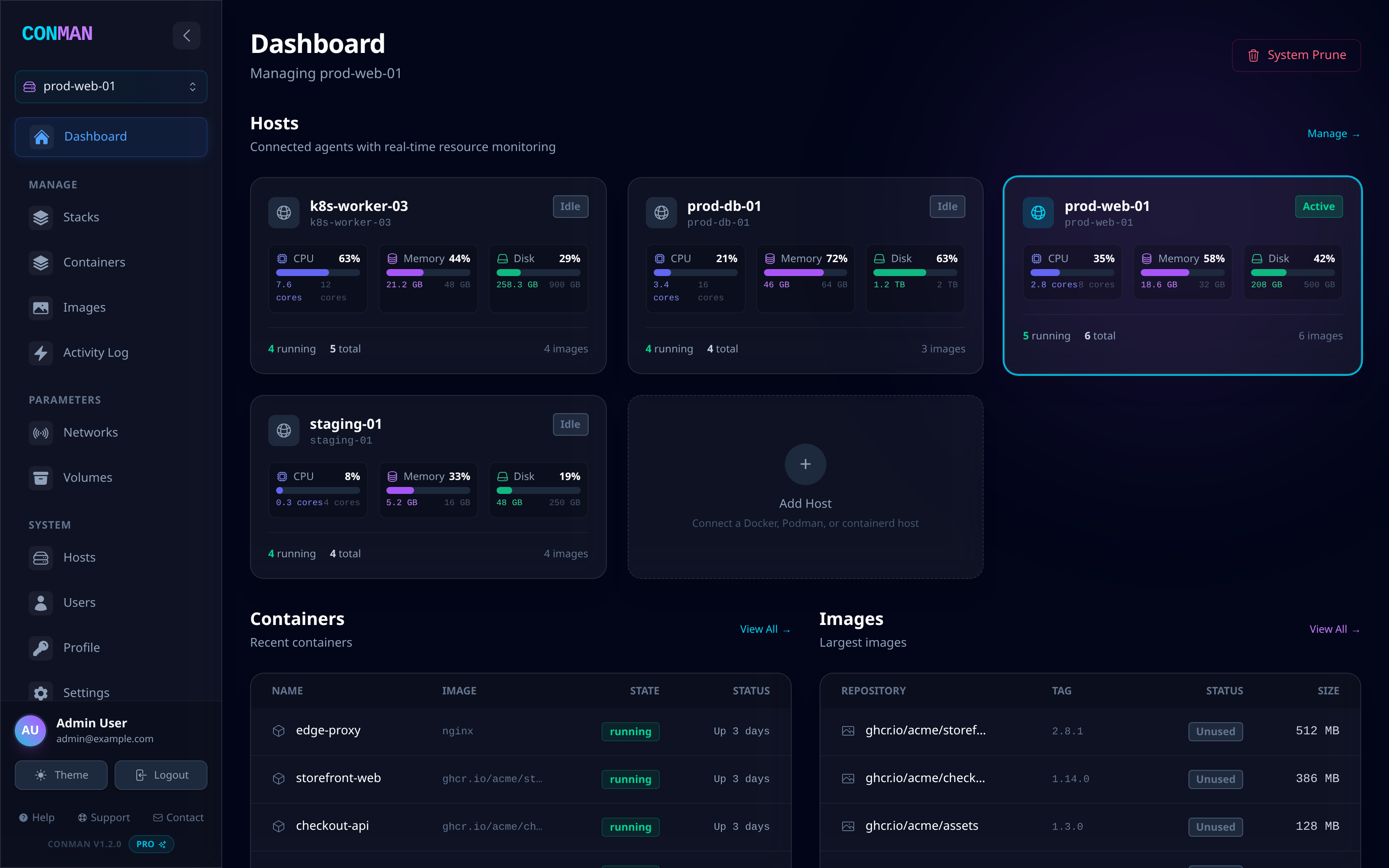
Dashboard on http://localhost:5173, sign in with admin@example.com / admin, and change the password before exposing it to a network.
Full changelog: https://github.com/deziss/conman/blob/v1.2.1/CHANGELOG.md