Repository navigation
client editor
The client editor stores branding, contact defaults, subdomain slug, tracking options, and social links used by the client's landing pages.
- Open a client from Landing Pages > Clients.
- Use Branding & Identity, Contact Info, Tracking & Integration, and Social Media to edit its fields.
- Select Update to save the client.
Client Logo, Contact Address, Contact Phone, and Client Domain are required. Latitude, Longitude, Google Place ID, and Google Search URL are read-only. A landing page's optional Page phone overrides the client's Contact Phone on that page.
Only users allowed to post unfiltered HTML can change Header tracking code (call tracking, pixels, tags). Tick Tracking tags need jQuery if this client's tags require jQuery.
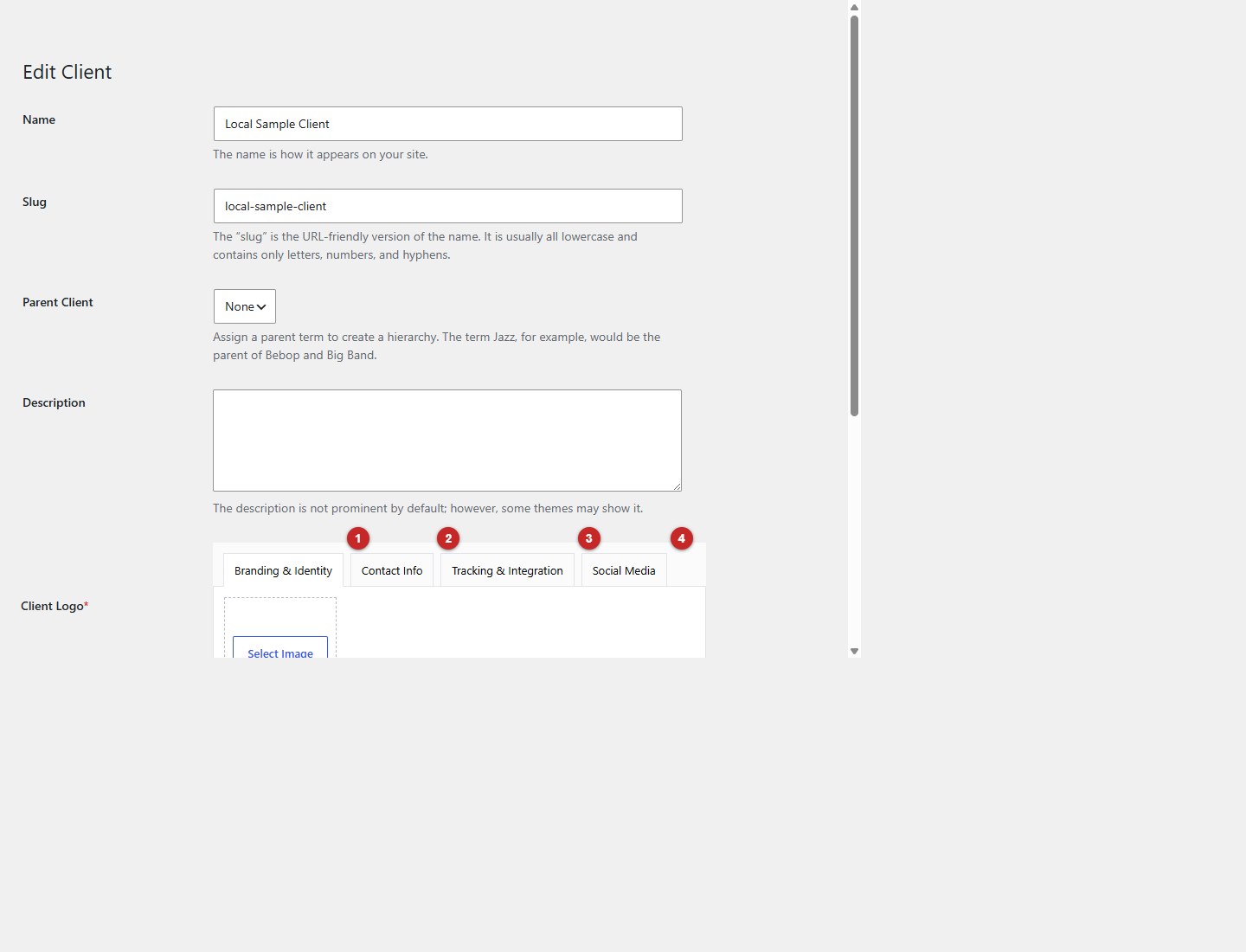
- Open Branding & Identity.
- Open Contact Info.
- Open Tracking & Integration.
- Open Social Media.