Repository navigation
Pouchy 1.0.1

Fixed
- Much lower memory use. Pouchy now uses about 3–5 MB in Task Manager while it waits in the tray (it was over 100 MB), and around 60 MB with the pouch open (it was 130–250 MB).
- The release
.exeis no longer internally compressed. A compressed single-file app unpacks about 80 MB of its own code into memory on every launch. Downloads are now a zip instead (about 70 MB). - Pasted and dropped pictures stay on disk at full resolution. Only a small thumbnail is kept in memory, and the full picture loads only when you copy, drag, preview, share or OCR it. A 4K screenshot used to hold about 33 MB for as long as it sat in the pouch.
- After the pouch hides, Pouchy compacts its memory and returns unused pages to Windows.
- The mascot's looping animations stop while the pouch is hidden.
- The release
Download
| Your PC | Download |
|---|---|
| Most Windows PCs (Intel / AMD) | Pouchy-1.0.1-win-x64.zip |
| Windows on ARM (Snapdragon, Surface Pro X) | Pouchy-1.0.1-win-arm64.zip |
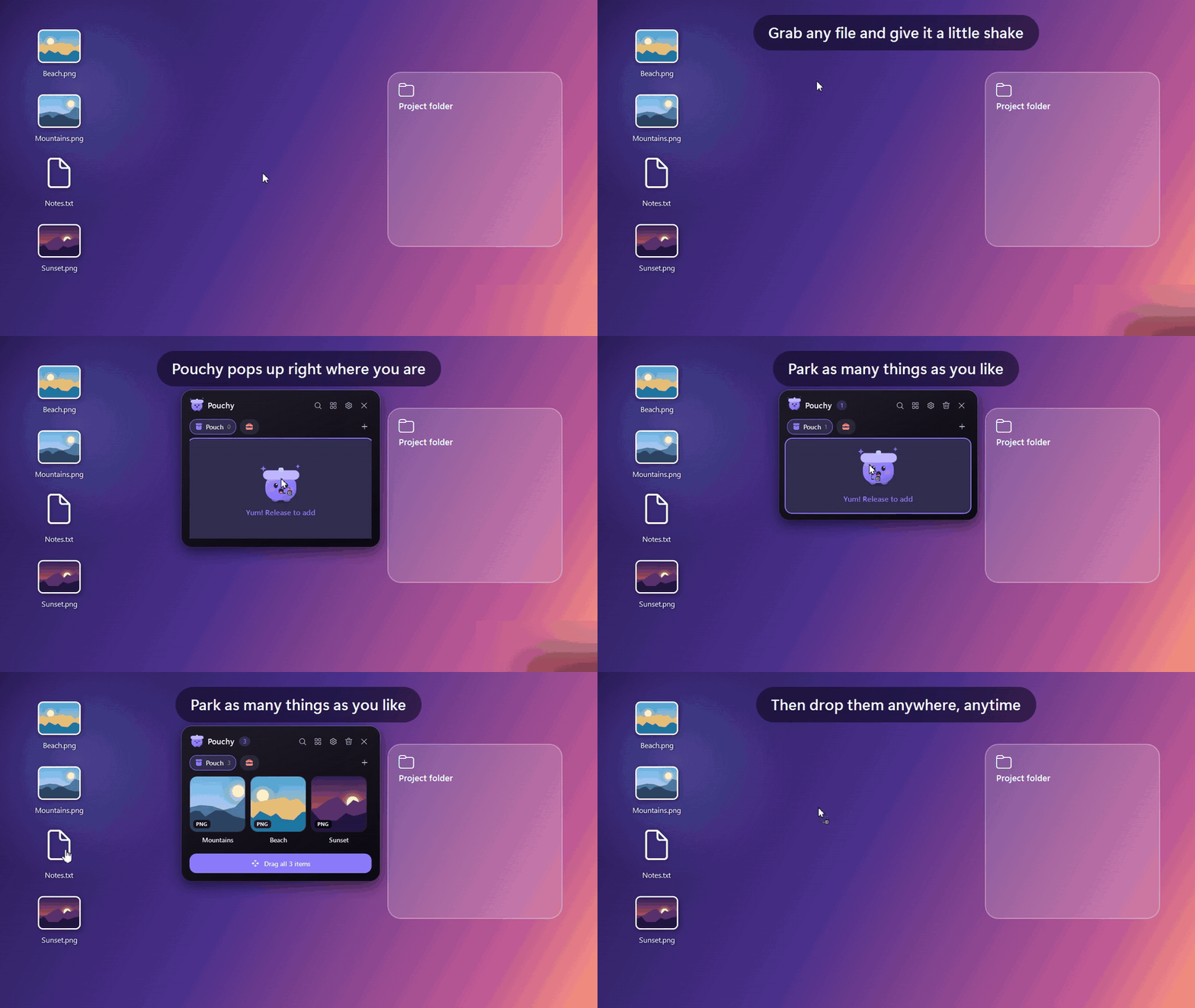
No installer and no .NET needed: unzip it and run Pouchy.exe from wherever you like. Pouchy lives in the system tray. Turn on Settings → Run at Windows startup to keep it around.
"Windows protected your PC"? Pouchy isn't code-signed yet, so SmartScreen warns about new downloads. Click More info → Run anyway. You can check the download against SHA256SUMS.txt below.
Requirements: Windows 10 (version 2004 or later) or Windows 11.
Full changelog: CHANGELOG.md