Repository navigation
ClawTweaks 1.0.2 - Full Steam Remapping, New Quick Access Menu (QAM), Hybrid Controller ( /w Mouse Actions)
Latest
🟢 Existing users: Update the Gamebar Widget from the library main menu.
🟠 New & existing users: download and run theClawTweaks_1.0.2.17_Setup.exe.
ClawTweaks 1.0.2 - A Steam OS inspired Update
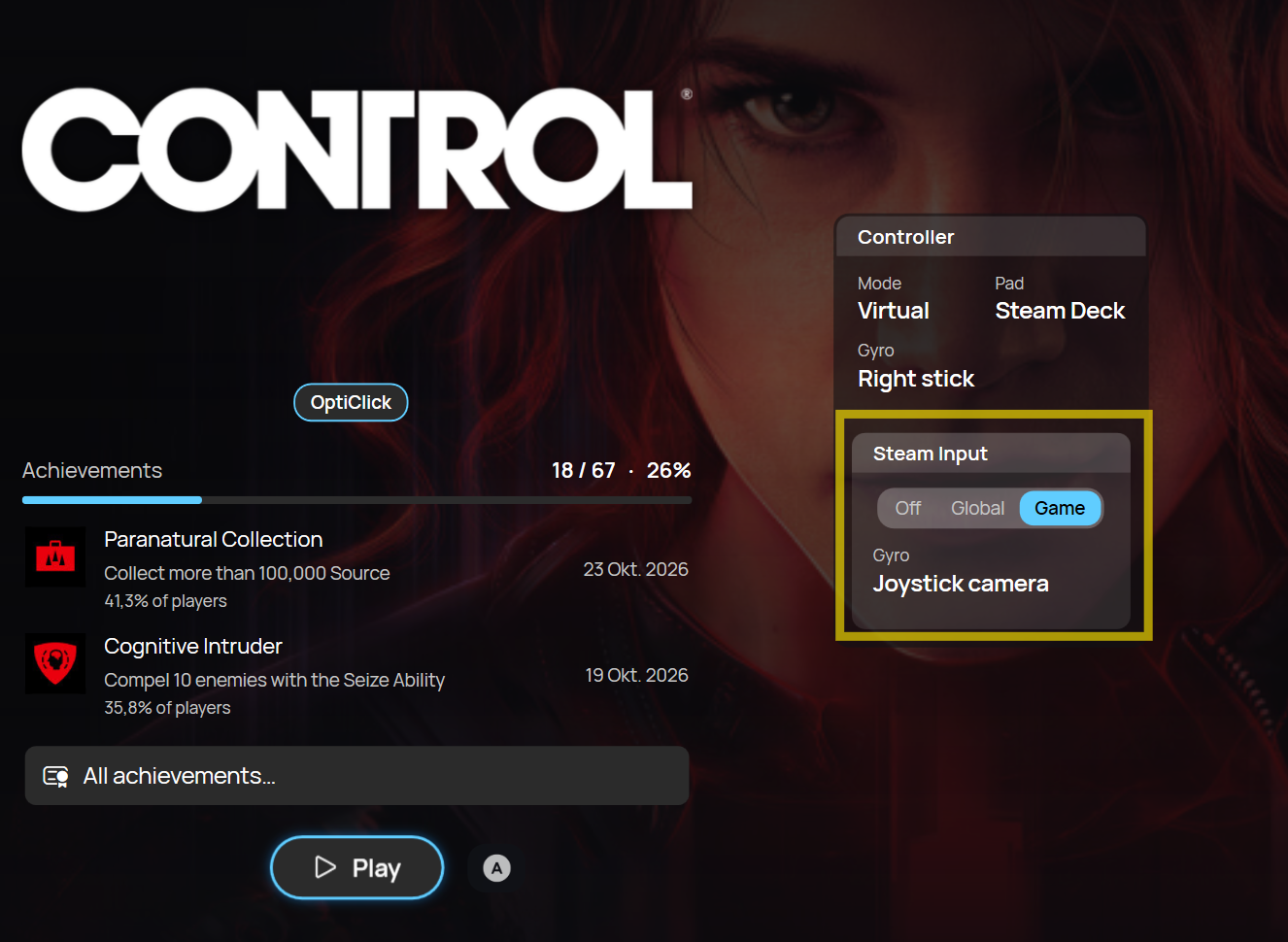
Full Steam Input remapping with Steam Deck and DualSense controllers
- Steam sees a Steam Deck or a DualSense Edge pad, so Steam Input remapping works fully, back buttons and gyro included
- Pick the controller type per game, or keep Xbox Controller
- Big shoutout and thanks to Onehoon who contributed here with his VIIPER fork optimized especially for MSI Claw.
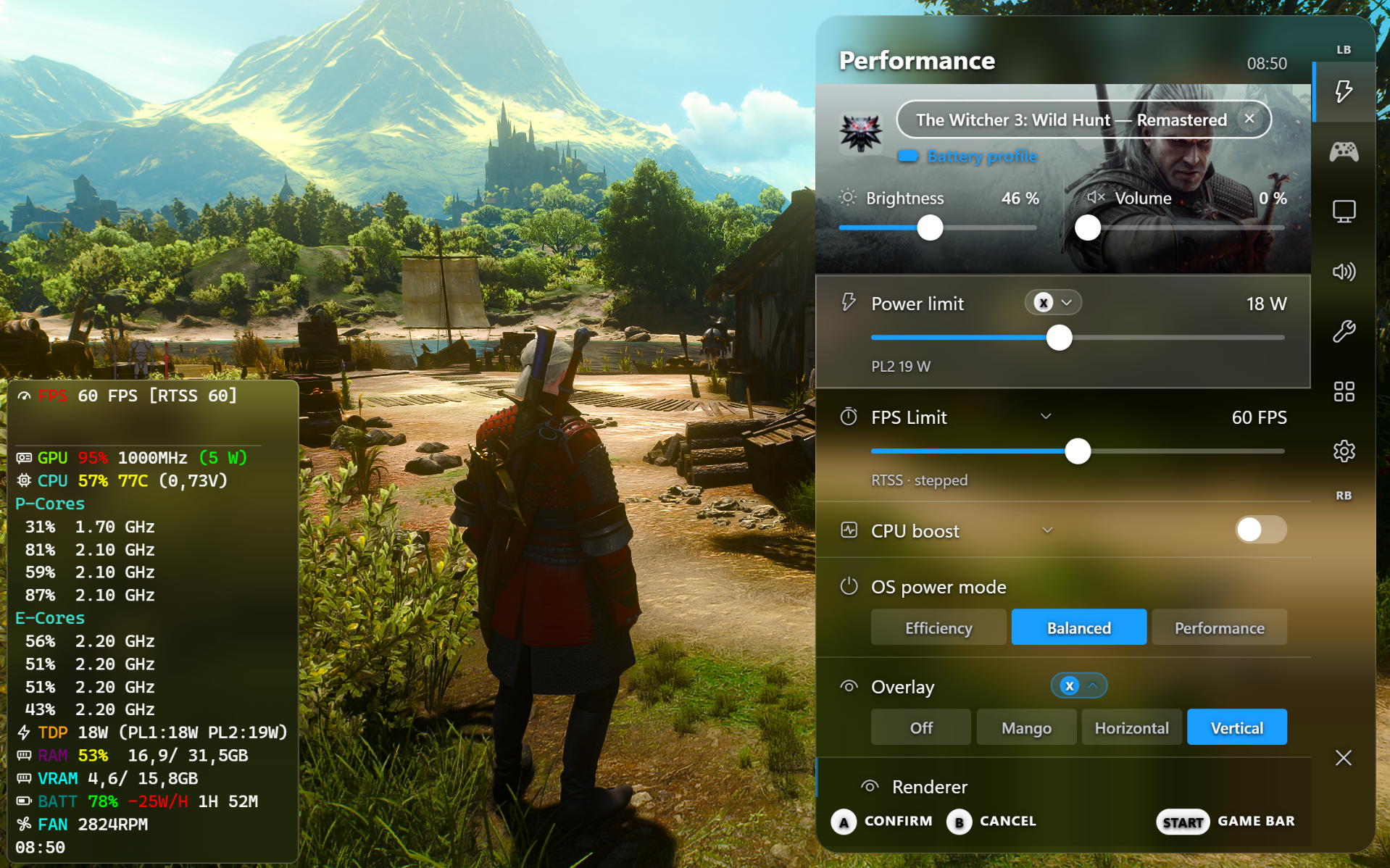
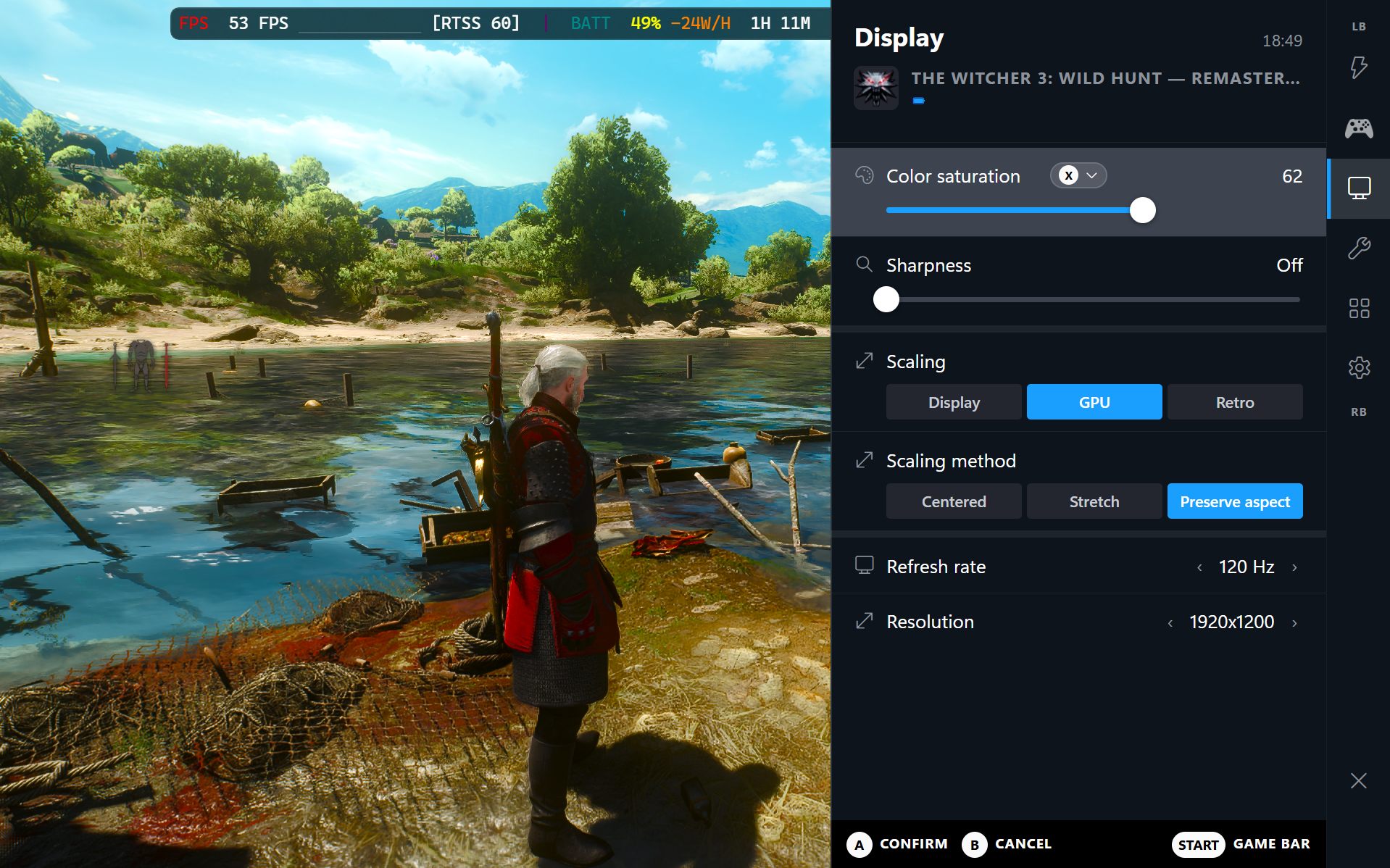
New HTML Quick Access Menu (QAM)
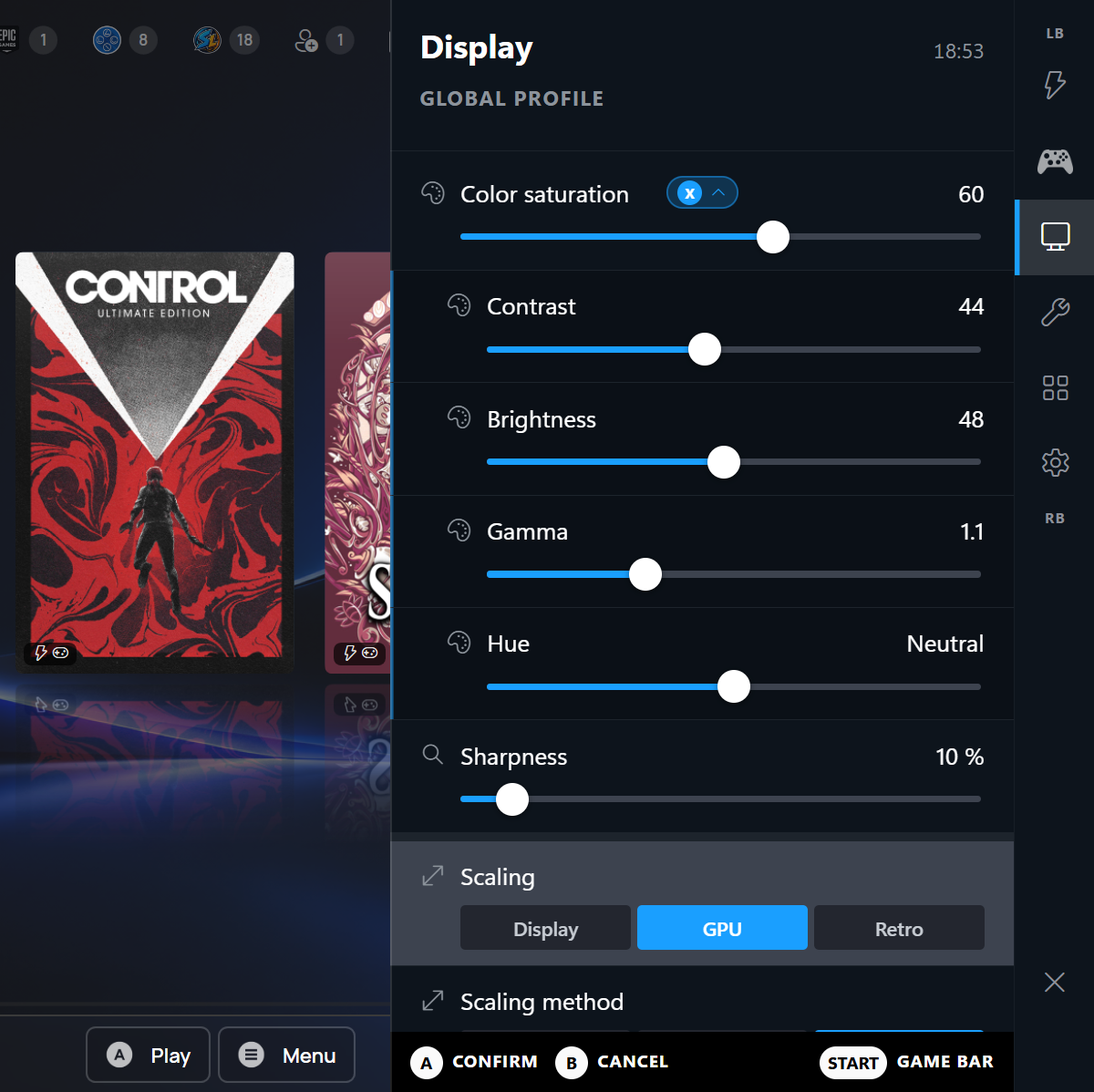
- A new Quick Access Menu (QAM) that opens over the game: performance, controller, display and tools on one screen
- Themes, glass blur, panel size, game banner and the game's colour
Note
In Windows Full Screen (FSE / Xbox Mode), the QAM works only with the virtual controller.
To use the QAM with the hardware controller, use the Windows desktop mode (no FSE).
Use different Themes like Full Glass Look...
Or for the Steam die hard fans are more classic Steam OS QAM Look:
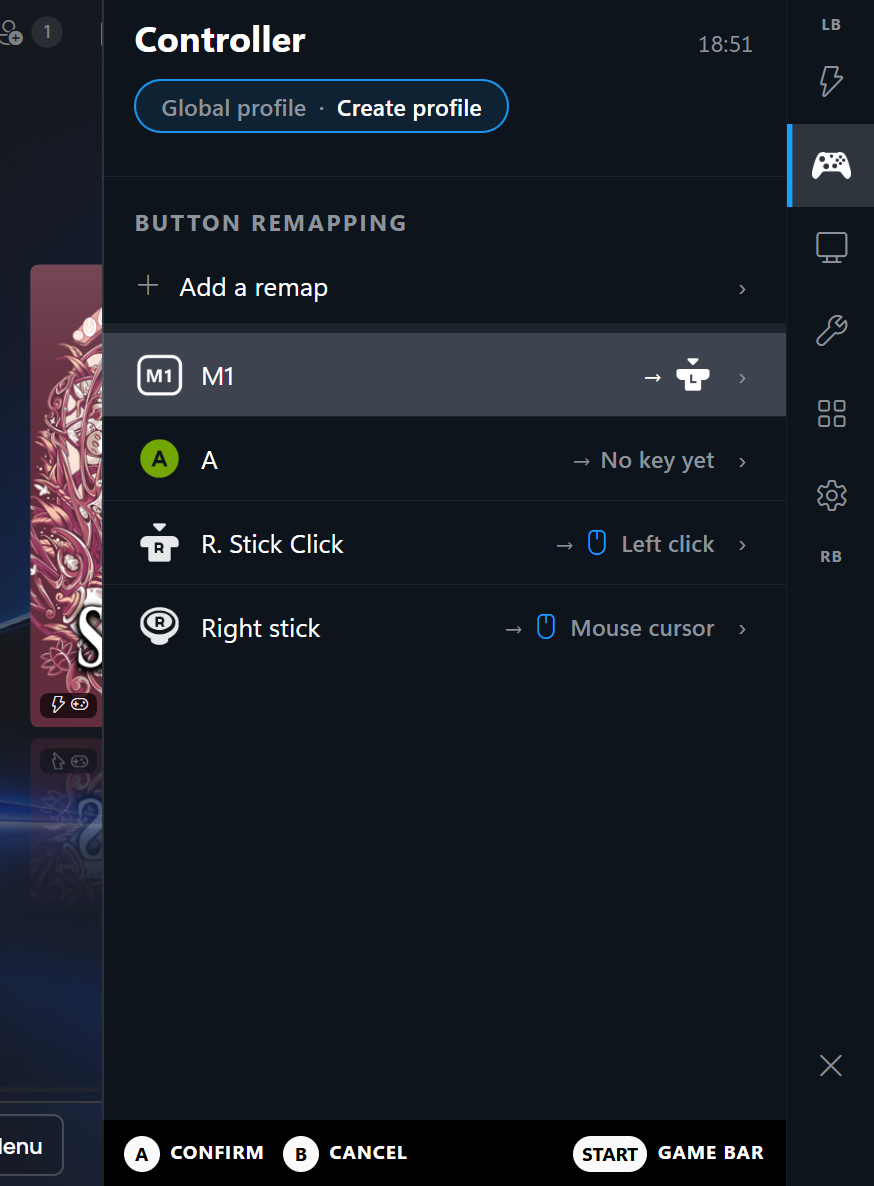
Extended remapping for a hybrid Game Controller Mouse Mode
- Full mouse actions in the game's controller presets
- Stick as mouse cursor, clicks and more for hybrid mouse and controller input
- Use it for instance to remap the right stick as a mouse cursor and right stick click for a mouse click in strategy games
Library
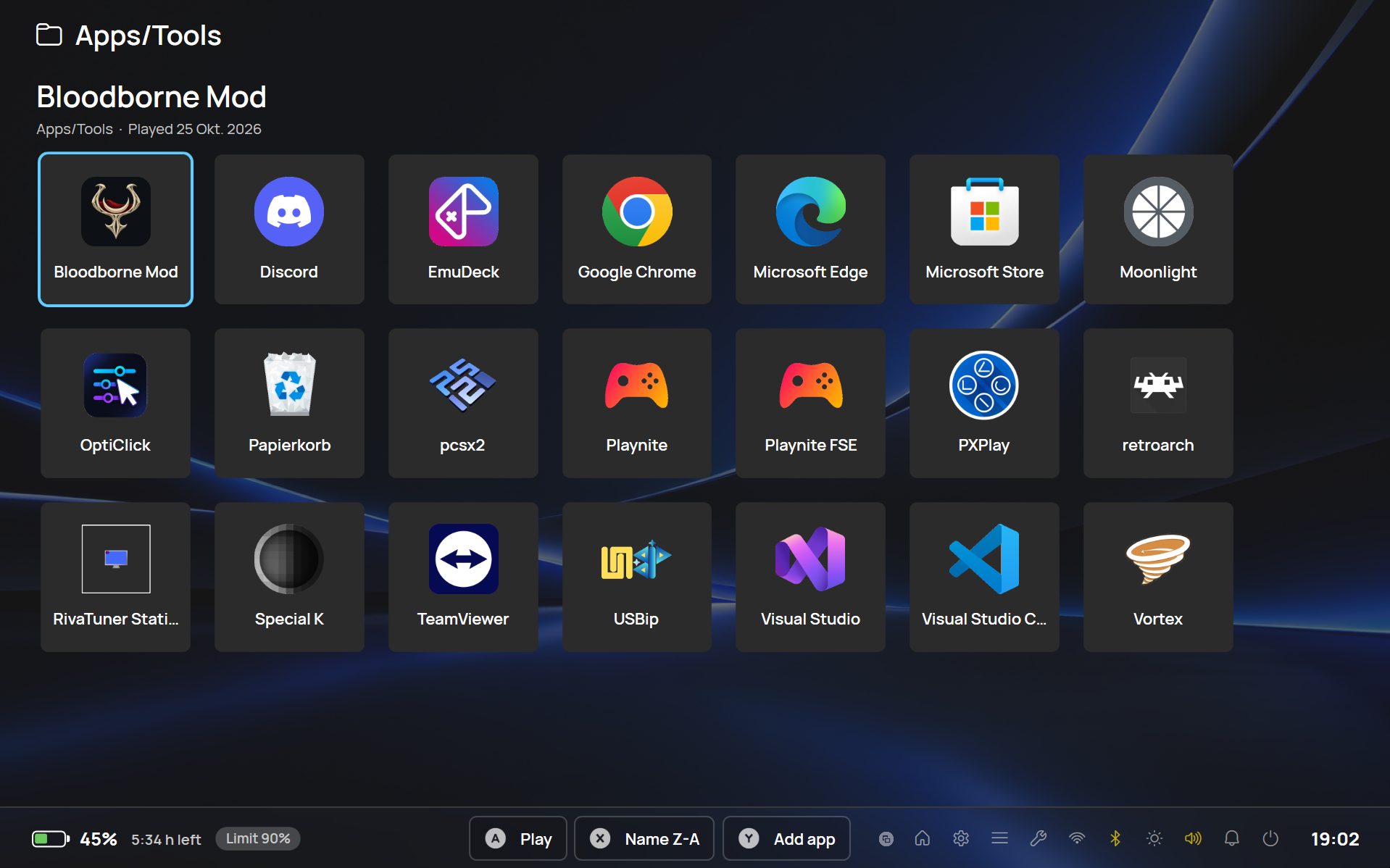
- A dedicated tab for games you added manually
- Apps and tools moved to the quick menu and are shown their exe icons
- Controller type and Steam Input remappings visible right in the library on the game
- Steam Deck and DualSense are swapped before the game starts, so games are not confused by a controller change