v0.2.3 — Cancel transfers from either side

Either side can now stop an in-flight transfer, and the other side gets told who pulled the plug.
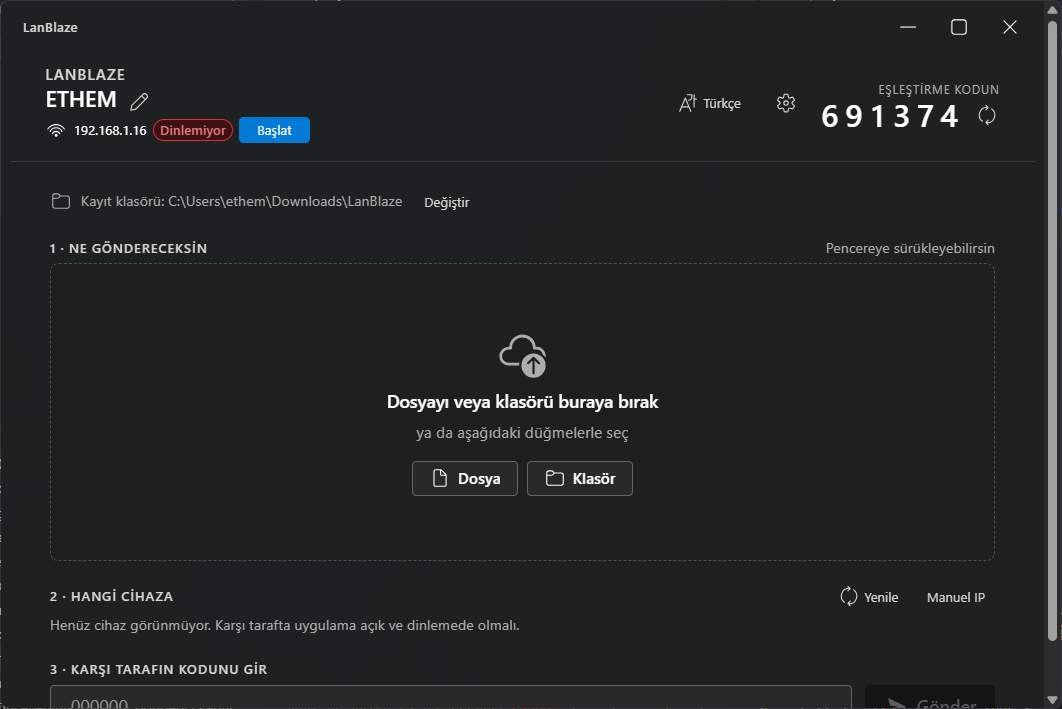
What's new
Cancel button on every active transfer
- A small × button now sits on the right of every active-transfer row, on both the sender and the receiver.
- Click → the side you're on registers a
tokio::select!against an in-memory oneshot and aborts the worker task. The socket is dropped, the writer task drains, the partial file (if resumable) stays on disk for next time. - Completion toast and the entry in Settings → Recent activity tell you who cancelled:
- "Canceled by you" if your side pressed it
- "Canceled by peer" if the other side did
- All three labels (Cancel / Canceled by you / Canceled by peer) translated for the 10 bundled UI languages.
How "who cancelled" gets figured out
- The side that pressed the button just maps the
tokio::select!arm ontoTransferError::Cancelled. - The other side sees the socket get yanked and reads one of
UnexpectedEof / ConnectionAborted / ConnectionReset / BrokenPipe(or, on the receiver, aProtocol("unexpected EOF")when the sender shut down mid-body). Both sides classify those ascanceled_by_peerinstead of bubbling them up as a generic io error.
Install (Windows)
Download LanBlaze_0.2.3_x64-setup.exe below. Per-user install, no UAC. Re-running over an existing install upgrades in place and keeps your settings + trusted devices + history.
Changes since 0.2.2
feat: cancel transfers from either side (sender or receiver)(8afbab9)
Upgrade
Just install over v0.2.2 — same settings.json, same history.json, same trust list.