Resources
🔴 Everli Icons/Resources
All resources are provided as vector drawables based (.xml based on .svg) We use two different classes of resources:
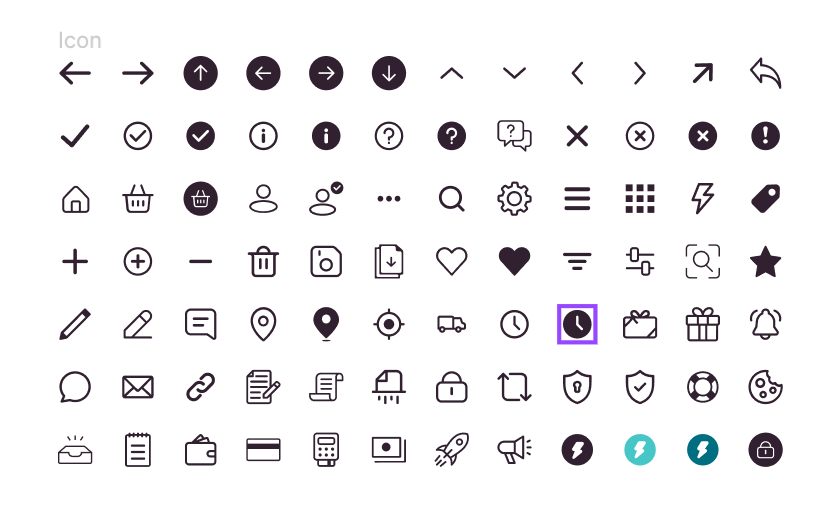

| Icons | Logos | |
|---|---|---|
| Size | 24x24 | Variable |
| Color | Single color -> Black100
|
Some single color Some multicolor |
| Scope | Designed to be reused with different sizes and colors | Specific logos, can be reused |
All icons are Painter type, accessible via EverliResources
@Composable
fun CoolIcon() {
  Icon(
    painter = EverliResources.Icons.AddCircle,
    contentDescription = "action more",
    tint = EverliColors.Red100, // change color
    modifier = Modifier // change size
      .width(64.dp)
      .height(64.dp),
  )
}
To avoid hardcoded sizes, you can use the values provided by EverliTheme:
@Composable
fun CoolIcon() {
  Icon(
    painter = EverliResources.Icons.AddCircle,
    contentDescription = "action more",
    tint = EverliColors.Red100, // change color
    modifier = Modifier // change size
      .width(EverliTheme.icon.size.medium) // from theme
      .height(EverliTheme.icon.size.medium),
  )
}Icons are used normally from /drawable inside XML or R.drawable in code.
<TextView
    style="@style/EverliTypography.Body.Regular"
    android:layout_width="18dp"
    android:layout_height="18dp"
    android:text="Hello"
    android:textColor="@color/black_100" />
You can also avoid hardcoded sizes by using the attributes from the theme:
<TextView
    style="@style/EverliTypography.Body.Regular"
    android:layout_width="?attr/iconSizeSmall"
    android:layout_height="?attr/iconSizeSmall"
    android:text="Hello"
    android:textColor="@color/black_100" />
EverliResource is a utility class supposed to be used in your data layer if needed. It can be helpful when your backend provides it in data objects
EverliResource.fromString() -> used to handle deserialization.
EverliResource.toPainter() -> used to convert to Compose Painter.
EverliResource.toResourceId() -> used to convert to XML resource id.
In the first iteration of the library, we had a third category of resources, images.
With time we decided to remove them BUT we still left the EverliResources.Images as an object to allow clients to extend them:
E.g. in you client app if you have an R.drawable.img_benefit_saving:
/*
  Images are not part of the design-system but we can still extend it to use the same [EverliResources] entry point
 */

val EverliResources.Images.BenefitSaving: Painter
  @Composable
get() = painterResource(id = R.drawable.img_benefit_saving)It mainly involves following the usages mentioned above:
- First is importing the
svgas vector drawable - Then a new resource in
EverliResources - Then a new enum value in
EverliResource - Finally make sure you also converted
EverliResource.toPainter()andEverliResource.toResourceId()and unit tests.