

🚀 TheOdysseus-Windows
Screenshots
What is this?
TheOdysseus-Windows is a one-click Windows installer for Odysseus — a self-hosted, fully offline local AI workspace. This installer handles everything automatically so you don't need any technical knowledge to get started.
Why was this made?
The original Odysseus requires manual setup through the command line — installing Python, Git, cloning the repo, setting up virtual environments, and more. This project was created to make that process effortless for everyday Windows users who just want to run a local AI without the hassle.
How does it work?
When you launch the installer, it:
- Detects what's already installed on your PC
- Skips anything that's already present
- Automatically installs what's missing (Git, Python 3.11, Ollama)
- Clones and sets up Odysseus
- Downloads the AI model
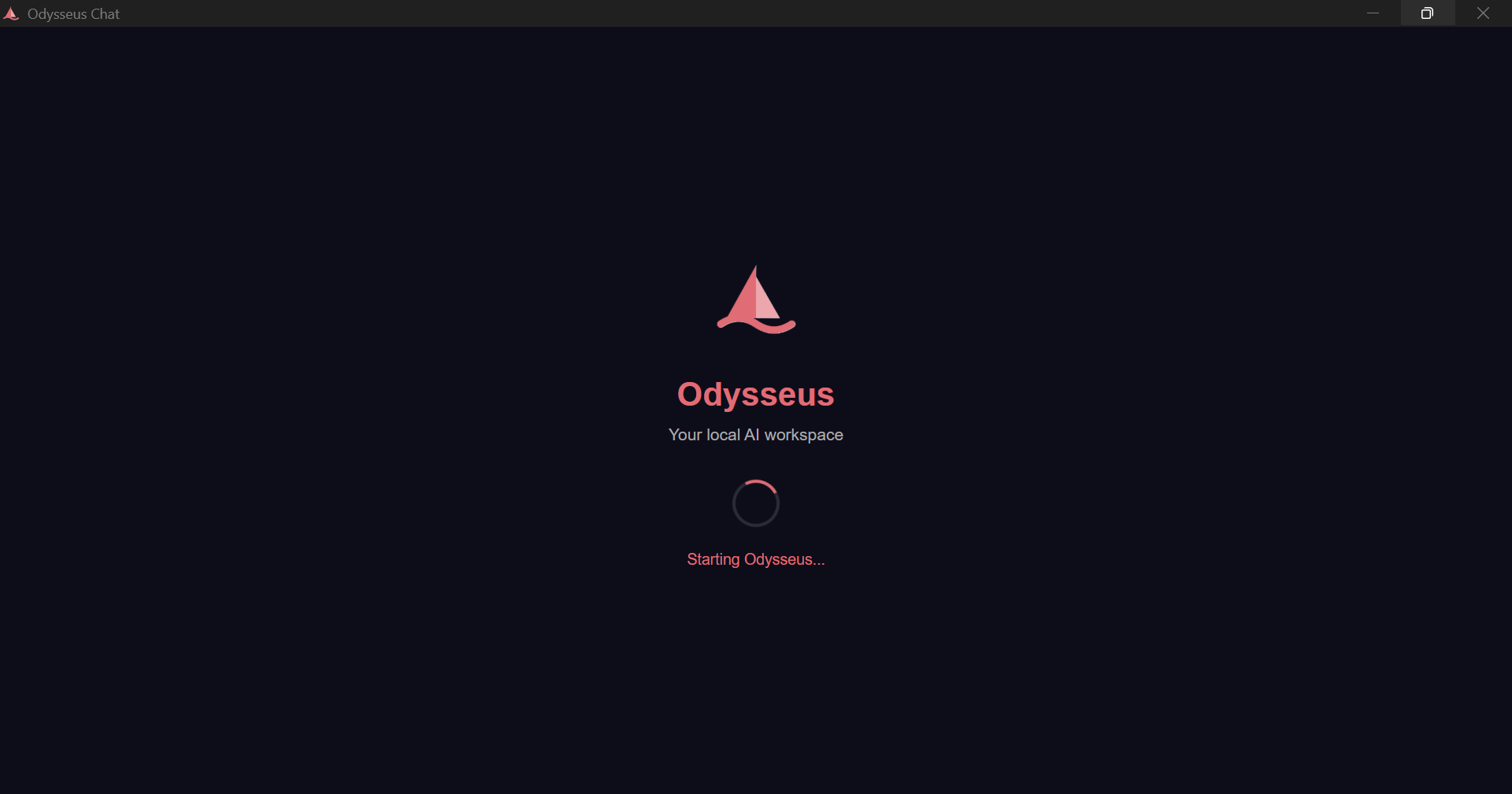
- Launches Odysseus directly — no browser, no terminal
Pre-Installation Requirements
- Windows 10 or Windows 11 (64-bit)
- At least 4GB RAM (8GB or more recommended for best performance)
- At least 5GB free disk space
- Internet connection for first-time setup only
Installation Process
- Download
Odysseus Setup 1.0.0.exefrom the releases - Run the installer — it installs silently in one click
- Launch Odysseus from your Start menu or Desktop
- On first launch, the app will automatically:
- Install Git, Python 3.11, and Ollama (if not already present)
- Clone and set up Odysseus
- Download the AI model (~2GB)
- Once setup is complete, create your admin account
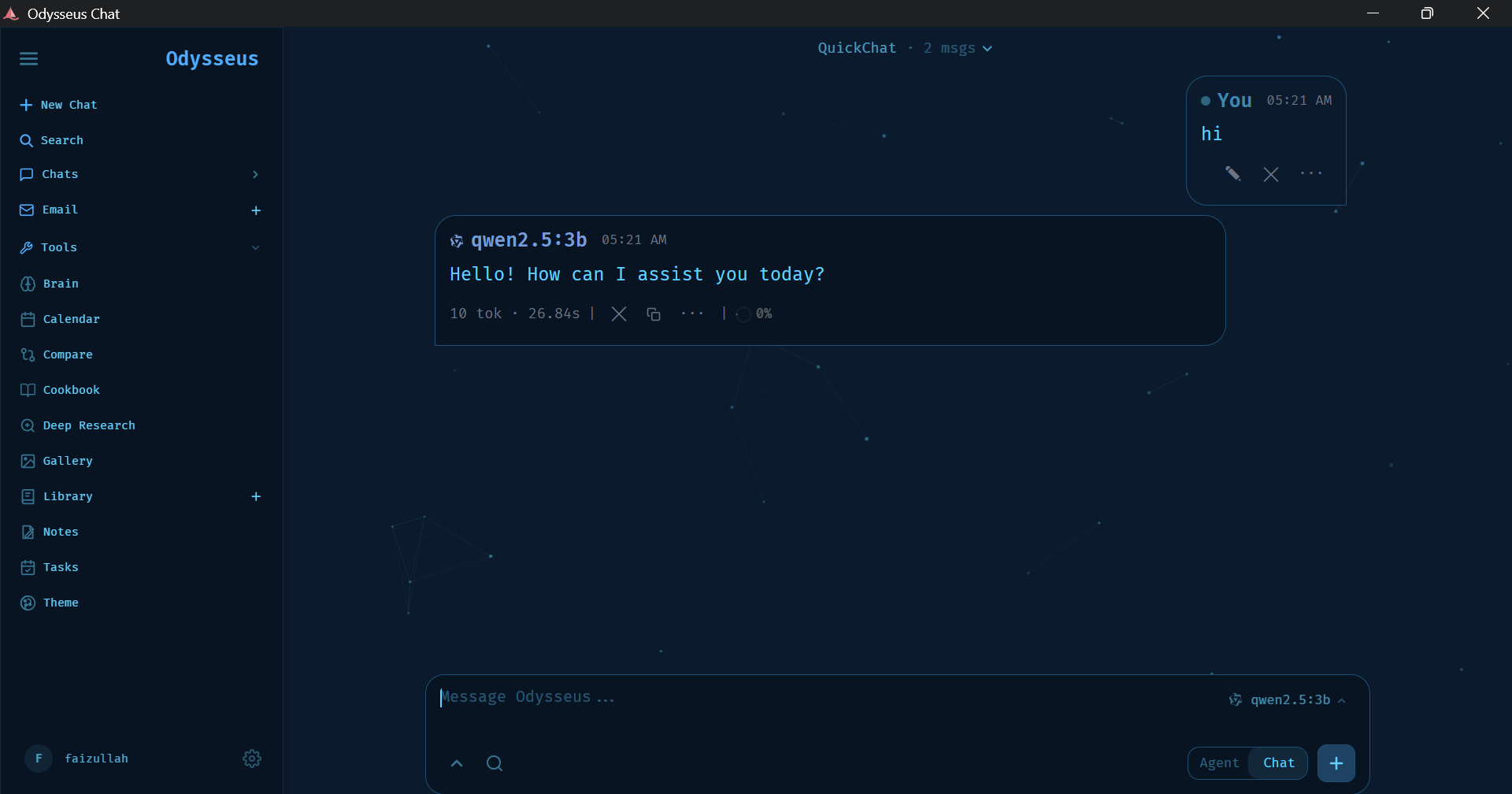
- Start chatting with your local AI — fully offline!
Post-Installation
- Odysseus runs completely offline after first setup
- No subscriptions, no API costs, no data sent anywhere
- To add AI models, open a terminal and run
ollama pull <modelname> - Default model:
qwen2.5:3b(best for 8GB RAM)
⚡ Fast Install (Recommended)
Want to skip the long wait during first launch? Pre-install Ollama and pull the AI model before running the installer:
- Download and install Ollama from ollama.com
- Open PowerShell and run: ollama pull qwen2.5:3b
- Then run
Odysseus Setup 1.0.0.exe
The installer will detect Ollama and the model are already present and skip those steps — making setup significantly faster.
Credits
- Odysseus by @pewdiepie-archdaemon
- Ollama for local model inference.