
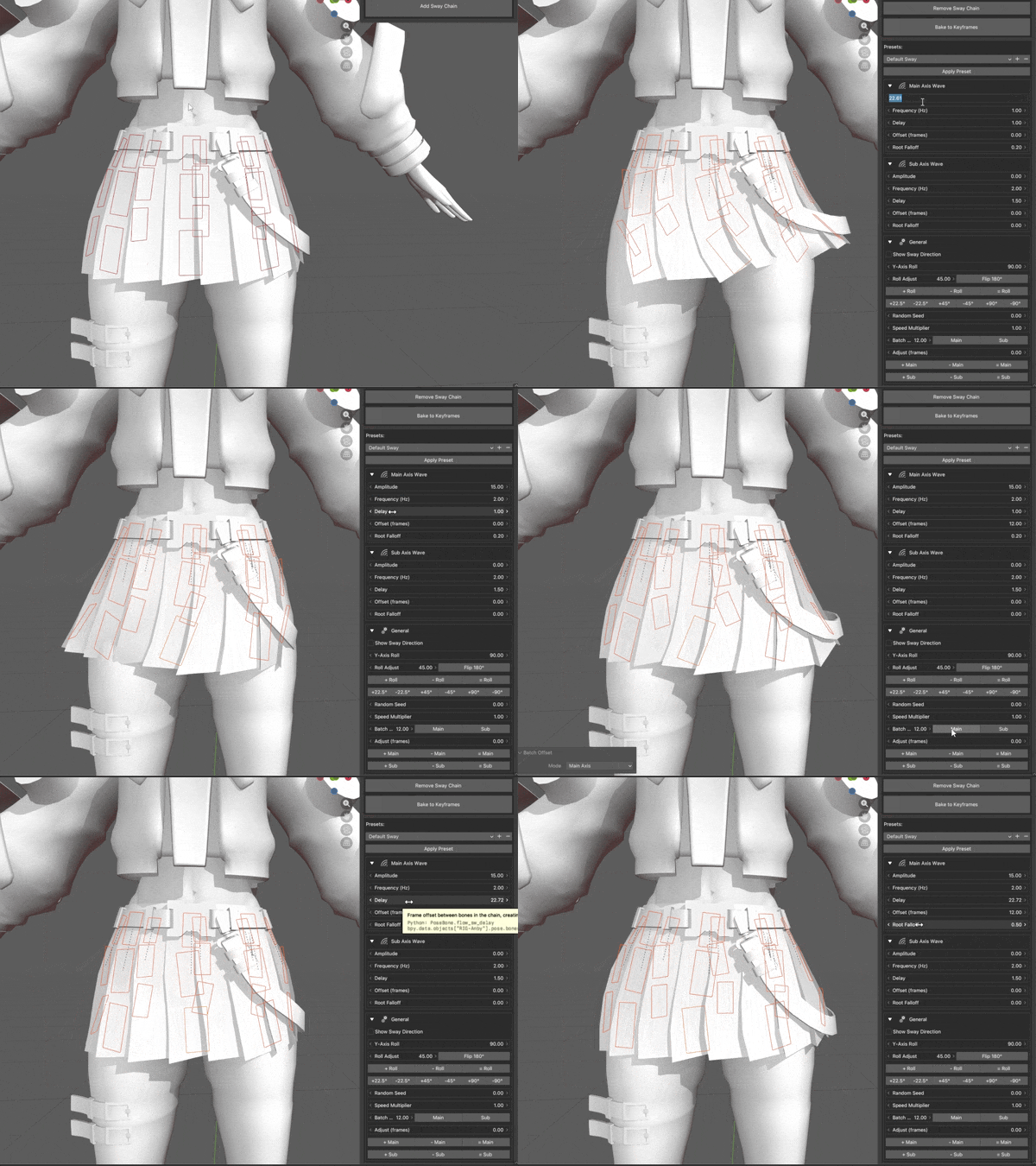
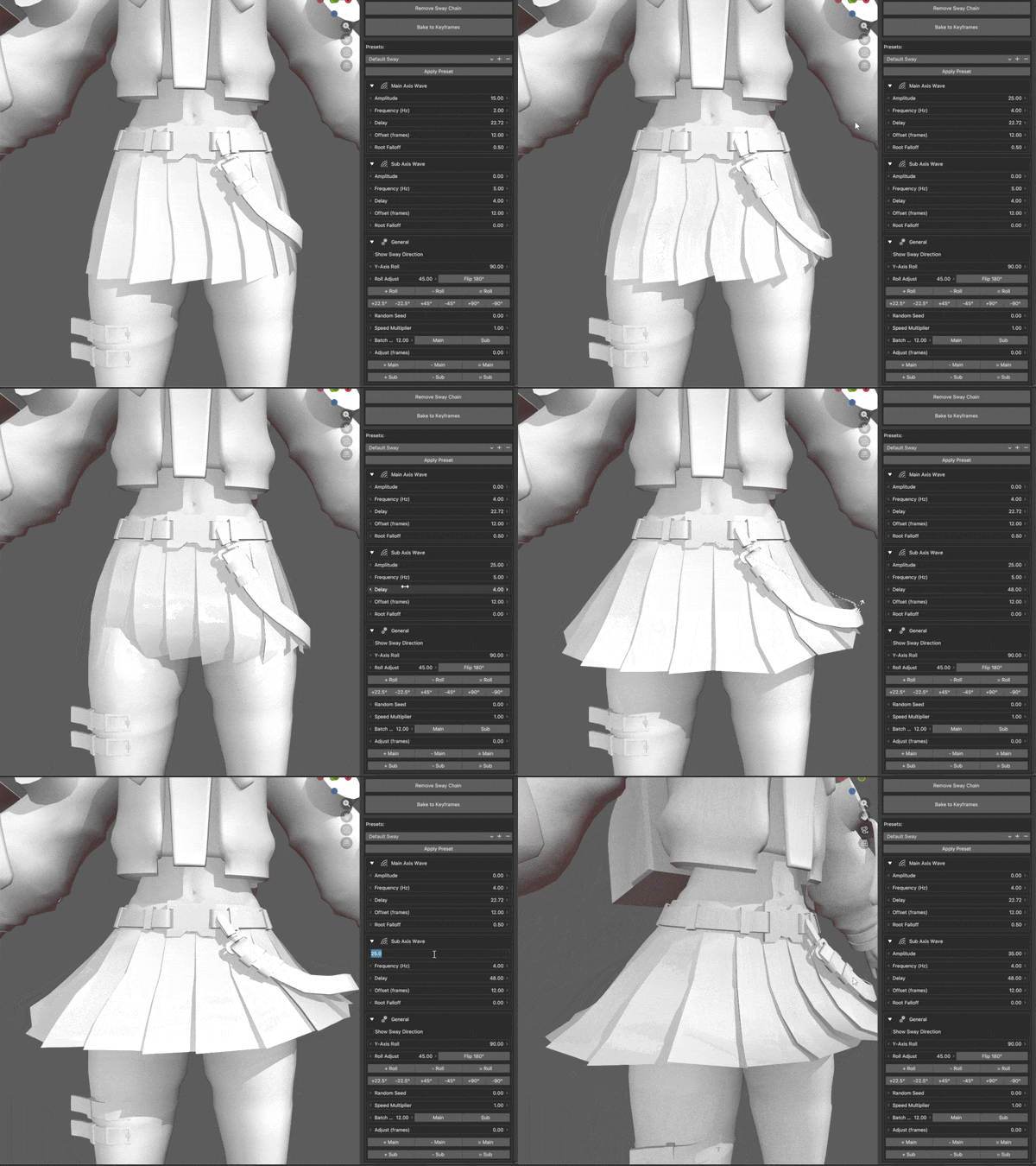
Flow is a Blender extension that lets you easily create procedural swaying animations for bone chains. It provides a quick way to add lifelike, wavy secondary motion to your rigs. It's essentially a port of AFPHairRig from the After Effects community.




- One-click procedural wavy bone chain animation
- Adjust amplitude, frequency, delay, offset, speed, and falloff
- Toggle visual guides in the 3D viewport to clearly see the sway direction
- Automatically update settings across multiple selected bone chains simultaneously or isolate changes to individual chains
- Bake animations directly to keyframes
- Save and load custom presets
Tip
Flow is available on the Blender Extensions Platform.
- Alternatively, download Flow on GitHub here.
- In Blender, go to
Edit -> Preferences -> Get Extensions -> Extension Settings -> Install from Disk.... - Locate and select the downloaded file.
- Upon successful installation, the
Flowcategory will appear in theN-Panel(shortcut: N).
This extension is confirmed to be compatible with the following Blender versions:
- 5.0
- 5.1.0
- 5.1.1
- Discord server
- Either contact me or create an issue for any problems that may arise.
- This extension is provided 'as-is' without any guarantee of technical support, maintenance, or future updates.
This extension was built with the assistance of AI and is based on AFPHairRig, a free and source-available script.