You can trigger this by various sequence of actions that involve creating breakpoints, here is one which is easy to reproduce: - open a script in the debugger - right click on a line number - click Add Condition - Do not submit a condition - right click on the same line number - click Add Log - try to remove the breakpoint ER: breakpoint is removed AR: breakpoint stays in the gutter Trying to add other breakpoints on other lines will fail. Closing and reopening the debugger will not display all the breakpoints 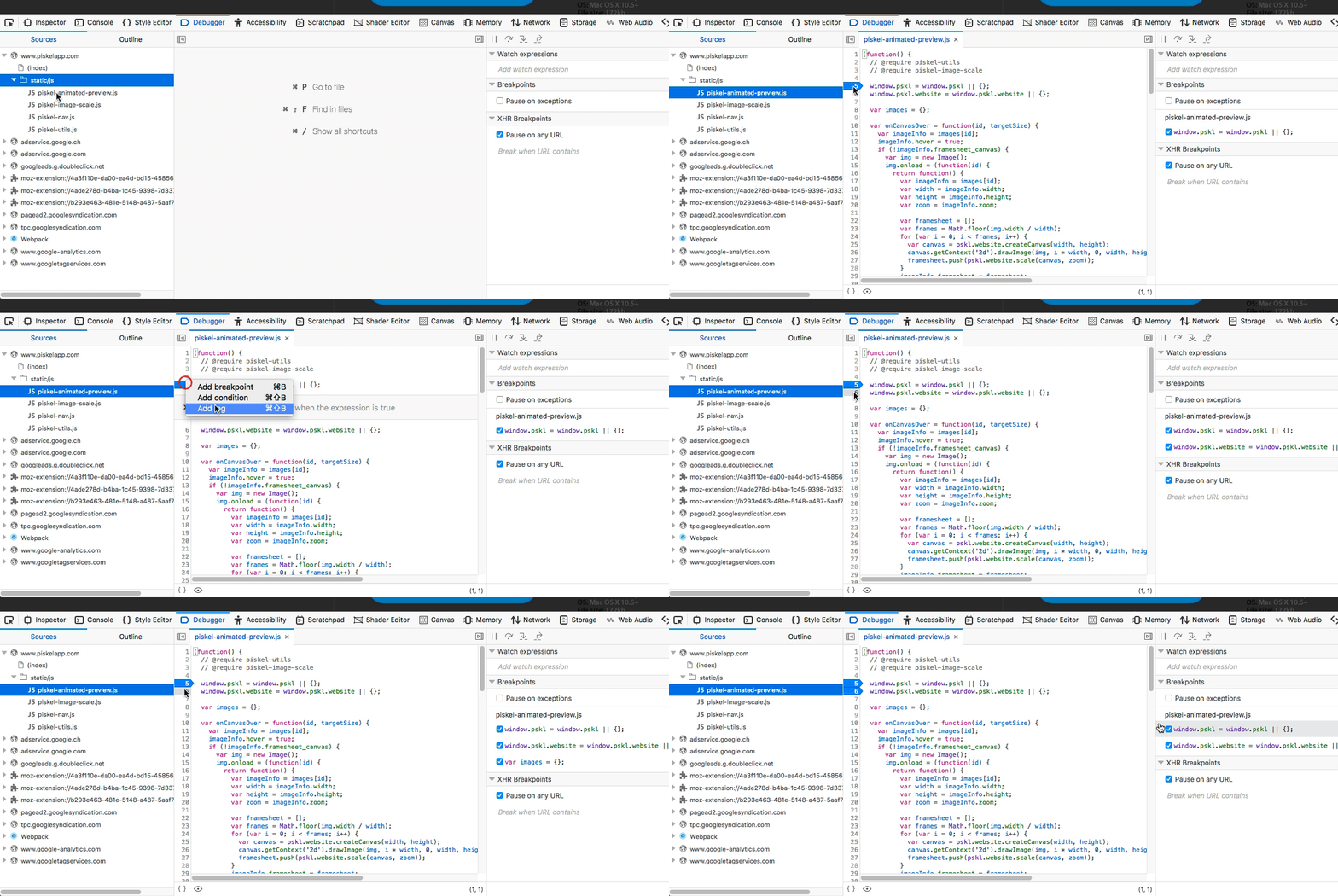
You can trigger this by various sequence of actions that involve creating breakpoints, here is one which is easy to reproduce:
ER: breakpoint is removed
AR: breakpoint stays in the gutter
Trying to add other breakpoints on other lines will fail. Closing and reopening the debugger will not display all the breakpoints