Releases: happy520ai/unified-ai-system
Release list
Unified AI System v0.3.2 Discovery Metadata

Discovery metadata and first-visit improvements
This patch makes the terminal-first Codex MCP path easier to discover and gives downstream registries richer, stable project metadata.
Highlights
- Adds a 512x512 project icon to
server.jsonfor MCP clients and directories. - Adds the stable GitHub repository ID, MCP package subfolder, and project website metadata.
- Moves the one-command Codex setup ahead of the general gateway demo in both READMEs.
- Pins all public container examples to the reproducible
0.3.2images.
codex mcp add unified-ai-system -- docker run --rm -i ghcr.io/happy520ai/unified-ai-system/mcp-server:0.3.2The default path remains credential-free and uses the local fake provider. This release does not claim production certification, L5 autonomy, or AGI.
Verification
mcp-publisher v1.8.0 validate server.jsonpnpm checkpnpm testpnpm check:publicpnpm verify:public-clone
The release workflow additionally builds multi-architecture gateway and MCP images, verifies anonymous pulls and the container's default MCP command, and publishes the metadata to the official MCP Registry.
Unified AI System v0.3.1 Official MCP Registry Distribution
Official MCP Registry distribution
Unified AI System v0.3.1 turns the terminal-first gateway into a no-clone MCP distribution for Codex and other stdio clients. The release adds a dedicated multi-architecture MCP image whose default command starts the server directly, plus an active entry in the official MCP Registry.
Add it to Codex
codex mcp add unified-ai-system -- docker run --rm -i ghcr.io/happy520ai/unified-ai-system/mcp-server:0.3.1The credential-free default exposes eight MCP tools for gateway chat, readiness, knowledge, workflows, and agent inspection. It starts a managed local gateway backed by the fake provider and makes no real provider calls.
What shipped
- Official Registry server:
io.github.happy520ai/unified-ai-system@0.3.1 - Dedicated OCI image:
ghcr.io/happy520ai/unified-ai-system/mcp-server:0.3.1 - Multi-architecture targets:
linux/amd64andlinux/arm64 - Direct Node stdio entrypoint with no package-manager output on JSON-RPC stdout
- GitHub Actions OIDC publishing through checksum-pinned
mcp-publisher v1.8.0 - Source, local-container, and anonymously pulled-container MCP protocol smoke tests
Verifiable evidence
- Official MCP Registry entry
- Release build, anonymous pulls, MCP handshake, and Registry publication
- Main CI: checks, tests, public hygiene, fresh-clone runtime, MCP, and terminal CLI
- MCP image manifest digest:
sha256:c6d4d82e17127a75097049fb7c9a849c27b6c1c89d9b9ae8848122fd4ddbd906
Safety boundary
The local fake provider remains the default. Real provider access still requires explicit configuration and scoped authorization. This release is a public preview and distribution milestone; it is not evidence of production readiness, L5 autonomy, or AGI.
Full changelog: v0.3.0...v0.3.1
Unified AI System v0.3.0 Terminal + Codex MCP Preview
The gateway is now terminal-first and Codex-ready
Unified AI System v0.3.0 removes the legacy browser surface from the public runtime and makes the product useful where builders already work: the terminal, HTTP clients, and Codex through MCP.
Connect Codex in one command
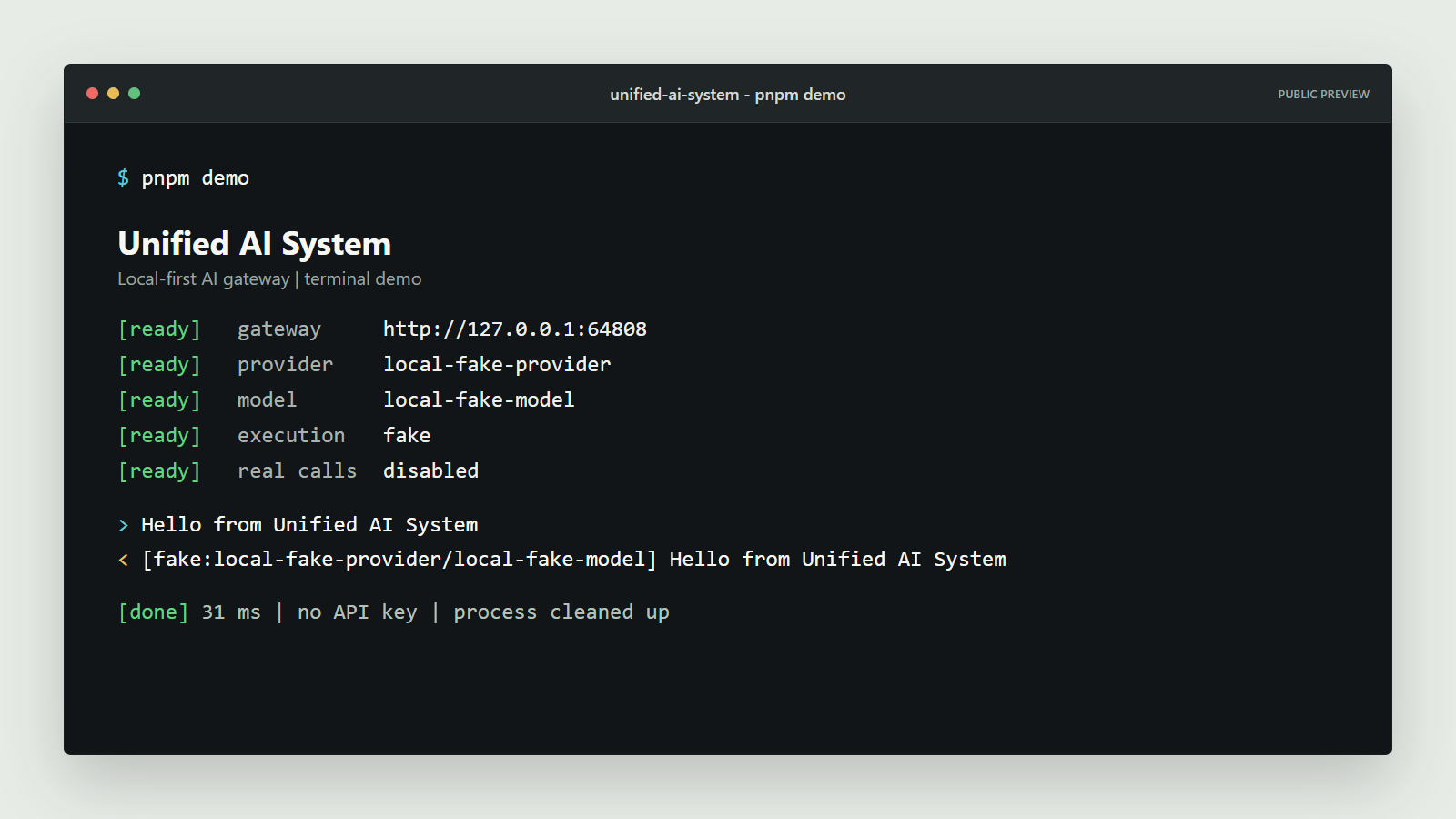
codex mcp add unified-ai-system -- docker run --rm -i ghcr.io/happy520ai/unified-ai-system/ai-gateway-service:0.3.0 pnpm mcpRestart Codex, then use /mcp to inspect the connection. The server exposes eight governed tools for gateway health and readiness, deterministic fake-provider chat, and read-only knowledge, workflow, and workforce inspection.
Run the terminal demo
docker run --rm ghcr.io/happy520ai/unified-ai-system/ai-gateway-service:0.3.0 pnpm gateway demoNo clone, account, or API key is required. The demo starts an isolated gateway, verifies readiness, sends one fake-provider request, prints the result, and cleans up.
Included
- A Codex-ready stdio MCP server built on the official MCP v2 TypeScript SDK
- Eight tested tools with explicit read-only and fake-provider boundaries
- Project-level
.codex/config.tomlfor trusted source checkouts - A dependency-free MCP protocol smoke test for production containers
- Terminal and API as the only default public runtime surfaces
- Removal of 168 historical generated artifacts from the public product tree
- Multi-architecture
linux/amd64andlinux/arm64images
Verified release evidence
- Linux CI: checks, tests, public clone, MCP, and CLI
- v0.3.0 multi-architecture container pipeline
- Published image digest:
sha256:6f7a0eca4baeceb3cbdf515bf7fc5e9c8a41ea25538bf1dcb397c5007238cc72 - MCP evidence: 8 tools,
executionMode: fake,realProviderCallsMade: false, managed gateway cleaned up
Safety boundary
The MCP preview exposes no mutation, deployment, execution, or write tools. Its managed runtime forces the local fake provider and refuses chat unless that boundary can be proven. This remains a public engineering preview, not a production-certified, L5 autonomy, or AGI claim.
Try the Codex command and join the launch discussion. If this open, governed gateway is useful to you, star the repository so more builders can find it.
Unified AI System v0.2.0 Terminal CLI Preview
The gateway now has a real terminal interface
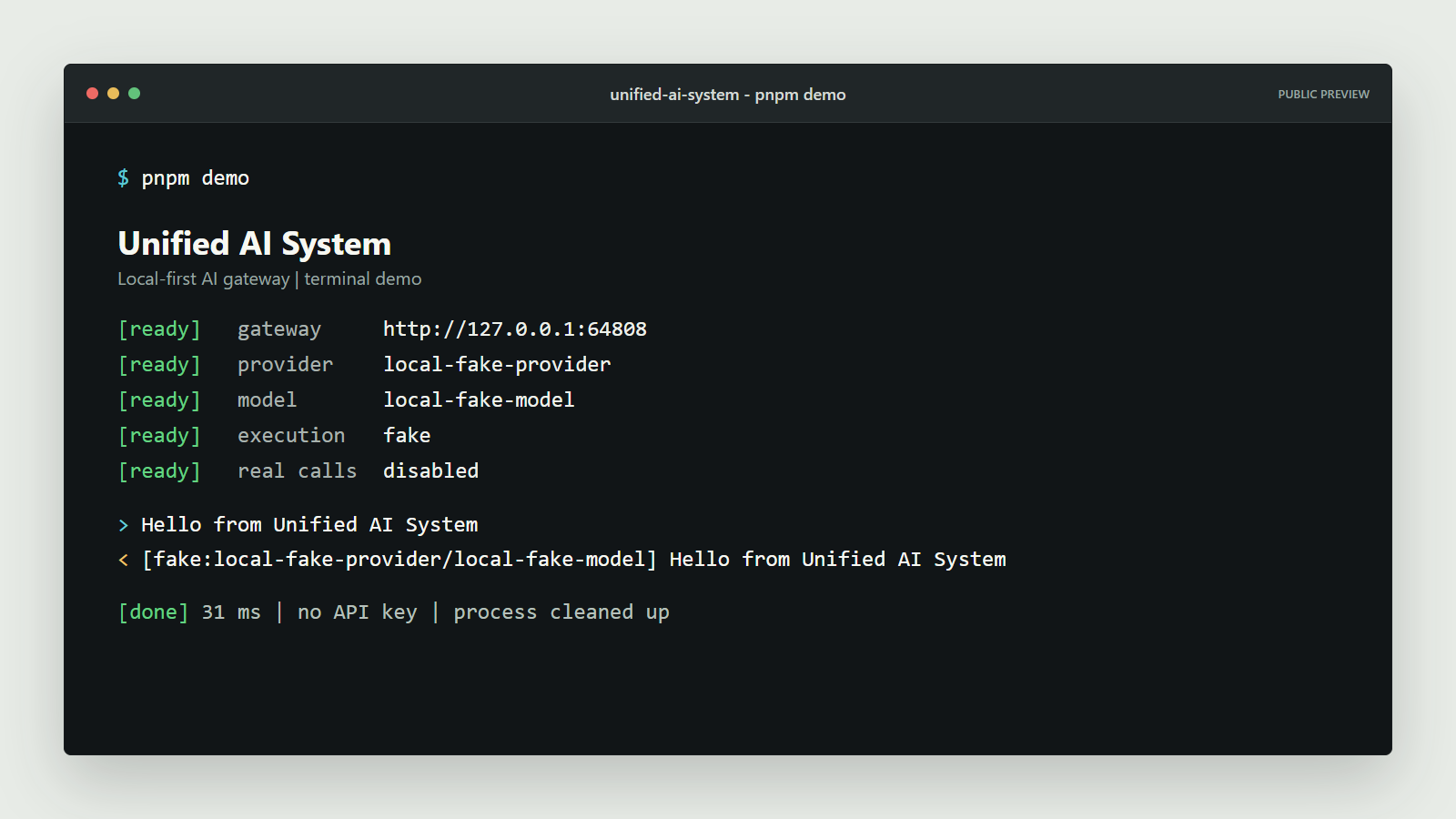
Unified AI System v0.2.0 turns the terminal-first preview into an operator workflow. The source checkout now provides commands for an isolated demo, persistent startup, health and readiness, chat, and local diagnostics.
Try the exact release
git clone --branch v0.2.0 --depth 1 https://github.com/happy520ai/unified-ai-system.git
cd unified-ai-system
corepack enable
corepack prepare pnpm@9.15.4 --activate
pnpm install --frozen-lockfile
pnpm gateway demo
The demo starts an isolated gateway, verifies readiness, sends one deterministic fake-provider chat request, and cleans up the process. It requires no API key and makes no real provider call.
For a persistent local workflow:
# Terminal 1
pnpm gateway serve

# Terminal 2
pnpm gateway status
pnpm gateway chat "Hello from Unified AI System"
pnpm gateway doctor
Machine-readable output is available through --json.
Safety boundary
pnpm gateway chat checks gateway health before sending. If a real provider may be active, the command fails before the chat POST unless the operator adds --allow-real-provider explicitly for that one request. The flag does not enable providers, add credentials, or change routing.
Container
docker run --rm --publish 3100:3100 \
  ghcr.io/happy520ai/unified-ai-system/ai-gateway-service:0.2.0
The public OCI index contains linux/amd64 and linux/arm64 images.
Included
demo,serve,status,chat,doctor,help, andversioncommands- JSON output for automation and diagnostics
- Focused tests for fake-provider execution and real-provider refusal
- A dedicated CLI reference and refreshed English and Chinese onboarding
- Linux CI coverage for the CLI doctor and isolated demo
Verified release evidence
pnpm checkpnpm testpnpm check:publicpnpm verify:public-clone- Linux CI and container smoke test
- Anonymous multi-architecture manifest inspection
This remains an early public engineering preview. It is not presented as production-certified, L5 autonomous, or established AGI.
If an open, local-first AI gateway with explicit human authority is useful to you, star the repository and join the terminal CLI discussion: #5
Unified AI System v0.1.1 Terminal-First Preview
The gateway now starts in the terminal
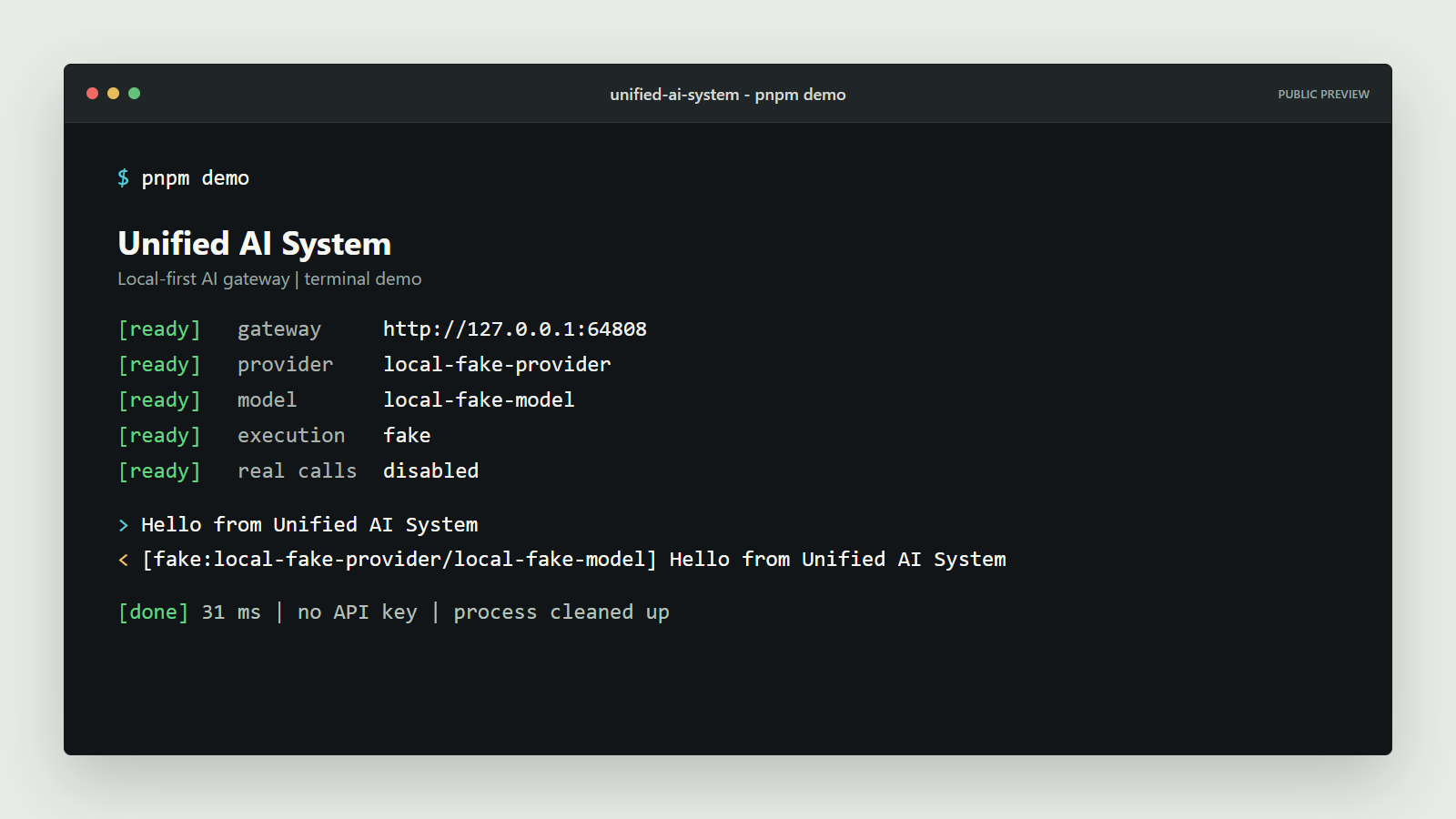
Unified AI System v0.1.1 makes the credential-free terminal path the primary first experience. A clean clone can start the gateway on an isolated local port, verify health, send one deterministic fake-provider chat request, and shut everything down automatically.
Try the exact release
git clone --branch v0.1.1 --depth 1 https://github.com/happy520ai/unified-ai-system.git
cd unified-ai-system
corepack enable
corepack prepare pnpm@9.15.4 --activate
pnpm install --frozen-lockfile
pnpm demo
No provider key is required and no real provider is called.
Or run the versioned container
docker run --rm --publish 3100:3100 \
  ghcr.io/happy520ai/unified-ai-system/ai-gateway-service:0.1.1
Then call POST http://127.0.0.1:3100/chat. The default route uses the deterministic local fake provider.
What changed since v0.1.0
- Added a self-cleaning
pnpm demopath and its real terminal capture. - Made the terminal and HTTP API the primary README experience.
- Added a complete Simplified Chinese README, project vision, roadmap and cleaner public documentation.
- Added focused community entry points for the proposed terminal-first CLI and good first issues.
- Preserved the browser Workbench as an optional operator surface.
Verification
The release commit passed:
- Workspace syntax and package checks.
- Maintained tests.
- Public repository hygiene checks.
- Credential-free clean-clone runtime verification.
- Terminal demo verification in Linux CI.
- Multi-architecture container build and smoke test.
The public 0.1.1 image exposes linux/amd64 and linux/arm64 manifests.
Honest boundaries
This remains an open-source public preview. It is not presented as production-certified, L5 autonomous or established AGI. Real providers remain explicit opt-in and require user-supplied credentials.
If governed, human-controlled AI infrastructure is a direction you want to help build, star the repository, join the terminal-first CLI discussion, or pick a good first issue.
Unified AI System v0.1.0 Public Preview
An open, local-first control plane for AI
Unified AI System v0.1.0 is the first public preview of a gateway that brings models, agents, knowledge, tools, approvals, and execution evidence into one operator-owned system.
What you can use today
- Start a clean clone without an API key through the deterministic local fake provider.
- Use the browser Workbench at
/ui. - Call chat, streaming, routing, health, and diagnostics endpoints.
- Explore agent, workforce, knowledge, context, and governance modules.
- Opt into user-configured real providers explicitly.
- Run on
linux/amd64orlinux/arm64with the public GHCR image.
Start locally
git clone https://github.com/happy520ai/unified-ai-system.git
cd unified-ai-system
corepack enable
corepack prepare pnpm@9.15.4 --activate
pnpm install --frozen-lockfile
pnpm verify:public-clone
pnpm start
Open http://127.0.0.1:3100/ui.
Evidence and boundaries
The release passed workspace checks, maintained tests, public-repository hygiene, a credential-free clean-clone runtime test, and a real container startup smoke test.
This is an open-source engineering preview. It is not presented as production-certified, L5 autonomous, or established AGI. Those claims require independent evidence beyond local verification.
Read the roadmap, join Discussions, or start with CONTRIBUTING.md.