ClothDrop Reborn lets you drape cloth over any object in seconds. No manual simulation setup, no keyframing. Select a plane and drop it, or draw one directly in the viewport.
- Download the latest release zip
- In Blender go to Edit → Preferences → Extensions → Install from Disk
- Select the zip and enable the addon
Open the N panel in the 3D viewport and find the ClothDrop Reborn tab.
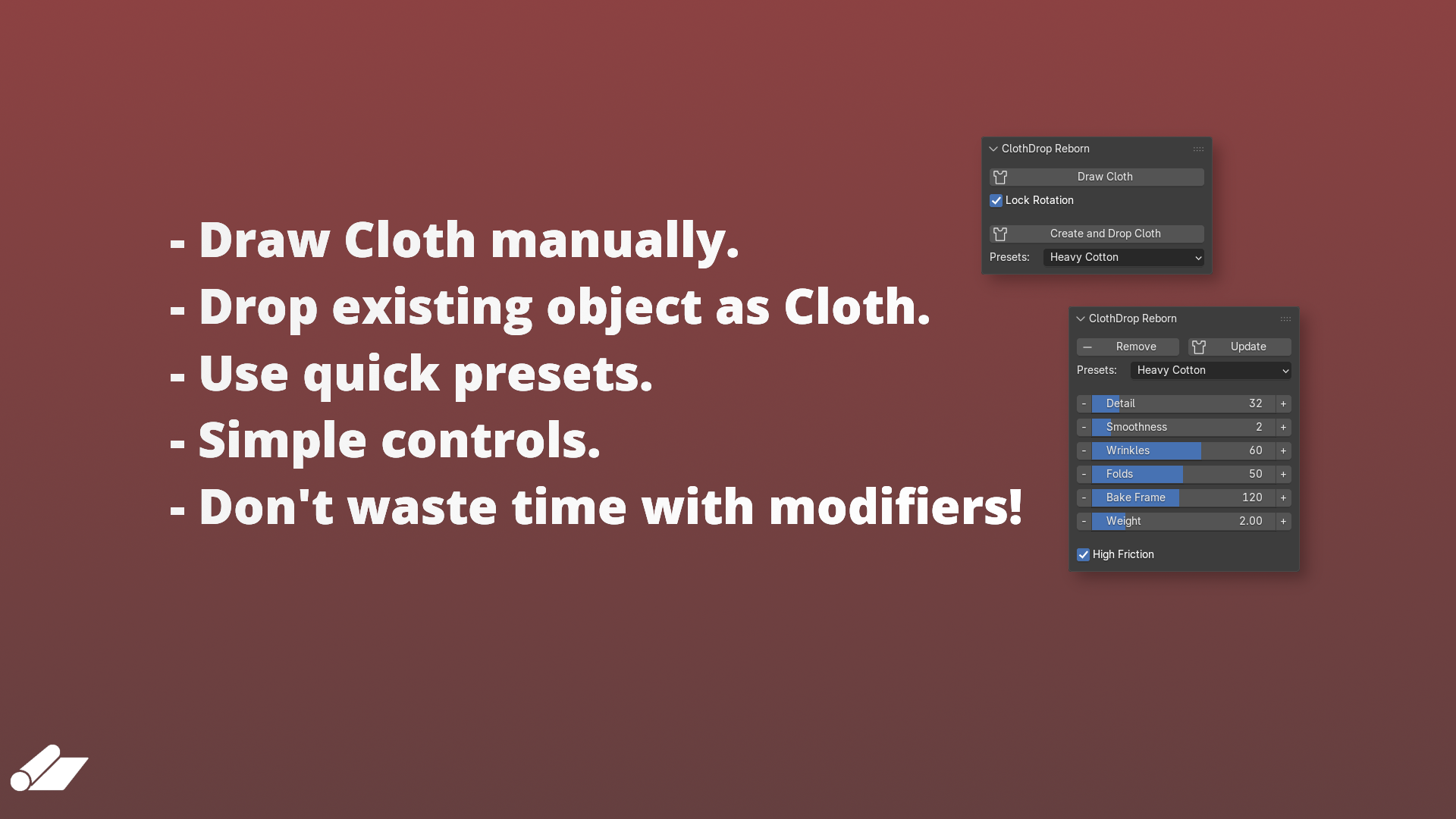
Draw your own rectangular plane above any object using Draw Cloth, or create your own plane and click Create and Drop Cloth
- Sometimes the baking process takes a while, depending on your specs.
- For close-up hero shots, manual cloth simulation will always give better results. ClothDrop is built for speed, not perfection.
- Blender 4.2.0 or newer
GPL-3.0-or-later